

Luminax Mod für Minecraft 1.20.1, 26.1.2
Fügt dem Spiel eine Reihe einfacher leuchtender Blöcke hinzu
 NeoForge
 Forge
ForgeLuminax
Diese sehr einfache Mod fügt dem Spiel eine Handvoll einfarbiger Blöcke hinzu.
Du kannst den Luminax Wand verwenden, um die Farbe und die Lichtemission des Blocks zu ändern.
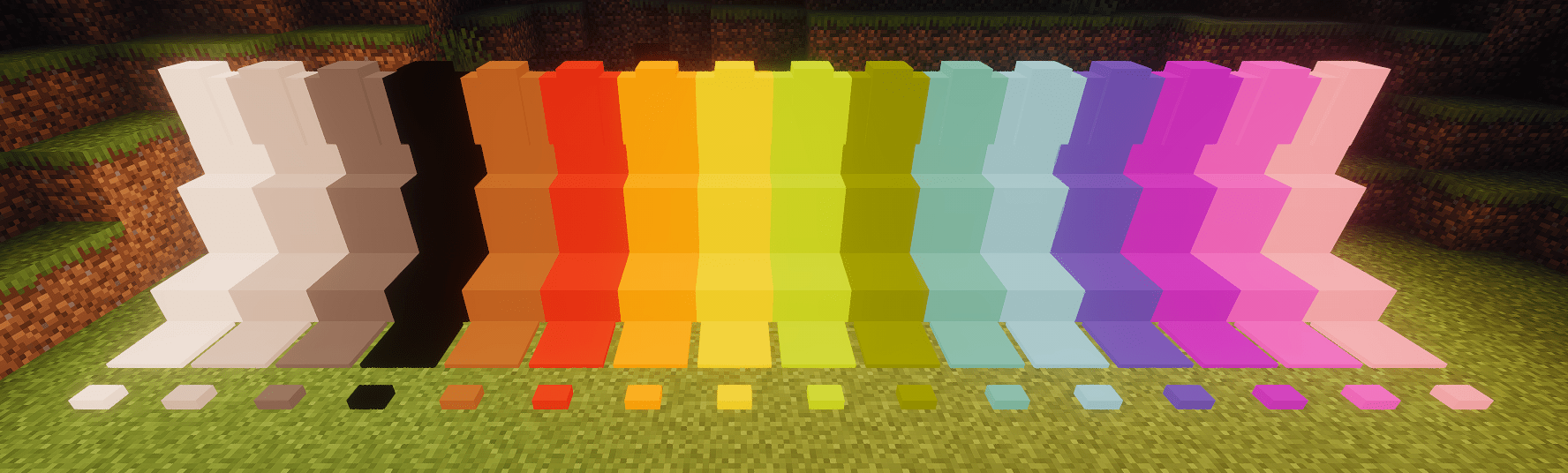
Framed Blocks wird ebenfalls vollständig unterstützt
Derzeit enthaltene Blöcke sind:
- Vollblock
- Stufe
- Treppe
- Mauer
- Druckplatte
- Knopf
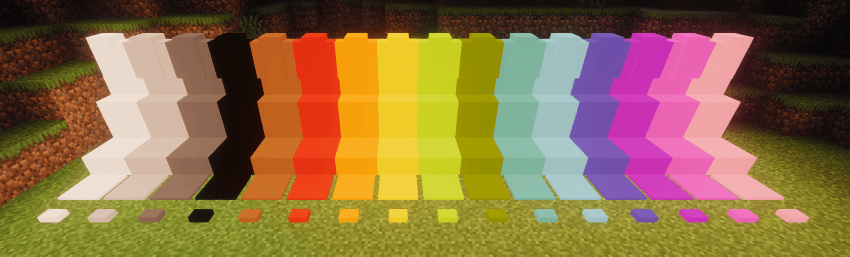
Installation von Luminax
With Millida Launcher
Install Millida Launcher
The launcher is free: download it at millida.net/launcher and sign in with any nickname.
Click “Install” on this page
The launcher opens and installs the mod for Minecraft 1.20.1–26.1.2 on Forge or NeoForge automatically.
Launch the game
A profile with it appears in the launcher: click “Play”.
Manually
Install Forge or NeoForge
The loader must match the game version of the mod file, for example Minecraft 26.1.2. After installing it, a separate profile appears in your launcher.
Download the file for your version
In the version list above, pick the file luminax-2.0.1+26.1.2.jar (527 KB) for your game version and loader.
Put it in the mods folder
The folder is inside .minecraft (Windows: %appdata%\.minecraft\mods). If it does not exist, create it.
Launch the loader profile
Open “Mods” in the main menu: Luminax should be in the list.
Versionen
Mit Abhängigkeiten
| Minecraft | Loader | Datei | Datum | Aktionen |
|---|---|---|---|---|
| 26.1.2 | NeoForge | [Neoforge] Luminax 2.0.1-26.2.1527 KB | ||
| 1.20.1 | Forge | [Forge] Luminax 1.3.0-1.20.11 MB |
Bewertungen
Bewerten Sie Luminax als Erster


