

 Forge




This mod is configured to work with Minecraft Legendary Edition modpack

It adds new creatures to the world. Those creatures are supposed to be aggressive and make the game more challenging.
Current creatures added :
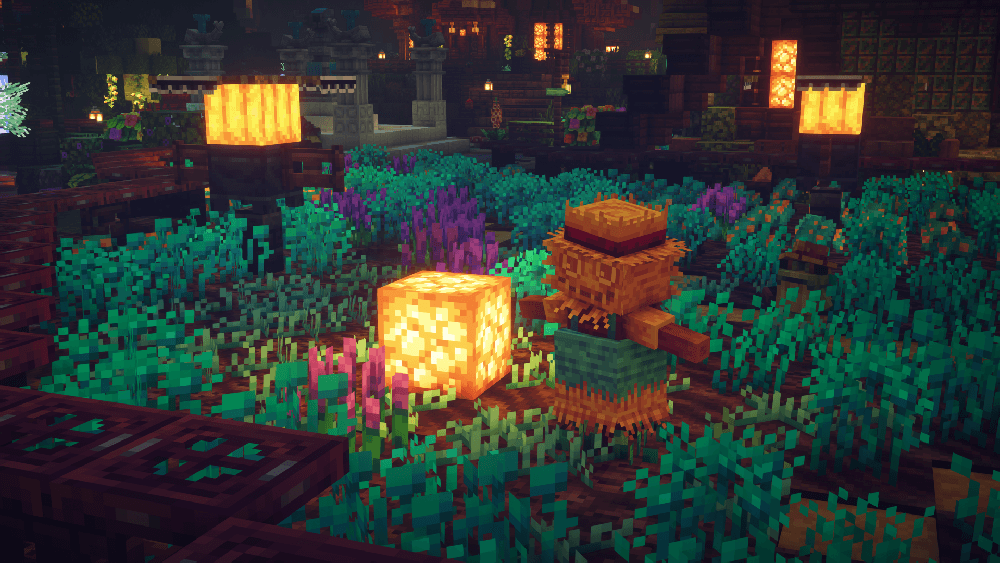
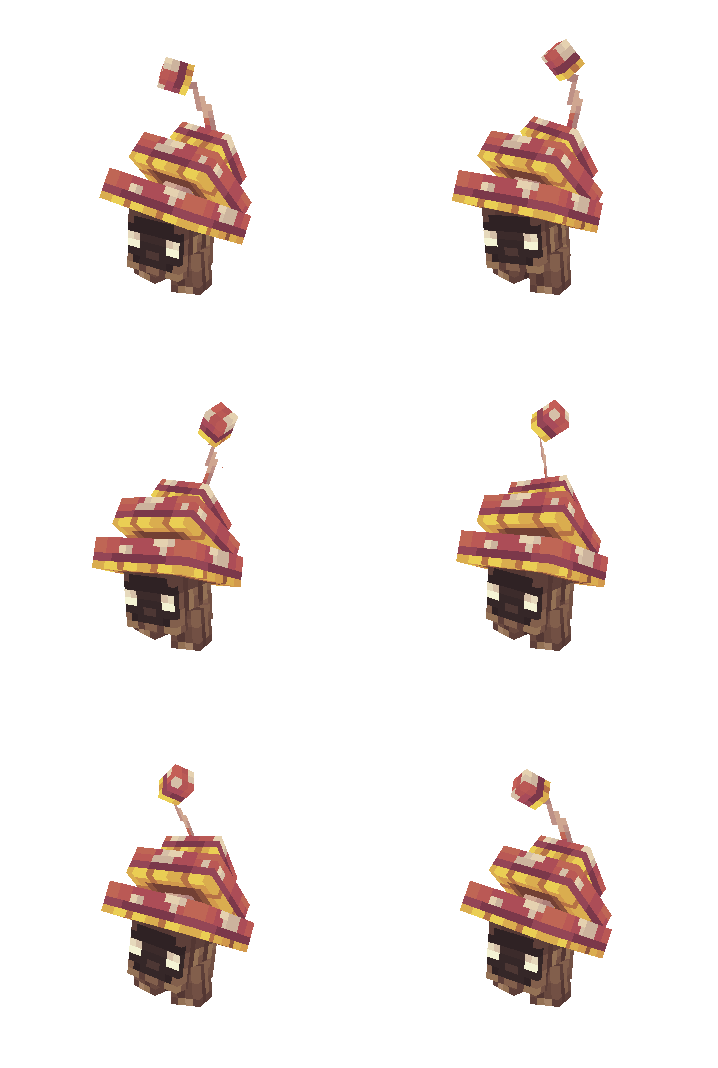
Shroomling Friendly creature that can be found in dark forests
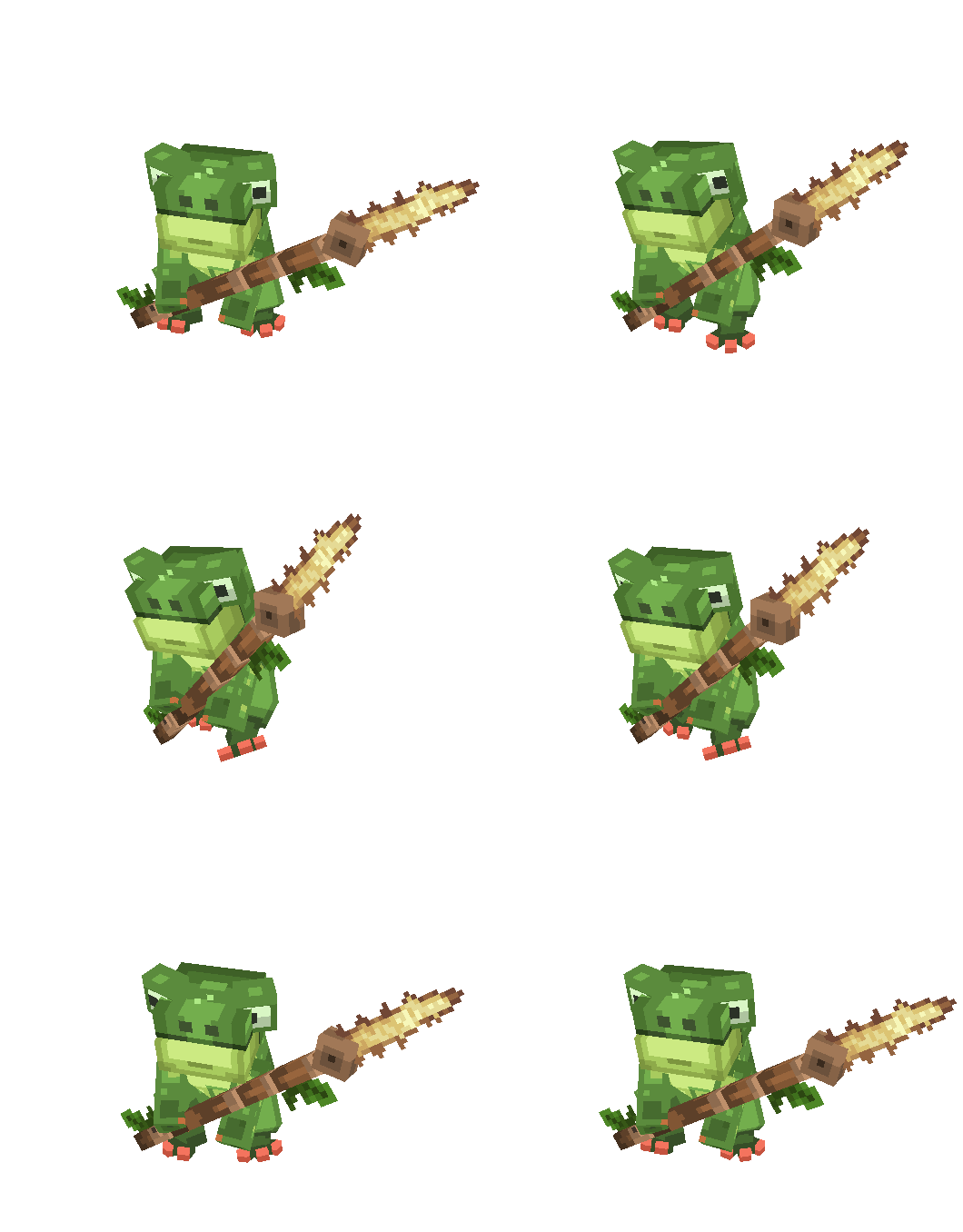
Croaker
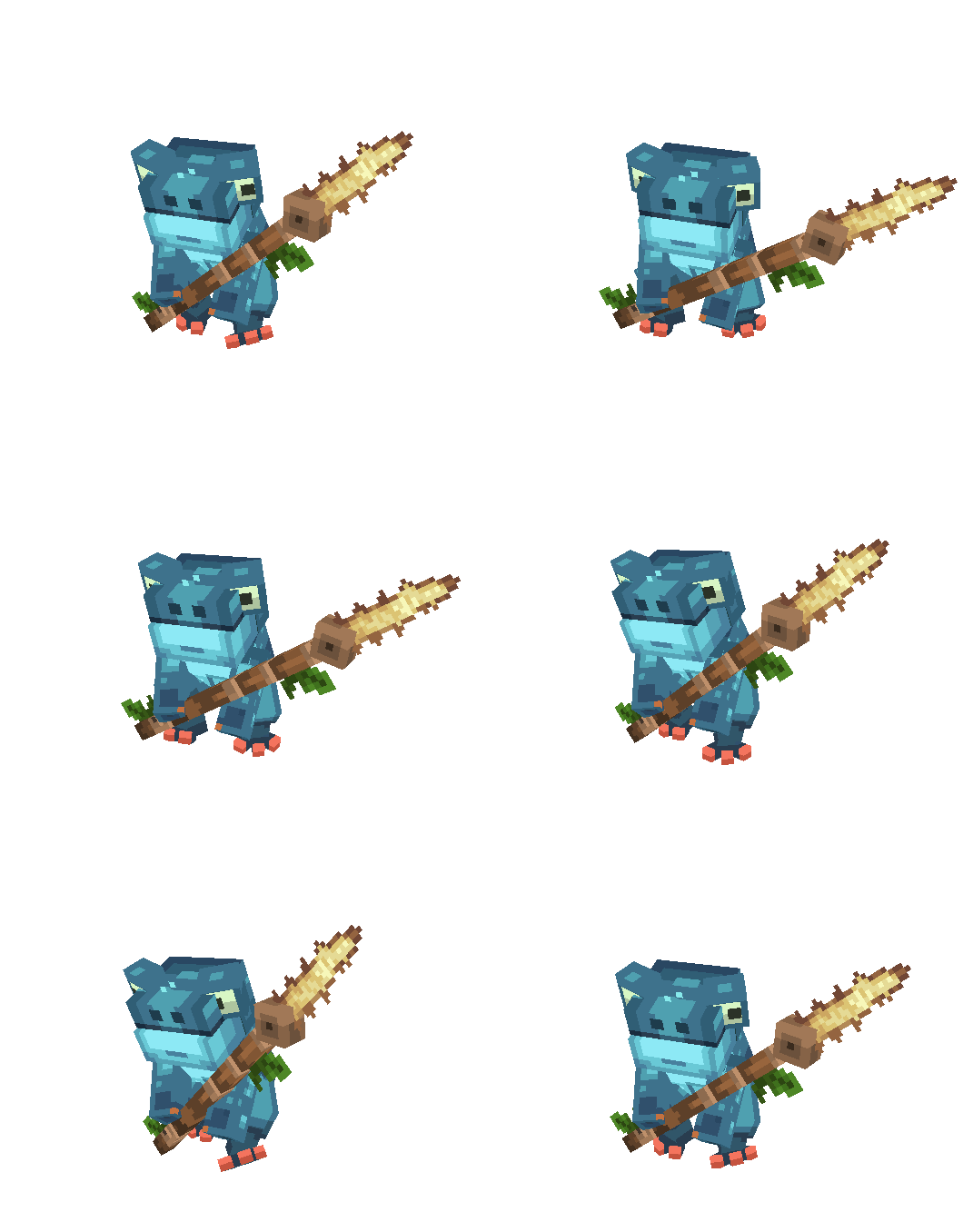
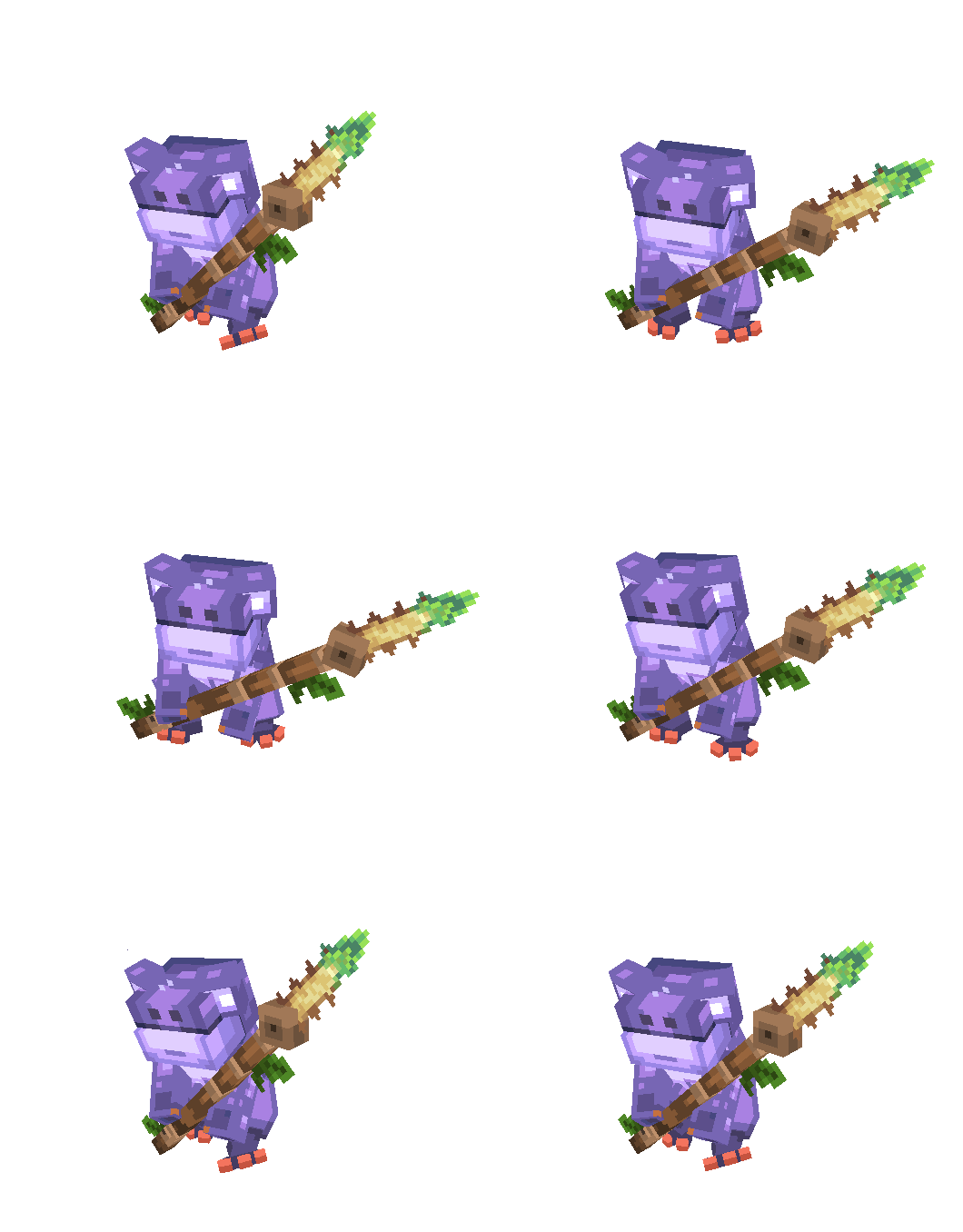
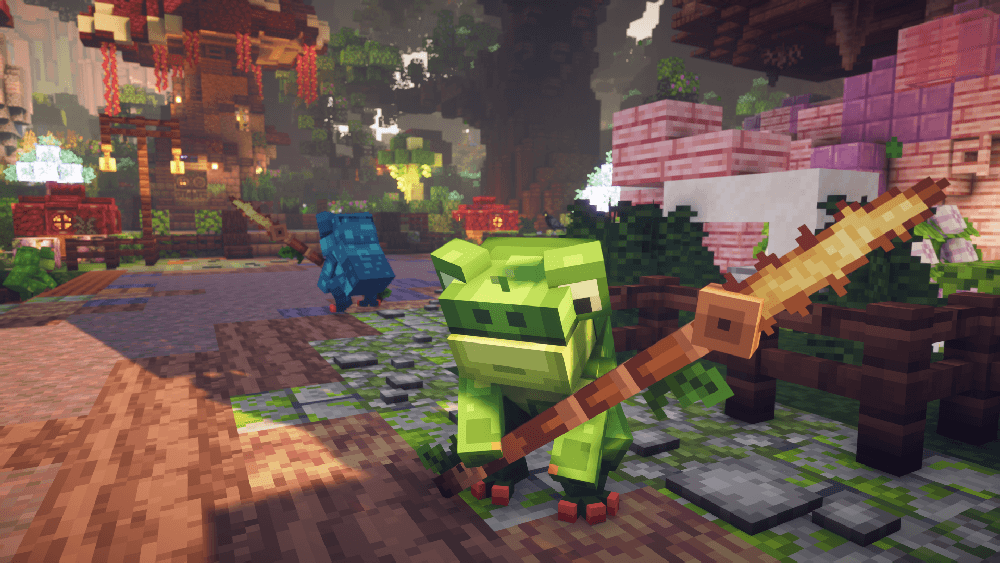
Agressive mob that lives in swamps. Will try to stab you with its spear. Jumps off fight to make you lose its track.
Scarecrow
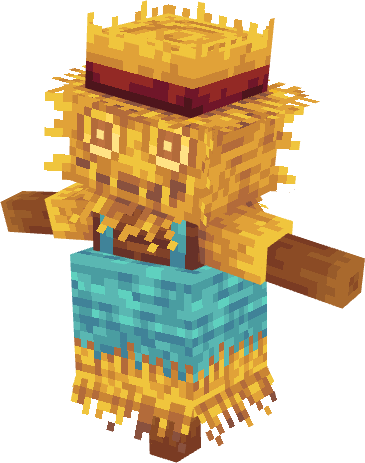
Agressive mob that can appear when breaking crops.
Hound
Agressive forest creature that will charge at you and immobilize you with its bite.

Desert Mojo
Agressive creature that spawns in desert plants.

Forest Mojo
Agressive creature that can appear when breaking flowers.

Wisp
Rare passive flying creature that flies in the sky and drops a sack full of XP on death. Variants exist in the Nether and the End and give much more XP (Overworld = 30 XP // Nether = 80 XP // End = 240 XP)


Scorpion
Agressive desert creature that deals poison damages and can have baby scorpions on its back. Its variant deals x2 damage // has x2 health // gives x2 XP & loot


Corpse Eater
Agressive mob that has a small chance of spawning after killing a mob

Peacock Spider
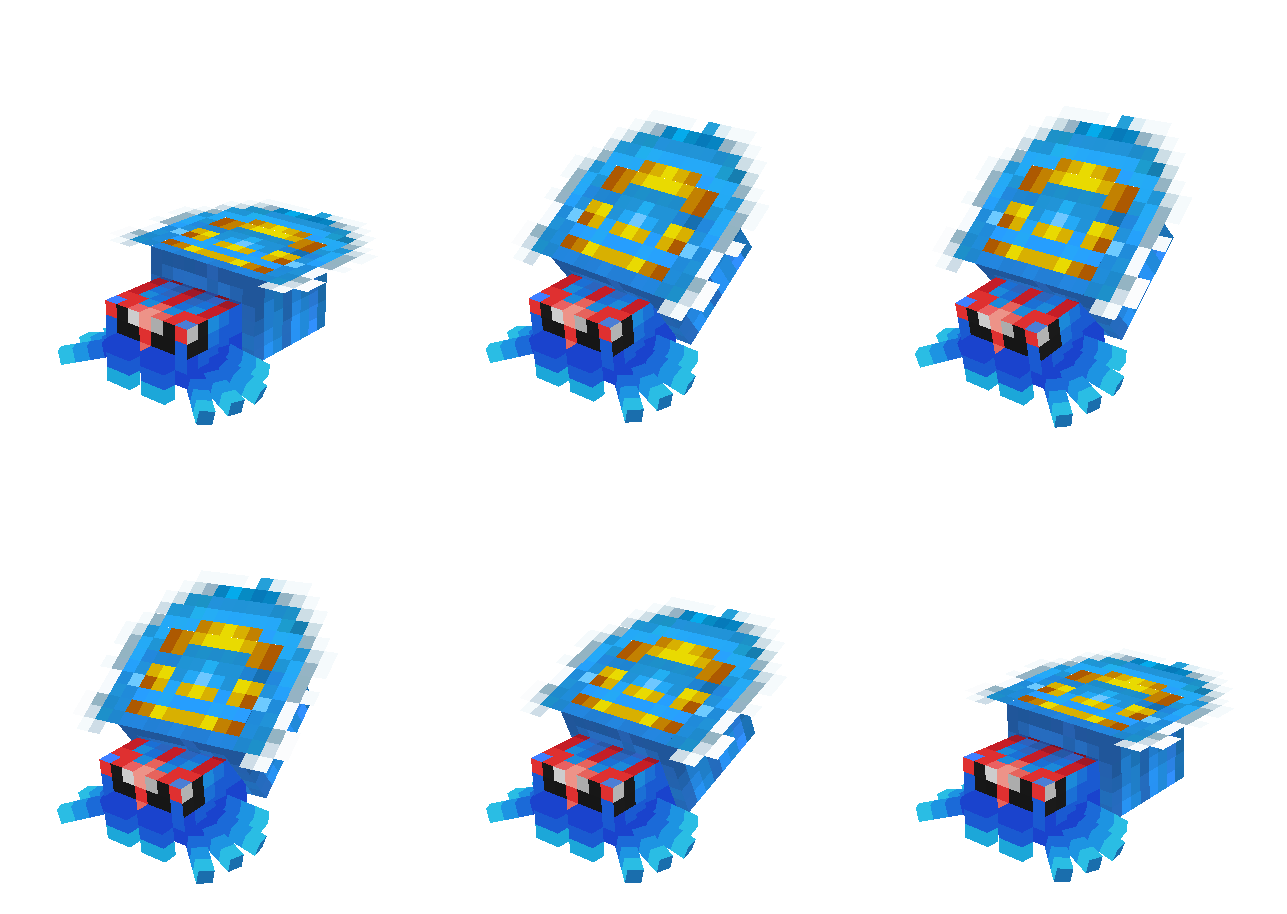
Small creature that spawn on the beach. Its bite will give you convulsions. Variants has a small chance to appear, and will have double HP/Damage/XP/Loot for the green one, and X4 for the black one. Good luck.
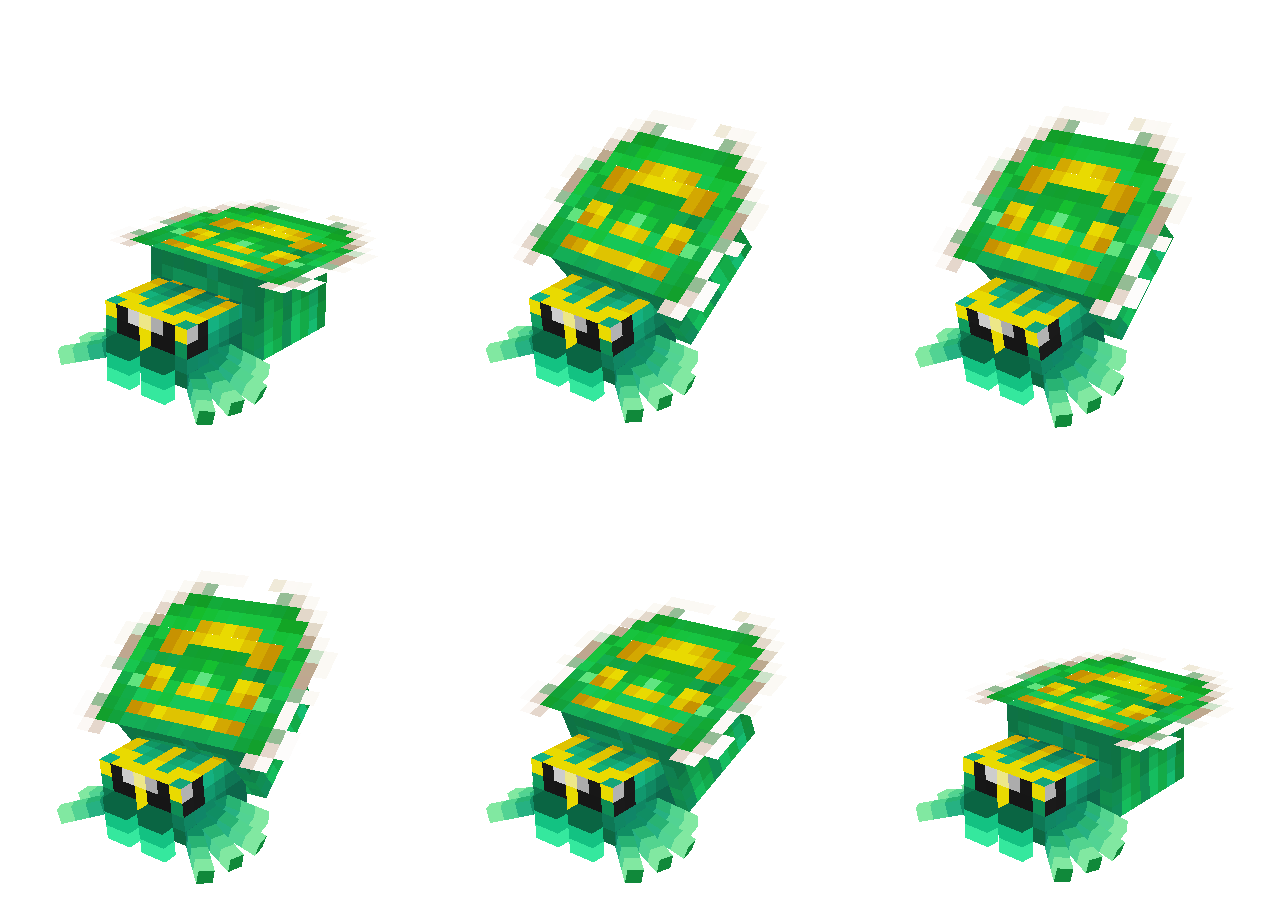
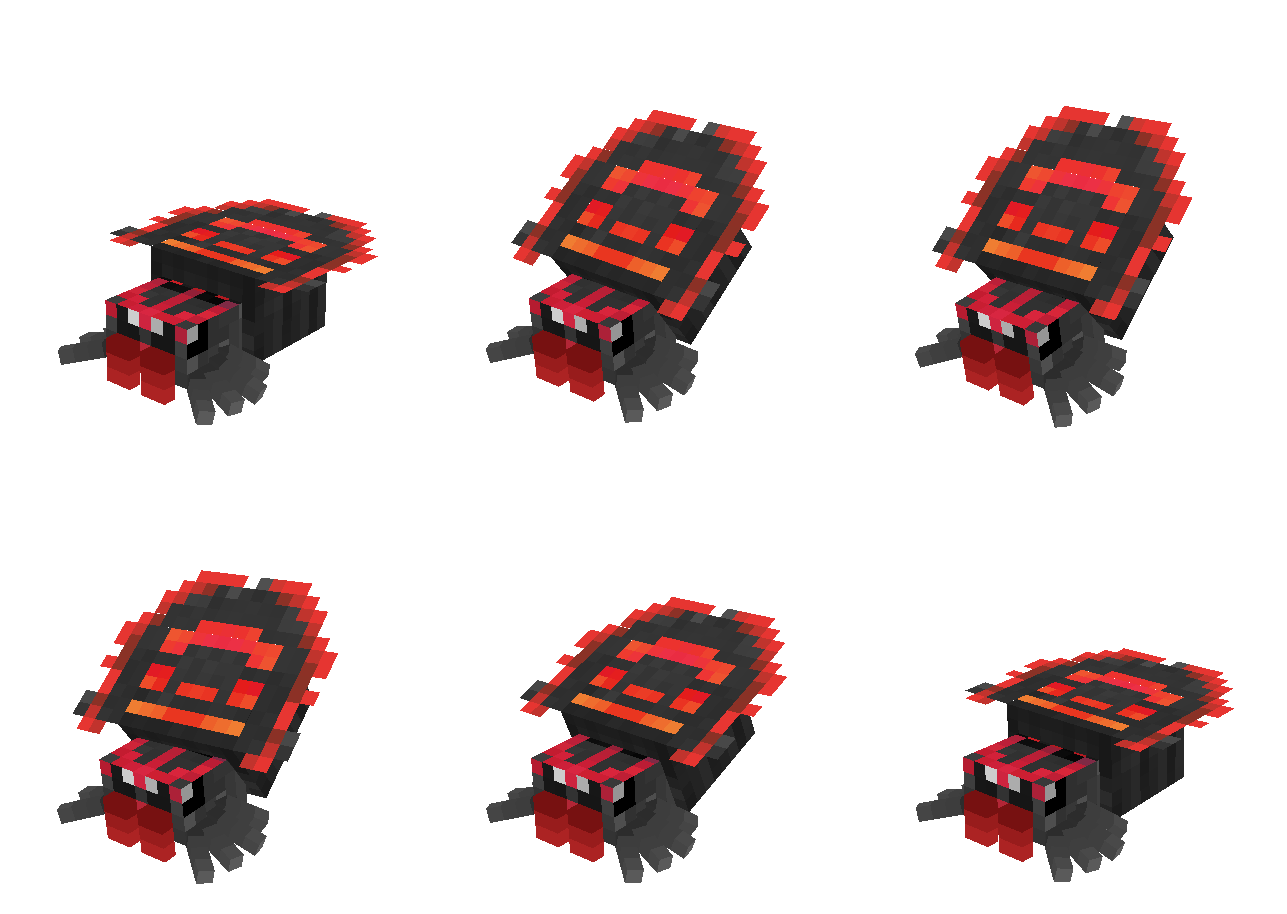
Bullfrog
Large creature that lives in swamps. Its tongue will bring your near its deadly bite. Rare variants have a chance to spawn (20% for tier 2, 4% for tier 3). They have x2 & x4 damage/HP/XP/Loot


Jinx
Mischievious goblin that lives in forests and plains. Once startled, it will use its blowgun to lift you up in the air. Will flee melee fights and use its flower umbrella to escape. Its blowgun has 10% chance of loot (+3% per looting enchant)


New ambient critters have been added to your world. Their presence is meant to add variety to the fauna.

Frequently Asked Questions :
Will the mod be ported to further versions ?
Not for now. The mod will stick to the version of the modpack it was made for.
Will the mod be ported to Fabric ?
Not for now, no.
Are you going to add new monsters ?
Yes.
Are you going to improve loot with unique items ?
Yes.
Can I disable some mobs ?
Mod is very configurable. Have fun.
Can I add the mod in my modpack ?
Yes.
Credits :
Grumblin for the shroomling :
https://mcmodels.net/products/17359/shroomling-free
Installation von Legendary Creatures
With Millida Launcher
Install Millida Launcher
The launcher is free: download it at millida.net/launcher and sign in with any nickname.
Click “Install” on this page
The launcher opens and installs the mod for Minecraft 1.16.5–1.20.1 on Forge automatically.
Launch the game
A profile with it appears in the launcher: click “Play”.
Manually
Install Forge
The loader must match the game version of the mod file, for example Minecraft 1.20.1. After installing it, a separate profile appears in your launcher.
Download the file for your version
In the version list above, pick the file legendarycreatures-1.20.1-1.1.3.2.jar (6.1 MB) for your game version.
Put it in the mods folder
The folder is inside .minecraft (Windows: %appdata%\.minecraft\mods). If it does not exist, create it.
Launch the loader profile
Open “Mods” in the main menu: Legendary Creatures should be in the list.
Minecraft 1.20.1 runs on Java 17: with a different Java version the game may close right after launch.
Versionen
Mit Abhängigkeiten
| Minecraft | Loader | Datei | Datum | Aktionen |
|---|---|---|---|---|
| 1.20.1 | Forge | legendarycreatures-1.20.1-1.1.3.2.jar6.1 MB 2 | ||
| 1.16.5 | Forge | legendarycreatures-1.16.5-1.1.2.jar2.9 MB | ||
| 1.16.5 | Forge | legendarycreatures-1.16.5-0.1.0.jar2.9 MB |
FAQ
Which Minecraft versions does Legendary Creatures work on?
There are files for 1.20.1, 1.16.5. The newest is 1.20.1.
Is Legendary Creatures for Forge or Fabric?
Only for Forge: 1.16.5–1.20.1. There are no files for Fabric or NeoForge: a mod for another loader will not start.
Does Legendary Creatures need other mods?
The author lists no required dependencies: the Forge loader is enough.
Which Java does Legendary Creatures need?
Minecraft 1.20.1 runs on Java 17. If the game closes right after launch, the usual cause is the wrong Java version in the profile settings.
Where can I download Legendary Creatures safely?
On this page: the file legendarycreatures-1.20.1-1.1.3.2.jar (6.1 MB) is stored on Millida’s server, with no link shorteners. SHA-1 checksum: cc23a21ad3baf218c33b1168b3429f635f1fc57a.
Bewertungen
Bewerten Sie Legendary Creatures als Erster


