
 Fabric
 NeoForge
 Forge
Über die JeremySeq's Damage Indicators-Mod
No more guessing or searching for enemies! With the Damage Indicator, you'll instantly know the source of incoming damage.
This mod was inspired by the damage indicators in many popular first person shooter games.
2.0 and onward is client-side. 1.0 requires the mod to be on the server.
If you like this mod, you should check out my other mod, Better Hotbars.
Features
- Directional Damage Indicator: an arrow pointing in the direction of any incoming damage
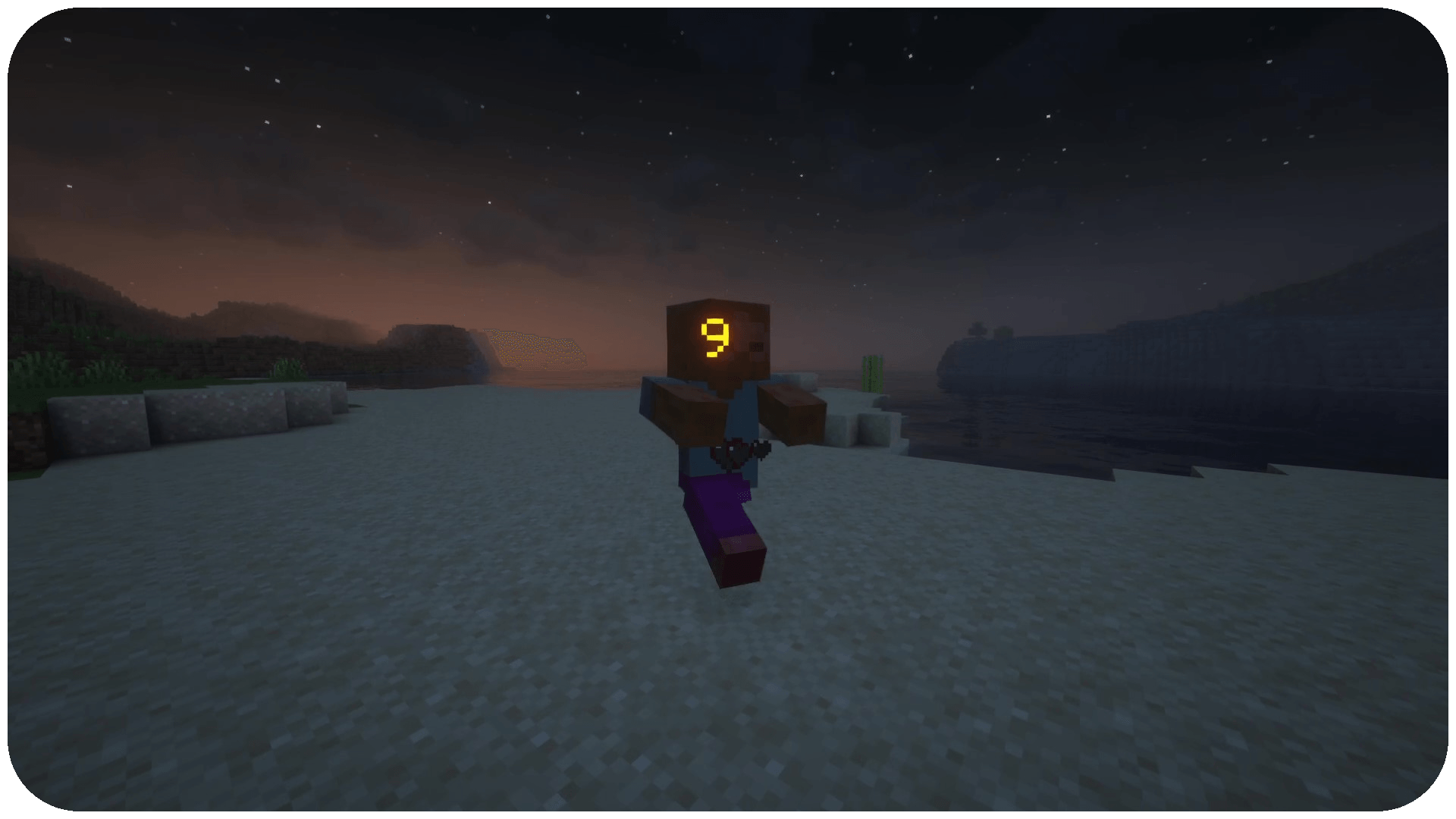
- Damage Text: text showing the amount of damage dealt to other mobs
- Health Bars: a text health bar for other mobs
- Blood Overlay (disabled by default): an overlay of red outlining your screen when you take damage
- Hit Markers: a crosshair marker that flashes when you hit a mob, colored differently for crits and kills
Config
There is one config file called jeremyseqsdamageindicators.toml
You can…
- enable/disable each feature
- change the color, placement, timing, and texture of the directional indicator
- make the health bar only show for targeted mobs
While I support a variety of versions and modloaders, I aim to keep the latest version of the mod available for the following major versions and modloaders that I primarily support (these may change, but should be considered LTS):
- Forge 1.20.1
- NeoForge 1.21.1
Installation von JeremySeq's Damage Indicators
With Millida Launcher
Install Millida Launcher
The launcher is free: download it at millida.net/launcher and sign in with any nickname.
Click “Install” on this page
The launcher opens and installs the mod for Minecraft 1.21–1.21.1 on Fabric, Forge or NeoForge automatically.
Launch the game
A profile with it appears in the launcher: click “Play”.
Manually
Install Fabric, Forge or NeoForge
The loader must match the game version of the mod file, for example Minecraft 1.21.1. After installing it, a separate profile appears in your launcher.
Download the file for your version
In the version list above, pick the file jeremyseqsdamageindicators-2.2.1-1.21.1-fabric.jar (105 KB) for your game version and loader.
Put it in the mods folder
The folder is inside .minecraft (Windows: %appdata%\.minecraft\mods). If it does not exist, create it.
Launch the loader profile
Open “Mods” in the main menu: JeremySeq's Damage Indicators should be in the list.
Minecraft 1.21.1 runs on Java 21: with a different Java version the game may close right after launch.
Versionen
Mit Abhängigkeiten
| Minecraft | Loader | Datei | Datum | Aktionen |
|---|---|---|---|---|
| 1.21.1 | Fabric | jeremyseqsdamageindicators-2.2.1-1.21.1-fabric.jar105 KB 3 | ||
| 1.21.1 | NeoForge | jeremyseqsdamageindicators-2.2.1-1.21.1-neo.jar52 KB 4 | ||
| 1.21 | Forge | damageindicator-2.2.1-1.21.jar51.1 KB 12 |
FAQ
Which Minecraft versions does JeremySeq's Damage Indicators work on?
There are files for 1.21.1, 1.21. The newest is 1.21.1.
Is JeremySeq's Damage Indicators for Forge or Fabric?
There are files for Fabric: 1.21.1, for Forge: 1.21–1.21.1 and for NeoForge: 1.21.1.
Does JeremySeq's Damage Indicators need other mods?
The author lists no required dependencies: the Fabric, Forge or NeoForge loader is enough.
Which Java does JeremySeq's Damage Indicators need?
Minecraft 1.21.1 runs on Java 21. If the game closes right after launch, the usual cause is the wrong Java version in the profile settings.
Where can I download JeremySeq's Damage Indicators safely?
On this page: the file jeremyseqsdamageindicators-2.2.1-1.21.1-fabric.jar (105 KB) is stored on Millida’s server, with no link shorteners. SHA-1 checksum: dffbf20a011848d7485ec881528d261eaf1c2e7a.
Bewertungen
Bewerten Sie JeremySeq's Damage Indicators als Erster


