

Isometric Renders Mod für Minecraft 1.21.4
Erstellt hochauflösende isometrische Screenshots von Spielobjekten
 Fabric
 Quilt
QuiltÜber die Isometric Renders-Mod
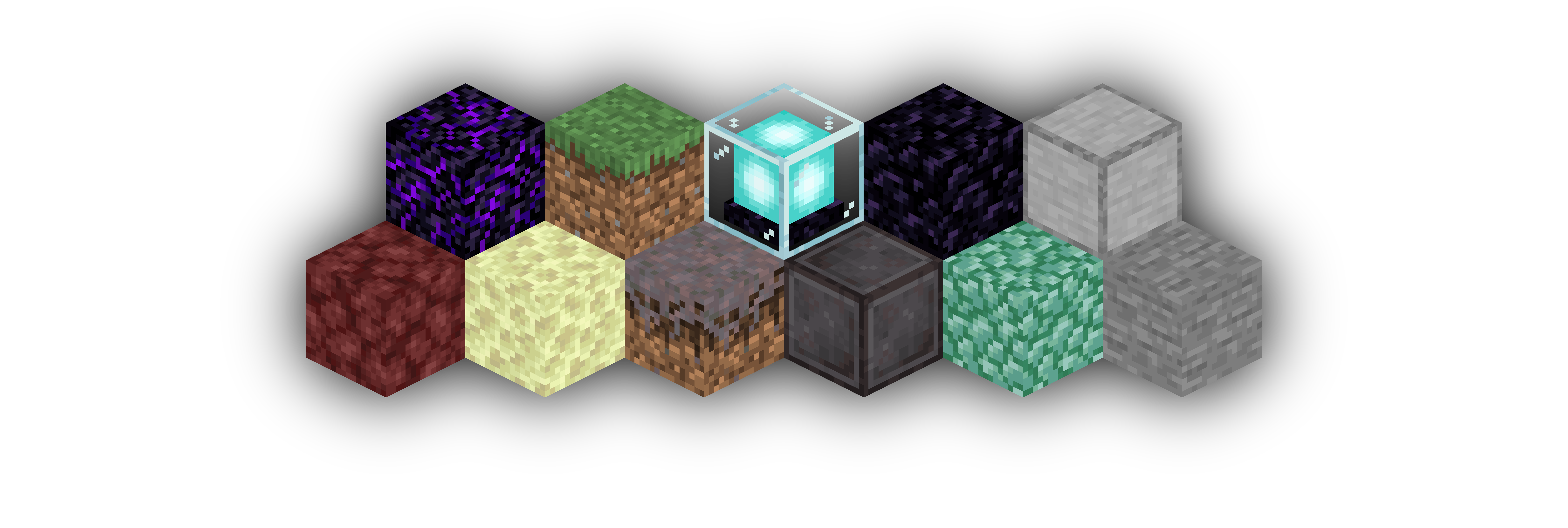
Isometric Renders allows you to take isometric screenshots, or rather, create renders of game objects like parts of world, blocks, items and entities.
These are automatically keyed to have a transparent background and you can adjust scale, positioning and many more options right in-game in a fancy gui.
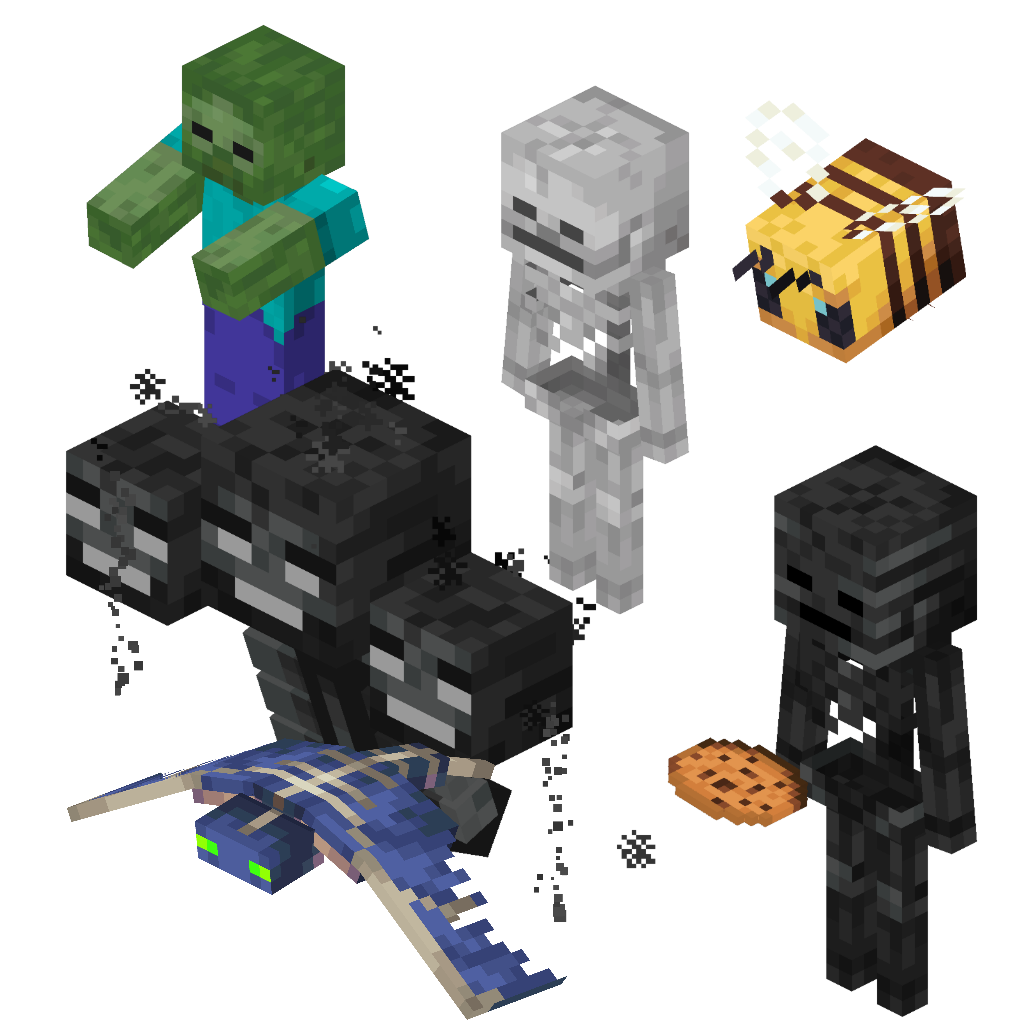
This was designed with modded wikis or similar documentation in mind, should be easy to use and mostly pretty performant.
In-Depth documentation is available on https://docs.wispforest.io/isometric-renders/home/
🌟 Currently Supported Rendering Targets 🌟
Items
Blocks
Entities
Areas of the world
Batch export of multiple blocks or items
Item Atlases (Overviews)
Have a look at Images to see what Isometric Renders is capable of
The basic command is /isorender
Join the Wisp Forest Discord if you have any questions, issues or other remarks - we'll be happy to help
Installation von Isometric Renders
With Millida Launcher
Install Millida Launcher
The launcher is free: download it at millida.net/launcher and sign in with any nickname.
Click “Install” on this page
The launcher opens and installs the mod for Minecraft 1.17–1.21.4 on Fabric or Quilt automatically.
Launch the game
A profile with it appears in the launcher: click “Play”.
Manually
Install Fabric or Quilt
The loader must match the game version of the mod file, for example Minecraft 1.21.4. After installing it, a separate profile appears in your launcher.
Download the file for your version
In the version list above, pick the file isometric-renders-0.4.9+1.21.4.jar (198 KB) for your game version and loader.
Put it in the mods folder
The folder is inside .minecraft (Windows: %appdata%\.minecraft\mods). If it does not exist, create it.
Launch the loader profile
Open “Mods” in the main menu: Isometric Renders should be in the list.
Minecraft 1.21.4 runs on Java 21: with a different Java version the game may close right after launch.
Versionen
Mit Abhängigkeiten
| Minecraft | Loader | Datei | Datum | Aktionen |
|---|---|---|---|---|
| 1.21.4 | Fabric, Quilt | [1.21.4] Isometric Renders - 0.4.9198 KB 1 | ||
| 1.19.4 | Fabric, Quilt | [1.19.4] Isometric Renders - 0.4.4200 KB | ||
| — | Fabric | [1.18+] Isometric Renders - 0.2.9165 KB | ||
| 1.17.1 | — | [1.17+] Isometric Renders - 0.2.6166 KB |
FAQ
Which Minecraft versions does Isometric Renders work on?
There are files for 1.21.4, 1.19.4, 1.17.1, 1.17. The newest is 1.21.4.
Is Isometric Renders for Forge or Fabric?
There are files for Fabric: 1.19.4–1.21.4 and for Quilt: 1.19.4–1.21.4. There are no files for Forge or NeoForge: a mod for another loader will not start.
Does Isometric Renders need other mods?
The author lists no required dependencies: the Fabric or Quilt loader is enough.
Which Java does Isometric Renders need?
Minecraft 1.21.4 runs on Java 21. If the game closes right after launch, the usual cause is the wrong Java version in the profile settings.
Where can I download Isometric Renders safely?
On this page: the file isometric-renders-0.4.9+1.21.4.jar (198 KB) is stored on Millida’s server, with no link shorteners. SHA-1 checksum: 5b4ec83e245ccbc49d436832aa4d04e607694687.
Bewertungen
Bewerten Sie Isometric Renders als Erster


