
Illuminations 🔥 Mod für Minecraft 1.12.2, 1.19.2
Eine Client-Mod, die Glühwürmchen und verschiedene im Dunkeln leuchtende Umgebungspartikel zu deiner Welt hinzufügt.
- Downloads
- 1 Downloads
- Aufrufe
- 14 Aufrufe
- Aktualisiert
- Aktualisiert 18.10.2026
- 1.12 — 1.19.2
 Fabric
Über die Illuminations 🔥-Mod
Update: the merge happened, Illuminations will not receive further updates.
Illuminations
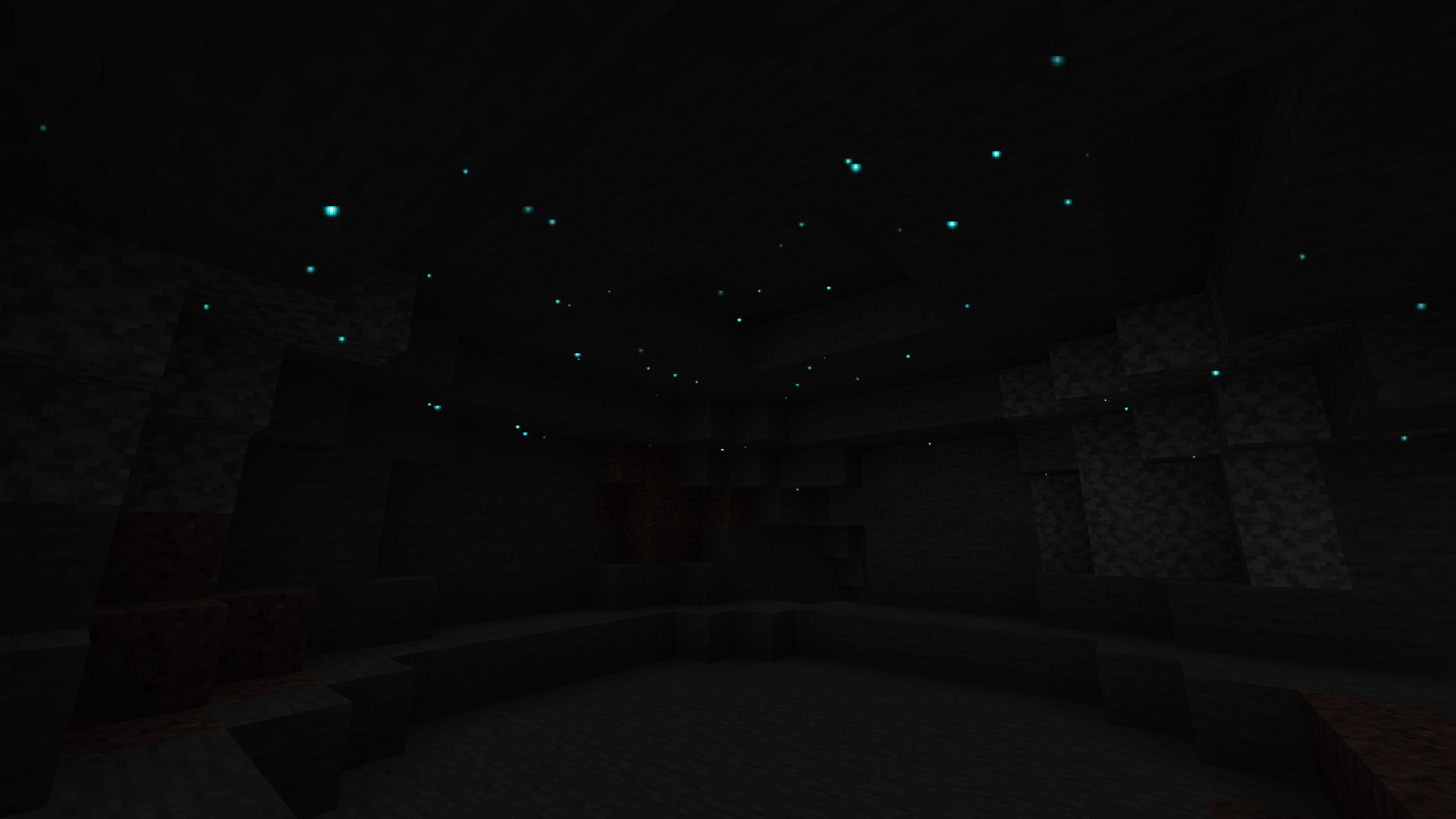
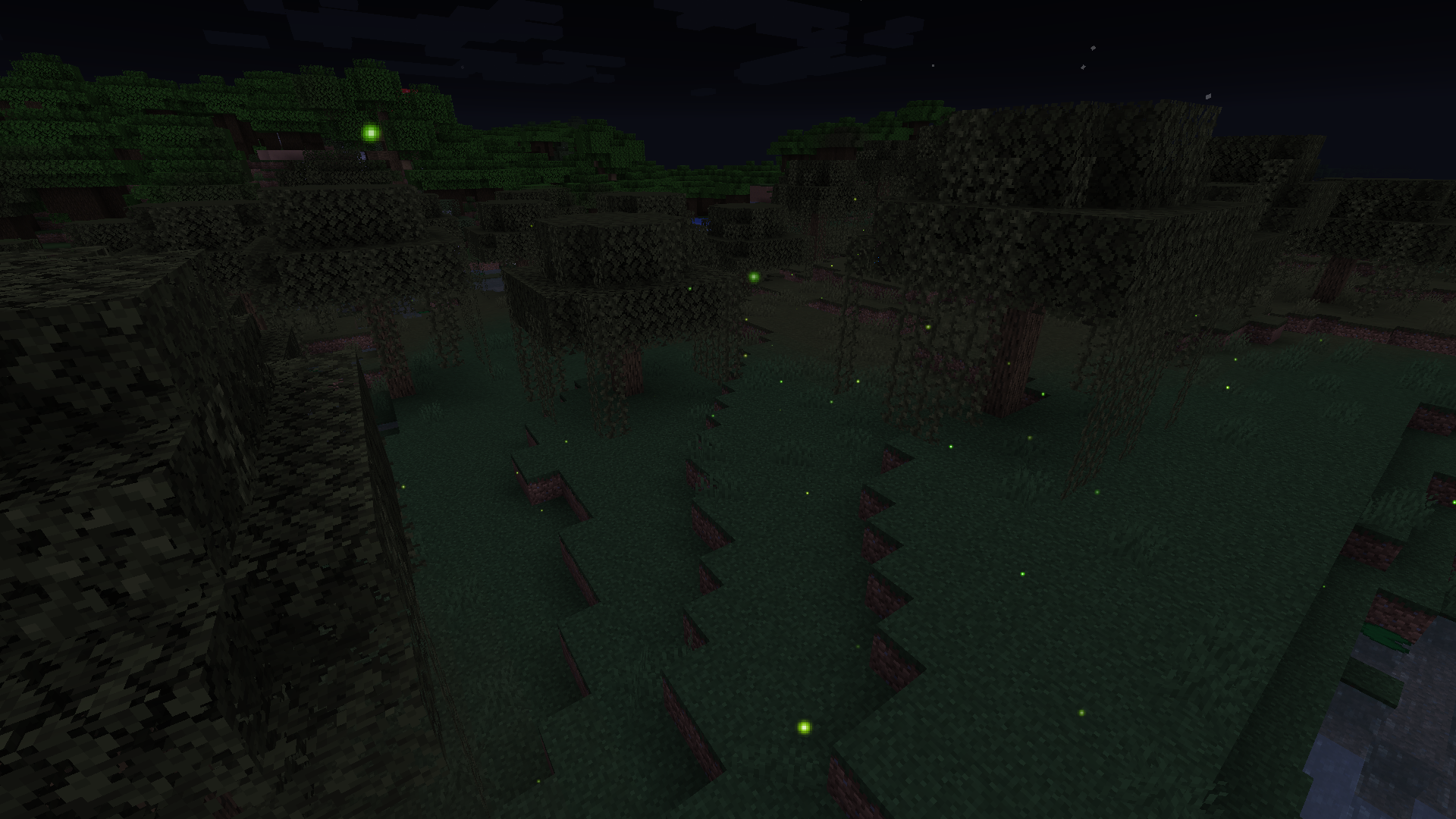
A client mod that adds fireflies and various glow-in-the-dark ambient particles to your world.
lluminations is a client-sided Minecraft Fabric mod that adds multiple ambient particles in order to make your world more enjoyable at night or in dark places, such as fireflies, glowworms and more! For more information, check the wiki.
Supporting LGBT rights ever since 1.1!
Wanna look cool and support the mod? Donate and get some cool looking cosmetics, like auras, crowns and pets! To know more about auras and donations, please check here. To see all cosmetics check here.
[ILLUMINATIONS DASHBOARD]
FAQ
Can I include this mod in a modpack?
Yes: You can. Go ahead, don't bother asking. Please however provide credit and a link to either the GitHub repository or Curse Forge project page.
Can I use this mod on a vanilla server?
Yes: If you have installed this mod on your Minecraft client, you will be able to connect to vanilla Minecraft servers and the ambient illuminations will work as intended.
Are cosmetics visible to other players?
Yes: If the player has the mod installed on their client, all your cosmetics will be visible to them, just like theirs will be visible to you.
How to get an aura?
Auras are currently only available to donators, more information here.
I want to change my cosmetics / the color of my prismatic auras / disable it, what do I do?
If you have donated multiple times, you may have multiple auras and may want to select a specific one. Or you may just simply want to change your prismatic color or disable your aura. You can do all this via the Illuminations dashboard with no restrictions whatsoever.
If you have any questions, propositions or ideas, please submit them in the Minecraft Curse Forge Project page comment section! Or, you could...
Installation von Illuminations 🔥
With Millida Launcher
Install Millida Launcher
The launcher is free: download it at millida.net/launcher and sign in with any nickname.
Click “Install” on this page
The launcher opens and installs the mod for Minecraft 1.12–1.19.2 on Fabric automatically.
Launch the game
A profile with it appears in the launcher: click “Play”.
Manually
Install Fabric
The loader must match the game version of the mod file, for example Minecraft 1.19.2. After installing it, a separate profile appears in your launcher.
Download the file for your version
In the version list above, pick the file illuminations-1.10.11.jar (379 KB) for your game version.
Put it in the mods folder
The folder is inside .minecraft (Windows: %appdata%\.minecraft\mods). If it does not exist, create it.
Launch the loader profile
Open “Mods” in the main menu: Illuminations 🔥 should be in the list.
Minecraft 1.19.2 runs on Java 17: with a different Java version the game may close right after launch.
Versionen
Mit Abhängigkeiten
| Minecraft | Loader | Datei | Datum | Aktionen |
|---|---|---|---|---|
| 1.19.2 | Fabric | Illuminations-1.10.11.jar379 KB 1 | ||
| 1.16.4 | Fabric | [20w45a] Illuminations 1.2.4499 KB | ||
| 1.14.4 | — | illuminations-0.3.0-1.14.3.jar702 KB | ||
| 1.12.1 | — | lightorbs-Alpha 0.3.1.jar105 KB |
Bewertungen
Bewerten Sie Illuminations 🔥 als Erster


