

Hearty Meals Mod für Minecraft 26.3
Entfernt Hunger und lässt Nahrung im Laufe der Zeit Gesundheit wiederherstellen
 Fabric
 NeoForge
Hearty Meals
A small but impactful mod that removes the hunger system in favor of having food heal you directly.
The features this mod provides are:
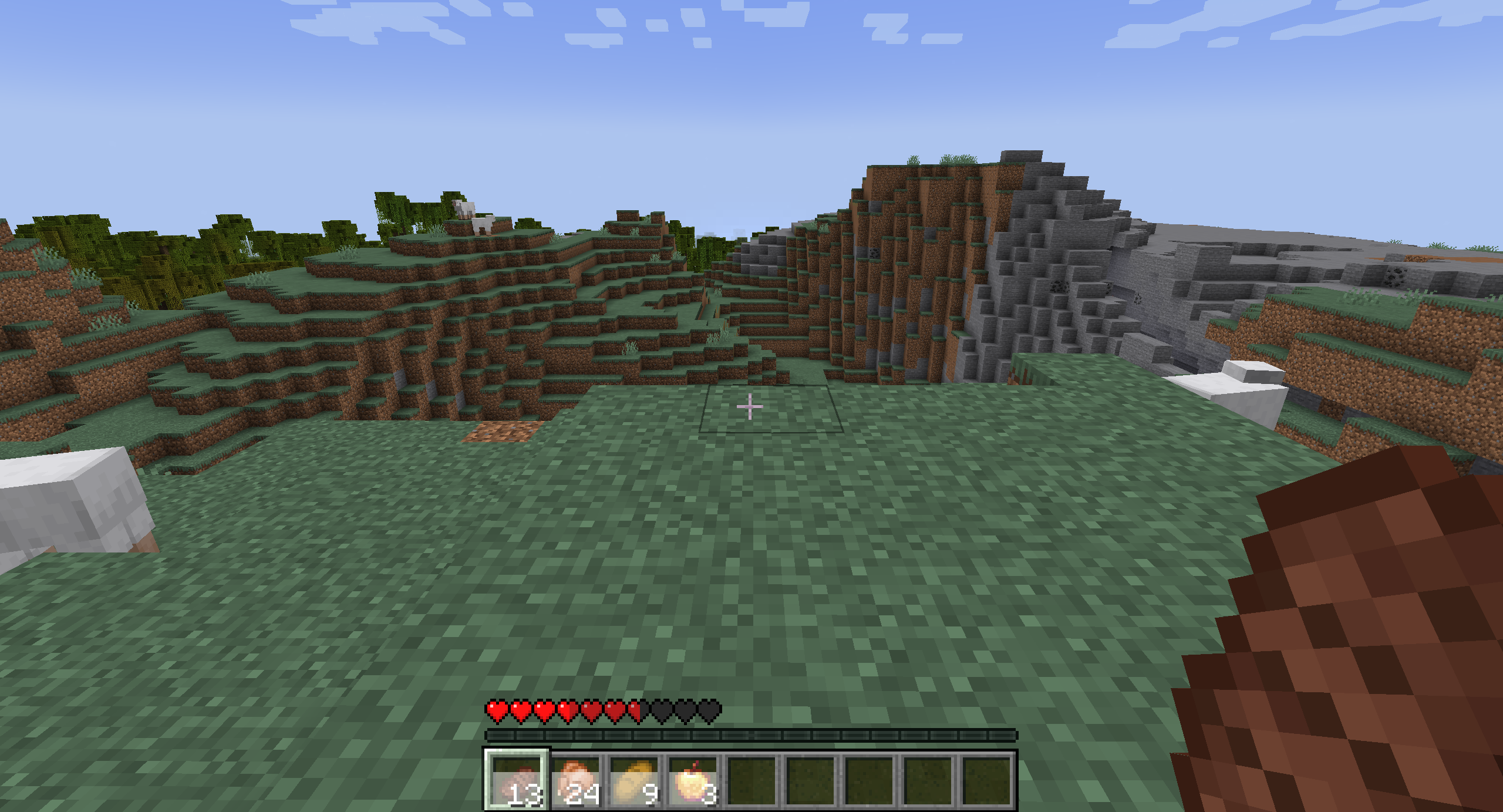
- Removes the hunger bar and instead causes food to heal you, the amount healed being based on the original food value and the time it takes to heal being dependent on the original saturation modifier. You cannot eat food while you are currently healing.
- Adds a tooltip to all food items that shows you how much it heals over time.
- Adds an overlay to the health bar while holding a food item (or if you are in the process of healing) to show how much health you will gain.
- Repositions the armor bar to where the hunger bar used to be.
- Campfires give the Cozy effect when you are nearby, which slowly heals you over time.
- Fluid consumables such as Honey, Stews, Milk, and Potions are consumed twice as fast.
- Honey has a much greater saturation modifier.
- Potions can be stacked in Bundles.
- The Hunger status effect prevents you from healing using food, and damages you over time at higher levels.
- The Saturation status effect instantly heals you based on the amplifier.
- If Farmer's Delight is installed, the Nourishment status effect slowly heals you every 10 seconds.
- Optionally disables sprinting and enables instant regeneration and consumption, but these are all disabled by default.
Installation von Hearty Meals
With Millida Launcher
Install Millida Launcher
The launcher is free: download it at millida.net/launcher and sign in with any nickname.
Click “Install” on this page
The launcher opens and installs the mod for Minecraft 26.1–26.3 on Fabric or NeoForge automatically.
Launch the game
A profile with it appears in the launcher: click “Play”.
Manually
Install Fabric or NeoForge
The loader must match the game version of the mod file, for example Minecraft 26.3. After installing it, a separate profile appears in your launcher.
Download the file for your version
In the version list above, pick the file hearty-meals-fabric-26.3-r1.jar (244 KB) for your game version and loader.
Put it in the mods folder
The folder is inside .minecraft (Windows: %appdata%\.minecraft\mods). If it does not exist, create it.
Launch the loader profile
Open “Mods” in the main menu: Hearty Meals should be in the list.
Versionen
Mit Abhängigkeiten
| Minecraft | Loader | Datei | Datum | Aktionen |
|---|---|---|---|---|
| 26.3 | Fabric | hearty-meals-fabric-26.3-r1.jar244 KB | ||
| 26.1 | NeoForge | hearty-meals-neoforge-26.1-r4.jar248 KB |
Bewertungen
Bewerten Sie Hearty Meals als Erster


