
Glow Ink Plus Mod für Minecraft 1.20.1, 26.1.2
Fügt der Leuchttinte mehr Funktionen hinzu; in diesem Mod kannst du Wolle und Teppiche zum Leuchten bringen
 NeoForge
 Fabric
 Quilt
Quilt Forge
Forge
Features
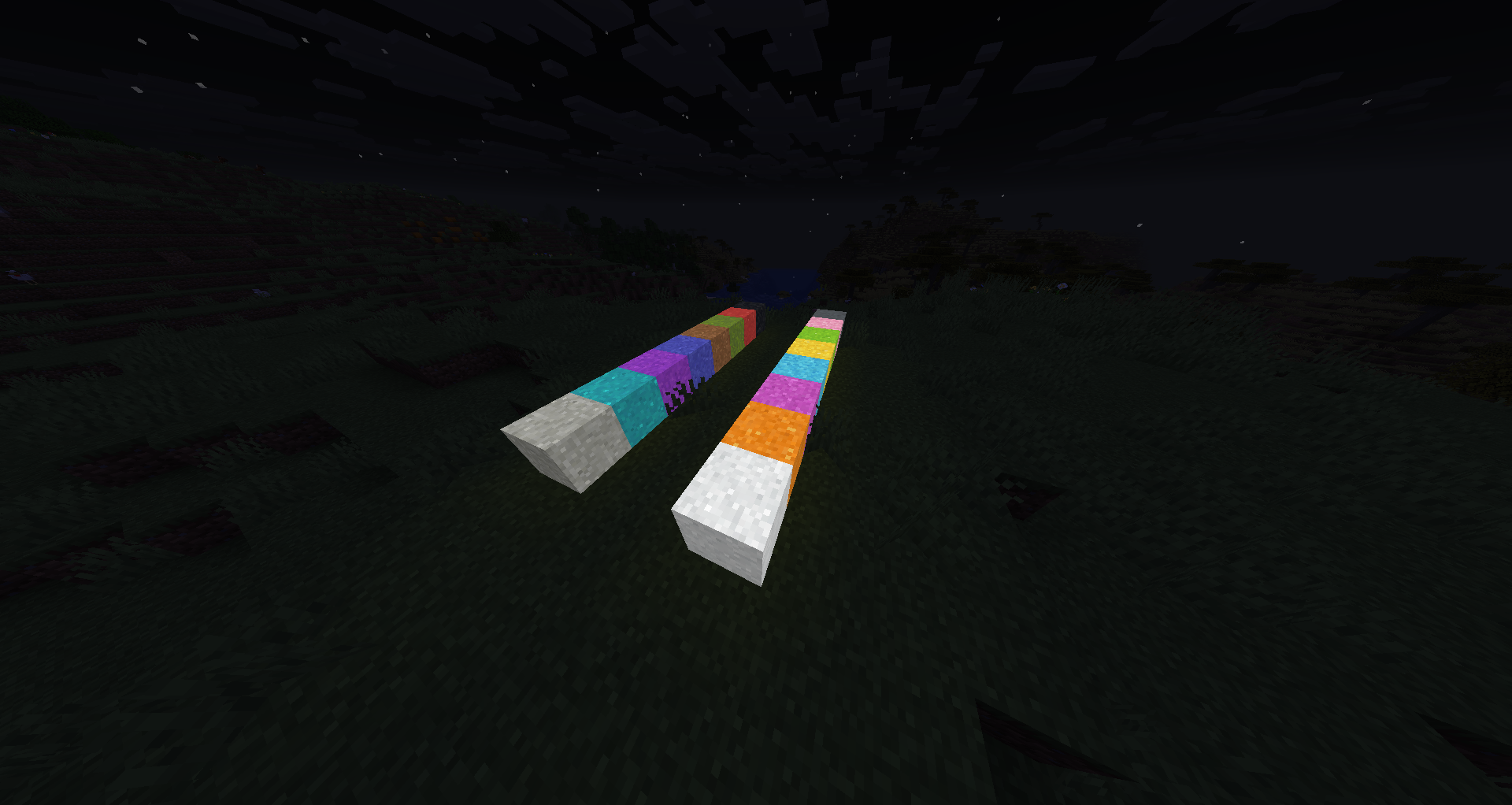
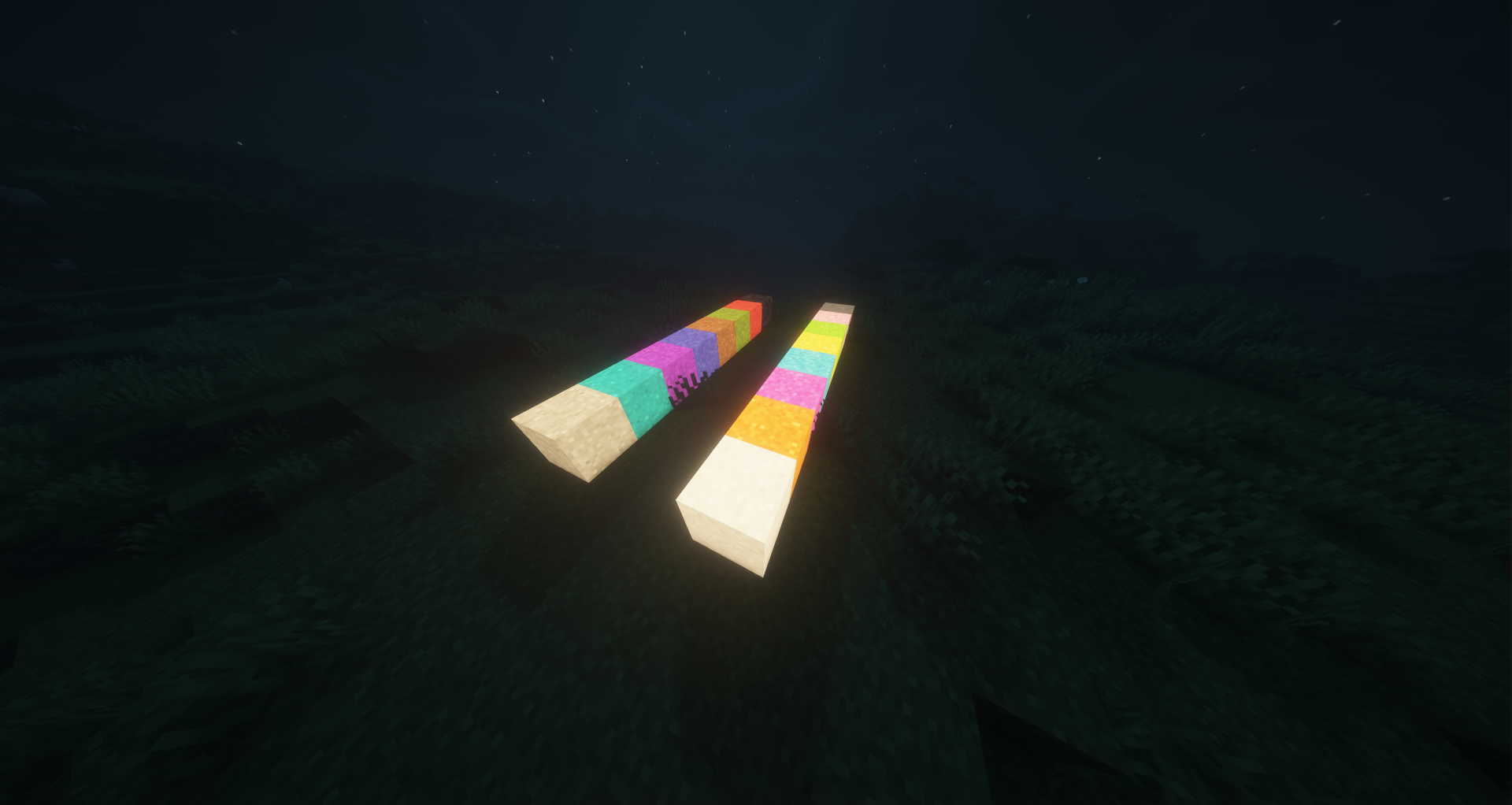
This mod adds new uses to the glow ink sac that was added in version 1.17. With this mod you can make wool, carpets, beds, stained-glass, candles, glass panes, concrete, glazed terracotta, terracotta, concrete powder, leather armor, banners, shields, and even sheep glow with emissive rendering (perfect for use with shaders).
The wool textures of the texture packs are supported.
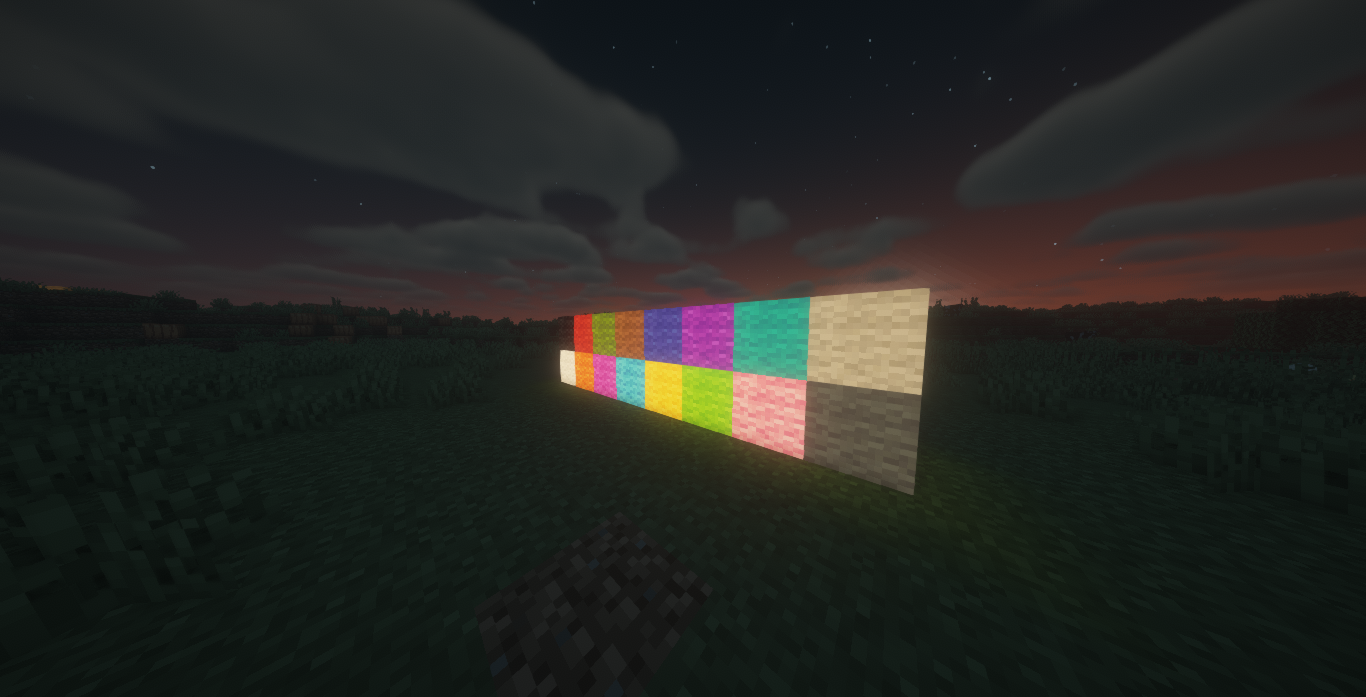
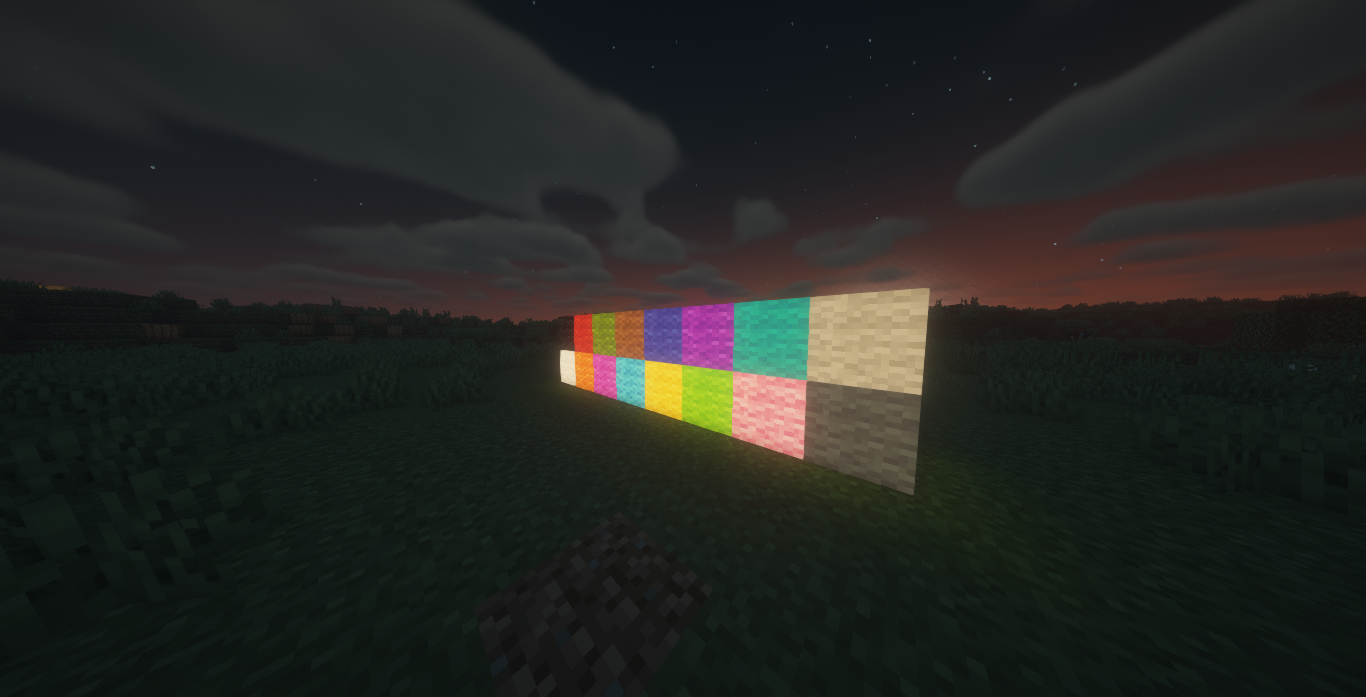
Glow Wool
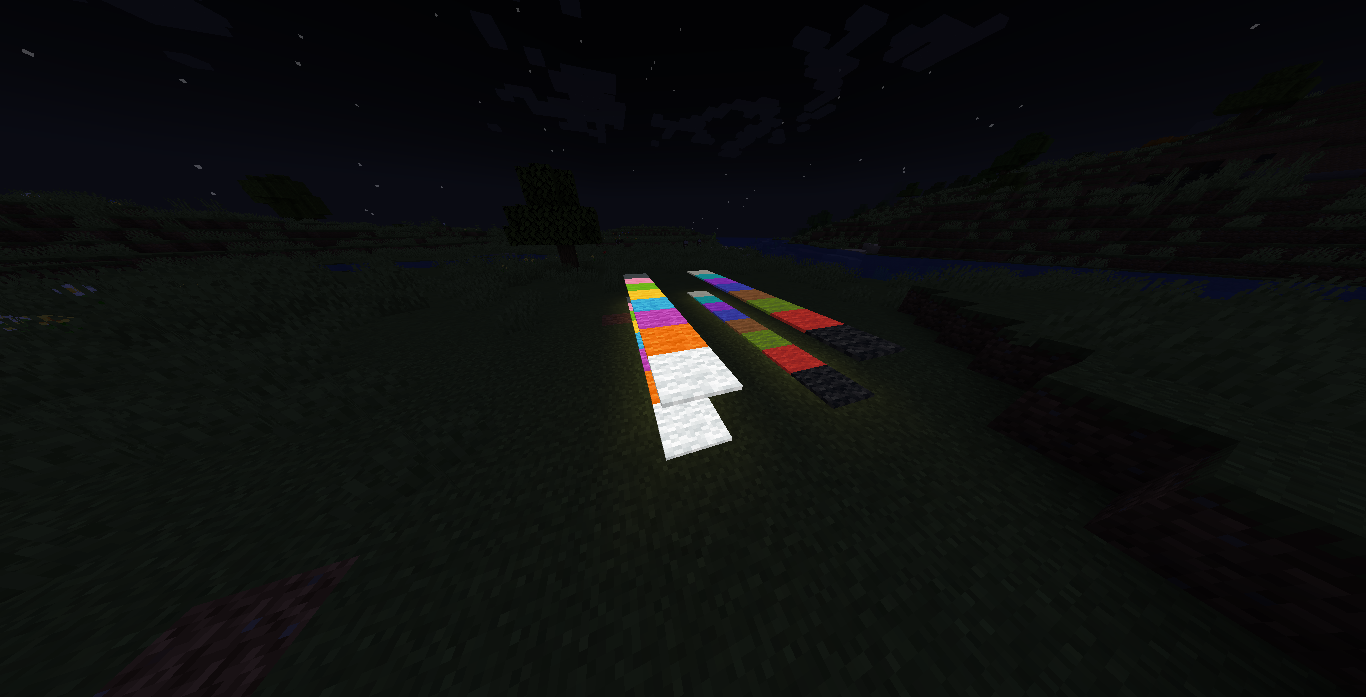
Craft any wool with a Glow Ink Sac to create a glowing variant that emits a low light level and renders at full brightness.
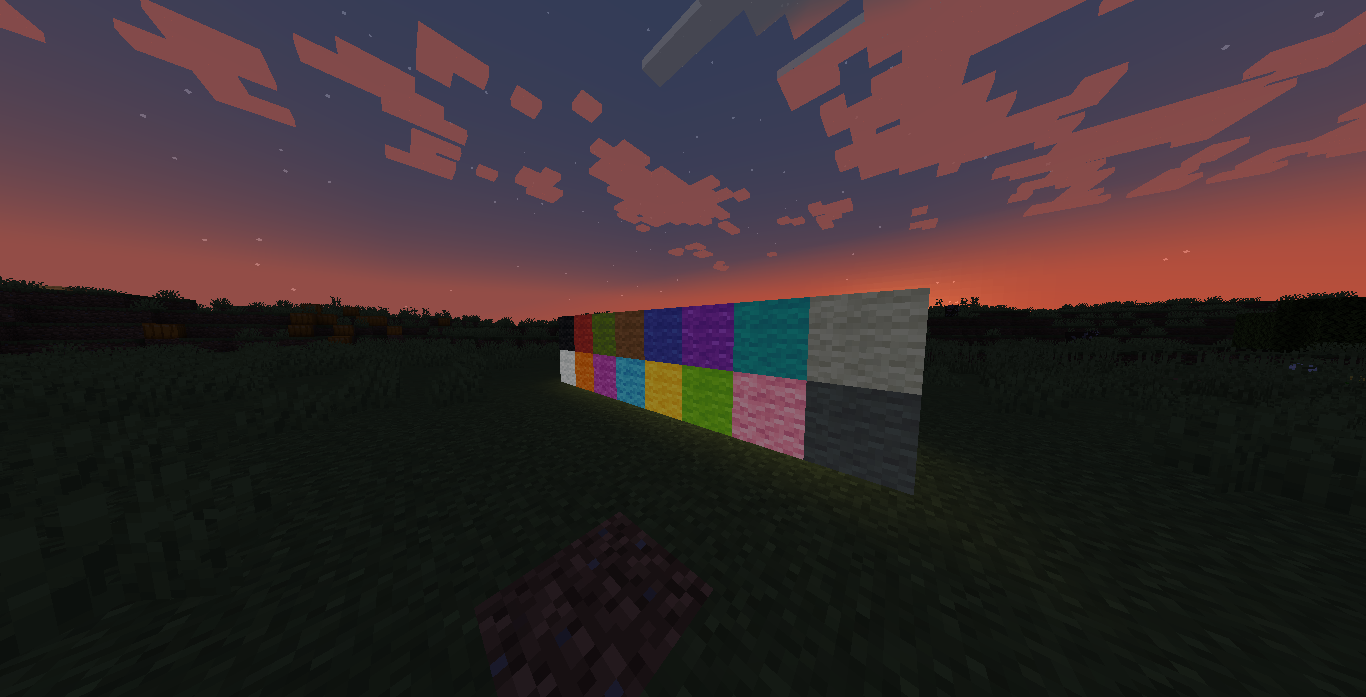
Glow Carpets
Craft any carpet with a Glow Ink Sac to create a glowing carpet variant.
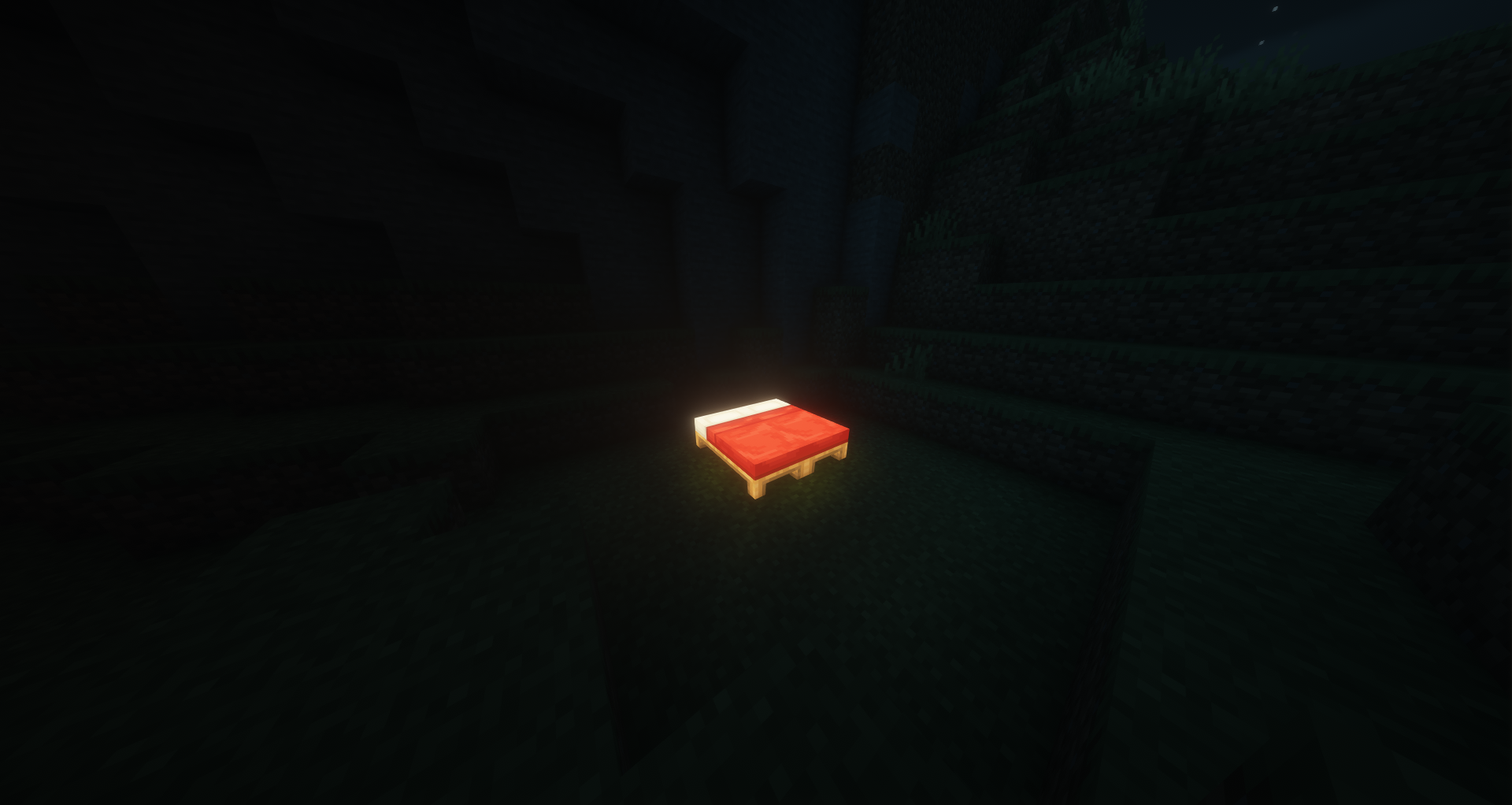
Glow Beds
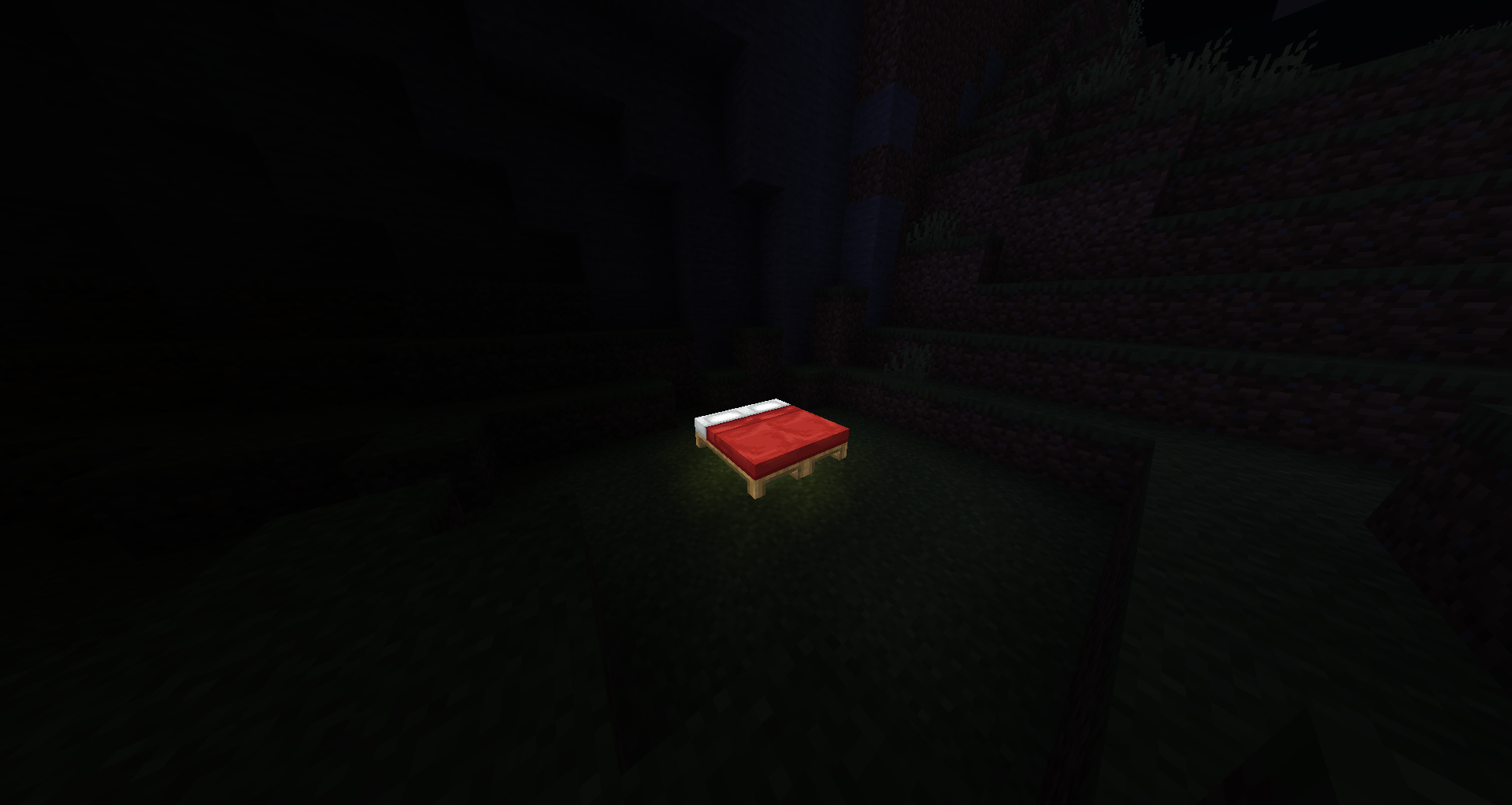
Craft any bed with a Glow Ink Sac, or craft glow wool with planks, to create a glowing bed variant. Glow beds work exactly like vanilla beds (sleeping, setting spawn) with added emissive rendering.
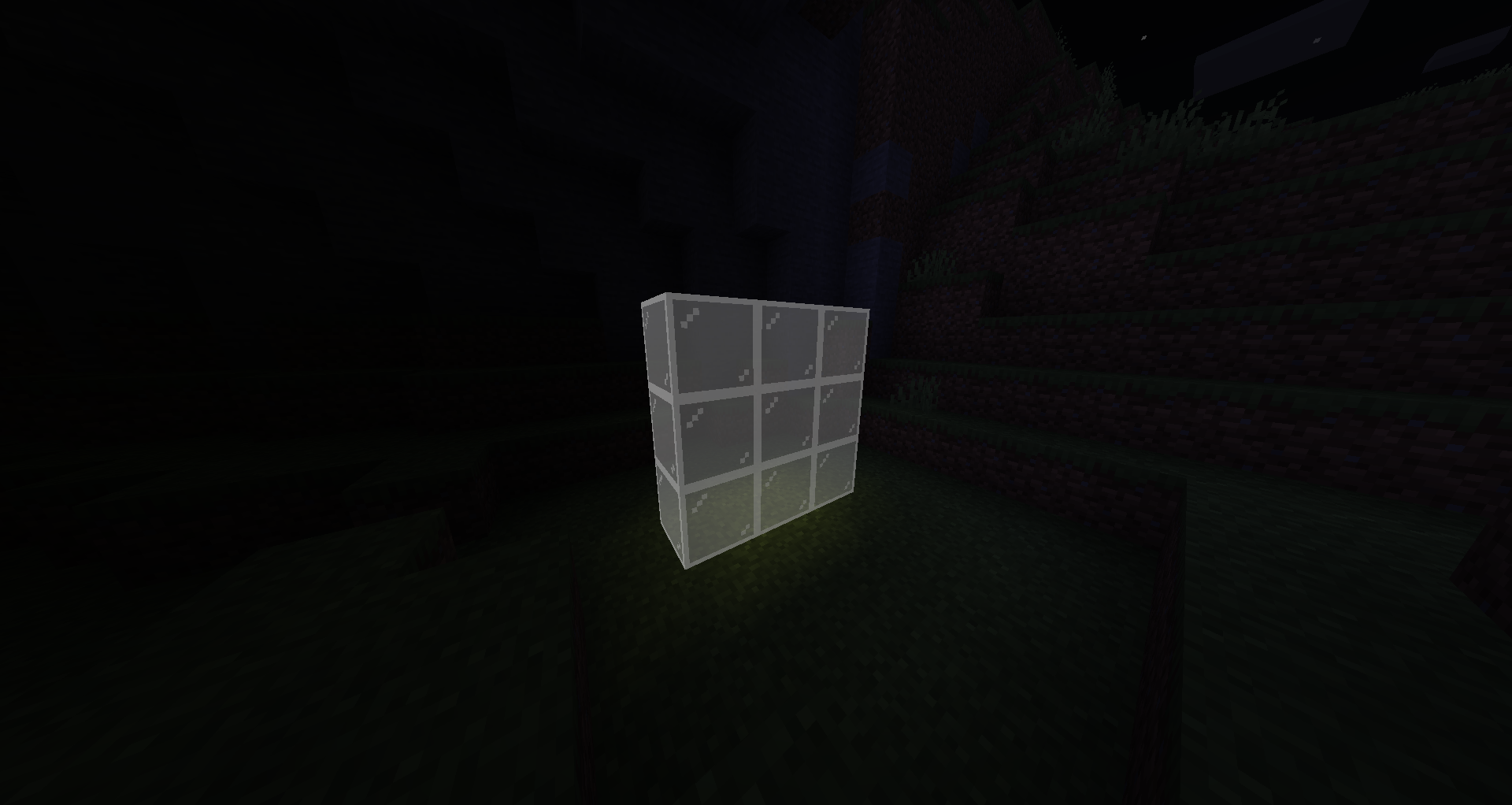
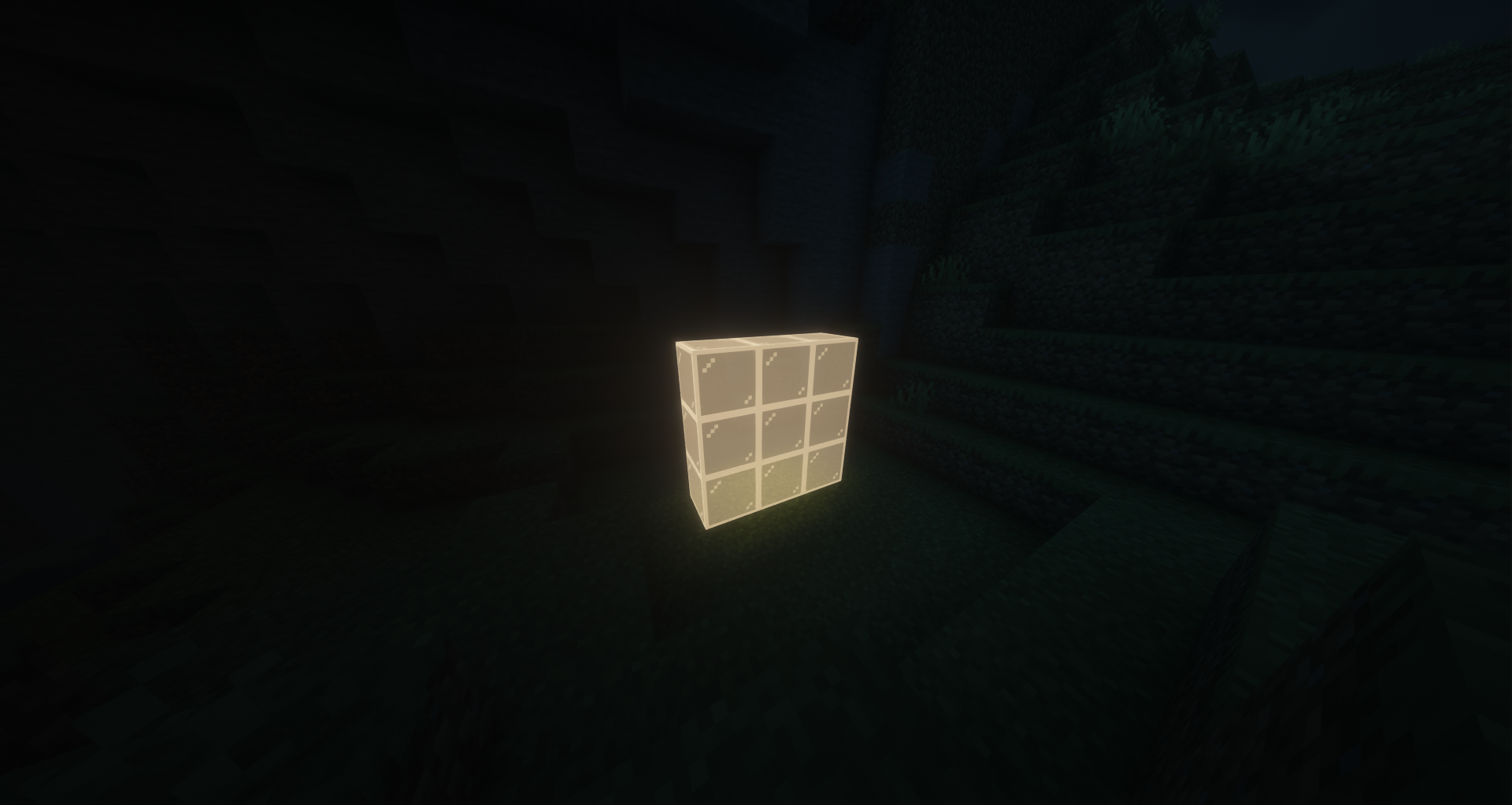
Glow Stained Glass
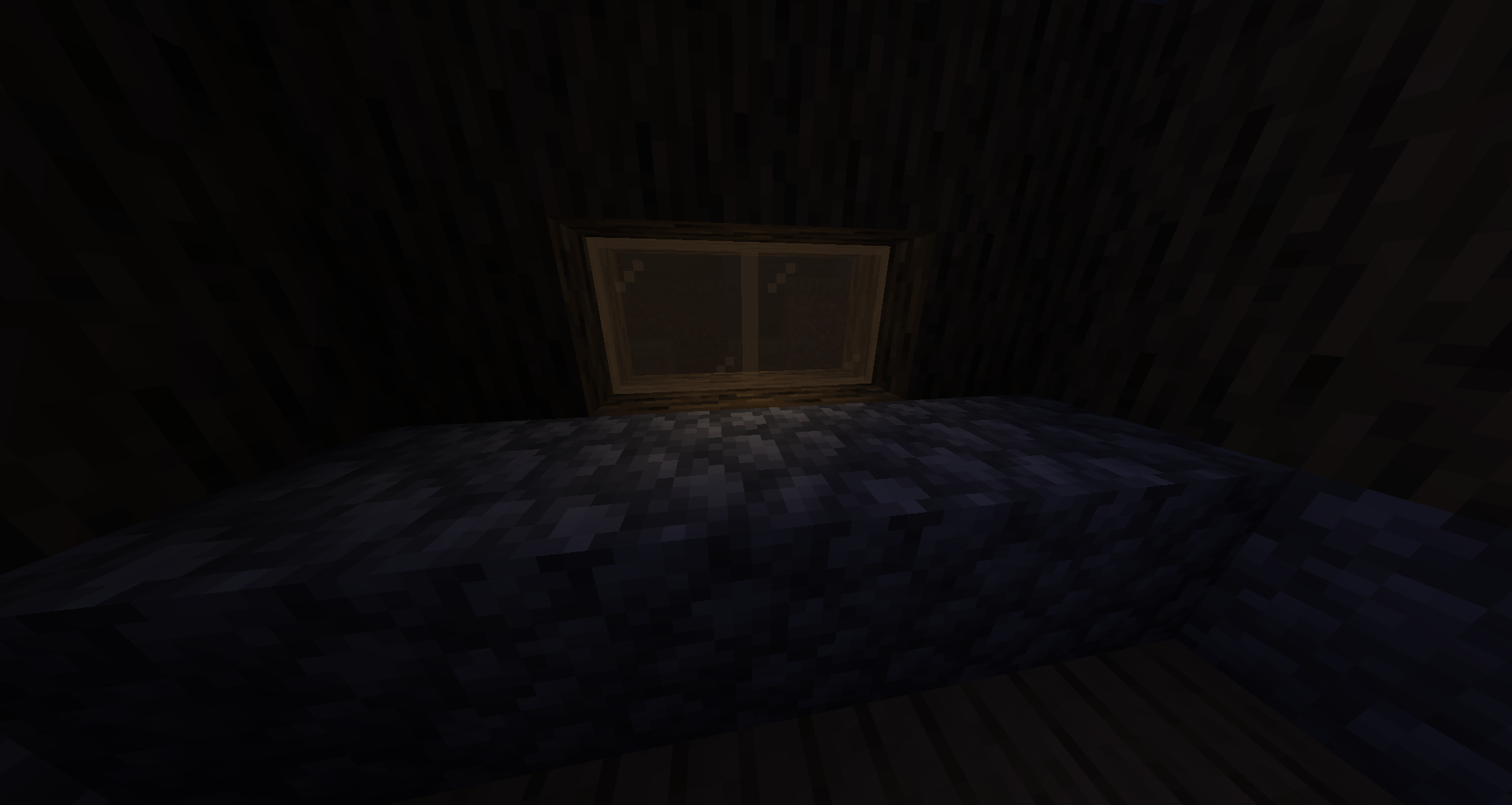
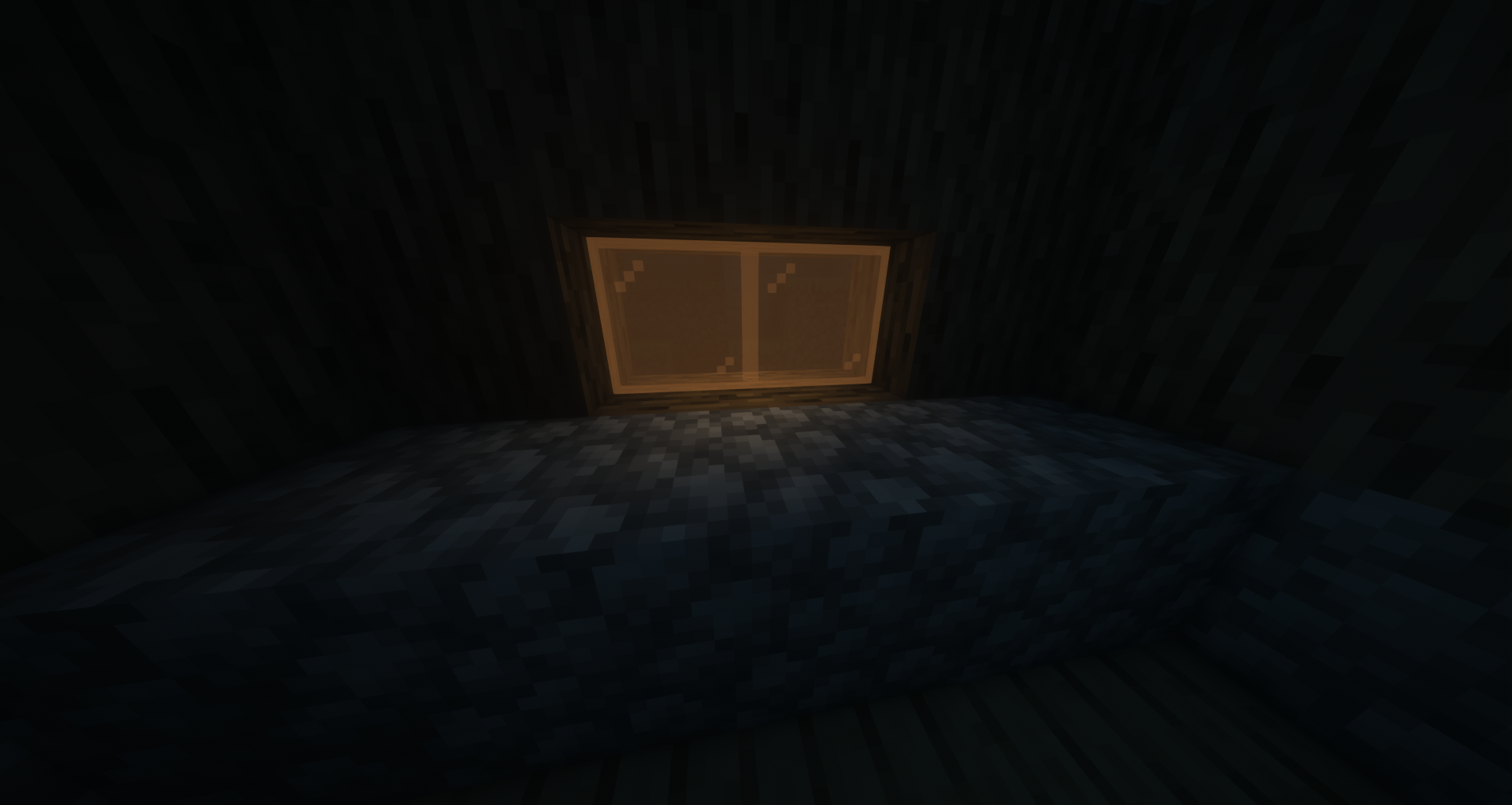
Craft 8 stained-glass with 1 Glow Ink Sac (3×3 pattern) to make 8 glowing stained-glass blocks. Fully transparent with emissive rendering, compatible with beacons.
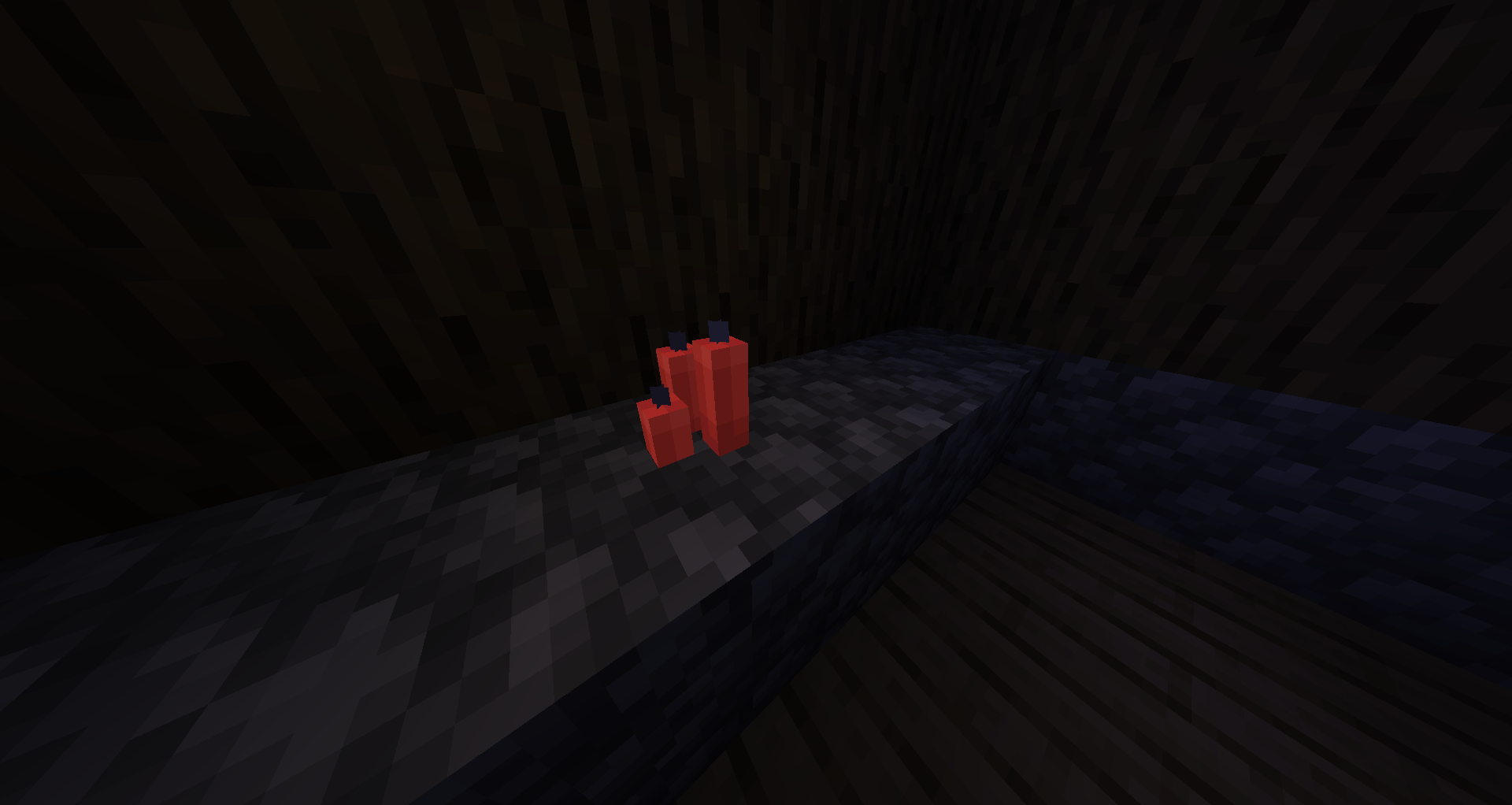
Glow Candles
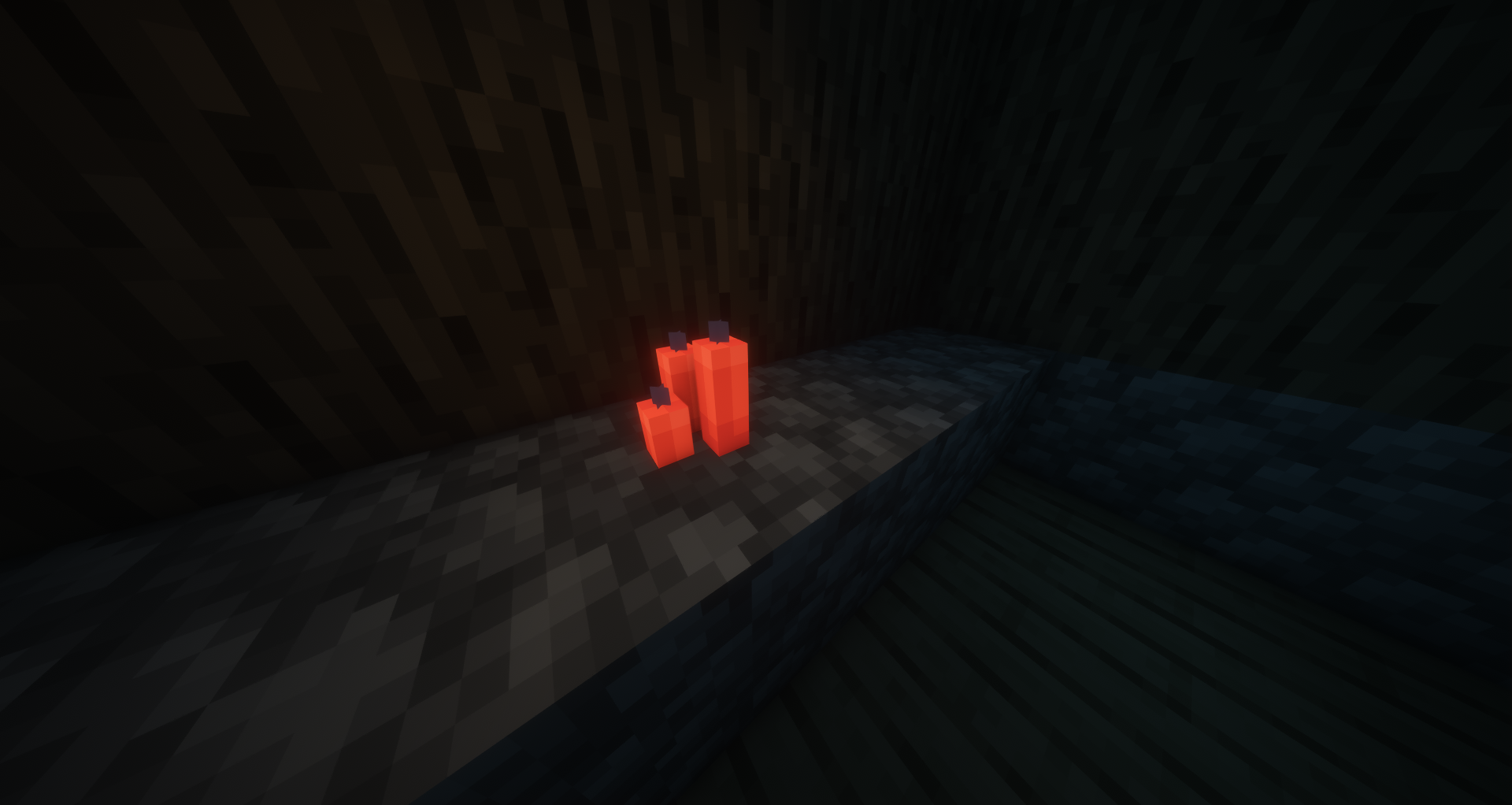
Craft any candle with a Glow Ink Sac to create a glowing candle. Place up to 4 per block and light them — the glow effect stacks with the candle's natural light.
Glow Stained Glass Panes
Craft 8 stained-glass panes with 1 Glow Ink Sac (3×3 pattern) for 8 glow panes, or craft 6 glow stained-glass in a 3×2 pattern for 16 glow panes. Pane connections and transparency work exactly like vanilla.
Glow Concrete
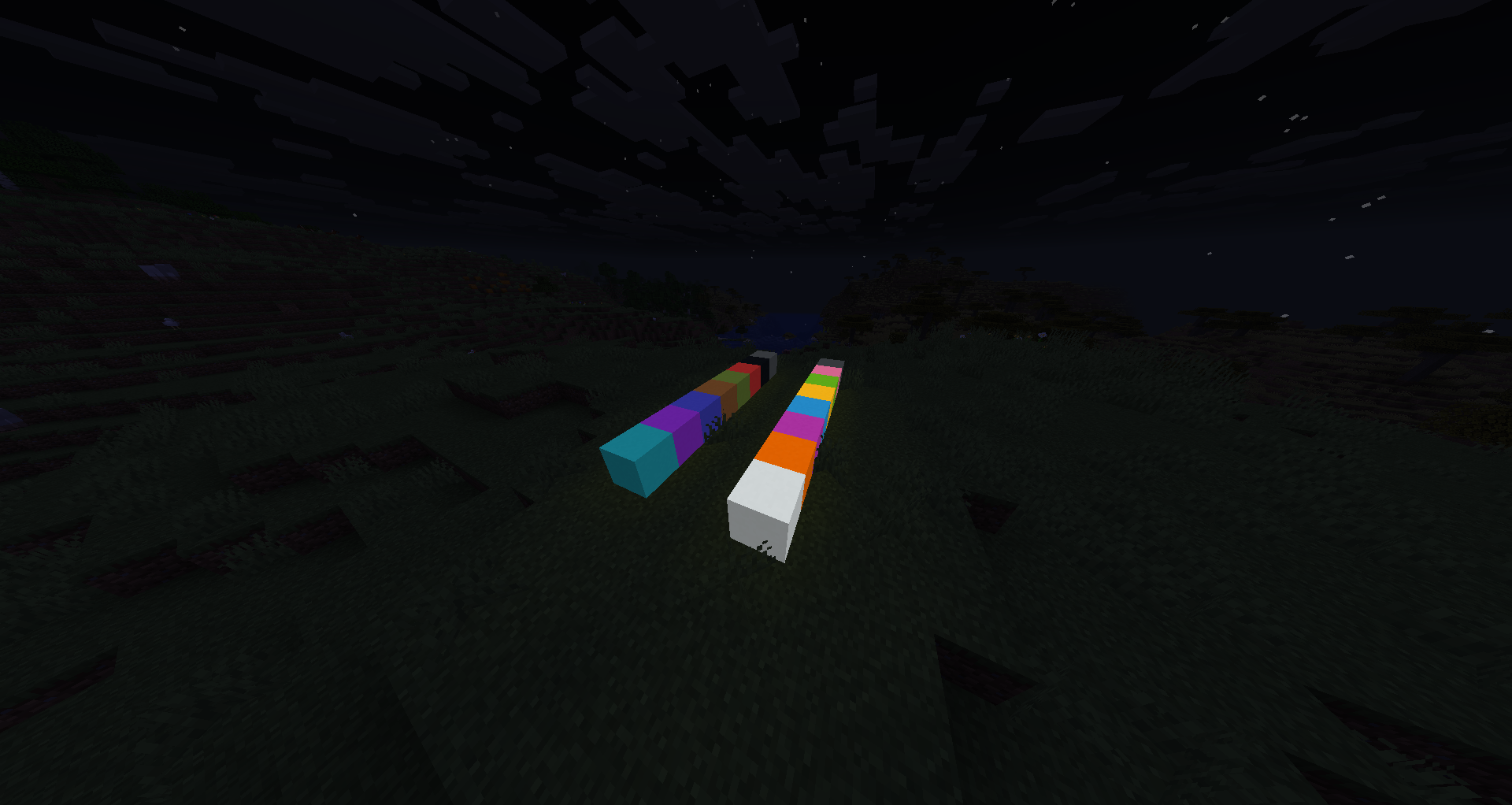
Craft any concrete block with a Glow Ink Sac to create glowing concrete. All 16 colors available.
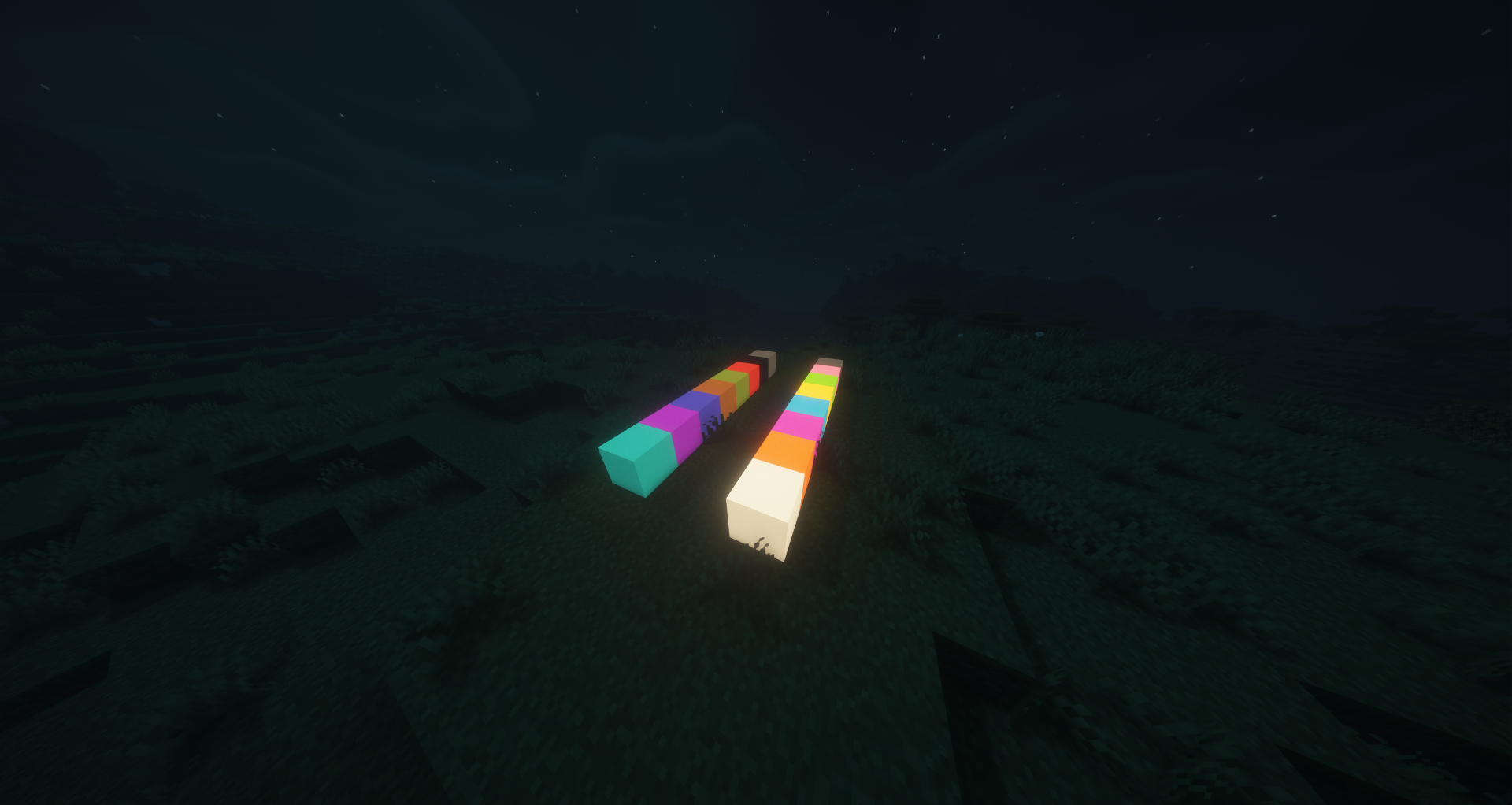
Glow Glazed Terracotta
Craft any glazed terracotta with a Glow Ink Sac to create a glowing directional variant. Rotation placement works like vanilla.
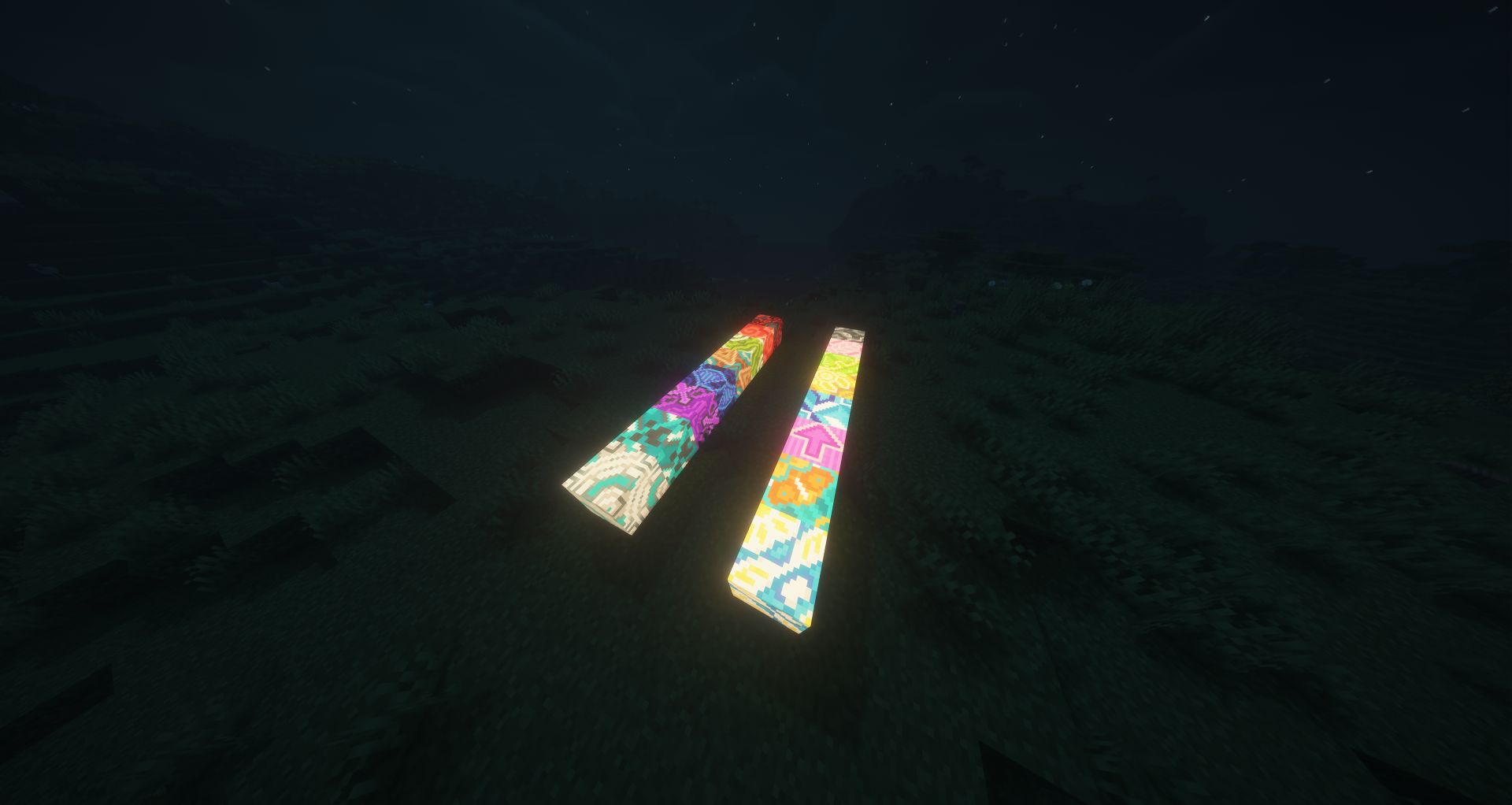
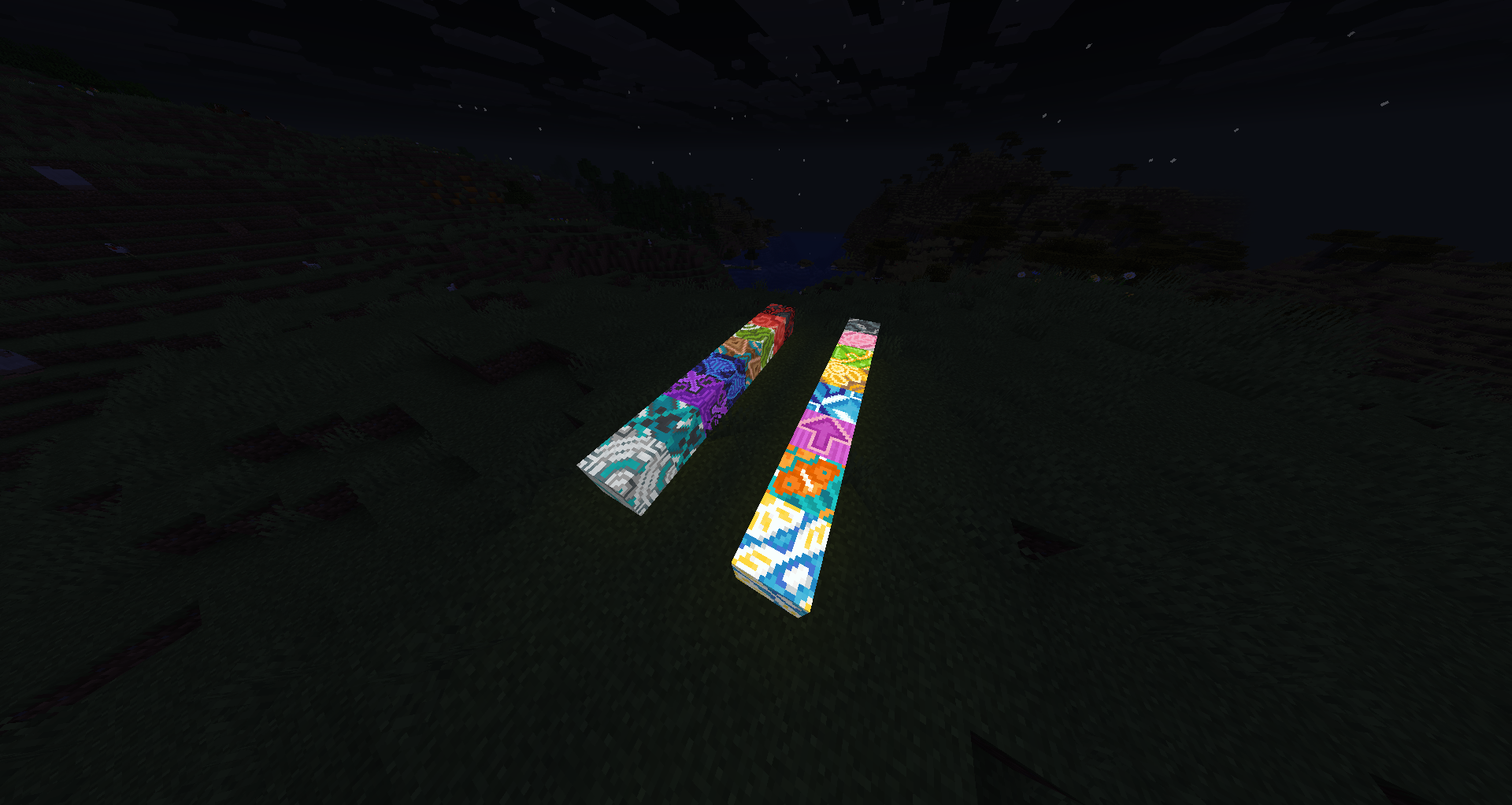
Glow Terracotta
Craft any terracotta with a Glow Ink Sac to create glowing terracotta blocks.
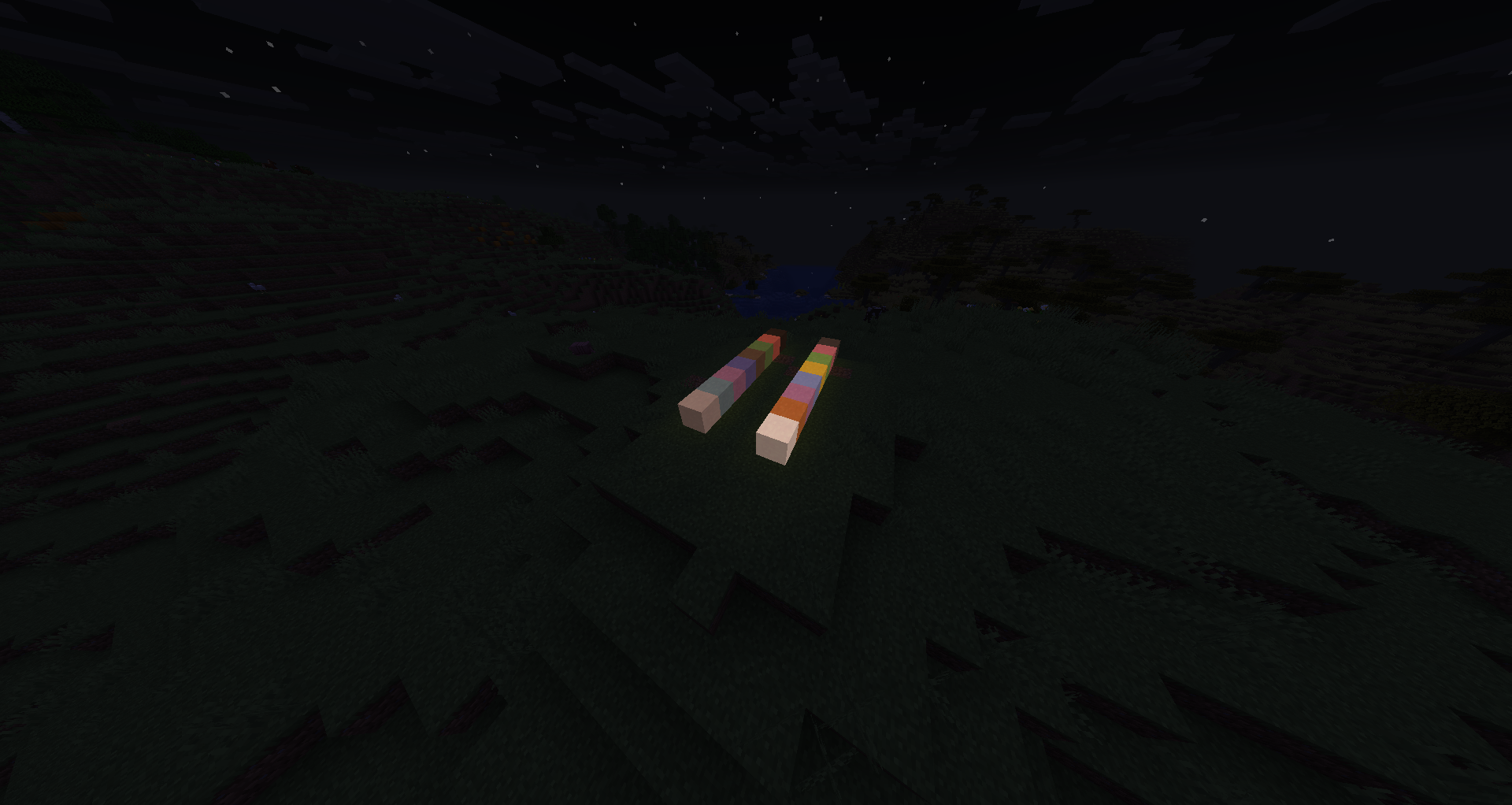
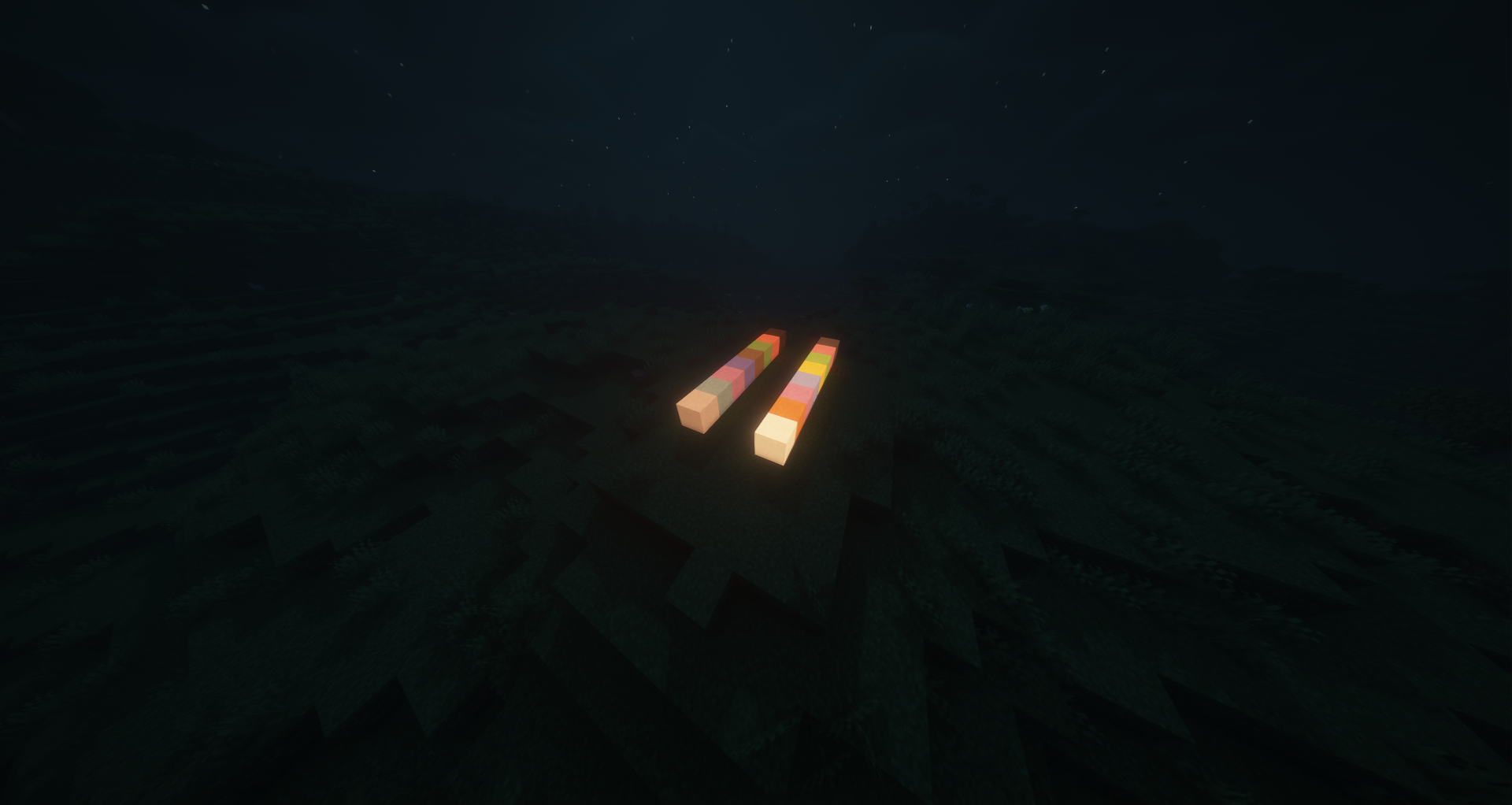
Glow Concrete Powder
Craft any concrete powder with a Glow Ink Sac to create glowing concrete powder. Like vanilla, it falls with gravity and hardens into glowing concrete on contact with water.
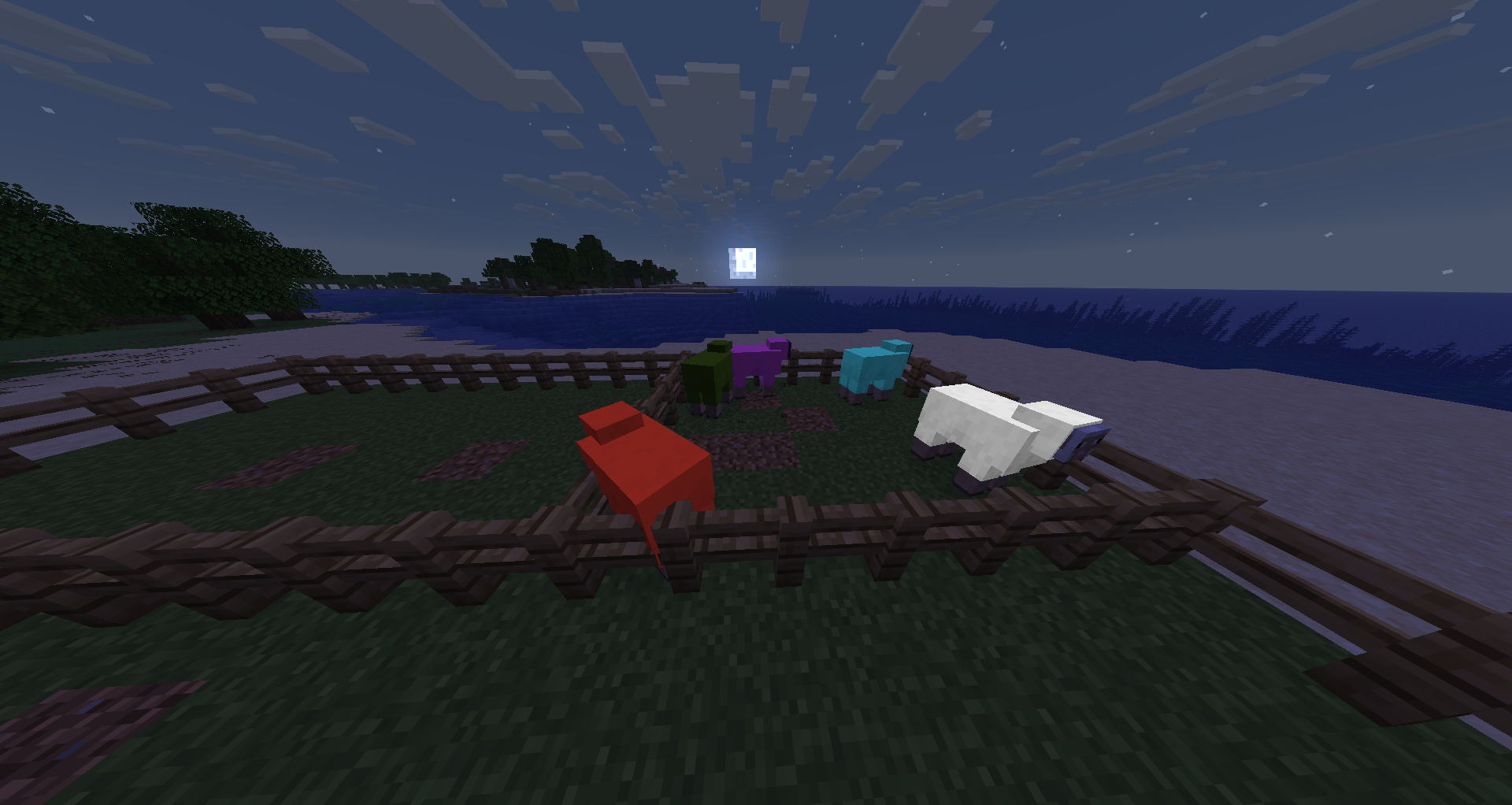
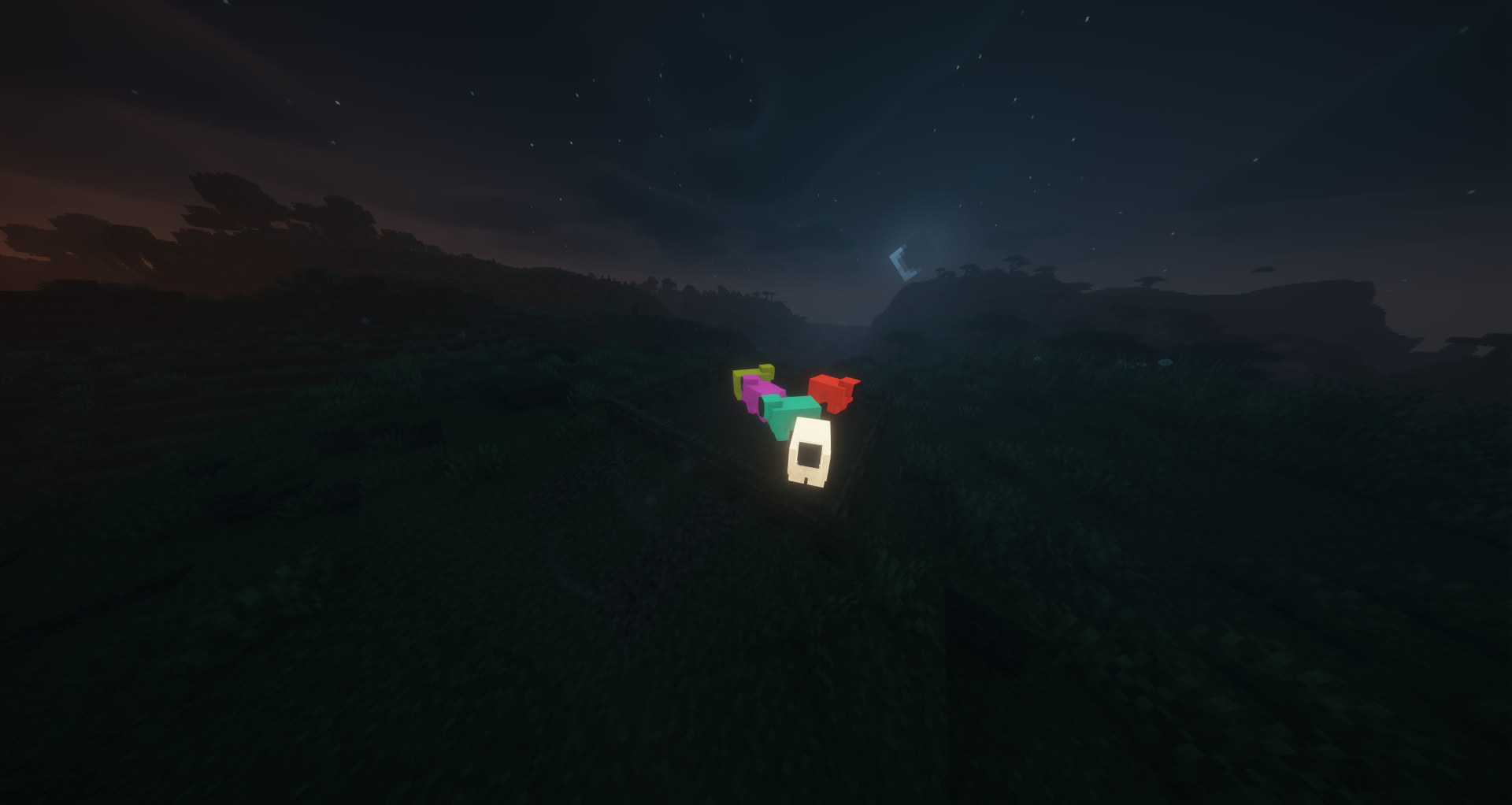
Glowing Sheep
Right-click a sheep with a Glow Ink Sac to make its wool glow. The glowing state persists and is visible to all players in multiplayer. Shearing a glowing sheep drops 1-3 Glow Wool items matching its dye color.
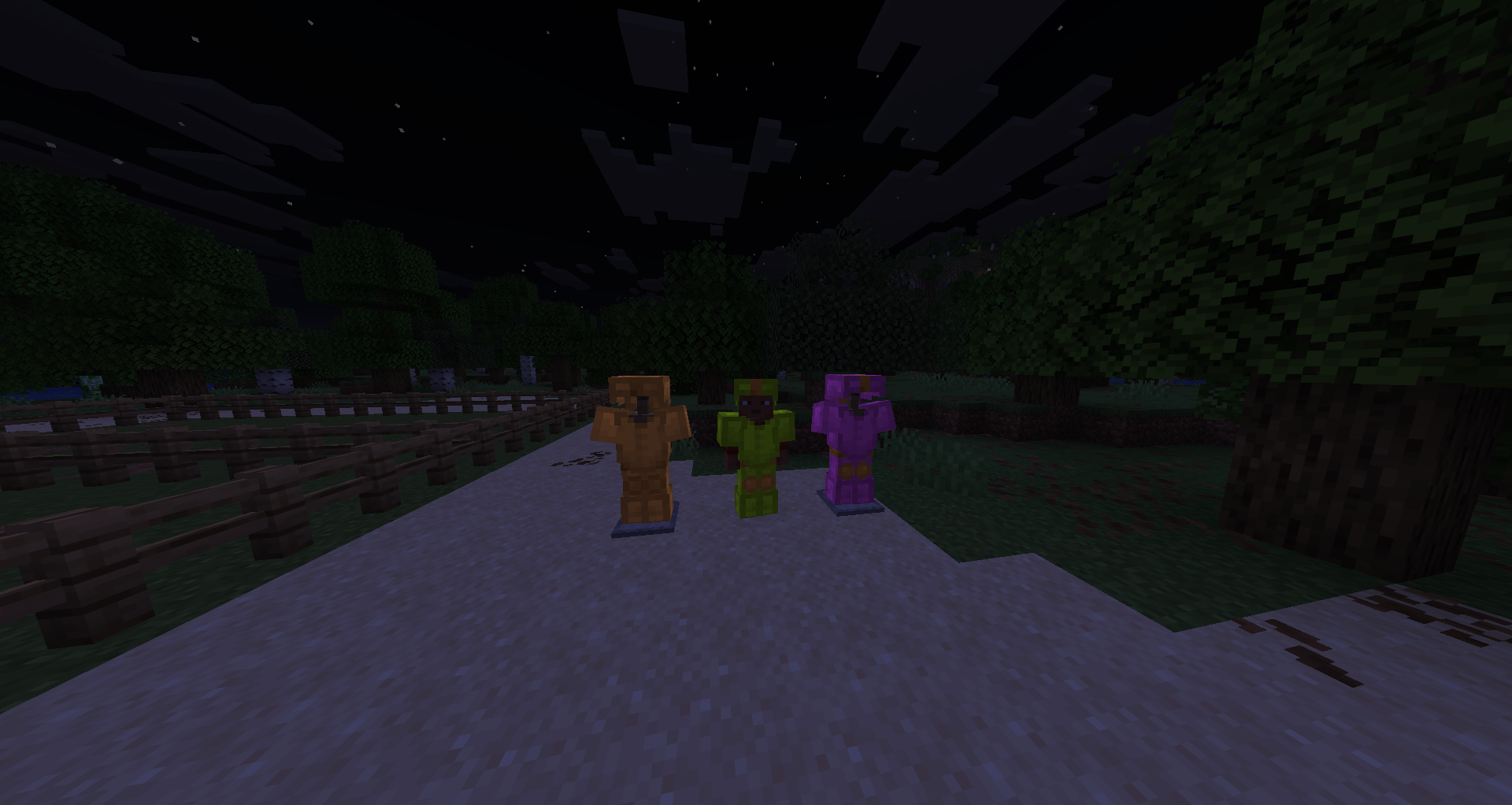
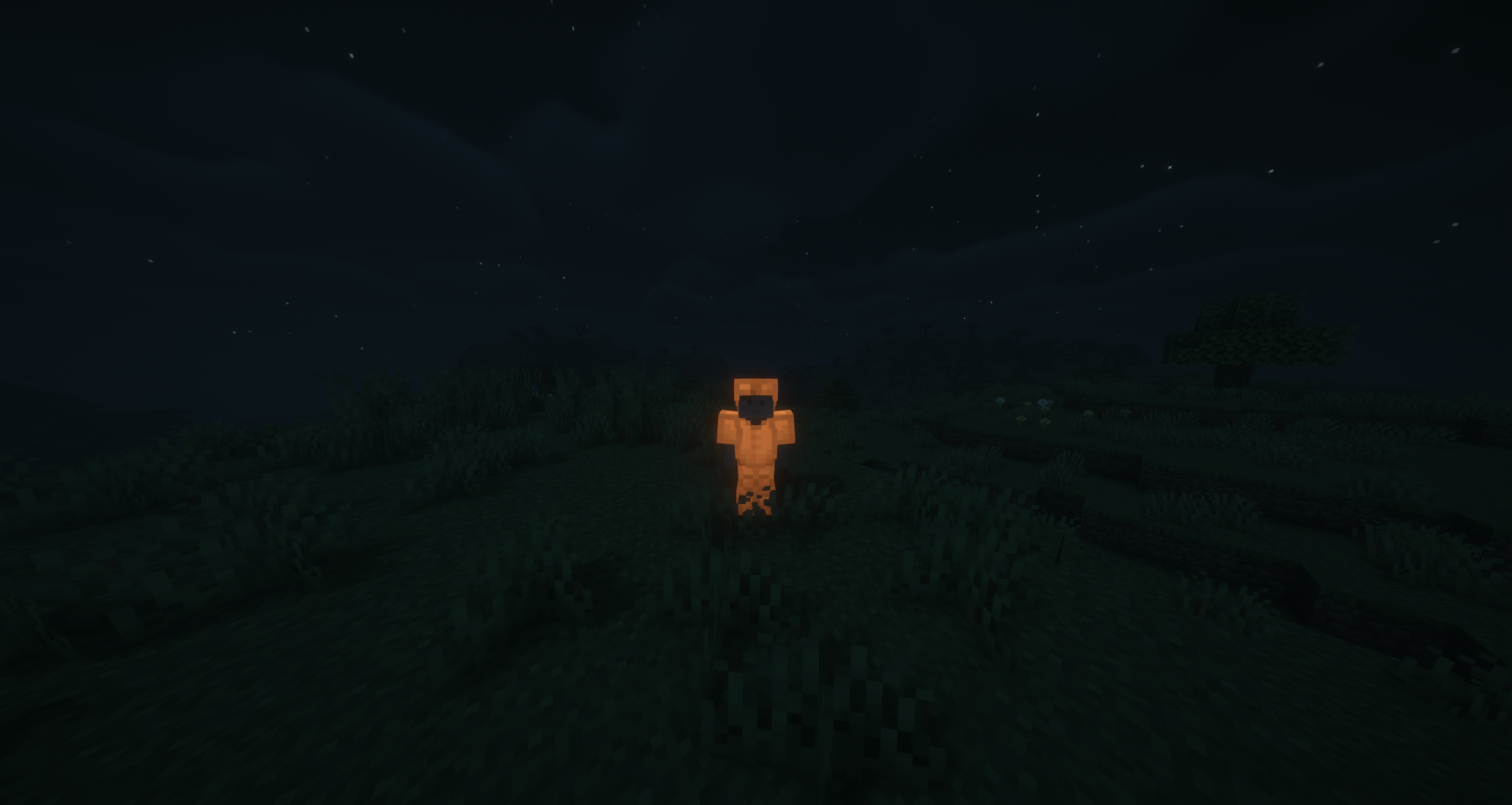
Glowing Leather Armor
Place any leather armor piece in a Smithing Table with a Glow Ink Sac (no template needed) to make it glow at full brightness. Dyed leather armor retains its color while glowing. The effect can be washed off in a water cauldron.
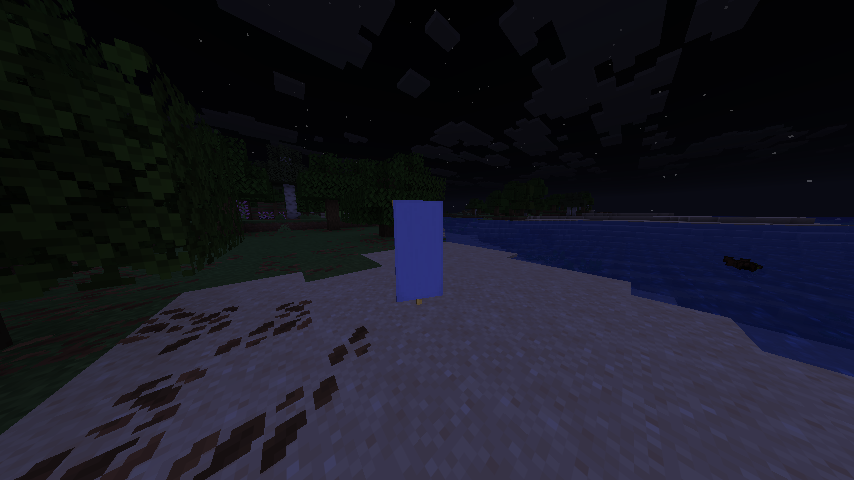
Glowing Banners
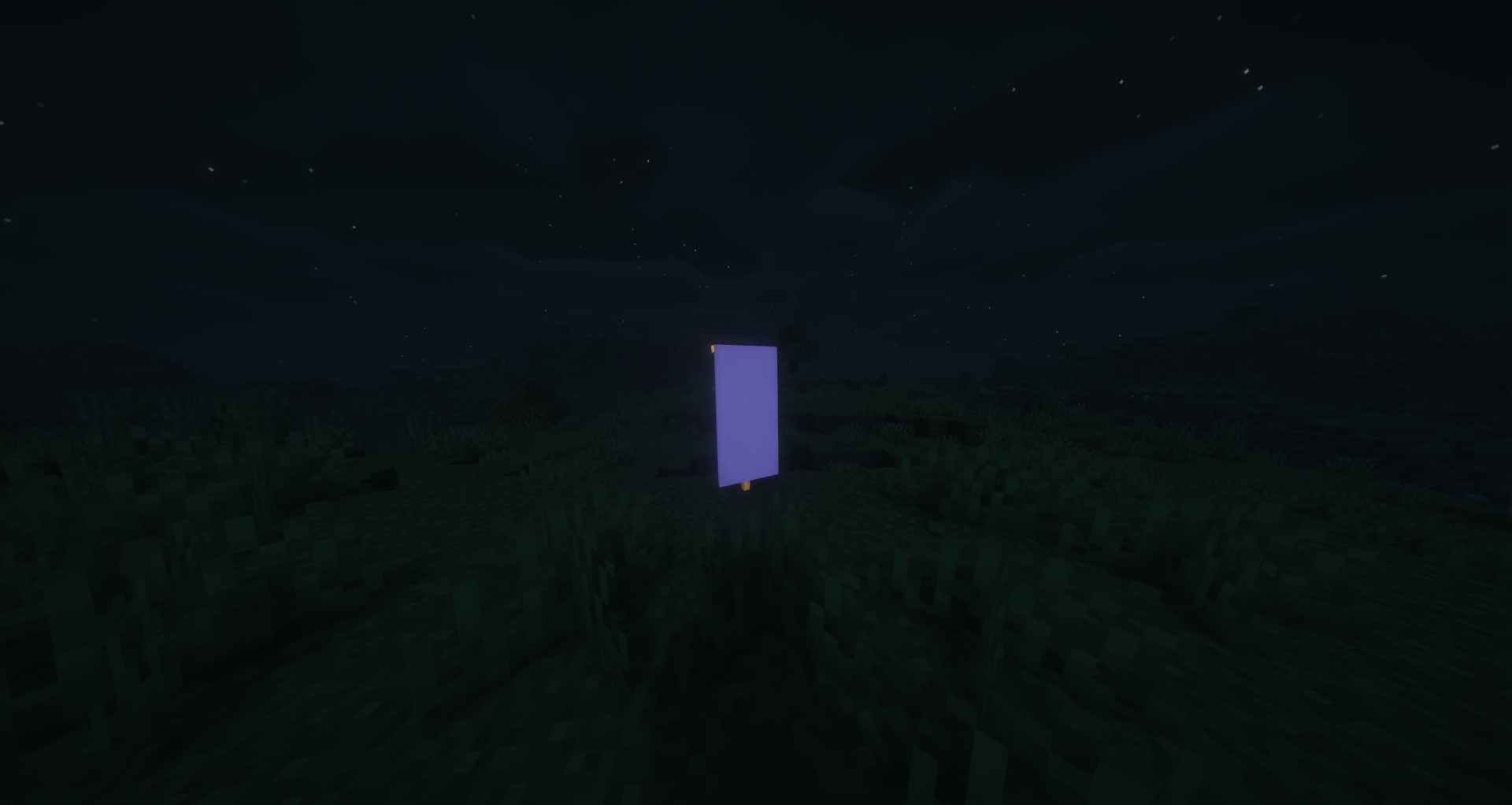
Combine any banner with a Glow Ink Sac in a Crafting Table to make it glow. All patterns, colors, and custom names are preserved. Glowing banners render at full brightness both when placed in the world and when held in hand or displayed in item frames.
Glowing Shields
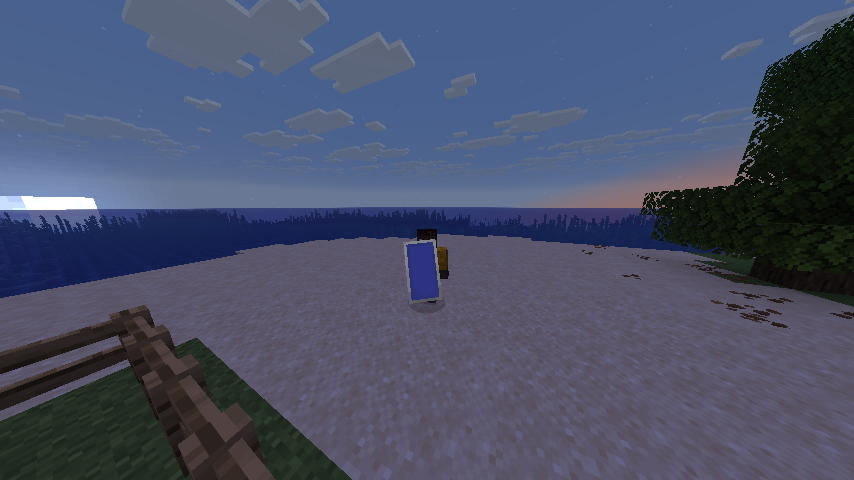
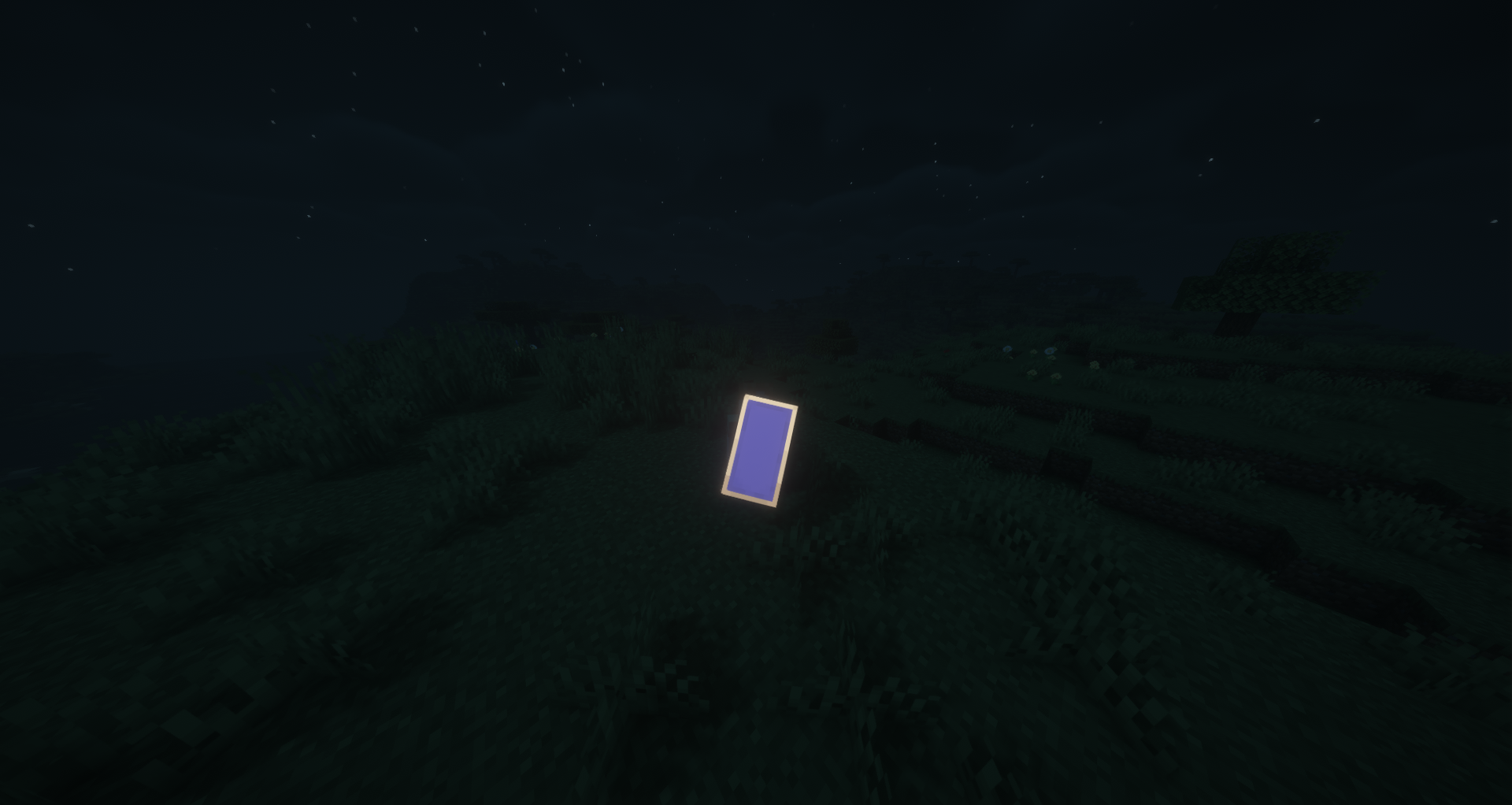
Combine a decorated shield (one with a banner pattern) with a Glow Ink Sac in a Crafting Table to make it glow. Alternatively, applying a glowing banner to a shield will automatically transfer the glow effect. Glowing shields render at full brightness when held.
Additional Info
- All glowing items display a yellow "Glowing" tooltip
- Glowing leather armor can be washed off in a water cauldron
- All 16 dye colors are supported for wool, carpets, beds, stained-glass, candles, glass panes, concrete, glazed terracotta, terracotta, concrete powder, banners, and sheep
- Compatible with Fabric, NeoForge, and Quilt
Shader used: BSL Shaders
Some translations were generated automatically!
Installation von Glow Ink Plus
With Millida Launcher
Install Millida Launcher
The launcher is free: download it at millida.net/launcher and sign in with any nickname.
Click “Install” on this page
The launcher opens and installs the mod for Minecraft 1.20–26.1.2 on Fabric, Forge, NeoForge or Quilt automatically.
Launch the game
A profile with it appears in the launcher: click “Play”.
Manually
Install Fabric, Forge, NeoForge or Quilt
The loader must match the game version of the mod file, for example Minecraft 26.1.2. After installing it, a separate profile appears in your launcher.
Download the file for your version
In the version list above, pick the file glow_ink_plus-neoforge-26.1-2.1.jar (428 KB) for your game version and loader.
Put it in the mods folder
The folder is inside .minecraft (Windows: %appdata%\.minecraft\mods). If it does not exist, create it.
Launch the loader profile
Open “Mods” in the main menu: Glow Ink Plus should be in the list.
Versionen
Mit Abhängigkeiten
| Minecraft | Loader | Datei | Datum | Aktionen |
|---|---|---|---|---|
| 26.1 | NeoForge | Glow Ink Plus Mod-2.1428 KB | ||
| 26.1 | Fabric, Quilt | Glow Ink Plus Mod-2.1427 KB | ||
| 1.20.5 | Forge | Glow Ink Plus Mod-1.3128 KB | ||
| 1.20.1 | Forge | (Forge)GlowInkPlus-1.20.x-1.2.0127 KB |
FAQ
Which Minecraft versions does Glow Ink Plus work on?
There are files for 1.20–26.1.2, 7 versions in total. The newest is 26.1.2.
Is Glow Ink Plus for Forge or Fabric?
There are files for Fabric: 26.1–26.1.2, for Forge: 1.20–1.20.5, for NeoForge: 26.1–26.1.2 and for Quilt: 26.1–26.1.2.
Does Glow Ink Plus need other mods?
The author lists no required dependencies: the Fabric, Forge, NeoForge or Quilt loader is enough.
Where can I download Glow Ink Plus safely?
On this page: the file glow_ink_plus-neoforge-26.1-2.1.jar (428 KB) is stored on Millida’s server, with no link shorteners. SHA-1 checksum: a925da393187d3c1e78a3e55f57dfae65533bfa9.
Bewertungen
Bewerten Sie Glow Ink Plus als Erster


