
Farming for Blockheads Mod für Minecraft 1.21.1, 1.16.5
Fügt einen anpassbaren Markt, einen Versandkasten, Sprinkler und weitere landwirtschaftliche Hilfsmittel hinzu.
 NeoForge
 Fabric
 Forge
Über die Farming for Blockheads-Mod
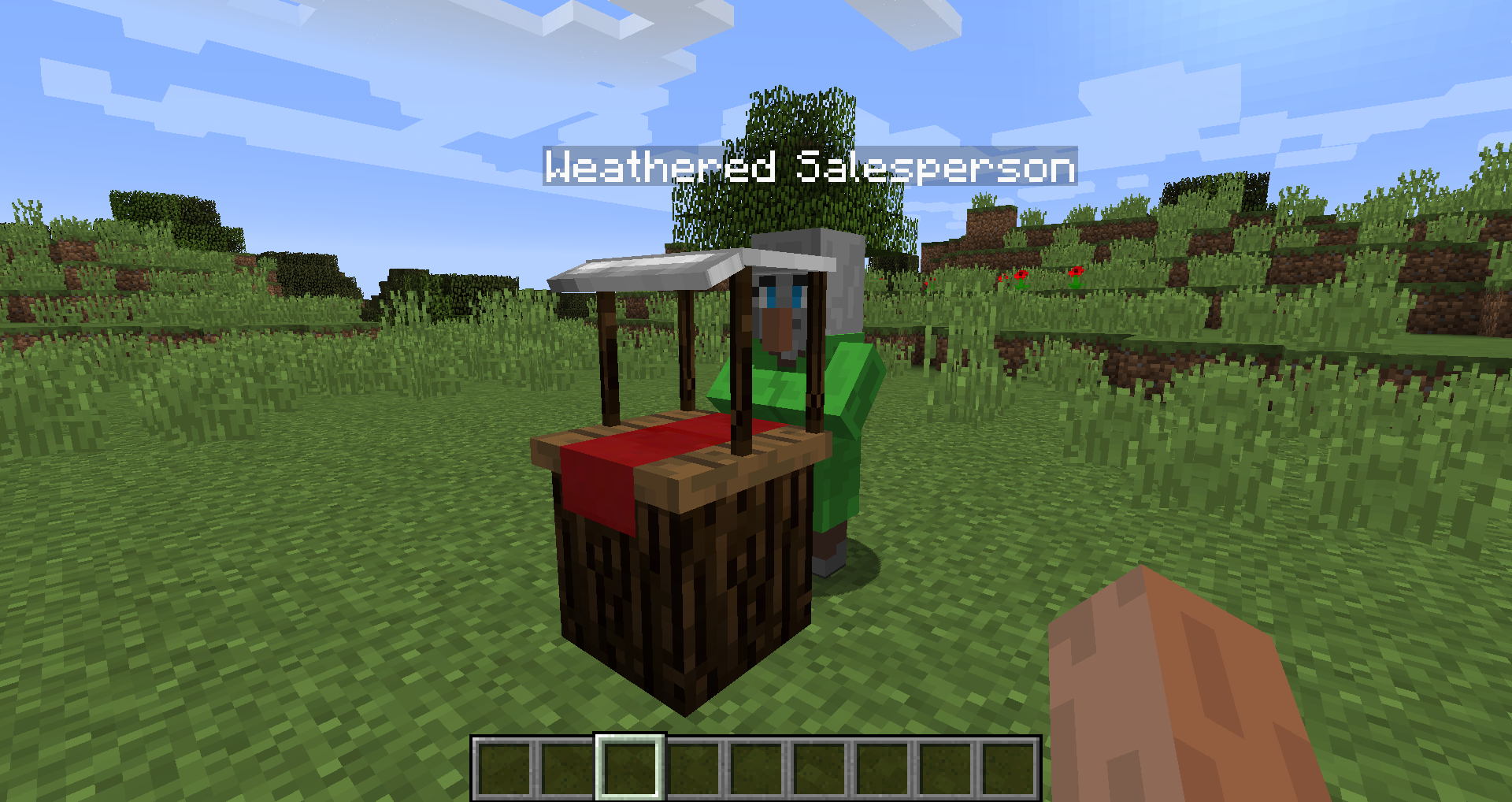
Diese Mod fügt einen Marktblock zu Minecraft hinzu, mit dem du Samen, Setzlinge oder andere Dinge wie Knochenmehl kaufen kannst. Außerdem fügt sie einige landwirtschaftliche Hilfsmittel wie ein Hühnernest, einen Futtertrog, Sprinkler und Dünger hinzu, um deine Feldfrüchte zu verbessern.
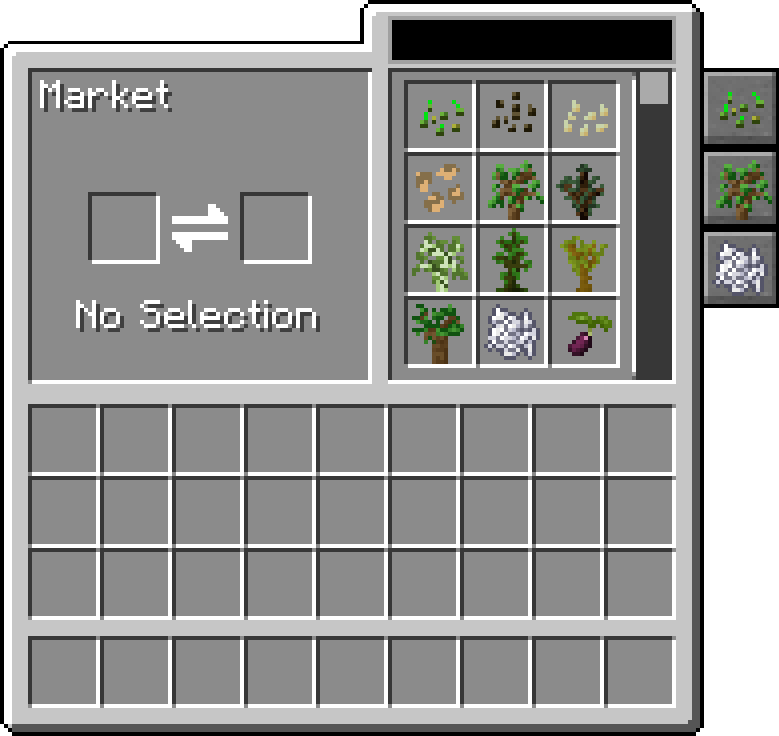
Der Markt ermöglicht das Suchen und Scrollen durch Handelsangebote, kann nach Kategorie filtern und ist konfigurierbar, um weitere Handelsangebote und Kategorien hinzuzufügen.
Diese Mod benötigt Balm, das zusammen mit der Mod installiert werden muss.
- Marktblock, der Samen und Setzlinge verkauft und konfiguriert werden kann, um seine Handelsangebote weiter zu ändern
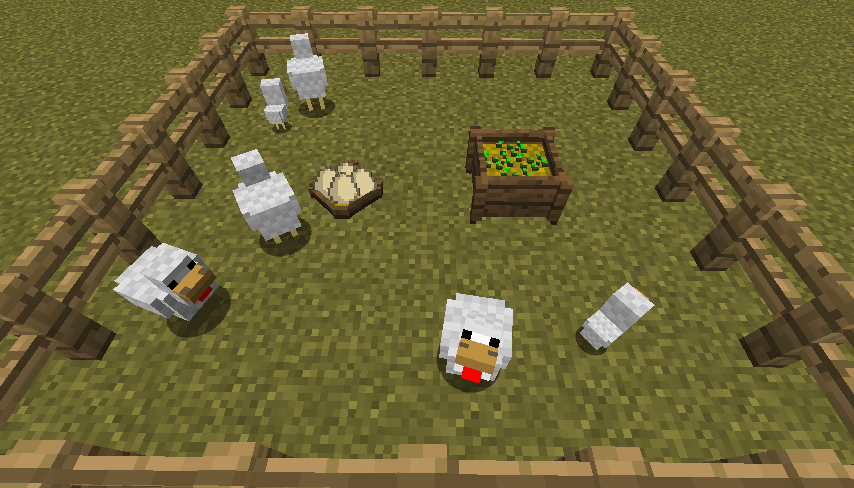
- Hühnernest zum Einsammeln von Hühnereiern, die von all den Hühnern gelegt werden
- Futtertrog zur intelligenten automatischen Fütterung von Tieren
- Dünger zur Verbesserung des Ernteertrags, des Wachstums oder zur Verhinderung von Manipulation
- Kompatibel mit Pam's Harvestcraft, Biomes O' Plenty, Simple Farming und mehr
- Kompatibel mit Just Enough Items (Markt-Handelsangebote werden angezeigt)
Mod-Vorstellung von Mischief of Mice
Installation von Farming for Blockheads
With Millida Launcher
Install Millida Launcher
The launcher is free: download it at millida.net/launcher and sign in with any nickname.
Click “Install” on this page
The launcher opens and installs the mod for Minecraft 1.16.2–26.1.2 on Fabric, Forge or NeoForge automatically.
Launch the game
A profile with it appears in the launcher: click “Play”.
Manually
Install Fabric, Forge or NeoForge
The loader must match the game version of the mod file, for example Minecraft 26.1.2. After installing it, a separate profile appears in your launcher.
Download the file for your version
In the version list above, pick the file farmingforblockheads-neoforge-26.1.2-26.1.2.5.jar (1.1 MB) for your game version and loader.
Put it in the mods folder
The folder is inside .minecraft (Windows: %appdata%\.minecraft\mods). If it does not exist, create it.
Launch the loader profile
Open “Mods” in the main menu: Farming for Blockheads should be in the list.
Versionen
Mit Abhängigkeiten
| Minecraft | Loader | Datei | Datum | Aktionen |
|---|---|---|---|---|
| 26.1.2 | NeoForge | farmingforblockheads-neoforge-26.1.2-26.1.2.5.jar1.1 MB | ||
| 26.1.2 | Fabric | farmingforblockheads-fabric-26.1.2-26.1.2.5.jar1.1 MB 7 | ||
| 1.21.1 | Forge | farmingforblockheads-forge-1.21.1-21.1.14.jar873 KB 5 | ||
| 1.16.5 | — | FarmingForBlockheads_1.16.5-7.3.1.jar275 KB 2 | ||
| 1.16.2 | — | FarmingForBlockheads_1.16.2-7.1.1.jar273 KB |
FAQ
Which Minecraft versions does Farming for Blockheads work on?
There are files for 26.1.2, 1.21.1, 1.16.5, 1.16.2. The newest is 26.1.2.
Is Farming for Blockheads for Forge or Fabric?
There are files for Fabric: 26.1.2, for Forge: 1.21.1 and for NeoForge: 26.1.2.
Does Farming for Blockheads need other mods?
The author lists no required dependencies: the Fabric, Forge or NeoForge loader is enough.
Where can I download Farming for Blockheads safely?
On this page: the file farmingforblockheads-neoforge-26.1.2-26.1.2.5.jar (1.1 MB) is stored on Millida’s server, with no link shorteners. SHA-1 checksum: b19d560601cfd429a92be742dd4ba346c7d554e4.
Bewertungen
Bewerten Sie Farming for Blockheads als Erster


