
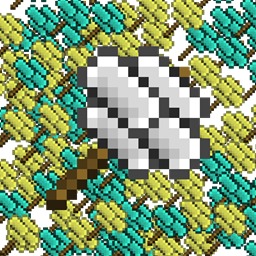
Ex Compressum Mod für Minecraft 1.21.1, 1.16.5
Ex Nihilo-Addon, das den Grind reduziert, indem es komprimierte Hämmer und Automatisierungswerkzeuge hinzufügt.
 NeoForge
 Fabric
 Forge
ForgeÜber die Ex Compressum-Mod
Ex Compressum ist ein Ex-Nihilo-Addon, das Werkzeuge bietet, um den anfänglichen Grind in Skyblocks auf ausgewogene Weise zu reduzieren.
In Minecraft 1.10.2 unterstützt es sowohl Ex Nihilo Omnia als auch Ex Nihilo Adscensio.
In Minecraft 1.12 unterstützt es Ex Nihilo: Creatio.
In Minecraft 1.20.1 unterstützt es Ex Nihilo: Sequentia, Ex Deorum und Fabricae Ex Nihilo.

In Minecraft 1.21.1 unterstützt es Ex Nihilo: Sequentia und Ex Deorum.
In Minecraft 26.1 und höher unterstützt es Ex Deorum.
- Compressed Hammers, um Compressed Blocks in neun ihrer zerschlagenen Versionen zu zerlegen (z. B. Compressed Gravel -> 9 Sand)
- Compressed Crook, der viermal so schnell wie ein normaler Crook ist, aber nur doppelt so haltbar
- Heavy Sieve, um komprimierte Blöcke direkt zu sieben, mit einem kleinen Effizienzverlust
- Auto Compressor, um Gegenstände automatisch zu Blöcken zu komprimieren (z. B. Broken Ores zu Ore Gravel)
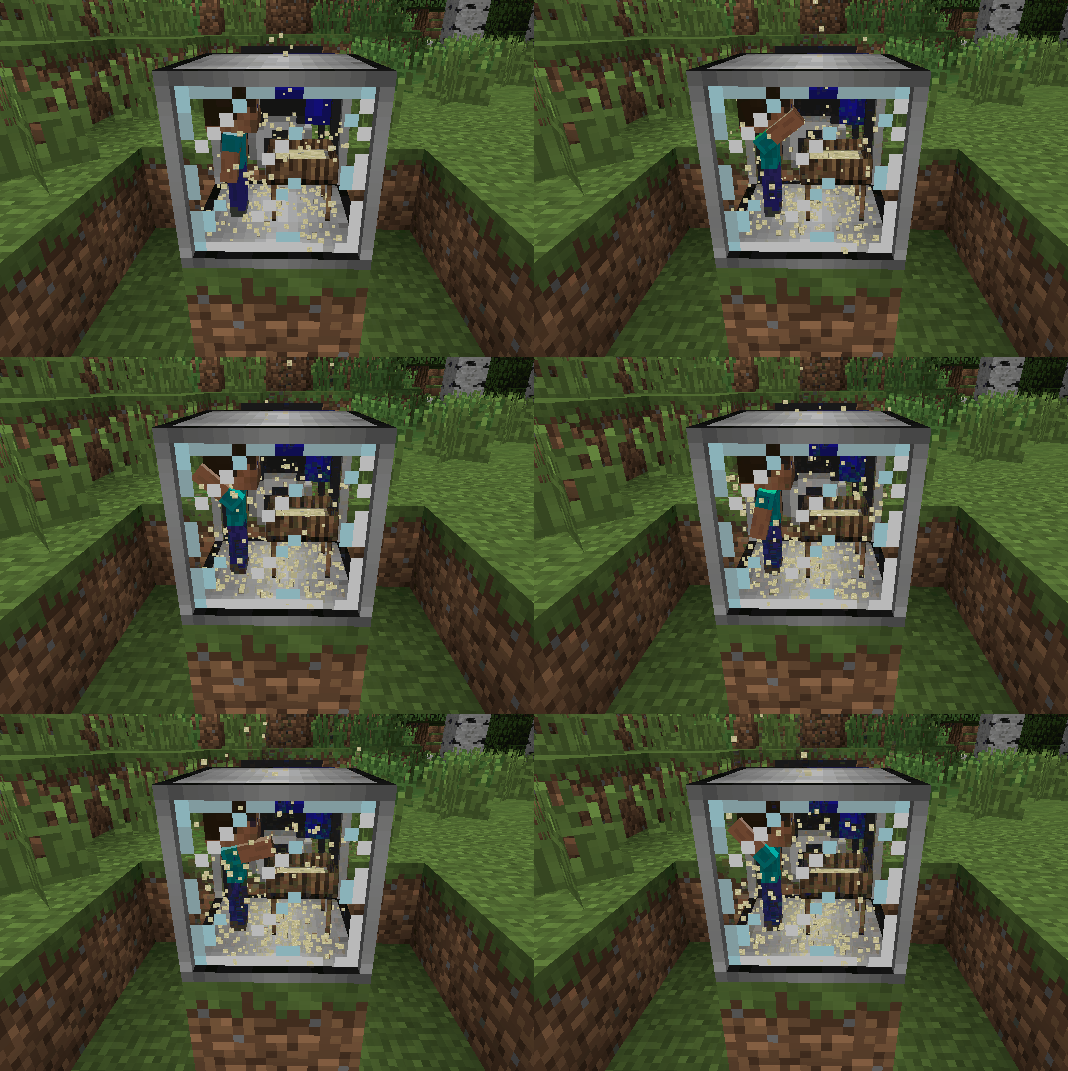
- Auto Sieves und Auto Hammers
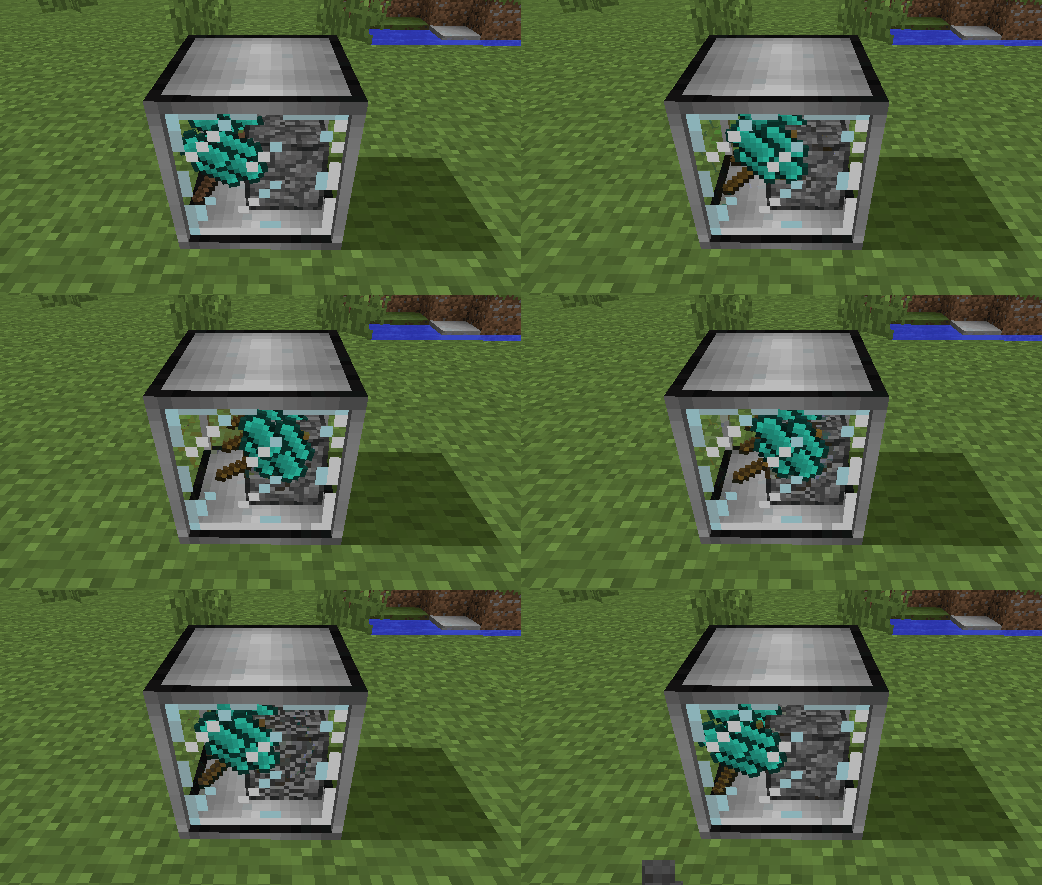
- Wooden Crucible, um Wasser aus Pflanzen zu gewinnen, als Alternative zum Regen
- Animal baits, die platziert werden können, um Kühe, Schweine, Hühner, Schafe, Ozelots und Wölfe außerhalb ihres natürlichen Bioms zu spawnen
Installation von Ex Compressum
With Millida Launcher
Install Millida Launcher
The launcher is free: download it at millida.net/launcher and sign in with any nickname.
Click “Install” on this page
The launcher opens and installs the mod for Minecraft 1.16.3–26.2 on Fabric, Forge or NeoForge automatically.
Launch the game
A profile with it appears in the launcher: click “Play”.
Manually
Install Fabric, Forge or NeoForge
The loader must match the game version of the mod file, for example Minecraft 26.2. After installing it, a separate profile appears in your launcher.
Download the file for your version
In the version list above, pick the file excompressum-neoforge-26.2-26.2.0.1.jar (702 KB) for your game version and loader.
Put it in the mods folder
The folder is inside .minecraft (Windows: %appdata%\.minecraft\mods). If it does not exist, create it.
Launch the loader profile
Open “Mods” in the main menu: Ex Compressum should be in the list.
Versionen
Mit Abhängigkeiten
| Minecraft | Loader | Datei | Datum | Aktionen |
|---|---|---|---|---|
| 26.2 | NeoForge | excompressum-neoforge-26.2-26.2.0.1.jar702 KB 1 | ||
| 26.2 | Fabric | excompressum-fabric-26.2-26.2.0.1.jar722 KB 3 | ||
| 1.21.1 | Forge | excompressum-forge-1.21.1-21.1.15.0.jar672 KB 3 | ||
| 1.18.2 | Forge | excompressum-forge-1.18.2-5.0.3.jar704 KB | ||
| 1.16.5 | — | ExCompressum_1.16.5-4.0.4.jar699 KB | ||
| 1.16.3 | — | ExCompressum_1.16.5-4.0.2.jar694 KB |
FAQ
Which Minecraft versions does Ex Compressum work on?
There are files for 26.2, 1.21.1, 1.18.2, 1.16.5, 1.16.4, 1.16.3. The newest is 26.2.
Is Ex Compressum for Forge or Fabric?
There are files for Fabric: 26.2, for Forge: 1.18.2–1.21.1 and for NeoForge: 26.2.
Does Ex Compressum need other mods?
The author lists no required dependencies: the Fabric, Forge or NeoForge loader is enough.
Where can I download Ex Compressum safely?
On this page: the file excompressum-neoforge-26.2-26.2.0.1.jar (702 KB) is stored on Millida’s server, with no link shorteners. SHA-1 checksum: de77552c53b58cd5b4002f9af0ec3ec2208044ec.
Bewertungen
Bewerten Sie Ex Compressum als Erster


