
 NeoForge
 Forge
Dynamic Trees | Quark
Overview
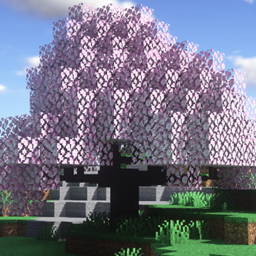
This mod makes Quark compatible with Dynamic Trees, adding dynamically growing versions of trees added by said mod, and fully replacing them during world generation. The trees, their behaviour and their generation can be customized and tweaked through the use of Tree Packs.
Features
Included Trees
(1.20.1)
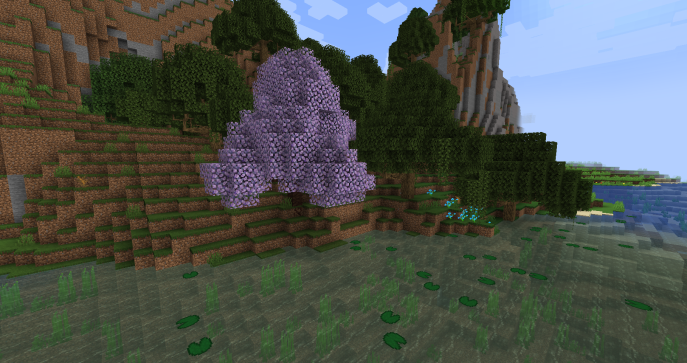
- Fiery Trumpet
- Frosty Trumpet
- Serene Trumpet
- Sunny Trumpet
- Warm Trumpet
- Ashen Tree
- Glow Shroom (When Dynamic Trees + is installed)
(1.16.5 / 1.18.2)
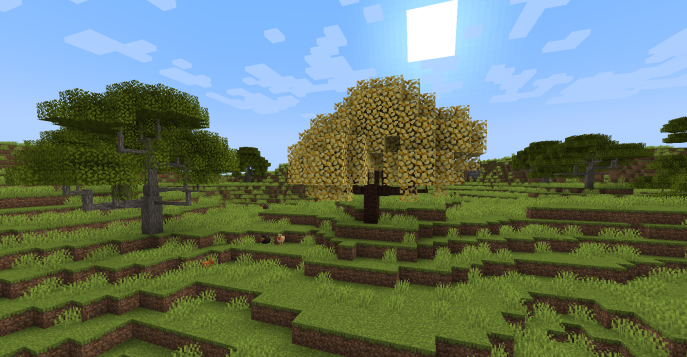
- Fiery Blossom
- Frosty Blossom
- Serene Blossom
- Sunny Blossom
- Sweet Blossom
- Warm Blossom
(1.12.2)
- Blossoming Tree
- Swamp Oak
Quark's Azalea
(1.18.2)
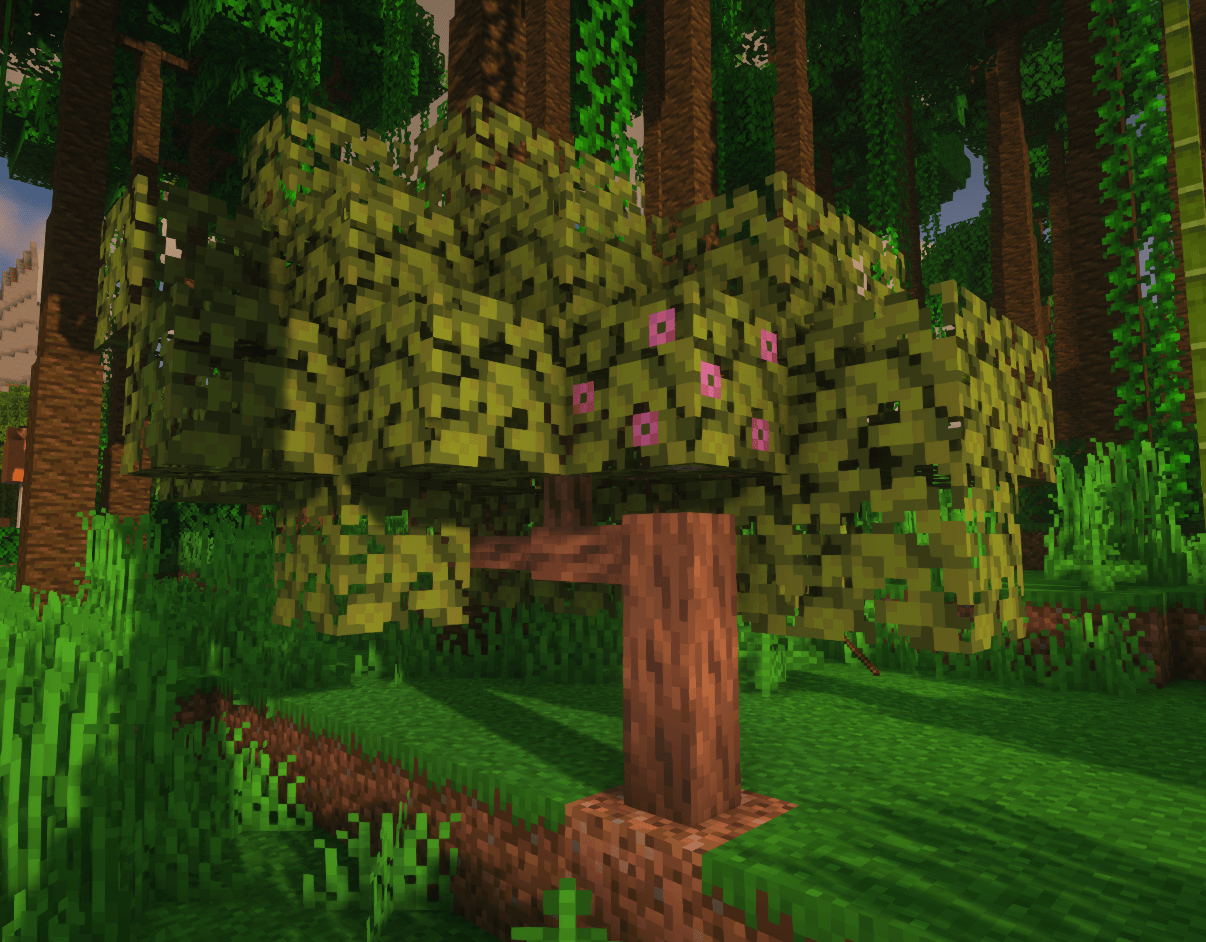
With this addon, azalea trees will have Quark's azalea logs, and will also drop more logs to make them more viable.
World Generation
Dynamic Quark Trees generate in the world.
Azalea trees that generate will also have quark's azalea wood. in 1.12.2 because of quark's config, the addon cannot disable non-dynamic trees from spawning on its own. This can easily be resolved by disabling blossoming and swamp trees in quark settings.
Other Addons
Dynamic Trees addons for other mods can be found in the Dynamic Trees curseforge page.
Suggestions and Requests
To request a new mod for compatibility please do it here!! https://github.com/orgs/DynamicTreesTeam/discussions/categories/compatibility-addon-suggestions
Requirements
- Dynamic Trees
- Quark
## Licensing and Mod Packs
You can use this in any mod pack you'd like! No need to ask. This mod has an MIT license and its source is public on github.
Installation von Dynamic Trees - Quark
With Millida Launcher
Install Millida Launcher
The launcher is free: download it at millida.net/launcher and sign in with any nickname.
Click “Install” on this page
The launcher opens and installs the mod for Minecraft 1.16.5–1.21.1 on Forge or NeoForge automatically.
Launch the game
A profile with it appears in the launcher: click “Play”.
Manually
Install Forge or NeoForge
The loader must match the game version of the mod file, for example Minecraft 1.21.1. After installing it, a separate profile appears in your launcher.
Download the file for your version
In the version list above, pick the file dtquark-2.6.1.jar (458 KB) for your game version and loader.
Put it in the mods folder
The folder is inside .minecraft (Windows: %appdata%\.minecraft\mods). If it does not exist, create it.
Launch the loader profile
Open “Mods” in the main menu: Dynamic Trees - Quark should be in the list.
Minecraft 1.21.1 runs on Java 21: with a different Java version the game may close right after launch.
Versionen
Mit Abhängigkeiten
| Minecraft | Loader | Datei | Datum | Aktionen |
|---|---|---|---|---|
| 1.21.1 | NeoForge | DynamicTreesforQuark-NeoForge-1.21.1 2.6.1458 KB 7 | ||
| 1.19.2 | Forge | DynamicTreesQuark-1.19.2-2.4.1.jar450 KB | ||
| 1.19.2 | Forge | DynamicTreesQuark-1.19.2-2.4.0-Beta1.jar425 KB | ||
| 1.16.5 | — | DynamicTreesQuark-1.16.5-2.0.3.jar45.8 KB |
Bewertungen
Bewerten Sie Dynamic Trees - Quark als Erster


