
Dungeon Difficulty Mod für Minecraft 1.20.1, 1.21.1
☠️ Ortsbasierte Schwierigkeit mit mächtigeren Belohnungen
 NeoForge
 Fabric
 Forge
Forge
☠️ Location based difficulty
Location based difficulty, based on either one of these:
- dimension
- biome (id/regex/tag)
- structure (id/regex/tag)
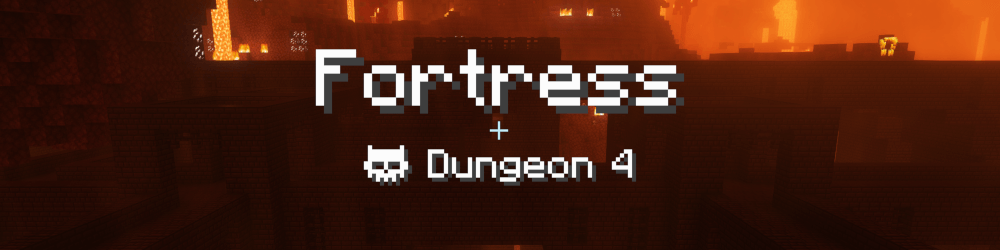
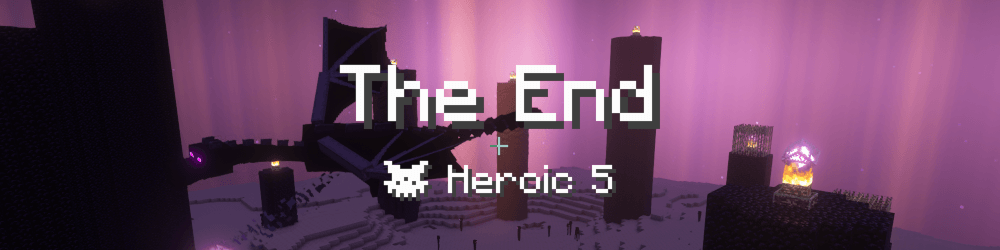
Various difficulty types, defaults include:
- Adventure (increasing mob attributes: max HP, damage, armor)
- Dungeon (same as Adventure + increasing power of looted items)
- Heroic (same as Dungeon, with different name to indicate boss fight)

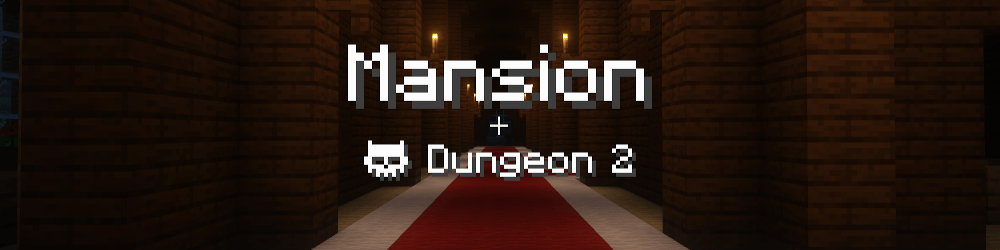
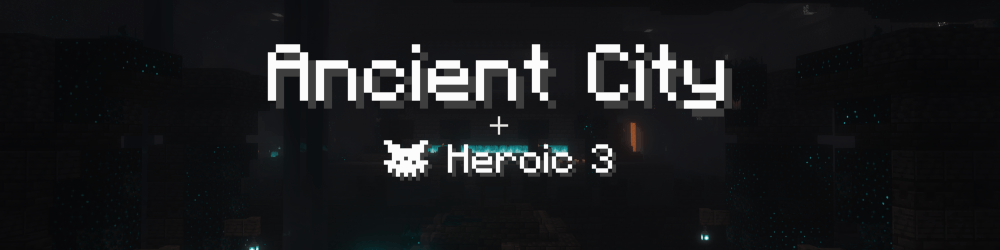
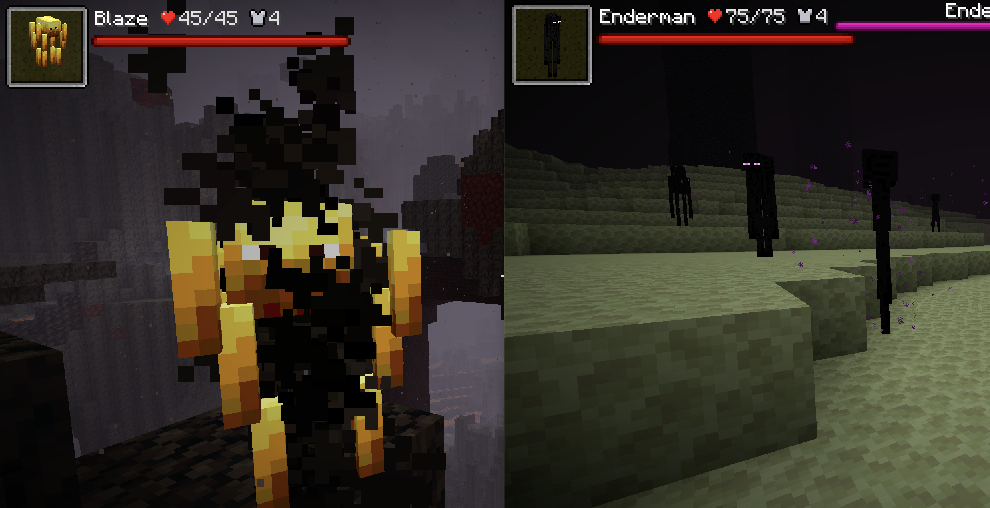
Some example mobs:
🗡️ Loot scaling
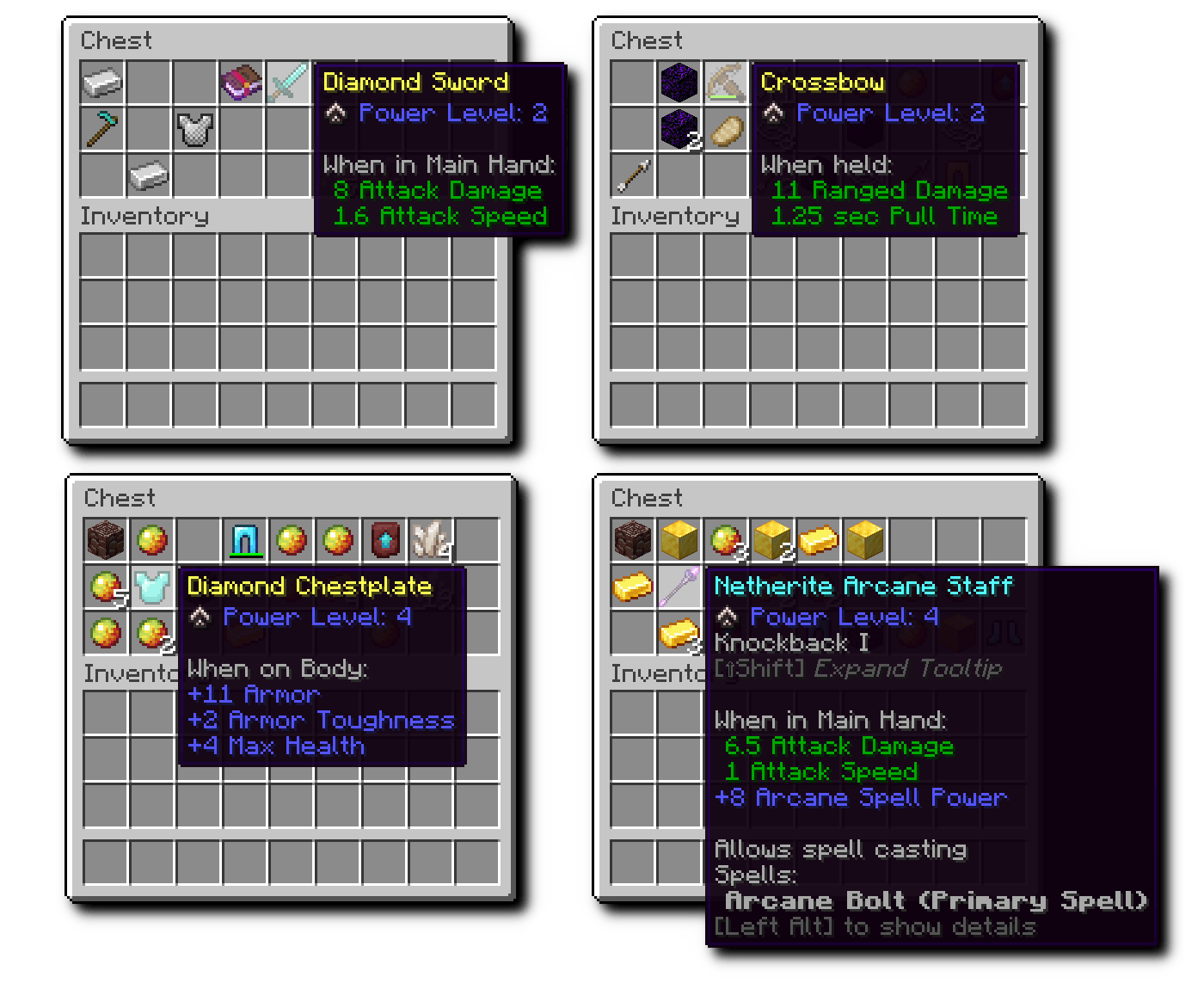
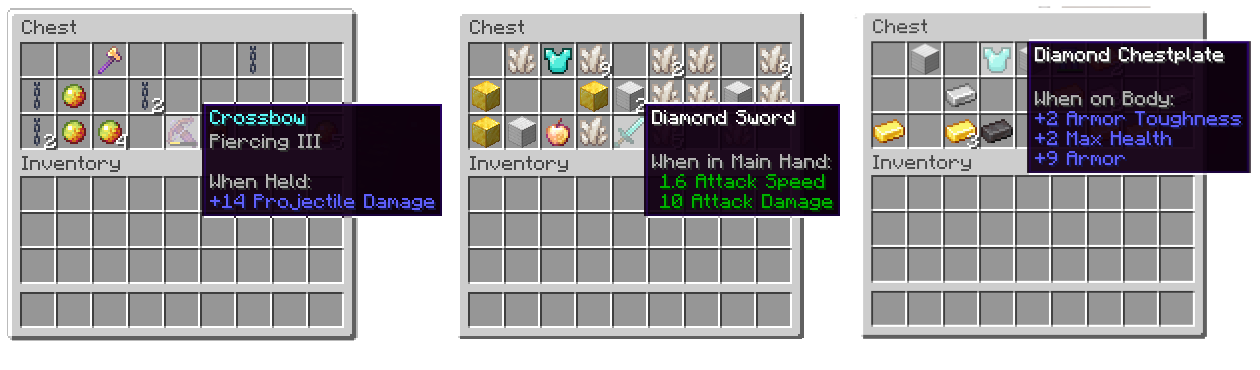
Matching the location specific difficulty, items are scaled up:
- Indicated as "Power Level" on the item tooltips
- Predefined attributes (such as attack damage, max health) get added or increased
- Works on defined items and attributes (vanilla and modded) - Reworked item rarity (enchanted items are Uncommon, scaled up items are Uncommon, enchanted + scaled up items are Rare)
This mechanic motivates players for exploration and dungeoneering instead of base camping and crafting.
👨👩👧👦 Per player difficulty
Additional players in a multiplayer game, silently increase the difficulty.
🔧 Fully configurable
This mod has a very flexible configuration, that uses id/regex/tag based matching, allowing
- any combination of dimension, biome and structure to define difficulty
- custom difficulty types to be added
- any attributes to be scaled on looted items (vanilla and mod attributes)
For more details check out the project readme.
⭐️ Designed for multiplayer
Create your own RPG server. Using our promo code gets you cheaper prices and supports us.
Installation von Dungeon Difficulty
With Millida Launcher
Install Millida Launcher
The launcher is free: download it at millida.net/launcher and sign in with any nickname.
Click “Install” on this page
The launcher opens and installs the mod for Minecraft 1.19.3–1.21.1 on Fabric, Forge or NeoForge automatically.
Launch the game
A profile with it appears in the launcher: click “Play”.
Manually
Install Fabric, Forge or NeoForge
The loader must match the game version of the mod file, for example Minecraft 1.21.1. After installing it, a separate profile appears in your launcher.
Download the file for your version
In the version list above, pick the file dungeon_difficulty-neoforge-3.9.1+1.21.1.jar (216 KB) for your game version and loader.
Put it in the mods folder
The folder is inside .minecraft (Windows: %appdata%\.minecraft\mods). If it does not exist, create it.
Launch the loader profile
Open “Mods” in the main menu: Dungeon Difficulty should be in the list.
Minecraft 1.21.1 runs on Java 21: with a different Java version the game may close right after launch.
Versionen
Mit Abhängigkeiten
| Minecraft | Loader | Datei | Datum | Aktionen |
|---|---|---|---|---|
| 1.21 | NeoForge | 3.9.1+1.21.1216 KB 2 | ||
| 1.21 | Fabric | 3.9.1+1.21.1210 KB 1 | ||
| 1.20.1 | Forge, NeoForge | 3.8.0+1.20.1785 KB 3 | ||
| 1.19.4 | Fabric | dungeon_difficulty-2.0.5+1.19.4.jar110 KB | ||
| 1.19.3 | Fabric | dungeon_difficulty-2.0.0+1.19.3.jar108 KB |
FAQ
Which Minecraft versions does Dungeon Difficulty work on?
There are files for 1.21.1, 1.21, 1.20.1, 1.19.4, 1.19.3. The newest is 1.21.1.
Is Dungeon Difficulty for Forge or Fabric?
There are files for Fabric: 1.19.3–1.21.1, for Forge: 1.20.1 and for NeoForge: 1.20.1–1.21.1.
Does Dungeon Difficulty need other mods?
The author lists no required dependencies: the Fabric, Forge or NeoForge loader is enough.
Which Java does Dungeon Difficulty need?
Minecraft 1.21.1 runs on Java 21. If the game closes right after launch, the usual cause is the wrong Java version in the profile settings.
Where can I download Dungeon Difficulty safely?
On this page: the file dungeon_difficulty-neoforge-3.9.1+1.21.1.jar (216 KB) is stored on Millida’s server, with no link shorteners. SHA-1 checksum: a21aedde8ffb67305d0c7353fe2fe820f0ece3d6.
Bewertungen
Bewerten Sie Dungeon Difficulty als Erster


