
Create: Radars Mod für Minecraft 1.20.1, 1.21.1
Fügt Create fortschrittliche Überwachungstechnologien hinzu!
 NeoForge
 Forge
ForgeÜber die Create: Radars-Mod
Requires Create
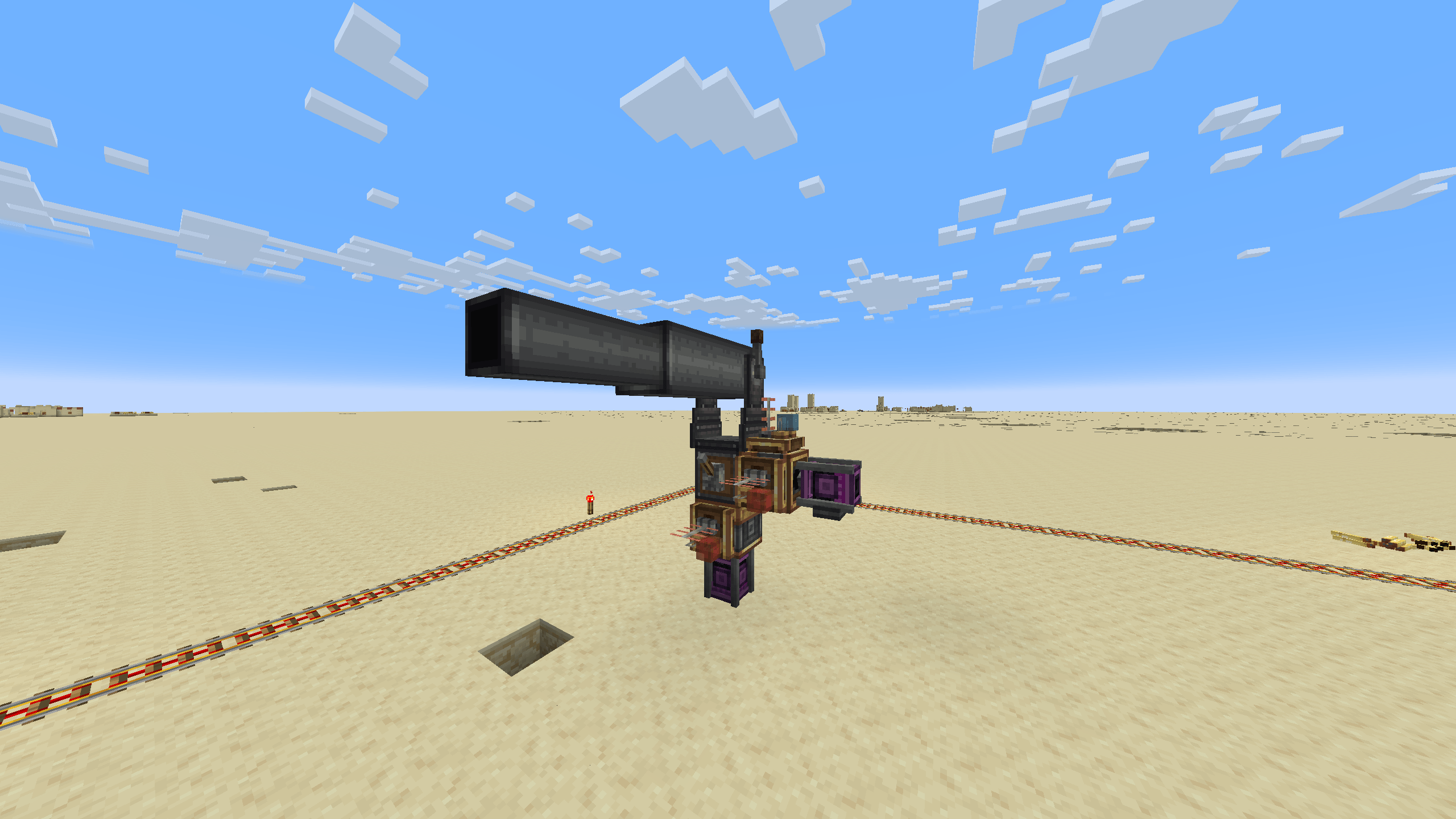
NEOFORGE IS OUT
Many features will come. We are working!
Join the community for exclusive news and support:
https://discord.gg/create-arsenal-1044367456417882202
https://ko-fi.com/arsenalistsofcreate
About
Welcome to Create Radars, a mod offering a variety of tools and blocks for Surveillance, Detection, and Controlling Weapons.
The added elements of tech are designed to leave as many design choices to the player as possible. With Create Radars, the game isn't played inside a bunch of UIs, it challenges you to setup contraptions of animated components working together in many possible arrangements, and a wide variety of techniques and features ensuring strategic depth and immersion.
The mechanics are inspired by real life detection technology, but simplified to the extent any player can utilize them... and so development would go faster.
Current Features:
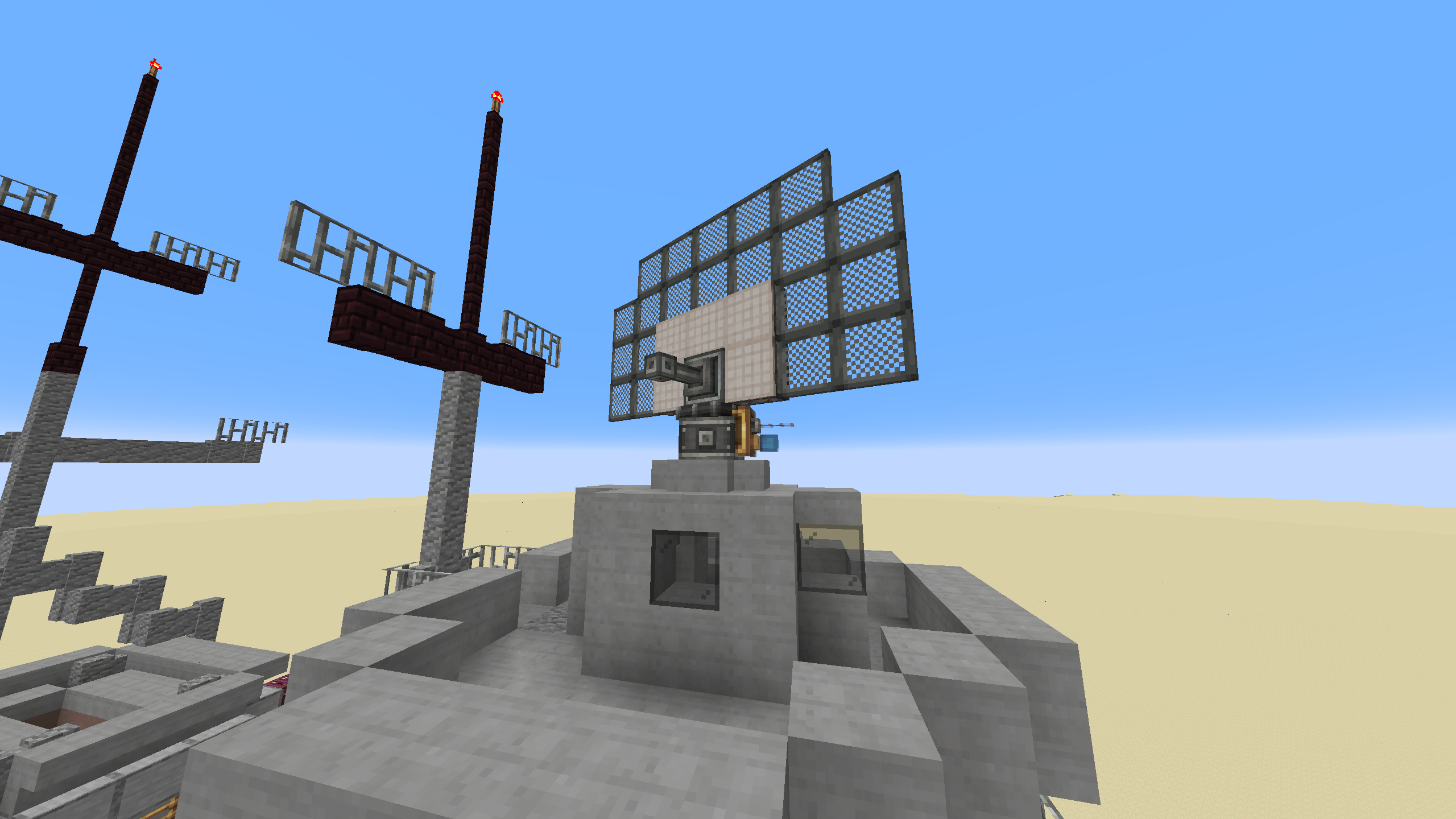
- Radar bearing multiblock: Shape your radar however you like, with each characteristic influencing its capability.
- Scalable monitor multiblock: Visualize your radar, to have an overview of the battlefield and effortlessly spot any intruders.
- Cannon controller: Direct your autocannons at your intruders, with the help of your radars.
Installation von Create: Radars
With Millida Launcher
Install Millida Launcher
The launcher is free: download it at millida.net/launcher and sign in with any nickname.
Click “Install” on this page
The launcher opens and installs the mod for Minecraft 1.20.1–1.21.1 on Forge or NeoForge automatically.
Launch the game
A profile with it appears in the launcher: click “Play”.
Manually
Install Forge or NeoForge
The loader must match the game version of the mod file, for example Minecraft 1.21.1. After installing it, a separate profile appears in your launcher.
Download the file for your version
In the version list above, pick the file create_radar-0.4.9.4-1.21.1.jar (2.9 MB) for your game version and loader.
Put it in the mods folder
The folder is inside .minecraft (Windows: %appdata%\.minecraft\mods). If it does not exist, create it.
Launch the loader profile
Open “Mods” in the main menu: Create: Radars should be in the list.
Minecraft 1.21.1 runs on Java 21: with a different Java version the game may close right after launch.
Versionen
Mit Abhängigkeiten
| Minecraft | Loader | Datei | Datum | Aktionen |
|---|---|---|---|---|
| 1.21.1 | NeoForge | create_radar-0.4.9.4-1.21.1.jar2.9 MB 371 | ||
| 1.20.1 | Forge | create_radar-0.4.6+mc1.20.1.jar2.8 MB 59 | ||
| 1.21.1 | NeoForge | create_radar-0.4.6-1.21.1.jar15.7 MB | ||
| 1.20.1 | Forge | create_radar-0.4.3+Create-5+mc1.20.1.jar2.8 MB | ||
| 1.20.1 | Forge | Radars 3.5.2-Create 6.0.8.jar2.5 MB 2 |
FAQ
Which Minecraft versions does Create: Radars work on?
There are files for 1.21.1, 1.20.1. The newest is 1.21.1.
Is Create: Radars for Forge or Fabric?
There are files for Forge: 1.20.1 and for NeoForge: 1.21.1. There are no files for Fabric: a mod for another loader will not start.
Does Create: Radars need other mods?
The author lists no required dependencies: the Forge or NeoForge loader is enough.
Which Java does Create: Radars need?
Minecraft 1.21.1 runs on Java 21. If the game closes right after launch, the usual cause is the wrong Java version in the profile settings.
Where can I download Create: Radars safely?
On this page: the file create_radar-0.4.9.4-1.21.1.jar (2.9 MB) is stored on Millida’s server, with no link shorteners. SHA-1 checksum: 9726fced4bf86c9e2c0ea09b35bc39ed3ac007b6.
Bewertungen
Bewerten Sie Create: Radars als Erster


