
Create Low-Heated Mod für Minecraft 1.20.1, 1.21.1
Magst du passive Erwärmung nicht? Ersetze sie.
 NeoForge
 Forge
ForgeÜber die Create Low-Heated-Mod

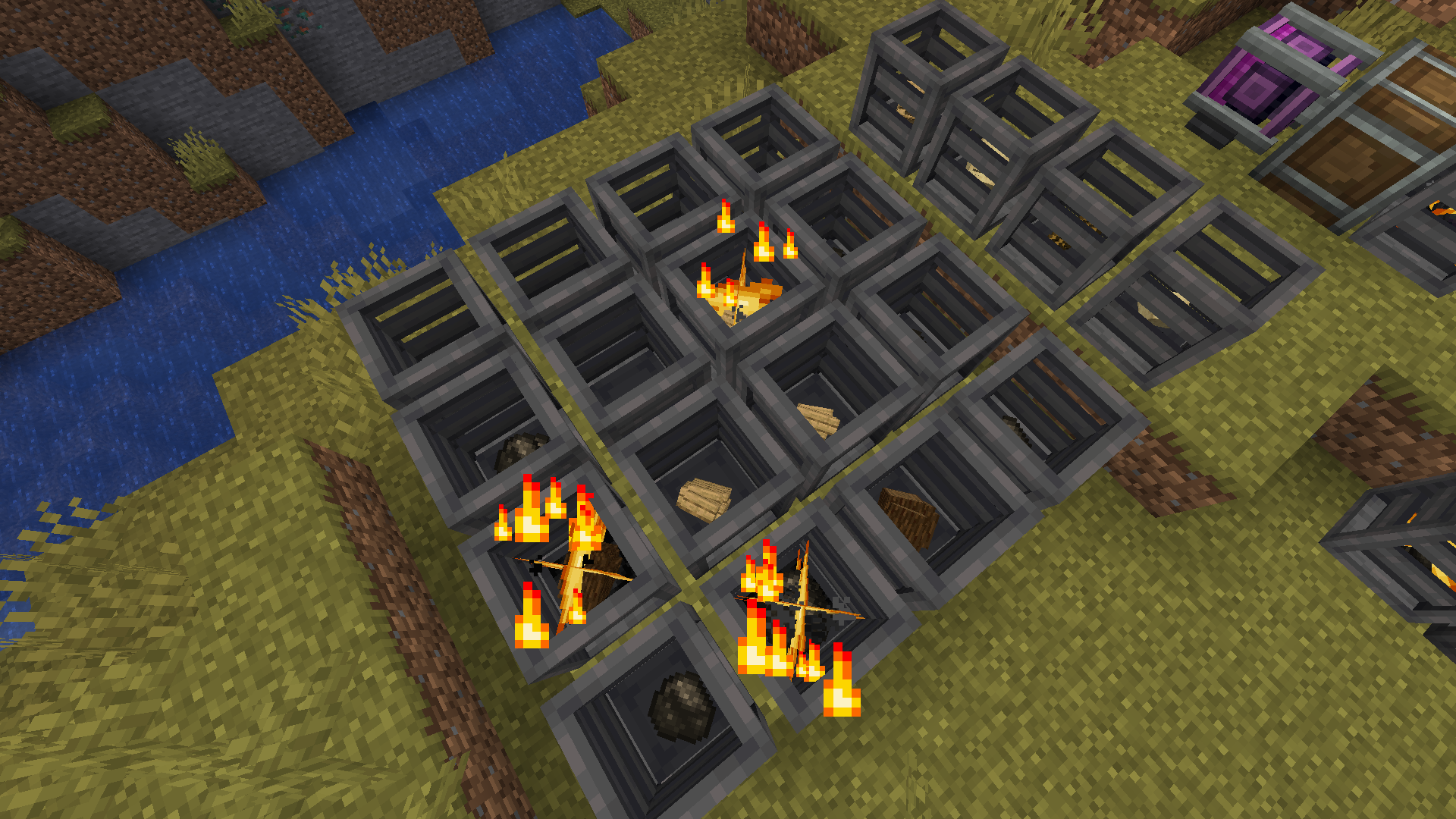
Create Low-Heated modifies Create's heating system, exchanging the passive heaters for an active one.
It changes the following:
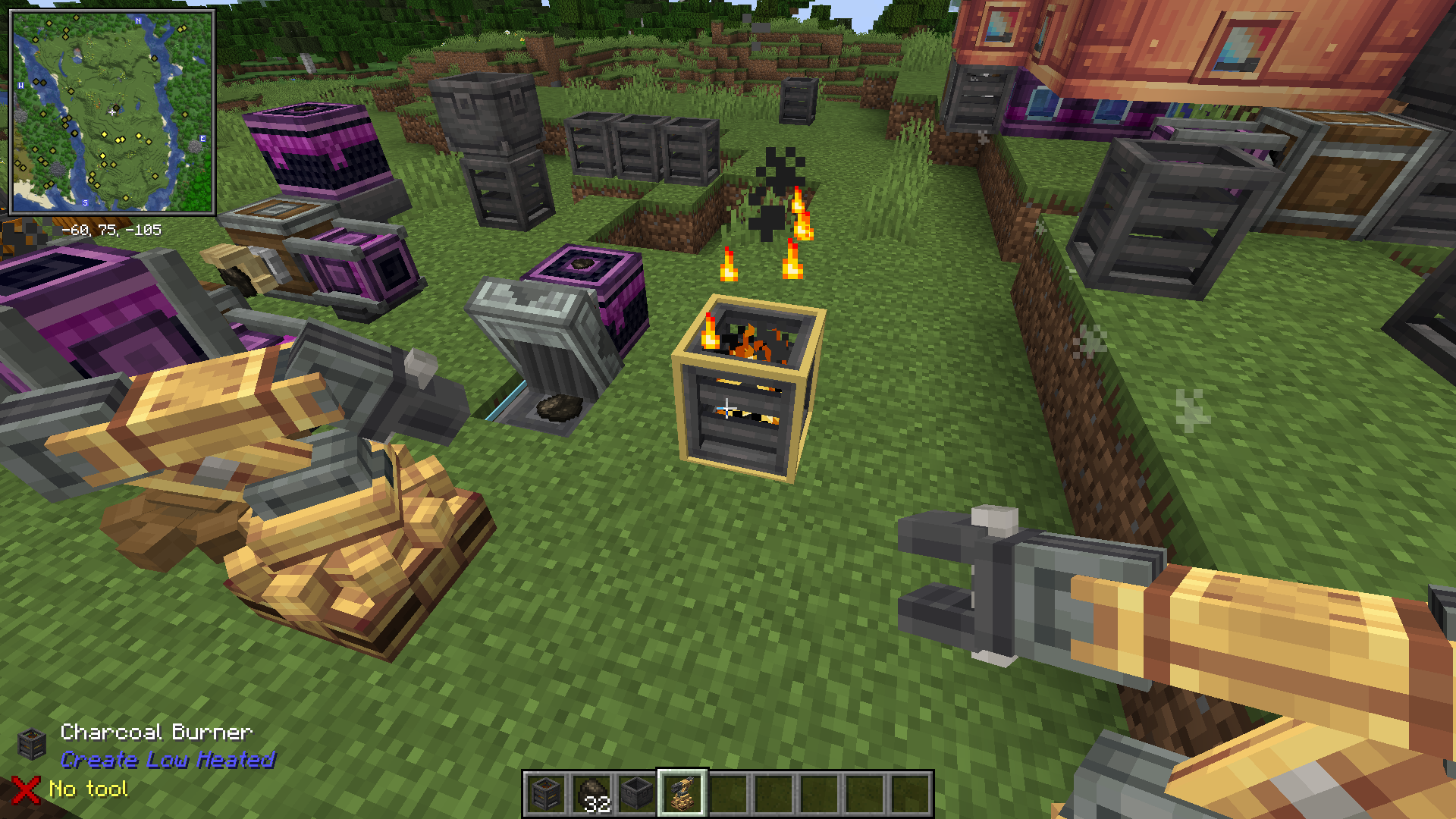
- Adds Basic Burner, a block that takes solid fuel and produces low heat.
- Adds new heat condition, "lowheated" can now be a Heat requirement inside recipes that use the Basin (in addition to the default "heated" and "superheated").
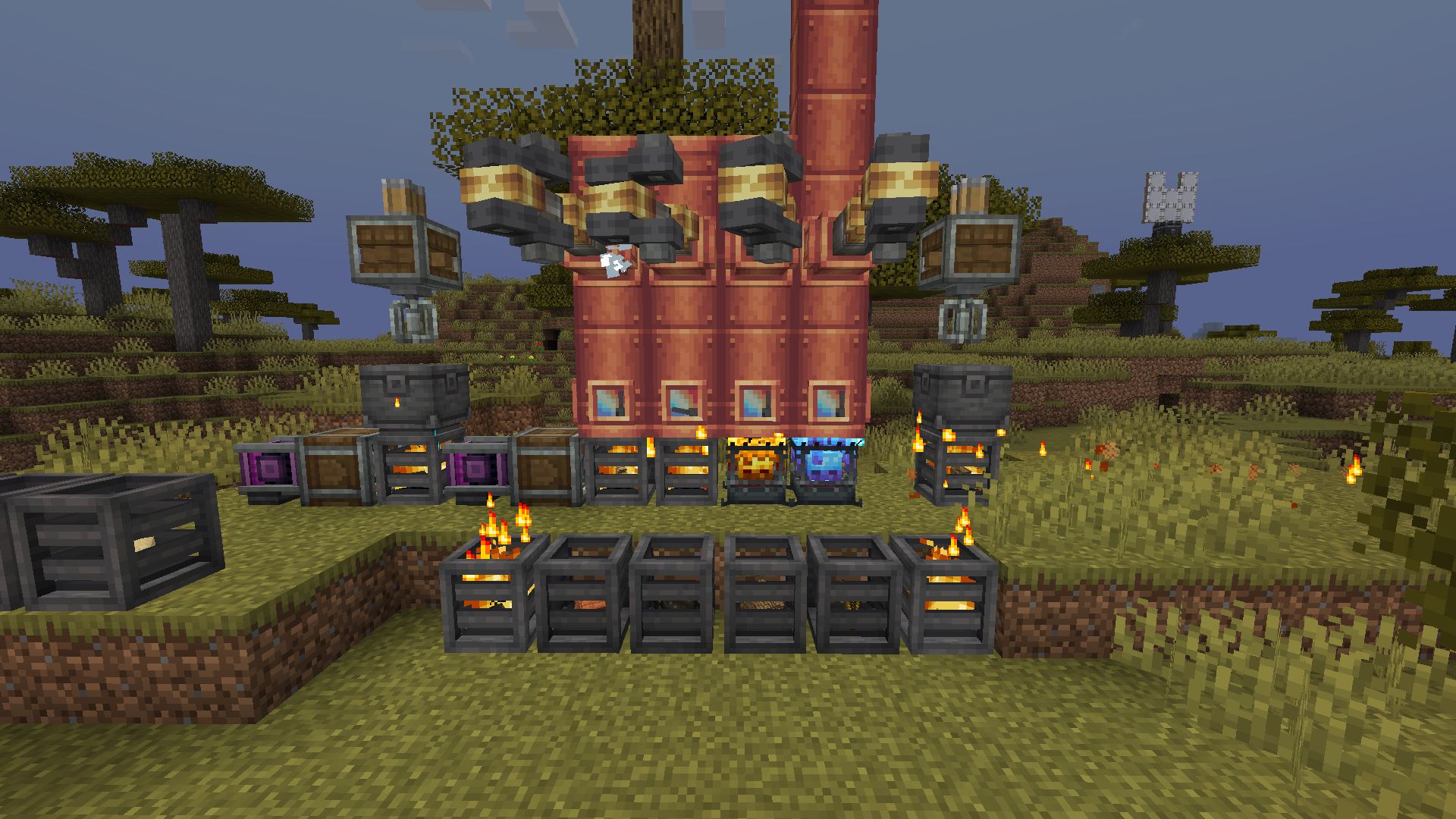
- When a Basic Burner heats a steam engine step-up, it produces the amount that passive heaters would've done.
- Passive heating was disabled completely [the tagged blocks and the unfed Blaze Burner].
- If needed, the Basic Burner can be overly empowered by placing a max RPM'ed Encased Fan against it. When empowered, the Basic Burner produces heat at the same level as a Kindled Blaze Burner, but in exchange, it consumes way too much fuel [32x].
This project was designed to work in tandem with Crete Picky Wheels [plus, the intent is to pair it with capacity nerfed windmills and waterwheels].
Installation von Create Low-Heated
With Millida Launcher
Install Millida Launcher
The launcher is free: download it at millida.net/launcher and sign in with any nickname.
Click “Install” on this page
The launcher opens and installs the mod for Minecraft 1.20.1–1.21.1 on Forge or NeoForge automatically.
Launch the game
A profile with it appears in the launcher: click “Play”.
Manually
Install Forge or NeoForge
The loader must match the game version of the mod file, for example Minecraft 1.21.1. After installing it, a separate profile appears in your launcher.
Download the file for your version
In the version list above, pick the file createlowheated-neoforge-1.21.1-6.0.10-4.jar (201 KB) for your game version and loader.
Put it in the mods folder
The folder is inside .minecraft (Windows: %appdata%\.minecraft\mods). If it does not exist, create it.
Launch the loader profile
Open “Mods” in the main menu: Create Low-Heated should be in the list.
Minecraft 1.21.1 runs on Java 21: with a different Java version the game may close right after launch.
Versionen
Mit Abhängigkeiten
| Minecraft | Loader | Datei | Datum | Aktionen |
|---|---|---|---|---|
| 1.21.1 | NeoForge | createlowheated-neoforge-1.21.1-6.0.10-4.jar201 KB 4 | ||
| 1.20.1 | Forge, NeoForge | createlowheated-forge-1.20.1-6.0.8-7.jar192 KB 4 |
FAQ
Which Minecraft versions does Create Low-Heated work on?
There are files for 1.21.1, 1.20.1. The newest is 1.21.1.
Is Create Low-Heated for Forge or Fabric?
There are files for Forge: 1.20.1 and for NeoForge: 1.20.1–1.21.1. There are no files for Fabric: a mod for another loader will not start.
Does Create Low-Heated need other mods?
The author lists no required dependencies: the Forge or NeoForge loader is enough.
Which Java does Create Low-Heated need?
Minecraft 1.21.1 runs on Java 21. If the game closes right after launch, the usual cause is the wrong Java version in the profile settings.
Where can I download Create Low-Heated safely?
On this page: the file createlowheated-neoforge-1.21.1-6.0.10-4.jar (201 KB) is stored on Millida’s server, with no link shorteners. SHA-1 checksum: f419f41dff36c6ad2bf834fb93b0a644dfbbf180.
Bewertungen
Bewerten Sie Create Low-Heated als Erster


