

Create: Blocks & Bogies Mod für Minecraft 1.20.1, 1.21.1
Fügt größere Drehgestelle für Züge mit (und ohne) Steuerung und mehr hinzu
 NeoForge
 Forge
ForgeÜber die Create: Blocks & Bogies-Mod

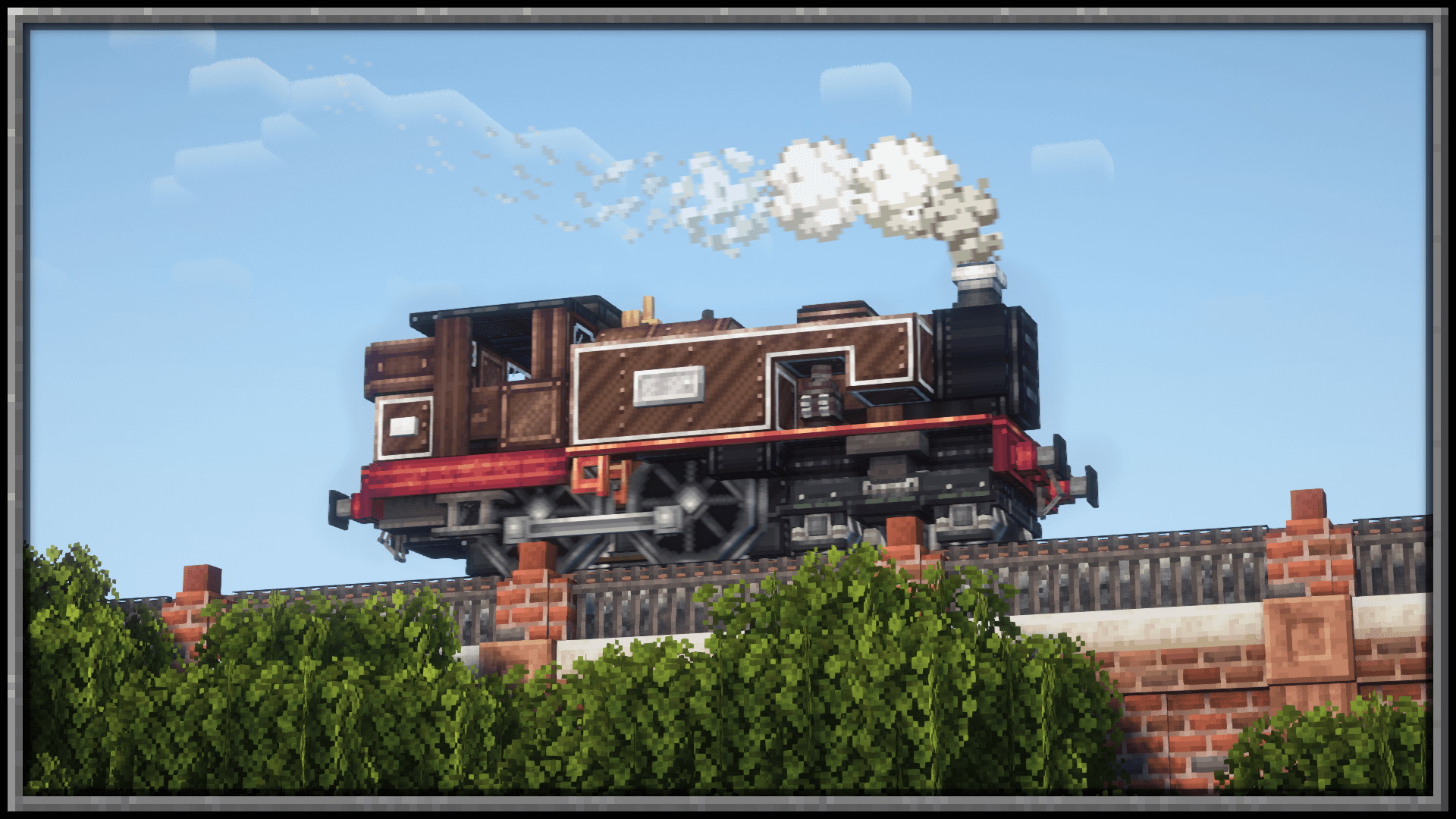
A Create addon that adds an abundance of different bogie styles to choose from, adding a selection UI to allow for fine tuning to the users style preference.

Interactive Bogie Customisation UI
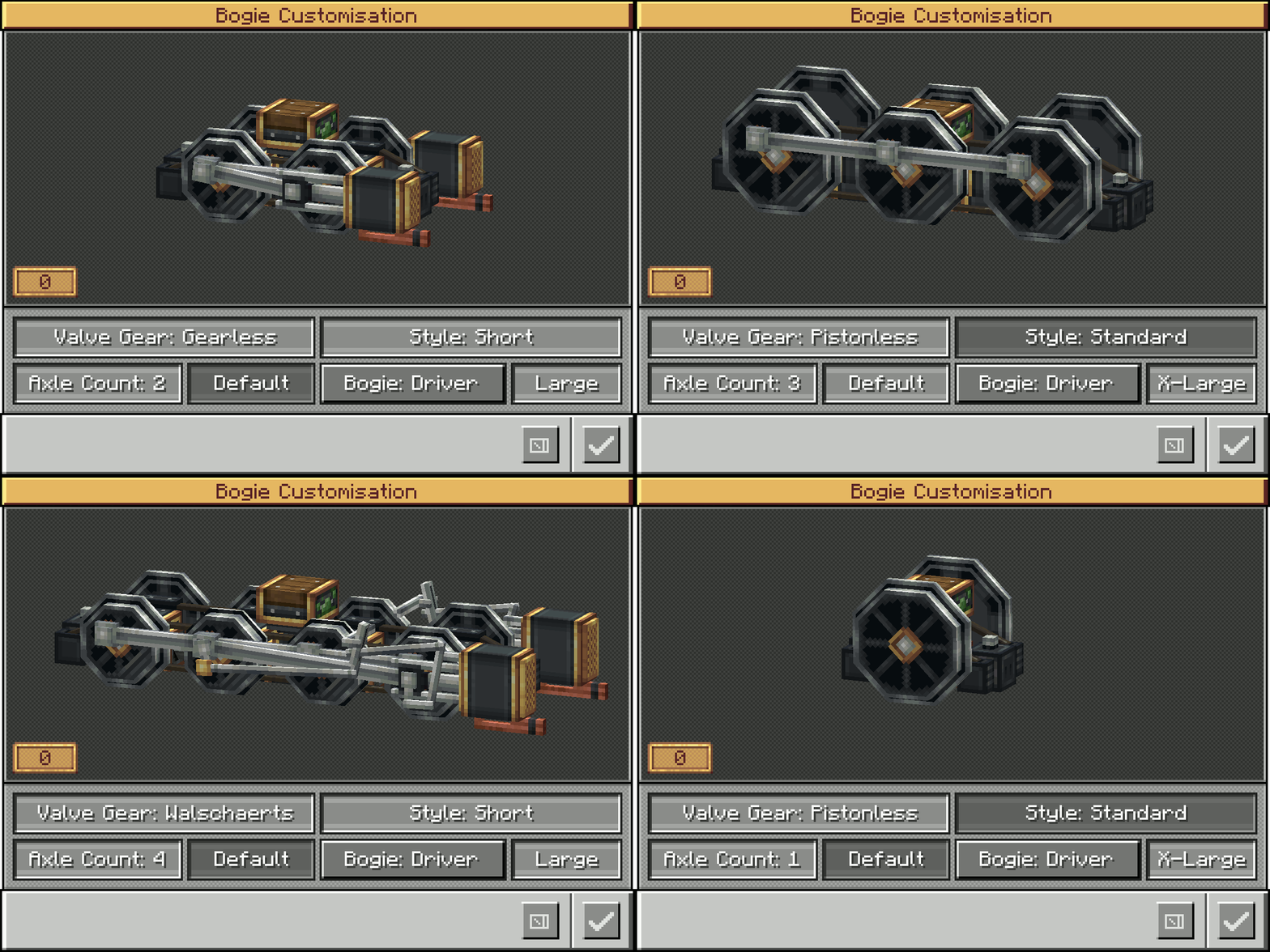
Bogie Configuration Options Include:
- Walschaerts, Gearless, Pistonless, Rodless, Scotch Yoke Drivers
- Single axle up to 5 (Extra Large drivers) or 6 (Large drivers)
- Standard Small Truck Bogies (1 axle up to 5)
- Trailing Small (1 axle up to 4)
- With more to come...

Frequently Asked Questions:
"Do I need Steam n Rails as well?"
No, this mod doesn't require SNR to function, though you will still need Create 6.0+
"Will there be a 0.5.1 port?"
No - Too much was changed internally, trying to port this mod to 0.5.1 would give us brain aneurisms :)
”Will you add narrow/broad gauge bogies?”
No - narrow and broad gauge are Steam n Rails territory, and as such will not be added to BnB
"How do I open the bogie menu?"
Hold Crouch and right click the bogie block with an empty hand

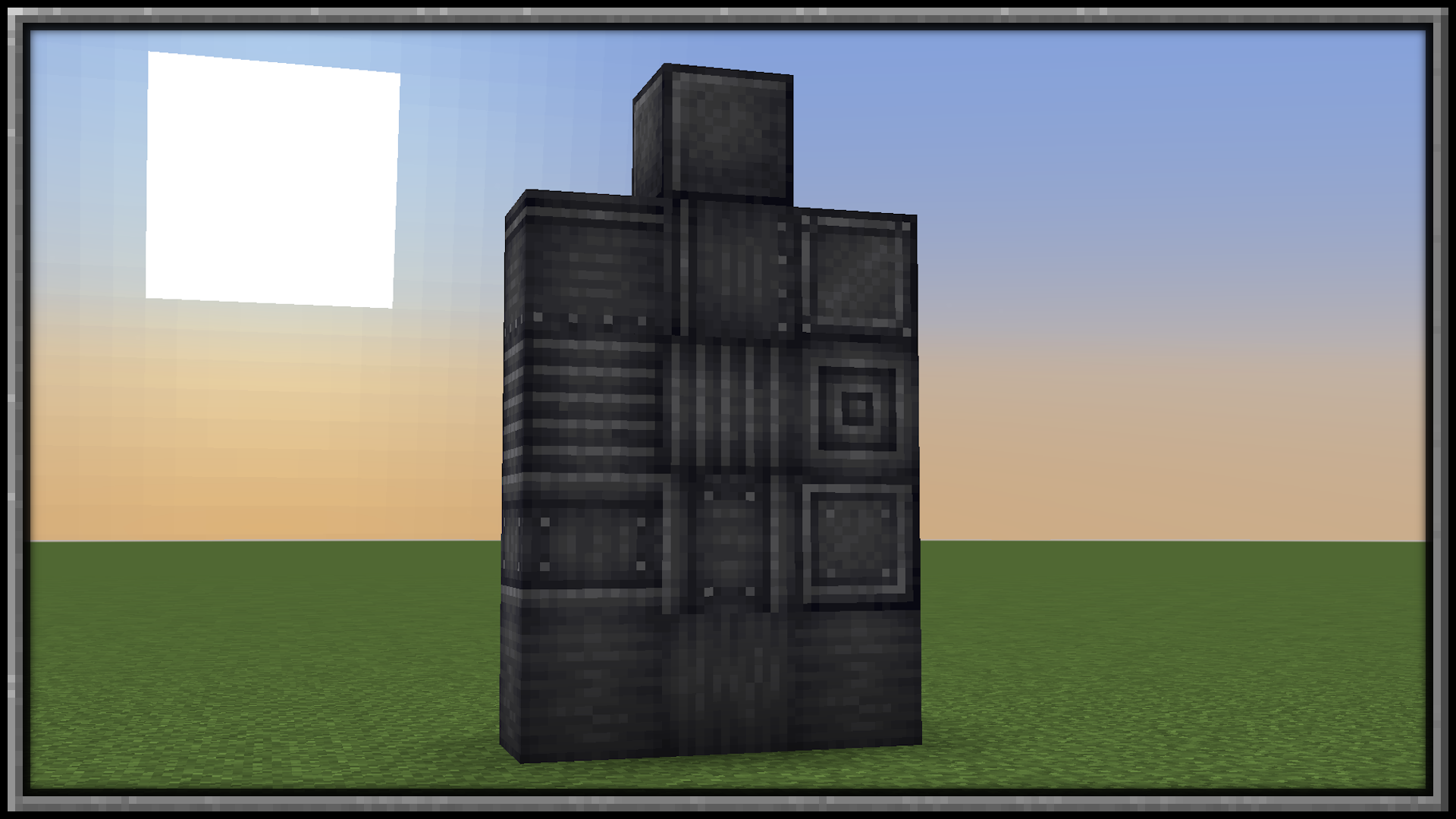
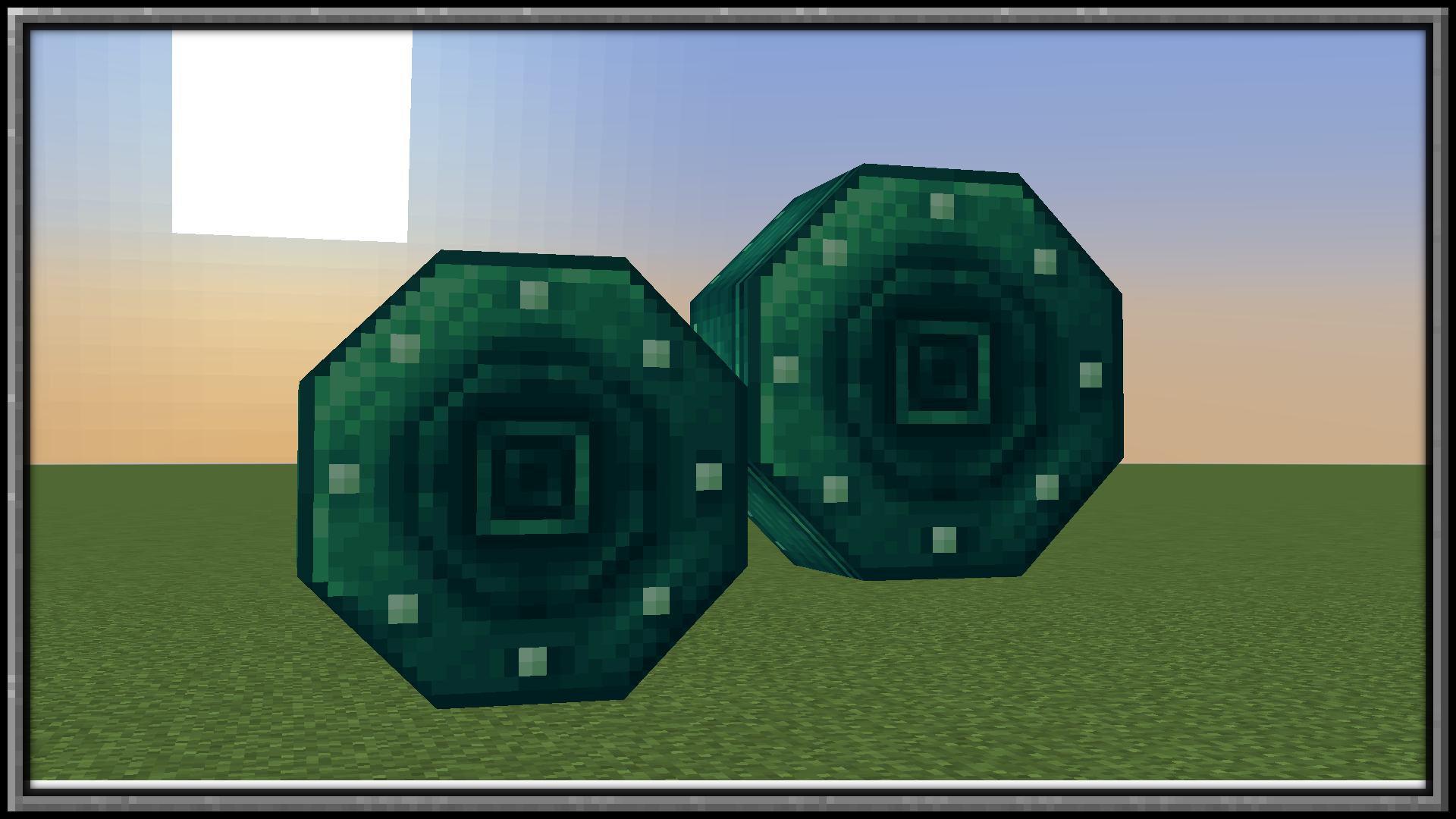
Want some building materials?
Check out Pretty In Pink!
Installation von Create: Blocks & Bogies
With Millida Launcher
Install Millida Launcher
The launcher is free: download it at millida.net/launcher and sign in with any nickname.
Click “Install” on this page
The launcher opens and installs the mod for Minecraft 1.20.1–1.21.1 on Forge or NeoForge automatically, together with its dependencies: Create.
Launch the game
A profile with it appears in the launcher: click “Play”.
Manually
Install Forge or NeoForge
The loader must match the game version of the mod file, for example Minecraft 1.21.1. After installing it, a separate profile appears in your launcher.
Download the file for your version
In the version list above, pick the file create_bb-1.0.8-1.21.1.jar (2.5 MB) for your game version and loader.
Put it in the mods folder
The folder is inside .minecraft (Windows: %appdata%\.minecraft\mods). If it does not exist, create it. Required dependencies go there too: Create.
Launch the loader profile
Open “Mods” in the main menu: Create: Blocks & Bogies should be in the list.
On a server
A server on Forge or NeoForge
The mod only works on a server with the same loader and game version, for example 1.21.1.
File goes into the server’s mods folder
Stop the server, put the mod file into the mods folder and start the server again.
Or use the “To hosting” button
On Millida Hosting, the button at the top of the page uploads the file to your server and restarts it for you.
Minecraft 1.21.1 runs on Java 21: with a different Java version the game may close right after launch.
Versionen
Mit Abhängigkeiten
| Minecraft | Loader | Datei | Datum | Aktionen |
|---|---|---|---|---|
| 1.21.1 | NeoForge | 1.21.12.5 MB 13 | ||
| 1.20.1 | Forge | 1.20.12.5 MB 1 | ||
| 1.21.1 | NeoForge | 1.21.12.5 MB | ||
| 1.20.1 | Forge | 1.20.12.5 MB | ||
| 1.20.1 | Forge | 1.20.12.5 MB | ||
| 1.21.1 | NeoForge | 1.21.12.5 MB | ||
| 1.20.1 | Forge | 1.20.12.3 MB | ||
| 1.21.1 | NeoForge | 1.21.12.3 MB |
Was zum Ausführen nötig ist
- Createerforderlich
FAQ
Which Minecraft versions does Create: Blocks & Bogies work on?
There are files for 1.21.1, 1.20.1. The newest is 1.21.1.
Is Create: Blocks & Bogies for Forge or Fabric?
There are files for Forge: 1.20.1 and for NeoForge: 1.21.1. There are no files for Fabric: a mod for another loader will not start.
What does Create: Blocks & Bogies need to work?
Required: Create. Without it the mod will not start: dependencies go into the same mods folder.
Does Create: Blocks & Bogies work on a server?
Yes. Create: Blocks & Bogies works both in singleplayer and on a server.
Which Java does Create: Blocks & Bogies need?
Minecraft 1.21.1 runs on Java 21. If the game closes right after launch, the usual cause is the wrong Java version in the profile settings.
Where can I download Create: Blocks & Bogies safely?
On this page: the file create_bb-1.0.8-1.21.1.jar (2.5 MB) is stored on Millida’s server, with no link shorteners. SHA-1 checksum: 59220d82cf962773e26778fc24c454e761368092.
Bewertungen
Bewerten Sie Create: Blocks & Bogies als Erster


