
Create: Bits 'n' Bobs Mod für Minecraft 1.20.1, 1.21.1
Dekorative und mechanische Ergänzungen für Create!
 NeoForge
 Forge
ForgeTMFG users beware!
If your TMFG is still on 1.2.2, you will need to swap the TMFG jar for the community edition available here.
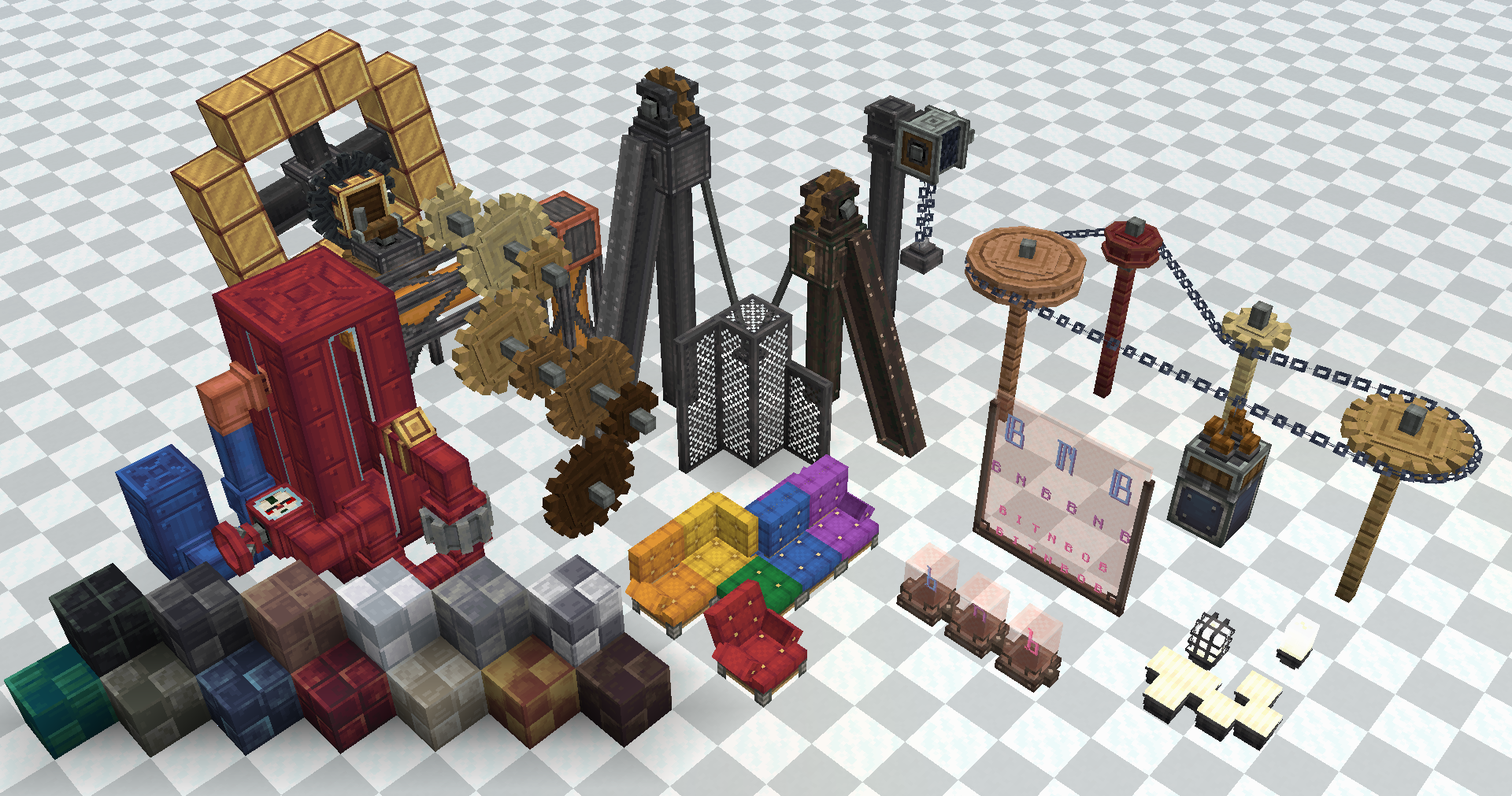
Small, polished additions designed to integrate closely with Create.
If you enjoy this mod, consider supporting the developer on Ko-Fi!
Features! (All configurable)
Individual features can be disabled from the config, so you can customise the mod to your liking. Config also allows you to change balancing of certain mod values.
If you want more dyeable components, install the extension mod Bits 'n' Dyes!
Behaviour Tweaks
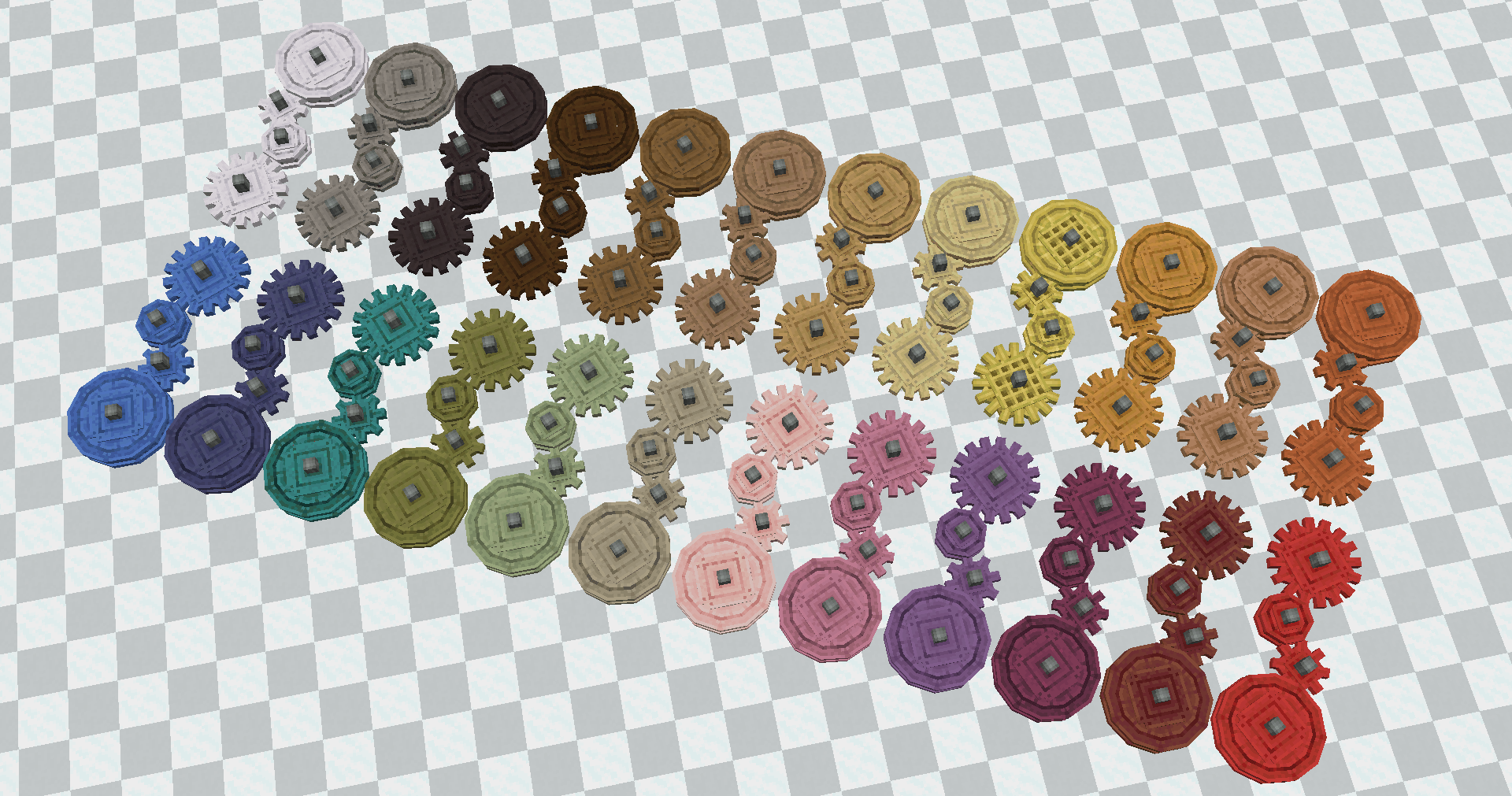
Cogwheel wood type swapping
Compatible with all wood types and can be used on any wooden cogwheel, including addons
Dyeable Fluid Pipes and Tanks
Pipes from different colours will ignore each other, can be extended to all fluid components with Bits 'n' Dyes
Cogwheel Chain Drives
Compatible with all cogwheels in create and many addons, providing a unique kinetic transfer option
Kinetic Blocks
Flanged Cogwheels
Flanged cogwheels can be used for creating Cogwheel Chain Drives with other materials such as Belts or Ropes
Cogwheel Chain Carriage
Allows attaching contraptions to a Chain Drive
Flywheel bearing
Allows smoothly rotating a contraption based on its mass, also contains a configuration option to act as a kinetic battery
Chain Pulley
Variant of the rope pulley with a chain
Decorative Blocks
Cable Struts, Girder Struts and Weathered Girder Struts
Decorative point-to-point spanning blocks
Chairs
Dyeable and dynamic chairs
Nixie Tube and Nixie Board
Larger Nixie displays with a custom ornate font
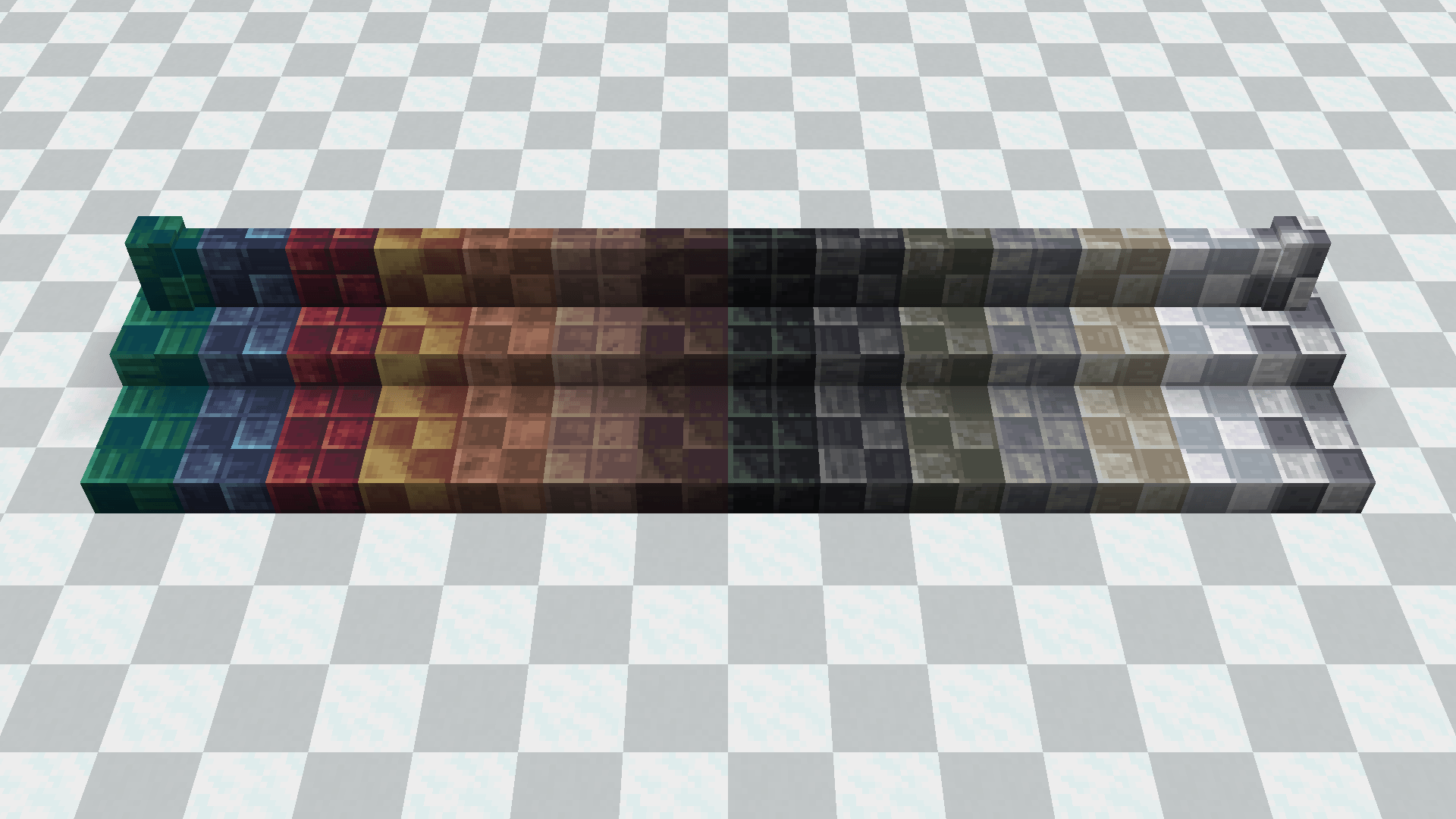
Tile block palletes
New tile shaped block palletes for stone types
Industrial Truss, Grating Panel and Grating Block
New decorative blocks, the truss can also be used to encased pipes or shafts
Headlamps and Lightbulbs
Multiple headlamps can be placed within a block, and each individually dyed
Weathered Metal Girder and Weathered Metal Bracket
Completes the weathered metal block set
Encasings
Piston Poles can be encased, additionally, Industrial Iron and Weathered Iron can be used for encasing blocks
Feature suppression
In Bits 'n' Bobs, there are some features that are duplicated when running alongside other addons. To avoid confusion, Bits 'n' Bobs will suppress the duplicate in the other mod (by hiding them from creative tabs, interaction and crafting), to ensure that the rest of the content will integrate well. This behavior is configurable and can be disabled. This includes:
- Wooden cogwheels from Create: Encased
Please use Modrinth ❤️
For reasons, it is preferred if you can download our mods from Modrinth.
As seen on Shalz!
Available Translations Contribute on crowdin!
- Chinese Simplified (简体中文)
- Portuguese (Português)
- Brazilian Portuguese (Português do Brasil)
- Spanish (Español)
- Turkish (Türkçe)
- Mexican Spanish (Español de México)
- Pirate English (Pirate Speak)
Machine Translations
Some common languages have reviewed machine translations in game, but, we would be very grateful for contributions:
- Polish (Polski)
- French (Français)
- French Canadian (Français (Canada))
- Swedish (Svenska)
- Dutch (Nederlands)
GLORY TO AZ TECH
Created by Cake, Kipti, Astral and NormalGuy, shout mr mellz for chain drive algorithm help
Installation von Create: Bits 'n' Bobs
With Millida Launcher
Install Millida Launcher
The launcher is free: download it at millida.net/launcher and sign in with any nickname.
Click “Install” on this page
The launcher opens and installs the mod for Minecraft 1.20.1–1.21.1 on Forge or NeoForge automatically.
Launch the game
A profile with it appears in the launcher: click “Play”.
Manually
Install Forge or NeoForge
The loader must match the game version of the mod file, for example Minecraft 1.21.1. After installing it, a separate profile appears in your launcher.
Download the file for your version
In the version list above, pick the file bits_n_bobs-2.3.5.jar (2.3 MB) for your game version and loader.
Put it in the mods folder
The folder is inside .minecraft (Windows: %appdata%\.minecraft\mods). If it does not exist, create it.
Launch the loader profile
Open “Mods” in the main menu: Create: Bits 'n' Bobs should be in the list.
Minecraft 1.21.1 runs on Java 21: with a different Java version the game may close right after launch.
Versionen
Mit Abhängigkeiten
| Minecraft | Loader | Datei | Datum | Aktionen |
|---|---|---|---|---|
| 1.21.1 | NeoForge | Create Bits 'n' Bobs 2.3.5 NeoForge 1.21.12.3 MB 74 | ||
| 1.21.1 | NeoForge | Create Bits 'n' Bobs BETA 2.2.0 NeoForge 1.21.12.3 MB | ||
| 1.20.1 | Forge | Create Bits 'n' Bobs 0.0.41 Forge 1.20.11.5 MB 29 |
FAQ
Which Minecraft versions does Create: Bits 'n' Bobs work on?
There are files for 1.21.1, 1.20.1. The newest is 1.21.1.
Is Create: Bits 'n' Bobs for Forge or Fabric?
There are files for Forge: 1.20.1 and for NeoForge: 1.21.1. There are no files for Fabric: a mod for another loader will not start.
Does Create: Bits 'n' Bobs need other mods?
The author lists no required dependencies: the Forge or NeoForge loader is enough.
Which Java does Create: Bits 'n' Bobs need?
Minecraft 1.21.1 runs on Java 21. If the game closes right after launch, the usual cause is the wrong Java version in the profile settings.
Where can I download Create: Bits 'n' Bobs safely?
On this page: the file bits_n_bobs-2.3.5.jar (2.3 MB) is stored on Millida’s server, with no link shorteners. SHA-1 checksum: 50119ba6849f2b165ab692ab312dbe4867444ac0.
Bewertungen
Bewerten Sie Create: Bits 'n' Bobs als Erster


