
Cobblemon Firework Capsules Mod für Minecraft 1.21.1
Schicke deine Pokemon mit einem Knall per Feuerwerk und individuellen Stickern los!
 NeoForge
 Fabric
Cobblemon Firework Capsules
Send out your Pokemon with a bang using fireworks and custom stickers!
Basics
Ball Capsule Recipe
Adding Fireworks
Ball Capsules can be combined with any number of Firework Stars.
Capsule Station Recipe
You can equip your ball capsule to your Pokemon using a Capsule Station. Special thanks to dogtorbloo for the custom block model!
Stickers
Sticker Recipe
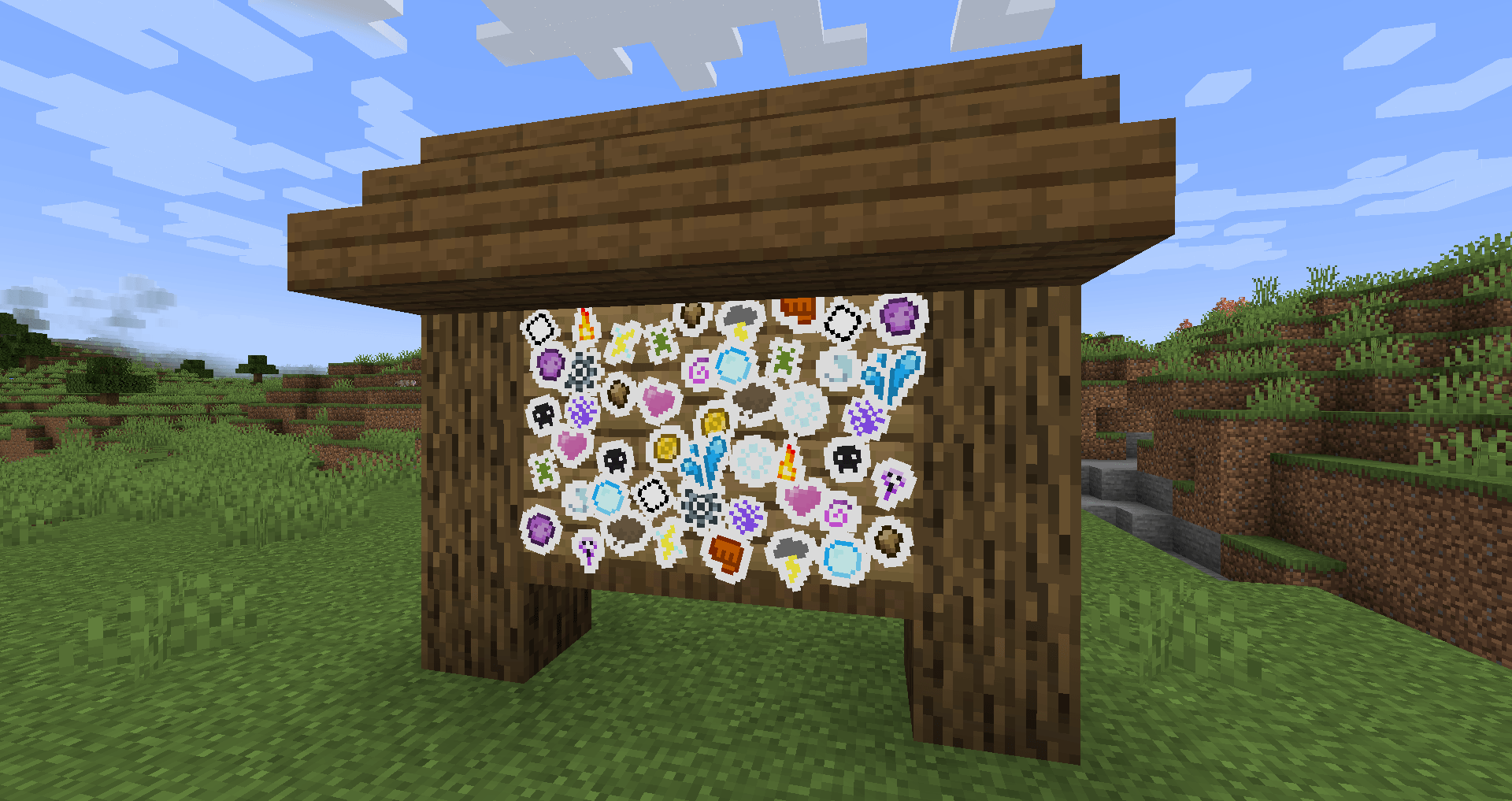
Stickers can be crafted using Paper + Gunpowder + an ingredient. As of v2.0.0 there are 21 stickers, one for each type, which can be crafted using the type gems, and three unique stickers.
Combining Stickers
Stickers can be combined with a Ball Capsule along with other stickers and Firework Stars to create all kinds of effects.
Addon Support
Stickers rely on the fireworkcapsules:sticker_explosion data component to determine how to render the sticker effects.
In order to create a custom sticker, you can refer to the example resource/datapack.
For more information, refer to the wiki.
The simple codec allows for the following, where id is the only required field.
{ "id": "fireworkcapsules:thunder_sticker", "color": 16769024, "sound": "cobblemon:move.thunder.target", "type": "BEDROCK" }
The complex codec, used only for CUSTOM or FIREWORK sticker types allows for the following:
{ "id": "fireworkcapsules:thunder_sticker", "colors": [ 16769024 ], "fadeColors": [], "hasTrail": false, "hasTwinkle": false, "sound": "cobblemon:move.thunder.target", "type": "CUSTOM" }
Installation von Cobblemon Firework Capsules
With Millida Launcher
Install Millida Launcher
The launcher is free: download it at millida.net/launcher and sign in with any nickname.
Click “Install” on this page
The launcher opens and installs the mod for Minecraft 1.21.1 on Fabric or NeoForge automatically.
Launch the game
A profile with it appears in the launcher: click “Play”.
Manually
Install Fabric or NeoForge
The loader must match the game version of the mod file, for example Minecraft 1.21.1. After installing it, a separate profile appears in your launcher.
Download the file for your version
In the version list above, pick the file fireworkcapsules-neoforge-2.2.0+1.21.1.jar (340 KB) for your game version and loader.
Put it in the mods folder
The folder is inside .minecraft (Windows: %appdata%\.minecraft\mods). If it does not exist, create it.
Launch the loader profile
Open “Mods” in the main menu: Cobblemon Firework Capsules should be in the list.
Minecraft 1.21.1 runs on Java 21: with a different Java version the game may close right after launch.
Versionen
Mit Abhängigkeiten
| Minecraft | Loader | Datei | Datum | Aktionen |
|---|---|---|---|---|
| 1.21.1 | NeoForge | fireworkcapsules-neoforge-2.2.0+1.21.1.jar340 KB 1 | ||
| 1.21.1 | Fabric | fireworkcapsules-fabric-2.2.0+1.21.1.jar337 KB |
Bewertungen
Bewerten Sie Cobblemon Firework Capsules als Erster


