
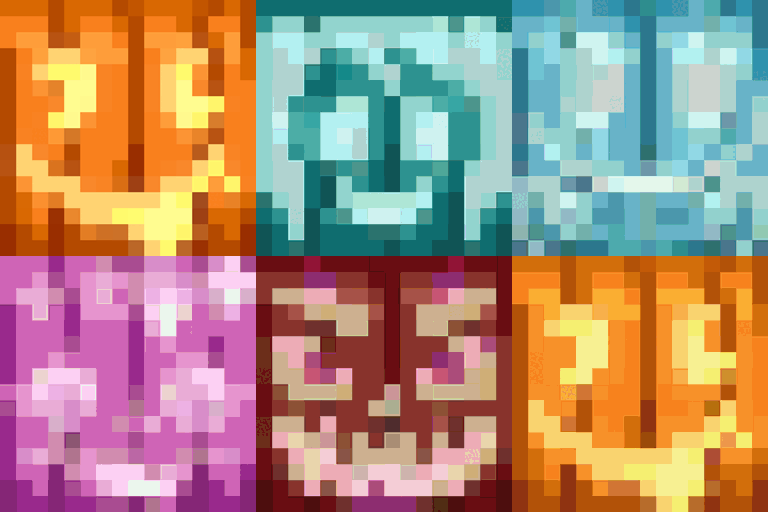
Chroma Carvings Mod für Minecraft 1.21.1
Fügt farbige Varianten und neue Stile von Kürbissen, geschnitzten Kürbissen und Jack o'Lanterns mit passenden Schneegolems hinzu
- Aufrufe
- 24 Aufrufe
- Aktualisiert
- Aktualisiert 18.10.2026
- 1.21.1
 NeoForge
Über die Chroma Carvings-Mod
Chroma Carvings adds a vibrant twist to Minecraft's spooky season by introducing colored carved pumpkins, jack o'lanterns, and snow golems to match, bringing new life to your Halloween-themed creations or snowy landscapes.
Features
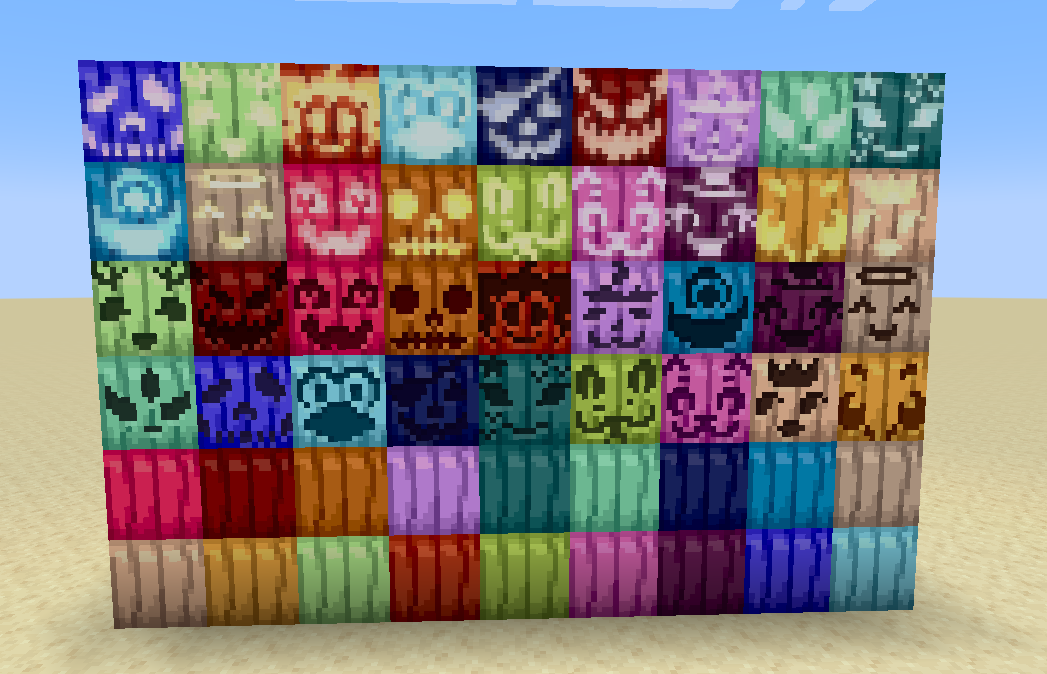
Colored Carved Pumpkins
- Craft carved pumpkins in 16 different colors using any carved pumpkin and a dye of your choice.
- Place them as decorative blocks or wear them as helmets for a colorful scarecrow vibe.
- Each colored carved pumpkin retains the original's ability to be used in crafting or as a headpiece.
Colored Jack O'Lanterns
- Light up your world with jack o'lanterns in all 16 dyeable colors.
- Craft them by combining a colored carved pumpkin with a torch or using any jack o'lantern and a dye.
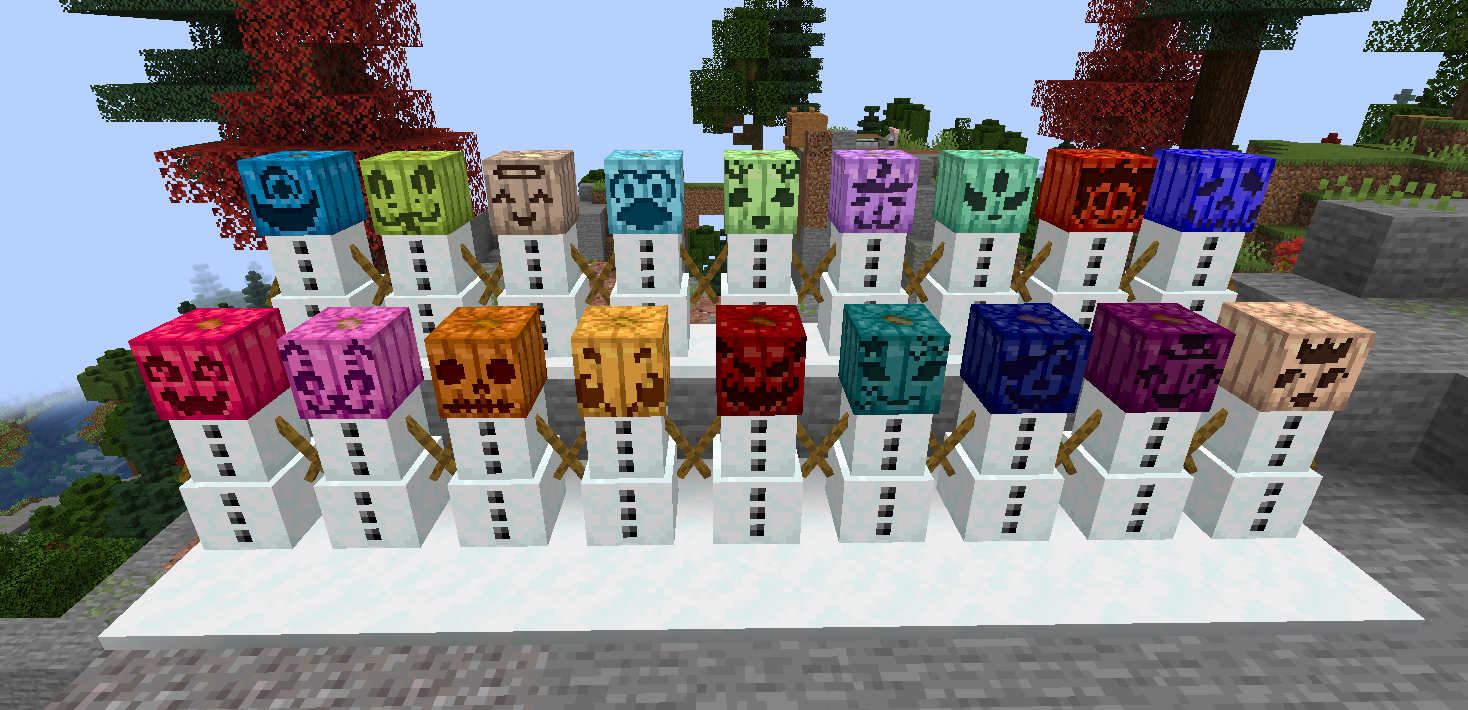
Colored Snow Golems
- Create snow golems with a colored carved pumpkin as their head for a unique, vibrant appearance.
- Colored snow golems function identically to regular snow golems, leaving snow trails and attacking hostile mobs.
- Perfect for building colorful winter armies or decorating snowy biomes.
Compatibility
- Install Dyenamics and Friends for even more pumpkin colors!
Brighten up your Minecraft world with Chroma Carvings today!
For support or feedback come to my Discord
Installation von Chroma Carvings
With Millida Launcher
Install Millida Launcher
The launcher is free: download it at millida.net/launcher and sign in with any nickname.
Click “Install” on this page
The launcher opens and installs the mod for Minecraft 1.21.1 on NeoForge automatically.
Launch the game
A profile with it appears in the launcher: click “Play”.
Manually
Install NeoForge
The loader must match the game version of the mod file, for example Minecraft 1.21.1. After installing it, a separate profile appears in your launcher.
Download the file for your version
In the version list above, pick the file chromacarvings-1.21.1-0.2.0.jar (263 KB) for your game version.
Put it in the mods folder
The folder is inside .minecraft (Windows: %appdata%\.minecraft\mods). If it does not exist, create it.
Launch the loader profile
Open “Mods” in the main menu: Chroma Carvings should be in the list.
Minecraft 1.21.1 runs on Java 21: with a different Java version the game may close right after launch.
Versionen
Mit Abhängigkeiten
| Minecraft | Loader | Datei | Datum | Aktionen |
|---|---|---|---|---|
| 1.21.1 | NeoForge | chromacarvings-1.21.1-0.2.0.jar263 KB |
FAQ
Which Minecraft versions does Chroma Carvings work on?
Only Minecraft 1.21.1: there are no files for other versions.
Is Chroma Carvings for Forge or Fabric?
Only for NeoForge: 1.21.1. There are no files for Forge or Fabric: a mod for another loader will not start.
Does Chroma Carvings need other mods?
The author lists no required dependencies: the NeoForge loader is enough.
Which Java does Chroma Carvings need?
Minecraft 1.21.1 runs on Java 21. If the game closes right after launch, the usual cause is the wrong Java version in the profile settings.
Where can I download Chroma Carvings safely?
On this page: the file chromacarvings-1.21.1-0.2.0.jar (263 KB) is stored on Millida’s server, with no link shorteners. SHA-1 checksum: b791809827bfd4e3d28fc208815d92bfed92c602.
Bewertungen
Bewerten Sie Chroma Carvings als Erster


