
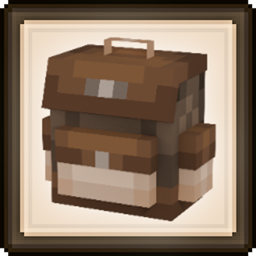
Backpacked Mod für Minecraft 1.20.1, 1.21.1
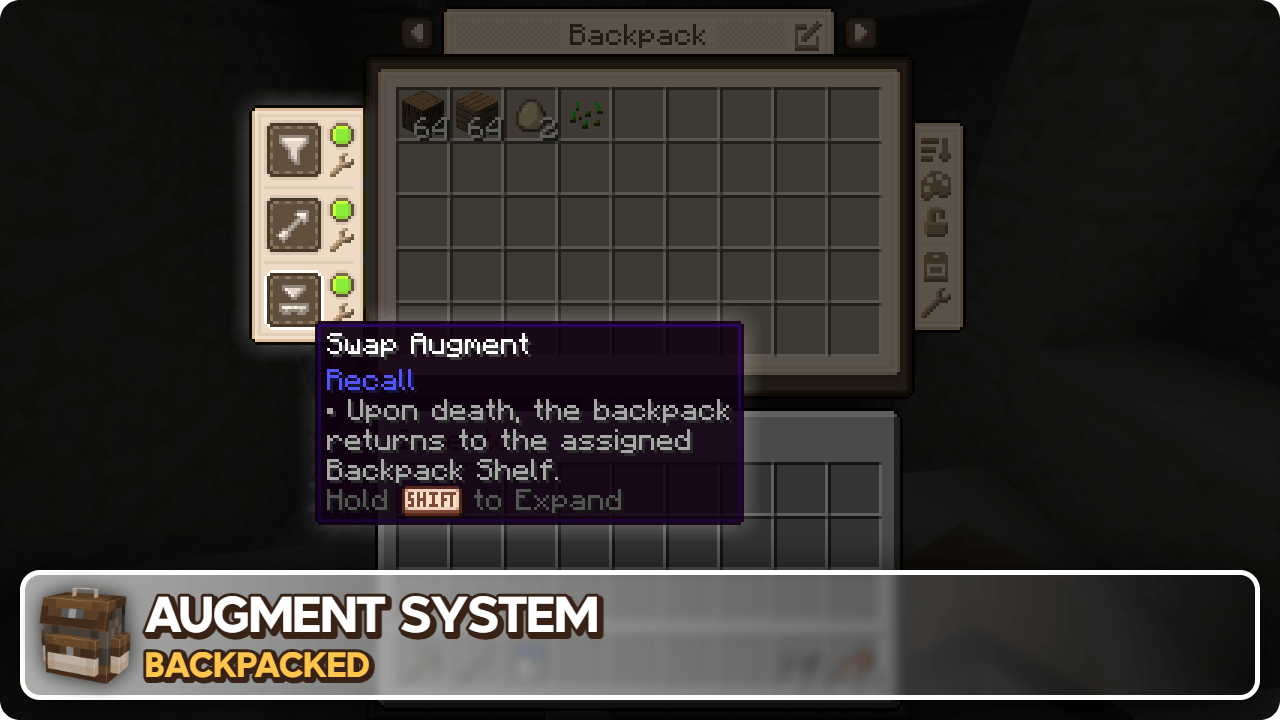
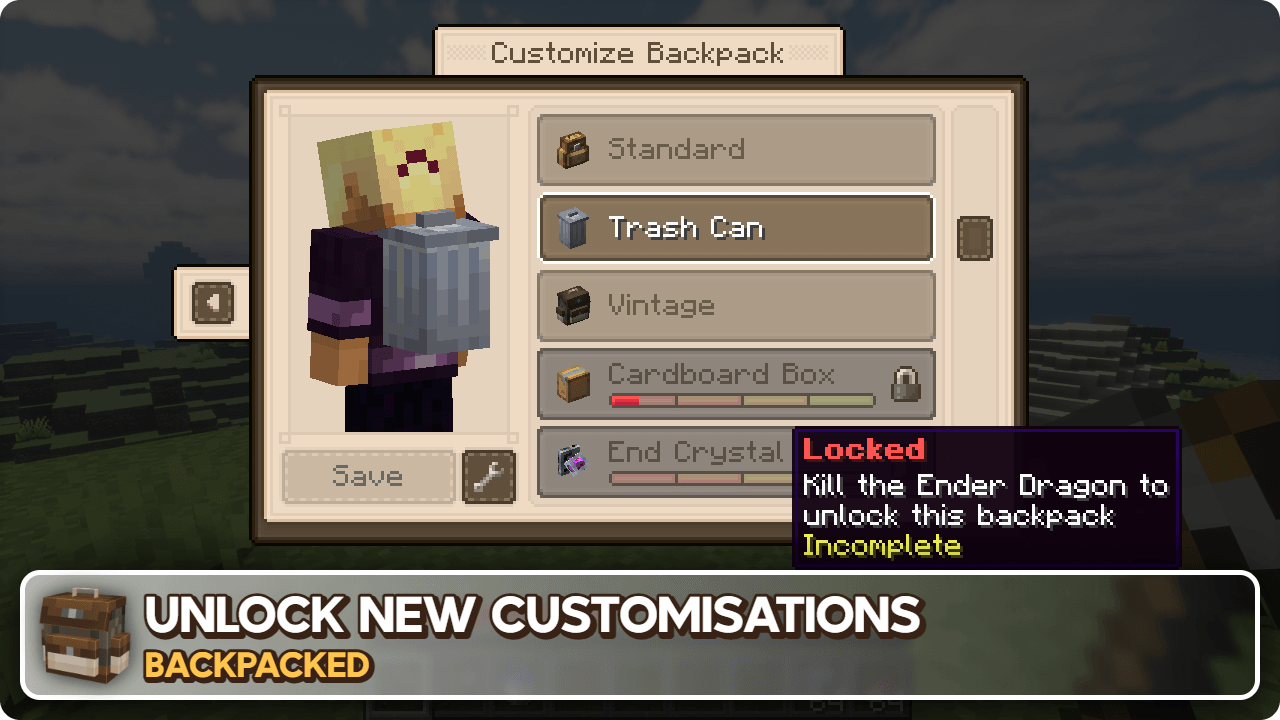
Ein vanilla-freundlicher Rucksack-Mod mit Freischaltungs-basiertem Fortschritt, einem Augment-System, Anpassung, Taschendiebstahl und Addon-Unterstützung!
 NeoForge
 Fabric
 Forge
Forge






Backpacked 3.0.0 jetzt verfügbar!
Veröffentlichung am 21. Januar 2026
Ich werde diese Beschreibung bald aktualisieren, sorry - MrCrayfish
🏘️ Community-Addons Diese Addons fügen noch mehr Rucksäcke zum Entdecken hinzu!
Backpacked: Shells von Beast135 (https://www.curseforge.com/minecraft/mc-mods/backpacked-shells) Fügt zwei neue freischaltbare Rucksäcke hinzu, die Schneckenschale und die Nautilus-Schale
Backpacked: World of Color von Beast135 (https://www.curseforge.com/minecraft/mc-mods/backpacked-world-of-color) Fügt Farbstoffvarianten des Standard-Rucksacks hinzu
MrCrayfish's Furniture Mod: Refurbished von MrCrayfish (https://www.curseforge.com/minecraft/mc-mods/refurbished-furniture) Fügt einen exklusiven Lagerraum-Rucksack hinzu, wenn diese Mod zusammen mit Backpacked installiert ist.
🙋‍♀️ Brauchst du Unterstützung? Tritt dem offiziellen Discord-Server bei:
Der Kommentarbereich eignet sich nicht gut für Support, tritt dem offiziellen Discord-Server bei. Du kannst Hilfe bei der Installation und Konfiguration von Mods, beim Beheben von Abstürzen und mehr erhalten! Außerdem erhältst du Zugang zu Neuigkeiten über Mod-Updates und die Entwicklung (früher als überall sonst).

Installation von Backpacked
With Millida Launcher
Install Millida Launcher
The launcher is free: download it at millida.net/launcher and sign in with any nickname.
Click “Install” on this page
The launcher opens and installs the mod for Minecraft 1.12.2–26.1.2 on Fabric, Forge or NeoForge automatically.
Launch the game
A profile with it appears in the launcher: click “Play”.
Manually
Install Fabric, Forge or NeoForge
The loader must match the game version of the mod file, for example Minecraft 26.1.2. After installing it, a separate profile appears in your launcher.
Download the file for your version
In the version list above, pick the file backpacked-neoforge-26.1.2-3.0.4.jar (1.2 MB) for your game version and loader.
Put it in the mods folder
The folder is inside .minecraft (Windows: %appdata%\.minecraft\mods). If it does not exist, create it.
Launch the loader profile
Open “Mods” in the main menu: Backpacked should be in the list.
Versionen
Mit Abhängigkeiten
| Minecraft | Loader | Datei | Datum | Aktionen |
|---|---|---|---|---|
| 26.1.2 | NeoForge | Backpacked 3.0.41.2 MB 2 | ||
| 26.1.2 | Fabric | Backpacked 3.0.41.3 MB 12 | ||
| 1.20.1 | Forge | Backpacked 3.0.91.1 MB 65 | ||
| 1.20.1 | Forge | Backpacked 3.0.3-rc.41.1 MB | ||
| 1.20.1 | Fabric | Backpacked 3.0.3-rc.41.1 MB 38 | ||
| 1.21.1 | NeoForge | Backpacked 3.0.0-beta.201.2 MB 49 | ||
| 1.21.1 | Fabric | Backpacked 3.0.0-beta.201.2 MB 59 | ||
| 1.21.1 | NeoForge | Backpacked 3.0.0-beta.10624 KB |
FAQ
Which Minecraft versions does Backpacked work on?
There are files for 26.1.2, 1.21.1, 1.20.1, 1.12.2. The newest is 26.1.2.
Is Backpacked for Forge or Fabric?
There are files for Fabric: 1.20.1–26.1.2, for Forge: 1.20.1 and for NeoForge: 1.21.1–26.1.2.
Does Backpacked need other mods?
The author lists no required dependencies: the Fabric, Forge or NeoForge loader is enough.
Where can I download Backpacked safely?
On this page: the file backpacked-neoforge-26.1.2-3.0.4.jar (1.2 MB) is stored on Millida’s server, with no link shorteners. SHA-1 checksum: cabafe7fee7517d65140d83b4145e9c9c7bf39c3.
Bewertungen
Bewerten Sie Backpacked als Erster


