

 NeoForge
 Forge
Über die Abundant Atmosphere-Mod
📻 About : A small expansion to exploration around the overworld
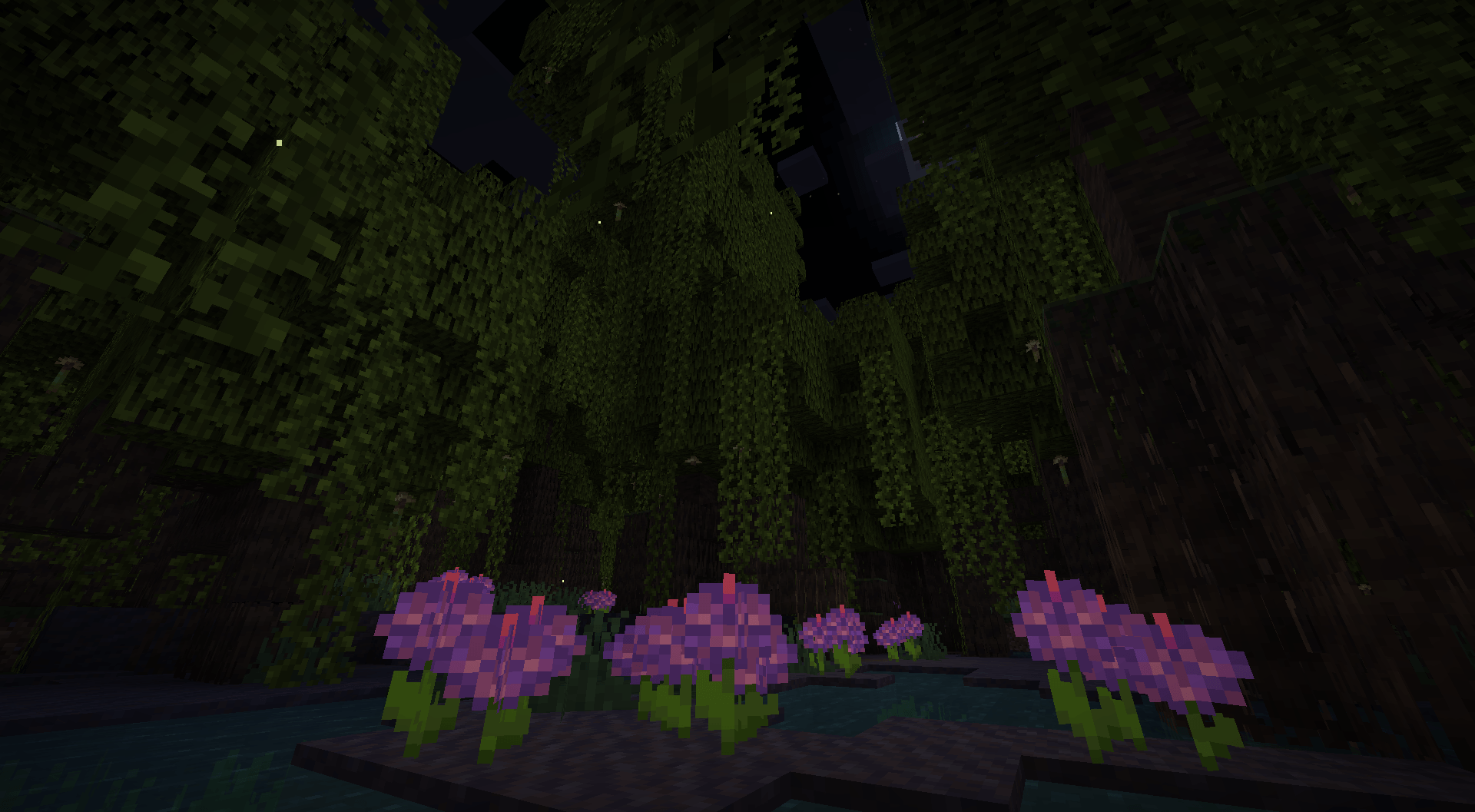
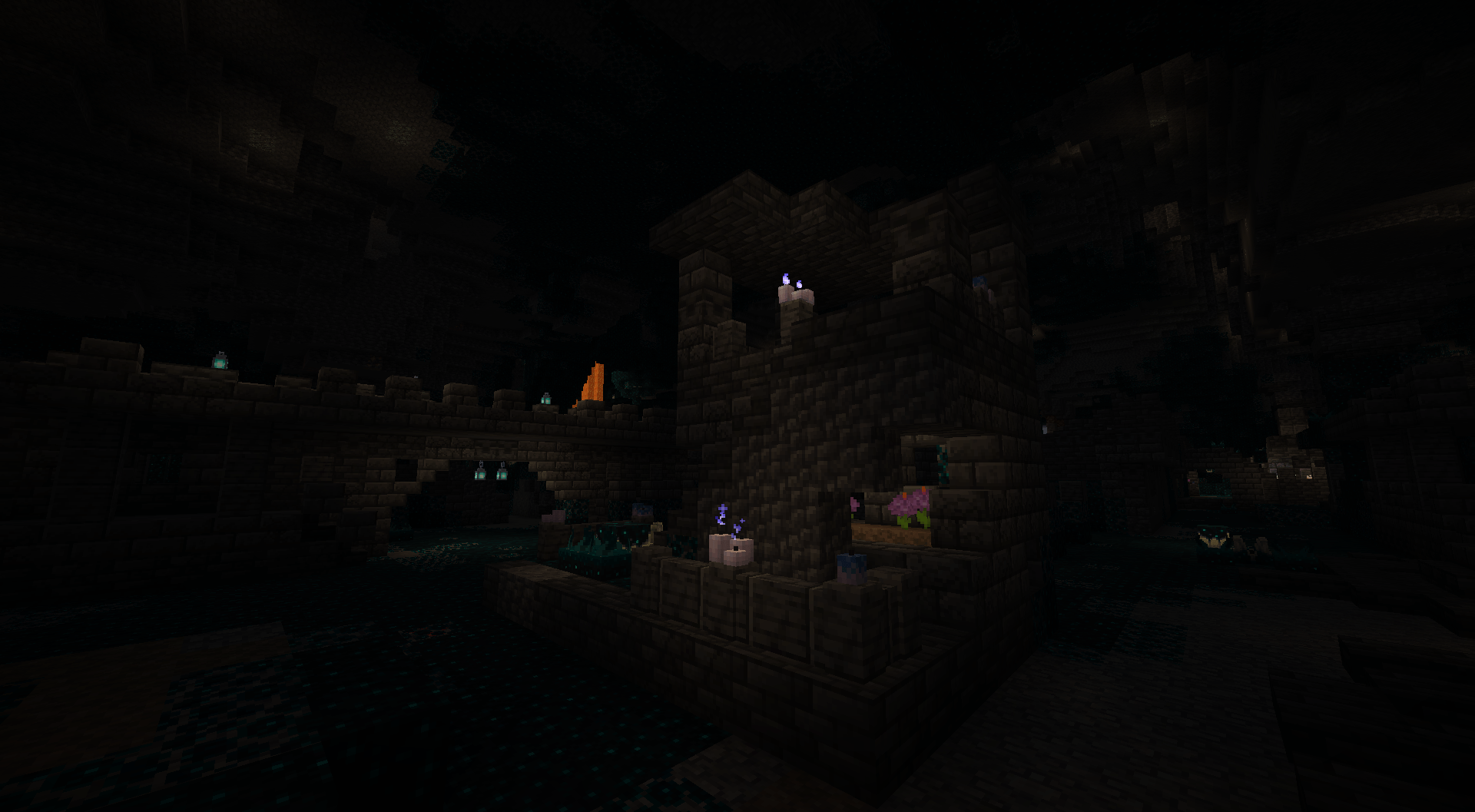
Abundant Atmosphere is a bite sized mod that introduces different decorative blocks and small additions that are made to generally expand and somewhat improve the overworld. There are also some changes to existing structures, so far the ancient city, and there will be additional structures being added into the world to overall make exploration more fun and give you different challenges, with unique rewards. Special rewards for exploration so far exist like pots and a special centerpiece statue. There are also new mushroom types to really enhance the feel of most environments.
📃Features
- New building blocks added for Calcite, Dripstone, Basalt and Deepslate
- New decorative pots to spice up your builds
- All new Poreshroom and Foxfire Mushroom types, with decorative shelf blocks as well
- New moss related blocks, like mossy stone and moss clumps
- New ancient city redesign, giving the structure an overall grander and larger feel
Installation von Abundant Atmosphere
With Millida Launcher
Install Millida Launcher
The launcher is free: download it at millida.net/launcher and sign in with any nickname.
Click “Install” on this page
The launcher opens and installs the mod for Minecraft 1.19.2–1.21.1 on Forge or NeoForge automatically.
Launch the game
A profile with it appears in the launcher: click “Play”.
Manually
Install Forge or NeoForge
The loader must match the game version of the mod file, for example Minecraft 1.21.1. After installing it, a separate profile appears in your launcher.
Download the file for your version
In the version list above, pick the file abundant_atmosphere-1.21.1-2.0.0-beta2-neoforge.jar (2.0 MB) for your game version and loader.
Put it in the mods folder
The folder is inside .minecraft (Windows: %appdata%\.minecraft\mods). If it does not exist, create it.
Launch the loader profile
Open “Mods” in the main menu: Abundant Atmosphere should be in the list.
Minecraft 1.21.1 runs on Java 21: with a different Java version the game may close right after launch.
Versionen
Mit Abhängigkeiten
| Minecraft | Loader | Datei | Datum | Aktionen |
|---|---|---|---|---|
| 1.21.1 | NeoForge | Abundant Atmosphere 1.21.1-2.0.0-beta2.1-Neoforge2 MB 8 | ||
| 1.19.2 | Forge | [Abundant Atmosphere - 1.19.2] 1.8.2 Beta1.5 MB | ||
| 1.19.2 | Forge | [Abundant Atmosphere - 1.19.2] 1.0.2636 KB |
FAQ
Which Minecraft versions does Abundant Atmosphere work on?
There are files for 1.21.1, 1.19.2. The newest is 1.21.1.
Is Abundant Atmosphere for Forge or Fabric?
There are files for Forge: 1.19.2 and for NeoForge: 1.21.1. There are no files for Fabric: a mod for another loader will not start.
Does Abundant Atmosphere need other mods?
The author lists no required dependencies: the Forge or NeoForge loader is enough.
Which Java does Abundant Atmosphere need?
Minecraft 1.21.1 runs on Java 21. If the game closes right after launch, the usual cause is the wrong Java version in the profile settings.
Where can I download Abundant Atmosphere safely?
On this page: the file abundant_atmosphere-1.21.1-2.0.0-beta2-neoforge.jar (2.0 MB) is stored on Millida’s server, with no link shorteners. SHA-1 checksum: f2efa0e602ed38aed55ea30cdc4c86dd8f047bc0.
Bewertungen
Bewerten Sie Abundant Atmosphere als Erster


