

TownCraft Modpack für Minecraft 1.20.1, 1.12.2
Städtebau über 50k Blöcke, Kernreaktoren, Raumschiffe, Flugzeuge, Züge, Autos und Lastwagen.
 Fabric
 Forge
ForgeÜber das TownCraft-Modpack
You need to increase the ram allotment in your launcher for the pack to over 7 gigs for TownCraft for 1.12.2, and 9-10 gigs for TownCraft for 1.16.5 and beyond.
In the CurseForge auncher click on the modpack in My Modpacks, then click the three dots next to play on the right side, click profile options, then uncheck use system memory settings, then drag the ram up over 7 gigs, you will have less freezing if you set it to 10 gigs if you can.
This modpack was created with survival server play in mind. Build up your town using many tools provided in the pack.
You start in a world full of new biomes and exploration.
--Lore --
At the end of Ancient Towncraft there was a great alchemical devastation that left the overworld burned free of all of its ores that lie above bedrock.
For generations, the survivors of the great devastation have lived underground, below the bedrock layer that protected the ores in the caverns, scratching by eating mushrooms and whatever you could find, however in your lifetime scientists have spoken about the possibility of returning the surface to live, initial testing has shown that the surface is once again inhabitable.
You decide that you can no longer wait, you are making the trek up to the surface, to face what you find there, others that have gone before have not returned, but you have a strong feeling in your heart that you are going to make it, and you are determined to repopulate the surface. Equipped with the tales of the bright sun and flowers dancing in your mind, you decide to dig up, and make your way!
You will start in caverns, and need to dig to the top(256) to get out, once you get to the bedrock, jump in to it to get teleported up. If you ever die, hold your key with right mouse until you get teleported back to your grave.
Start with a colony ship, or wagon, let your villagers build up your town from the ground up(Minecolonies), then when you have a nice amount of resources coming in and you are ready to advance to the industrial age, you can found your large industrial city, lay out the roads, plan the bridges and use the builders to build skyscrapers with industry, and economy, sell resources you produce for building materials(Dooglamoo Cities).
Spice up your cities with many decorative mods- Ceramics, Chisel, Chisel's and bits, forestry woods,, future pack, LandLust, MrCrayfish, Xtones(like Ztones), platforms.
Grab the keys to your car and drive around on your newly build roads in your car, truck, or SUV,
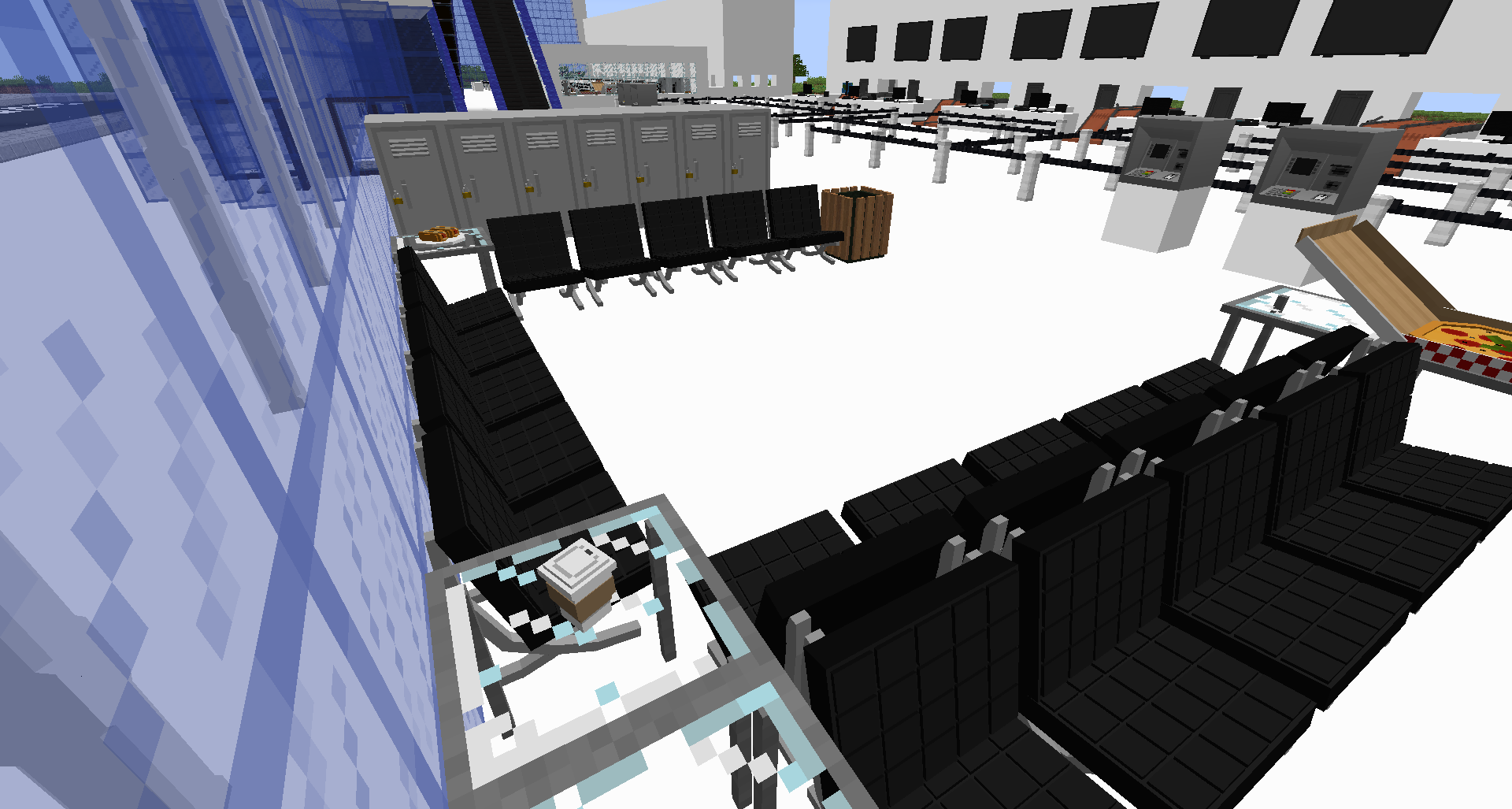
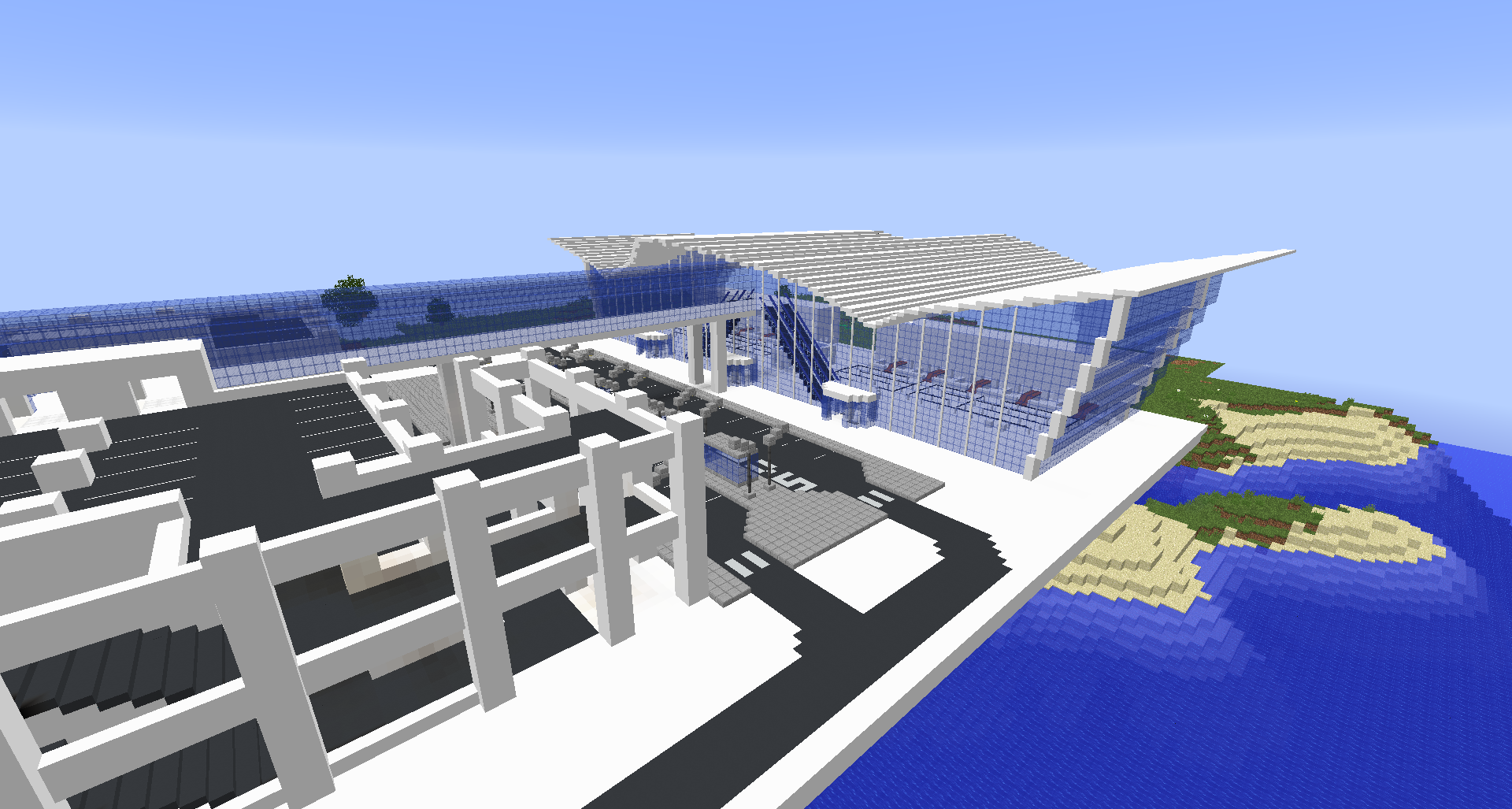
Build an airport and fly realistic planes to other towns.
Link your town with others towns via freeways quickly using the blueprint tools.
Once you have the tech, you can build airports and working planes and trains, that's right, planes trains and automobiles!
More dangerous npcs may spawn further away from the worldspawn. Hot and cold biomes are also more dangerous. Don't start in a desert.
As your colony grows it will become appealing to raiders, the larger it grows the more bandits will come for you, think tower defense, in Minecraft :)
Client-side mods that can be disabled: AI Improvement, Bad wither no cookie, Biome Tweaker, Born in a barn, Client tweaks, Custom MainMenu, Chunk Pre-generator, Default Options, Fast leaf Decay, hydrophobia, Mine Tweaker Recipe Maker, Nether Portal Fix, Open eye, TellMe, ToastControl, Unloader, Server Observer, Sampler, Reauth, Resource Loader, LagGoggles, Journeymap, Default World generator
Connect with us on our Discord channel - https://discord.gg/hw7nFVf
This modpack was inspired by the success of the towns on our old Infinity Lite server -
https://youtu.be/WVjvTp_AD4w
https://youtu.be/Q8N6vky8QAU
Official server is already in the pack, click on multiplayer and join us.
Set up a server-
If you would like a done for you solution, the folks over at Akliz have an already set up server waiting for you -
Would you like to run a server for this pack yourself? AWESOME! Just put the mods,configs, and scripts on the server, then add forge and a startup script, and fire it up :)
Use Java 8 with modded minecraft Unless you have versions past 1.16 then a modern java version is required.
Set up the server with a matching version of forge that the client uses(Forge for 1.12.2 on TownCraft ONE and 1.16.5 for TownCraft TWO). Download and install forge in to your server folder(that you create).
Important note here- don't use the overrides folder from curseforge. You need to install the pack with Curseforge from Overwolf, then copy the mods, configs, and scripts from that folder.
Here is a server.properties to get you started - https://gist.github.com/ProsperCraft/243c1ab52c01a4b9bc251ae2eb2002d7
With new versions of forge you don't need to remove clientside mods because it automatically does not run them.
To start your server you will need a start script- make a file named serverstart.bat and edit it to include this -
https://gist.github.com/ProsperCraft/607a24f7a1b3dd486a04f838707e8eeb
Need more help? Feel free to join our ProsperCraft discord, we are a friendly group of family-friendly players.
Once you start the server the first time it will fail saying you need to accept hte EULA, edit the eula.txt to say you accept it, then the server will start up.
To update your server -
Clone world folder, delete mods, configs, scripts. Put in mods, configs, scripts from the client, start server, when it prompts you on console to type /fml confirm type it.
To enable chunkloaders on your server-
edit the Towncraft.zs in the scripts folder on your server and your clients-
Remove- hide(<techreborn:chunk_loader>);
removeAndHide(<ic2:te:82>);
removeAndHide(<mekanism:anchorupgrade>);
removeAndHide(<opencomputers:upgrade:4>); removeAndHide(<stevescarts:cartmodule:49>);
Edit mekanism.cfg-
Disable to make the anchor upgrade not do anything.
B:AllowChunkloading=true
Join us on the official Discord-
Updates on future Minecraft versions- 1.15.2 was a passing fad I don't recommend using that version it was still in the getting it to work and not many mods had updated yet, we are now working on 1.16 and working on the getting it to work phase there, reporting lots of bugs and resolving issues with the mods.
Issues opened in development of this pack -
TownCraft for 1.18.2-
https://github.com/McJtyMods/LostCities/issues/451#event-6929599854
https://github.com/MinecraftModDevelopmentMods/IronAgeFurniture/issues/108
https://github.com/Insane96/ProgressiveBosses/issues/131
https://github.com/MarkusBordihn/BOs-Daily-Rewards/issues/1
TownCraft 3 for Minecraft 1.17(Scrapped in favor of 1.18)
https://www.curseforge.com/minecraft/mc-mods/the-wild-update?comment=67
https://www.curseforge.com/minecraft/mc-mods/unofficial-1-19-wild-update-1-16?comment=41
https://github.com/someaddons/limitedchunks/issues/1
https://github.com/dainxt/DungeonsMod-Issue-Tracker/issues/40
https://github.com/MikeTheShadow/VoluminousEnergy/issues/27
https://www.curseforge.com/minecraft/mc-mods/moderncreator/issues/2
https://gitlab.com/modding-legacy/blue-skies/-/issues/70
https://gitlab.com/modding-legacy/blue-skies/-/issues/69
https://github.com/tom5454/Toms-Storage/issues/73
https://github.com/NinjaPhenix/expanded-storage/issues/15
https://github.com/SilentChaos512/Silent-Gear/issues/443
https://github.com/Corail31/tombstone_lite/issues/18
https://github.com/Keksuccino/Drippy-Loading-Screen/issues/6
https://github.com/ercanserteli/xercamods/issues/41
https://github.com/Snownee/Jade/issues/67
https://github.com/JDKDigital/productive-bees/issues/207
https://www.curseforge.com/minecraft/mc-mods/zihlaunchpads?comment=1
https://www.curseforge.com/minecraft/mc-mods/epic-knights-armor-and-weapons?comment=87
https://bitbucket.org/kaneka/planttech2/issues/115/1171-crash-on-loading-first-load-on
https://www.curseforge.com/minecraft/mc-mods/exlines-furniture?comment=31
https://github.com/ldtteam/StorageRacks/issues/8
https://github.com/grim3212/AssortedTech/issues/1
https://github.com/SilentChaos512/Silent-Gear/issues/427
https://github.com/Theta-Dev/ConstructionWand/issues/37
https://github.com/MrCrayfish/GoblinTraders/issues/43
https://github.com/MightyPirates/Scannable/issues/94
https://github.com/bernie-g/geckolib/issues/180
TownCraft TWO for Minecraft 1.16-
https://github.com/tr7zw/EntityCulling/issues/63
https://github.com/TwistedGate/ImmersivePetroleum/issues/74
https://github.com/Snownee/LightingWand/issues/26
https://github.com/GregTech-Intergalactical/GregTech/issues/118
https://github.com/someaddons/performant_issues/issues/210
https://github.com/TheIllusiveC4/Polymorph/issues/114
https://gitee.com/DevBobcorn/nekoration/issues/I4KITX
https://github.com/NLBlackEagle/Dregora/issues/32
https://github.com/octarine-noise/BetterFoliage/issues/412
https://github.com/Lothrazar/GlassCutter/issues/4
https://github.com/stfwi/engineers-decor/issues/193
https://github.com/lehjr/MachineMusePowersuits/issues/37
https://gitlab.com/endrem/end-remastered/-/issues/44
https://github.com/stfwi/engineers-decor/issues/192
https://github.com/Quarris/EnigmaticGraves/issues/31
https://github.com/NLBlackEagle/Dregora/issues/31
https://www.curseforge.com/minecraft/mc-mods/neoelfeos-medieval-pub-decoration?comment=432
Installation von TownCraft
With Millida Launcher
Install Millida Launcher
The launcher is free: download it at millida.net/launcher and sign in with any nickname.
Click “Install” on this page
The launcher opens and installs the modpack for Minecraft 1.12.2–1.20.1 on Fabric or Forge automatically.
Launch the game
A profile with it appears in the launcher: click “Play”.
Manually
Download the modpack archive
In the version list above, pick the file TownCraft for 1.20.1 FABRIC-0.5.zip (1.2 MB).
Import it into a launcher
A launcher that supports modpacks (Millida Launcher, Prism) takes the archive via “Add modpack”, then “From file”. No need to unpack it yourself.
Allocate memory
Modpacks need more memory than the plain game: set 4–6 GB in the profile settings.
On a server
Or use the “To hosting” button
On Millida Hosting, the button at the top of the page uploads the file to your server and restarts it for you.
Players install the same modpack
To join the server, every player needs the same modpack version.
Minecraft 1.20.1 runs on Java 17: with a different Java version the game may close right after launch.
Versionen
Mit Abhängigkeiten
| Minecraft | Loader | Datei | Datum | Aktionen |
|---|---|---|---|---|
| 1.20.1 | Fabric | TownCraft for 1.20.1 FABRIC-0.5.zip1.2 MB 2 | ||
| 1.20.1 | Forge | TownCraft for 1.20.1-1.20.1-0.87.zip26.5 MB | ||
| 1.20.1 | — | Towncraft for 1.20.1-1.20.1-0.45.zip21.8 MB | ||
| 1.12.2 | Forge | TownCraft for 1.12.2-9.0.zip31 MB | ||
| 1.12.2 | — | TownCraft ONE for 1.12.2-8.15.zip28.3 MB |
FAQ
Which Minecraft versions does TownCraft work on?
There are files for 1.20.1, 1.12.2. The newest is 1.20.1.
Is TownCraft for Forge or Fabric?
There are files for Fabric: 1.20.1 and for Forge: 1.12.2–1.20.1.
Which Java does TownCraft need?
Minecraft 1.20.1 runs on Java 17. If the game closes right after launch, the usual cause is the wrong Java version in the profile settings.
Where can I download TownCraft safely?
On this page: the file TownCraft for 1.20.1 FABRIC-0.5.zip (1.2 MB) is stored on Millida’s server, with no link shorteners. SHA-1 checksum: 121101677c00b0d4afa2d722a597f4dfb4cbdde3.
Bewertungen
Bewerten Sie TownCraft als Erster


