

FPS+ Modpack für Minecraft 26.1
Fabric Powered: Kombiniert die aktuellsten und effizientesten Optimierungsmods.
- Downloads
- 2 Downloads
- Aufrufe
- 42 Aufrufe
- Aktualisiert
- Aktualisiert 04.09.2026
- 26.1
 Fabric
- Client und Server
📥 How to Install
- Download and install a modern Minecraft launcher (like Prism, Modrinth, or CurseForge).
- Search for FPS+ in the modpack section.
- Click Install, allocate at least 2-4 GB of RAM, and enjoy your buttery-smooth gameplay!

🟩 FPS+ — Ultimate Performance Modpack
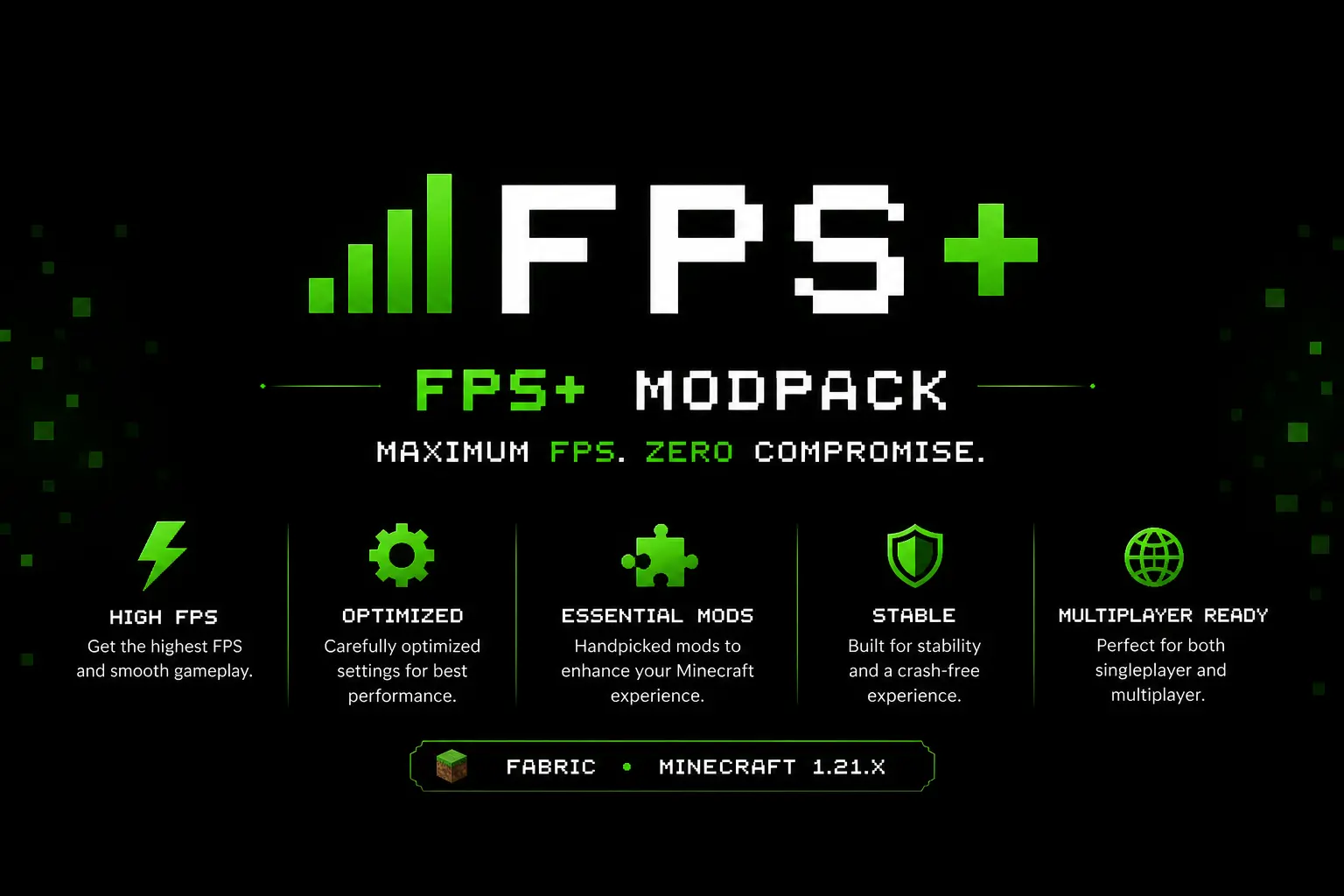
FPS+ is a lightweight, system-friendly Minecraft modpack specifically designed to maximize your frame rates and deliver the smoothest gameplay experience possible. Built on the ultra-fast Fabric API, it focuses purely on boosting performance, eliminating micro-stutters, and lowering memory usage without changing the vanilla game mechanics you love.
🛠️ Included Features & Optimizations
Feature - Status
Litematica - ✅ Included İtem İnfo - ✅ Included Shulker İnfo - ✅ Included Zoom - ✅ Included Shaders - ✅ Included Freecam - ✅ Included | Fullbright | ✅ Included Dynamic Lights - ✅ Included Smart Leaves - ✅ Included
System Setup
⚙️Hardware and Software
Component - Specification
OS - Windows 11 Home Single Language CPU - 13th Gen Intel(R) Core(TM) i5-13500H (2.60 GHz) GPU - NVIDIA GeForce RTX 3050 6GB Laptop GPU (6 GB) RAM - 12 GB
💬 Community & Support
Need help, want to report a bug, or follow updates? Join our community or check out our documentation:
Installation von FPS+
With Millida Launcher
Install Millida Launcher
The launcher is free: download it at millida.net/launcher and sign in with any nickname.
Click “Install” on this page
The launcher opens and installs the modpack for Minecraft 26.1 on Fabric automatically.
Launch the game
A profile with it appears in the launcher: click “Play”.
Manually
Download the modpack archive
In the version list above, pick the file 0.1 1.0.0.mrpack (6 KB).
Import it into a launcher
A launcher that supports modpacks (Millida Launcher, Prism) takes the archive via “Add modpack”, then “From file”. No need to unpack it yourself.
Allocate memory
Modpacks need more memory than the plain game: set 4–6 GB in the profile settings.
On a server
Use the “To server” button
On Millida Hosting, the button at the top of the page uploads the file to your server and restarts it for you.
Invite friends: they install the same modpack
To join the server, every player needs the same modpack version.
Versionen
Mit Abhängigkeiten
| Minecraft | Loader | Datei | Aktionen |
|---|---|---|---|
| 26.1 | Fabric | 26.16.4 KB 2 |
Was zum Ausführen nötig ist
- Continuitybereits enthalten
- [EMF] Entity Model Featuresbereits enthalten
- More Cullingbereits enthalten
- Sodiumbereits enthalten
- Boat Item Viewbereits enthalten
- Fabric Language Kotlinbereits enthalten
- Sodium Extrabereits enthalten
- Iris Shadersbereits enthalten
- Mouse Tweaksbereits enthalten
- sparkbereits enthalten
- FerriteCorebereits enthalten
- Zoomify (Zoom)bereits enthalten
FAQ
Which Minecraft versions does FPS+ work on?
Only Minecraft 26.1: there are no files for other versions.
Is FPS+ for Forge or Fabric?
Only for Fabric: 26.1.
Which mods are in the FPS+ modpack?
Mods in the modpack include Continuity, [EMF] Entity Model Features, More Culling, Sodium, Boat Item View, Fabric Language Kotlin, Sodium Extra, Iris Shaders and 4 more.
Where can I download FPS+ safely?
On this page: the file 0.1 1.0.0.mrpack (6 KB) is stored on Millida’s server, with no link shorteners. SHA-1 checksum: 3b4937804ddb1a1e49ef6a2075ddd0778ffdad5e.
Bewertungen
Bewerten Sie FPS+ als Erster


