
Plugins for Minecraft 26.3
306 عناصرالإضافات: القائمة


Let Me Despawn
Improves performance by tweaking mob despawn rules. Say bye to pesky unintentional persistent mobs.على خادم

VeinMiner Enchantment
Veinminer Addon - Adds vineminer enchantment to enchanting tables. Only tools with the enchantment can veinmineعلى خادم

JourneyMap
Real-time map used for mapping in-game or your browser as you explore.على خادم

WorldEdit
A Minecraft Map Editor... that runs in-game! With selections, schematics, copy and paste, brushes, and scripting. Use it in creative, or use it temporarily in survival.على خادم

Emotecraft
Create your own emotes in Minecraft.على خادم

Common Network
Forge and Fabric Unified Networking Solutionعلى خادم

Plasmo Voice
A proximity voice chat mod with audio positioning and lots of featuresعلى خادمOpenInv
Open anyone's inventory as a chest in real time!على خادم

ViaVersion
Allow newer Java Edition clients to connect to older servers.على خادم

Shopkeepers
Set up custom villager shopkeepersعلى خادم

ViaBackwards
Allow older Java Edition clients to connect to newer servers.على خادم

SkinsRestorer
🎨 Ability to restore/change skins on servers! (Offline and Online Mode)على خادم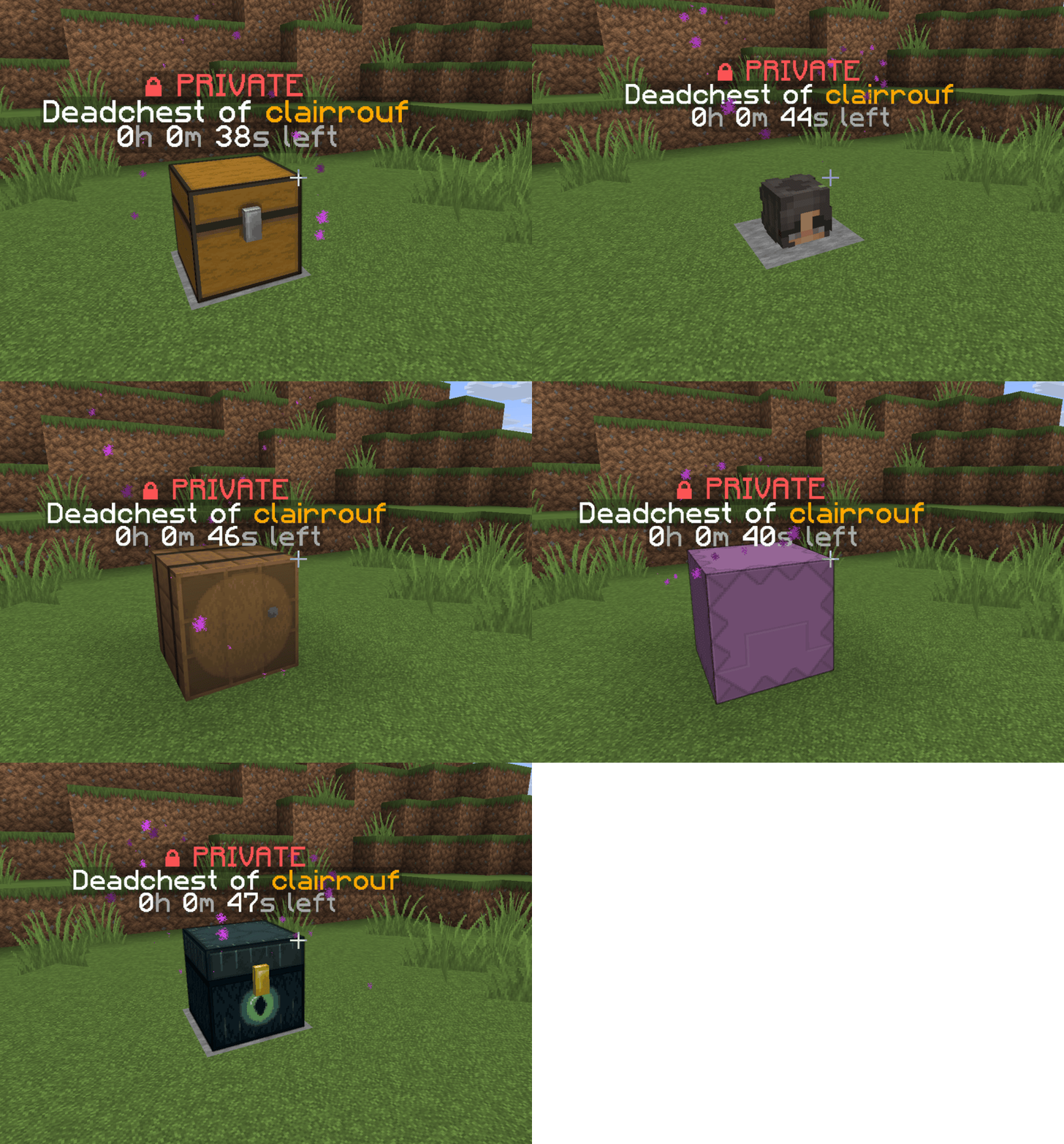

DeadChest
Modern Minecraft death chest plugin for Bukkit, Spigot, and Paper servers.على خادم

TAB
An all-in-one solution that worksعلى خادم

WorldGuard
WorldGuard lets you and players guard areas of land against griefers and undesirables as well as tweak and disable various gameplay features of Minecraft.على خادم

Multiverse-Core
The Bukkit World Management Plugin.على خادم

PacketEvents
PacketEvents is a protocol library tailored to Minecraft Java Edition, designed to facilitate the processing and transmission of packets.على خادم

Grim Anticheat
Fully async, multithreaded, predictive, open source, 3.01 reach, 1.005 timer, 0.01% speed, 99.99% antikb, "bypassable" 1.8-1.21 anticheatعلى خادم

ViaBackwards
Allow Java Edition clients with older versions to connect to your Minecraft serverعلى خادم
Simple Voice Chat
A working voice chat in Minecraft!على خادم

ViaRewind
ViaVersion addon to allow 1.8.x and 1.7.x clients on newer server versions.على خادم

BlueMap
A Minecraft mapping tool that creates 3D models of your Minecraft worlds and displays them in a web viewer.على خادم

FastAsyncWorldEdit
Blazingly fast world manipulation for artists, builders and everyone elseعلى خادمالأسئلة الشائعة
كيف تختلف الإضافة عن المود؟
تعمل الإضافة على الخادم فقط ولا تطلب شيئًا من اللاعبين: يبقى العميل على النسخة الأصلية. أما المود فيجب أن يثبّته الجميع، وهو يغيّر اللعبة نفسها.
أين أضع الإضافة؟
ضع ملف .jar في مجلد plugins على الخادم، ثم أعد تشغيل الخادم. ستنشئ الإضافة إعداداتها عند أول تشغيل.
هل تعمل إضافة Spigot على Paper؟
عادة نعم: Paper وPurpur مبنيان على Spigot ومتوافقان مع إضافاته. والعكس غير صحيح — إضافة تستخدم ميزات Paper لن تعمل على Spigot العادي.
كيف أثبّت إضافة على Aternos؟
على Aternos، يمكن تثبيت الإضافات فقط من القائمة المدمجة في قسم «الإضافات» في اللوحة. لا يمكنك رفع ملف .jar الخاص بك، لذا لا يمكن تثبيت الإضافات المدفوعة والنادرة على Aternos. إذا لم تكن الإضافة التي تحتاجها في القائمة، فأنت بحاجة إلى استضافة تتيح الوصول إلى مجلد plugins: ضع الملف هناك وأعد تشغيل الخادم.
أي الإضافات يجب أن أثبّتها على خادم أولًا؟
يبدأ الناس عادة بأربع: EssentialsX (المنازل، نقاط الانتقال، الحزم، الانتقال)، وLuckPerms (المجموعات والصلاحيات)، وWorldGuard مع WorldEdit (حماية نقطة الظهور والمناطق)، وViaVersion (الانضمام من إصدارات لعبة أخرى). لخادم بتسجيل الدخول بالاسم المستعار، أضف AuthMe لكلمات المرور وSkinsRestorer للسكنات.
أي الإضافات يجب أن أثبّتها على خادم للعب مع الأصدقاء؟
خادم صغير للأصدقاء يحتاج القليل فقط: EssentialsX (المنزل، الانتقال إلى صديق، نقاط الانتقال)، وCoreProtect (استرجاع التخريب ومعرفة من كسر كتلة)، وSimple Voice Chat للدردشة الصوتية، الذي يحتاج المود الذي يحمل الاسم نفسه لدى اللاعبين. الصلاحيات وحماية المناطق عادة غير ضرورية على خادم كهذا.
كيف أثبّت إضافة على Paper؟
نزّل ملف الإضافة لإصدار Paper لديك، وضع ملف .jar في مجلد plugins وأعد تشغيل الخادم — وسيسردها أمر /plugins. على Millida Hosting يفعل زر «على خادم» في صفحة الإضافة الشيء نفسه.
Plugins for Minecraft 26.3
Plugins for Minecraft 26.3: 306 عنصرًا في قسم الإضافات. يتم التحقق من التوافق مع الملفات، لا مع الوصف: تبقى في القائمة فقط العناصر التي لها إصدار بناء مطابق لهذه الشروط تحديدًا.
تتولى الإضافات تقريبًا كل شيء خلف الكواليس على الخادم: الرتب والصلاحيات، وحماية الأرض، والاقتصاد والمتاجر، ومكافحة الغش، وتدوير الخرائط، والقوائم والتصويت. تثبّتها بنسخ ملف .jar إلى مجلد plugins وإعادة تشغيل الخادم؛ معظمها ينشئ إعداداته الخاصة عند أول تشغيل، وهو ما تعدّله بعد ذلك. تسرد البطاقة الأنوية وإصدارات اللعبة المدعومة، والمؤلف والرخصة، وكل الإصدارات مجمعة في صفحة واحدة — يمكنك تحديث الإضافة من هناك مباشرة.