

Transparency Fix Gói tài nguyên cho Minecraft 1.21.1, 1.21
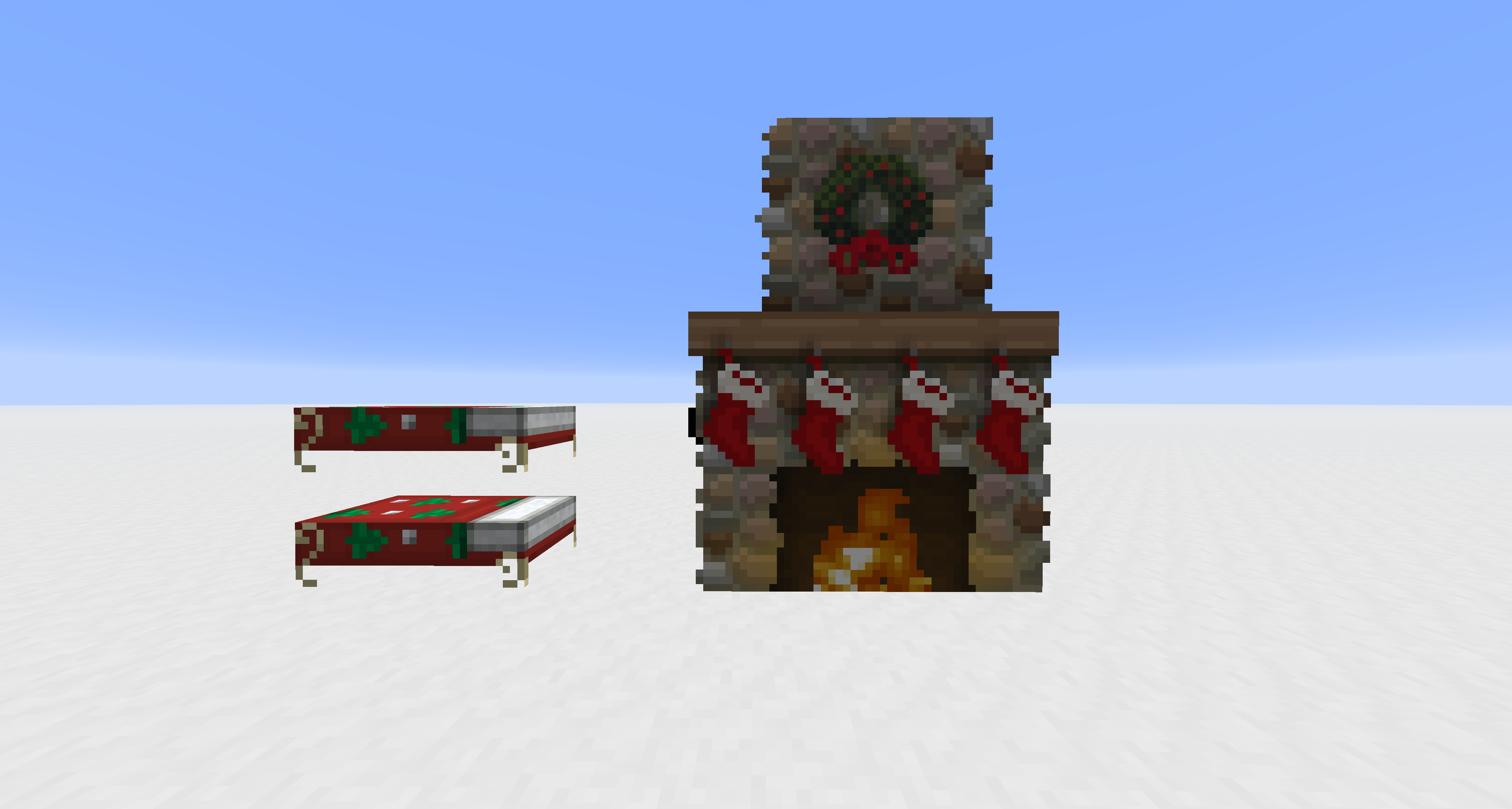
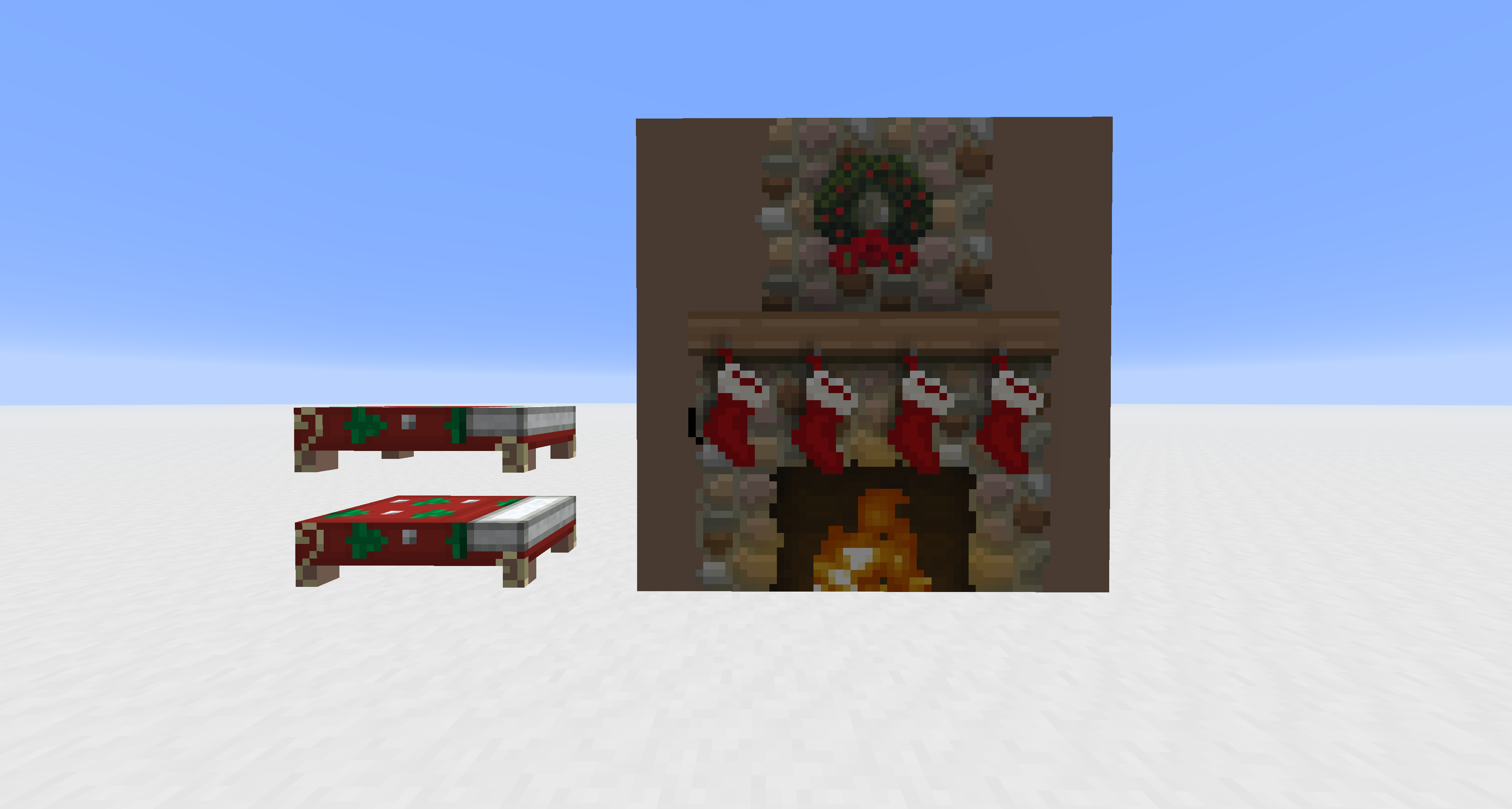
Cho phép sử dụng độ trong suốt trong texture của các thực thể vốn thường không trong suốt.
- lượt tải
- 27 lượt tải
- lượt xem
- 123 lượt xem
- Đã cập nhật
- Đã cập nhật 04.05.2026
- 1.20.2 — 26.1.2
 Game gốc
- Máy khách
Transparency Fix
This pack modifies vanilla core shaders to unlock alpha channel rendering for entities that are normally hard-coded to be opaque. It is designed to work alongside other resource packs; you must apply textures with transparency to see the effect.
Supported Entities: Beds, Paintings, Shields, Tridents, Books (Lectern/Enchanting), and Banners.
Cách cài đặt Transparency Fix
With Millida Launcher
Install Millida Launcher
The launcher is free: download it at millida.net/launcher and sign in with any nickname.
Click “Install” on this page
The launcher opens and installs the resource pack for Minecraft 1.20.2–26.1.2 automatically.
Launch the game
A profile with it appears in the launcher: click “Play”.
Manually
Download the archive
Pick the file Transparency Fix.zip (7 KB) for your game version. No need to unpack it.
Put it in the resourcepacks folder
The easiest way: “Options”, then “Resource Packs”, then “Open Pack Folder”, and drag the archive there.
Enable the pack
In the same window, move the pack to the right-hand “Selected” column and click “Done”.
Phiên bản
Kèm phụ thuộc
| Minecraft | Loader | Tệp | Ngày | Hành động |
|---|---|---|---|---|
| 26.1 | — | 26.17.4 KB 26 | ||
| 1.21.11 | — | 1.21.117.4 KB |
Nội dung cần nó
Đánh giá
Hãy là người đầu tiên đánh giá Transparency Fix



