

Giới thiệu gói tài nguyên Superior 3D Player
This pack changes your 2D/Outer layer to 3D, which adds more depth while making your character feel more alive. The pack now has more options to choose from with each being unique. The pack even has a cosmetic option, so everything supports 128x128 skins and with other models in the pack support 128x128.
Compatible
The pack is compatible with Complex Left Hand, just make sure CLH is on top.

Pictures
The pack also works on other skins and other players.
It also works on mobs, entities, and npc that uses your skin.
Issues
The pack uses player.entity.json, so expect some compatible issues.
Costmetics
There's a option to show custom hats/capes in the settings/subpacks.
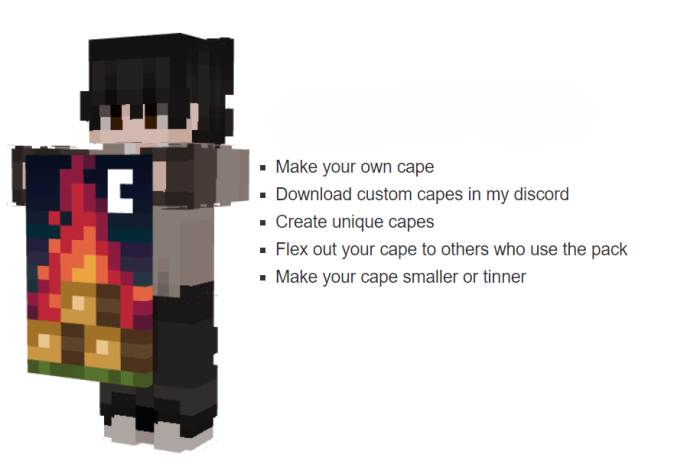
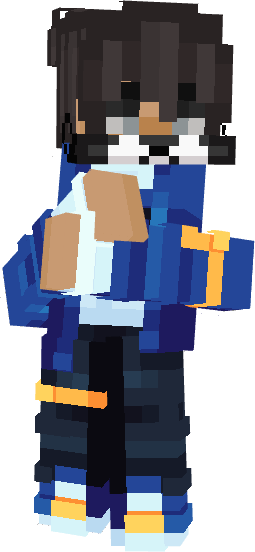
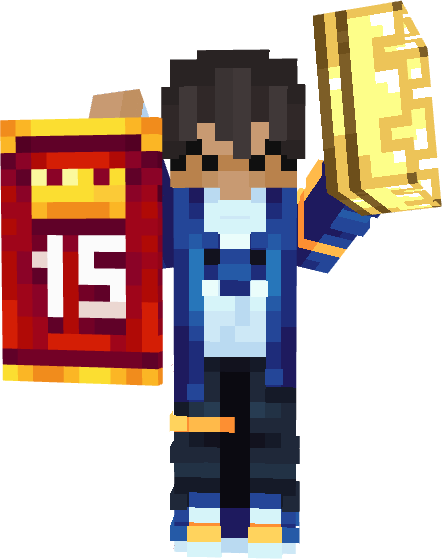
Have a custom skin and edit it. Here are the areas were you can edit the Third Hat-Layer.
I would recommend not using the hat layer and custom cape option when joinning some server.
Discord
If you want latest versions of my packs, including some I haven't uploaded, you can join my discord! Plus getting other packs that aren't yet published.
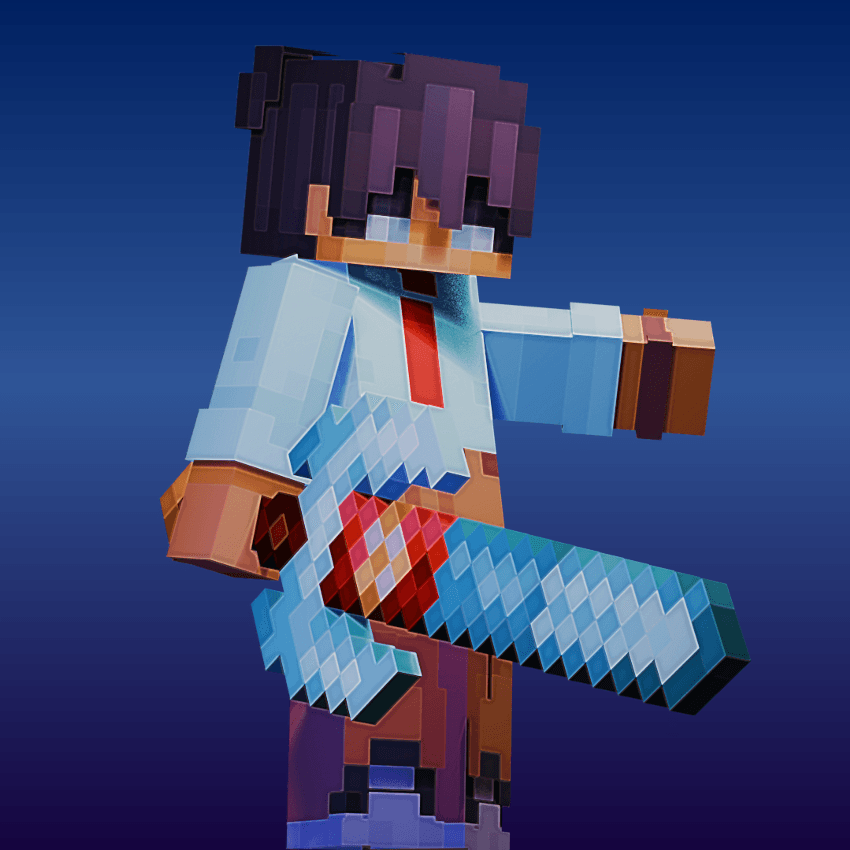
⊏ MCBE BigG's Creations ⊐
https://discord.gg/5s9JuQDASw
Cách cài đặt Superior 3D Player
With Millida Launcher
Install Millida Launcher
The launcher is free: download it at millida.net/launcher and sign in with any nickname.
Click “Install” on this page
The launcher opens and installs the resource pack for Minecraft 26.10 automatically.
Launch the game
A profile with it appears in the launcher: click “Play”.
Manually
Download the archive
Pick the file Superior 3D Player V26.6.12.mcpack (7.3 MB) for your game version. No need to unpack it.
Put it in the resourcepacks folder
The easiest way: “Options”, then “Resource Packs”, then “Open Pack Folder”, and drag the archive there.
Enable the pack
In the same window, move the pack to the right-hand “Selected” column and click “Done”.
Phiên bản
Kèm phụ thuộc
| Minecraft | Loader | Tệp | Ngày | Hành động |
|---|---|---|---|---|
| 26.10 | — | Superior 3D Player V26.6.12.mcpack7.3 MB 1 |
Câu hỏi thường gặp
Which Minecraft versions does Superior 3D Player work on?
Only Minecraft 26.10: there are no files for other versions.
Where can I download Superior 3D Player safely?
On this page: the file Superior 3D Player V26.6.12.mcpack (7.3 MB) is stored on Millida’s server, with no link shorteners. SHA-1 checksum: 21eba6b6c4dd52c1f8d7962951bf30d7ea41d70d.
Đánh giá
Hãy là người đầu tiên đánh giá Superior 3D Player


