
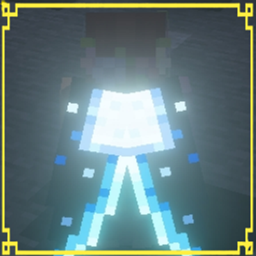
Giới thiệu gói tài nguyên Moonlight Cape
“Unofficial fan-made client-side cape/resource pack; not affiliated with or endorsed by Mojang/Minecraft”
Moonlight Cape Resource Pack 🌙✨
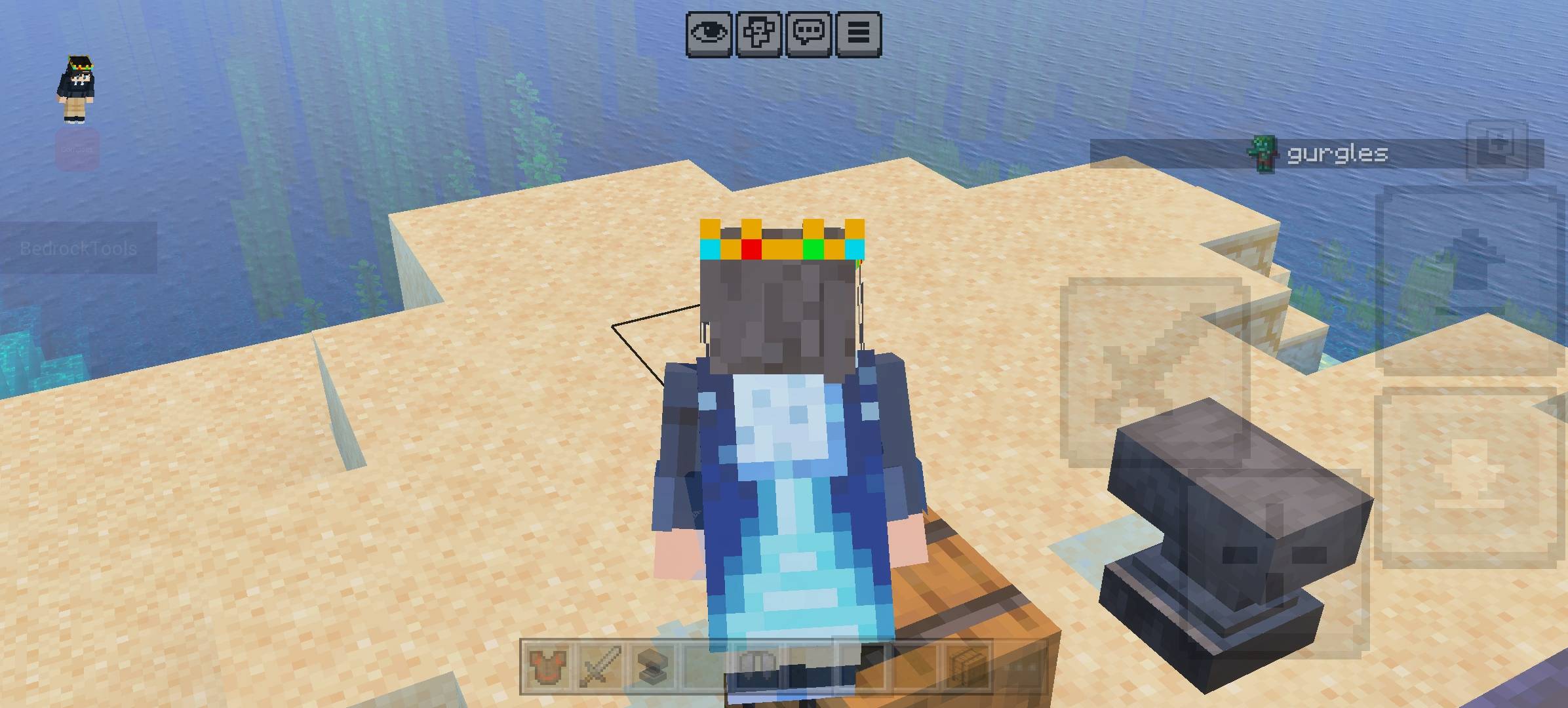
Bring the new Moonlight Cape into Minecraft with a stylish glowing Elytra effect!
This resource pack recreates the Moonlight Cape with custom Elytra textures designed to shine beautifully when Vibrant Visuals is enabled. Due to current Bedrock limitations, the cape itself cannot fully glow, but the Elytra supports emissive effects for a bright moonlight appearance.
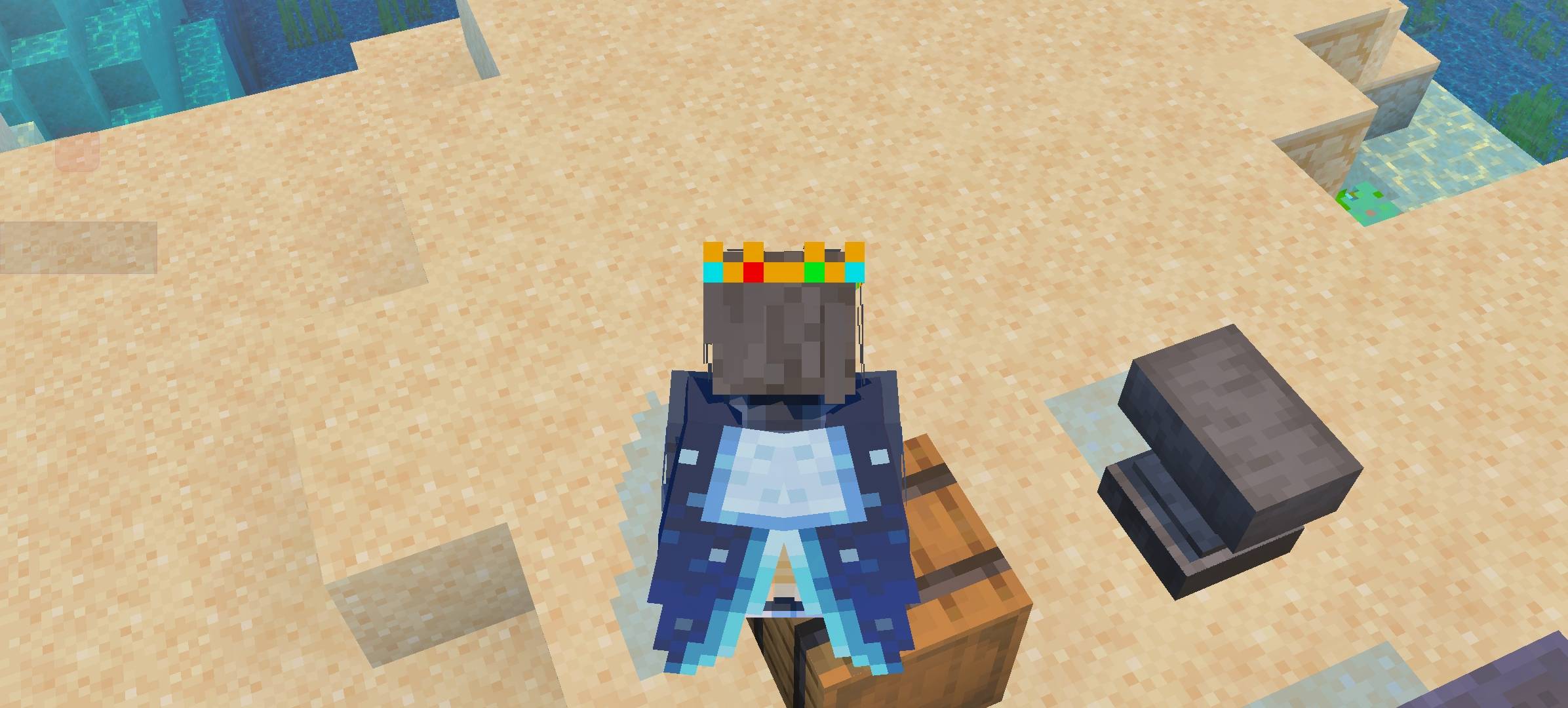
✨ Features: • Moonlight Cape recreation
• Glowing Elytra effect with Vibrant Visuals
• Smooth vanilla-friendly design
• Lightweight resource pack
• Multiplayer compatible
• Easy to enable or disable
💡 Important: The glowing effect only works on the Elytra texture using Vibrant Visuals/emissive support. Normal capes in Minecraft Bedrock currently have rendering limitations and cannot fully use emissive glow effects.
🎮 Perfect for players who want a magical night-themed Elytra experience while keeping the vanilla Minecraft style.

Cách cài đặt Moonlight Cape
With Millida Launcher
Install Millida Launcher
The launcher is free: download it at millida.net/launcher and sign in with any nickname.
Click “Install” on this page
The launcher opens and installs the resource pack for Minecraft 26.3–26.20 automatically.
Launch the game
A profile with it appears in the launcher: click “Play”.
Manually
Download the archive
Pick the file Moonlight Cape.mcpack (97 KB) for your game version. No need to unpack it.
Put it in the resourcepacks folder
The easiest way: “Options”, then “Resource Packs”, then “Open Pack Folder”, and drag the archive there.
Enable the pack
In the same window, move the pack to the right-hand “Selected” column and click “Done”.
Phiên bản
Kèm phụ thuộc
| Minecraft | Loader | Tệp | Ngày | Hành động |
|---|---|---|---|---|
| 26.3 | — | Moonlight Cape.mcpack96.7 KB |
Câu hỏi thường gặp
Which Minecraft versions does Moonlight Cape work on?
There are files for 26.20, 26.13, 26.12, 26.11, 26.10, 26.3. The newest is 26.20.
Where can I download Moonlight Cape safely?
On this page: the file Moonlight Cape.mcpack (97 KB) is stored on Millida’s server, with no link shorteners. SHA-1 checksum: 19c7915ee2fb7c72eb26d253170a6e89e549de79.
Đánh giá
Hãy là người đầu tiên đánh giá Moonlight Cape


