

蓝电线 Gói tài nguyên cho Minecraft 1.20.1
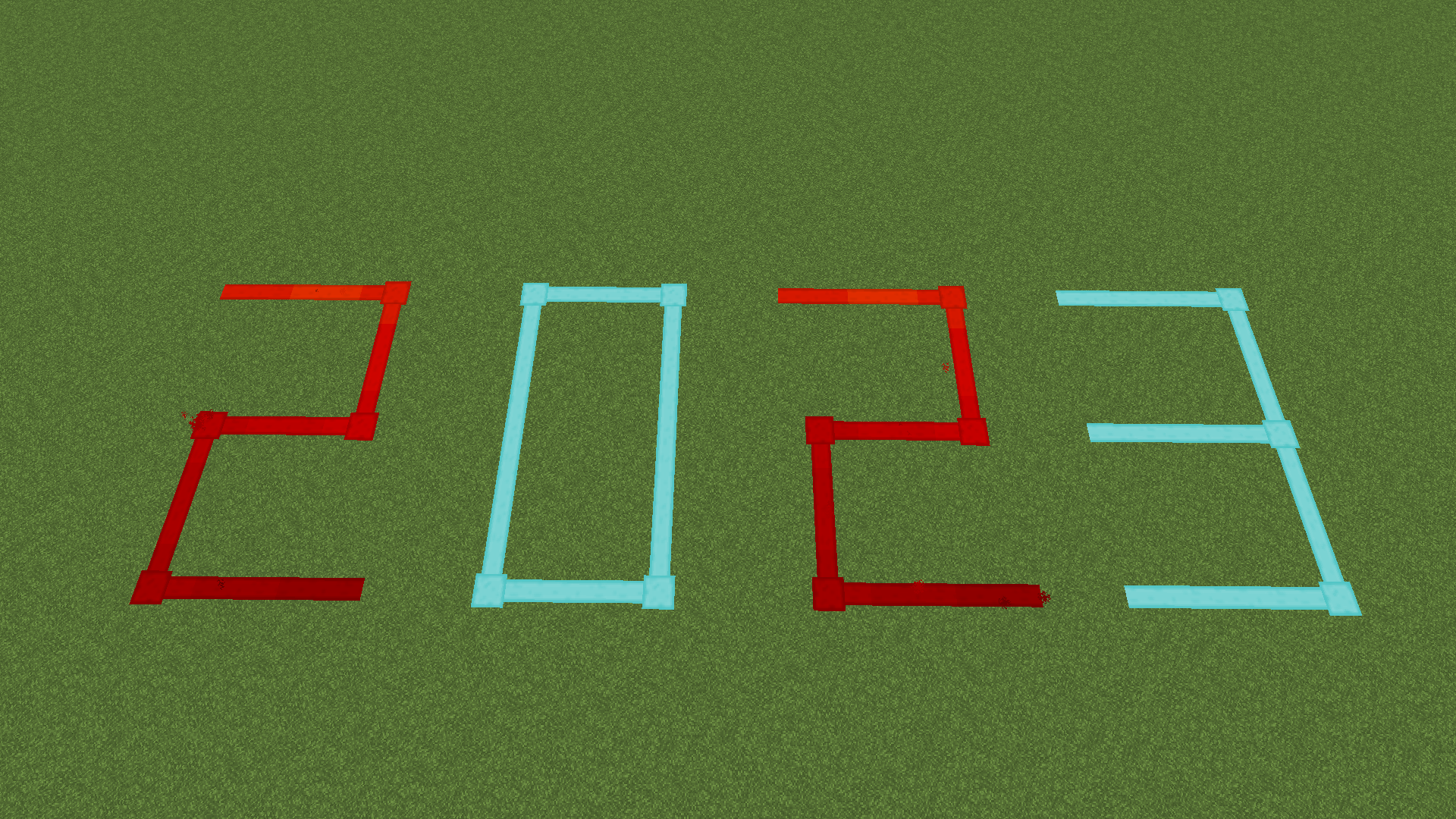
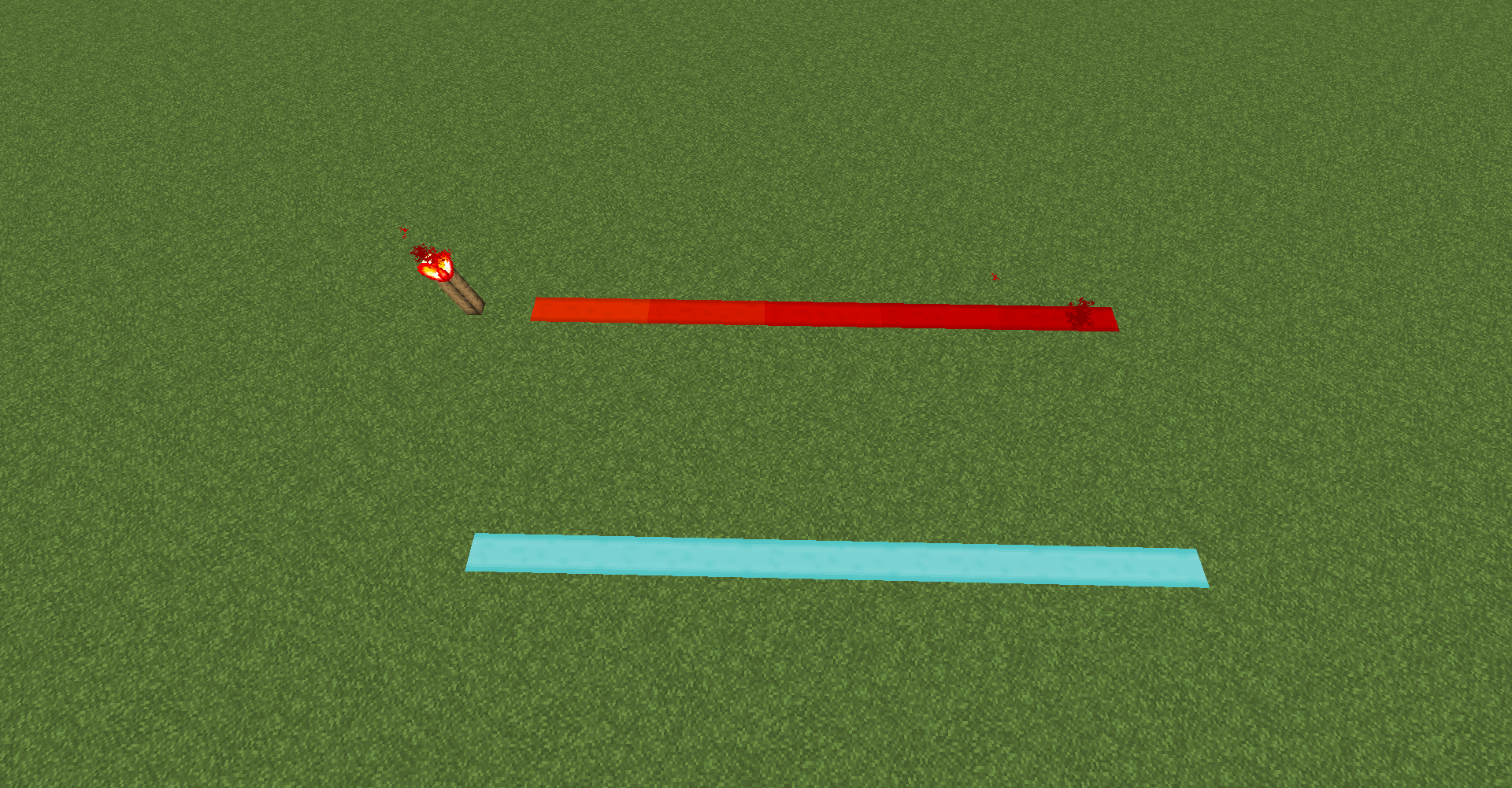
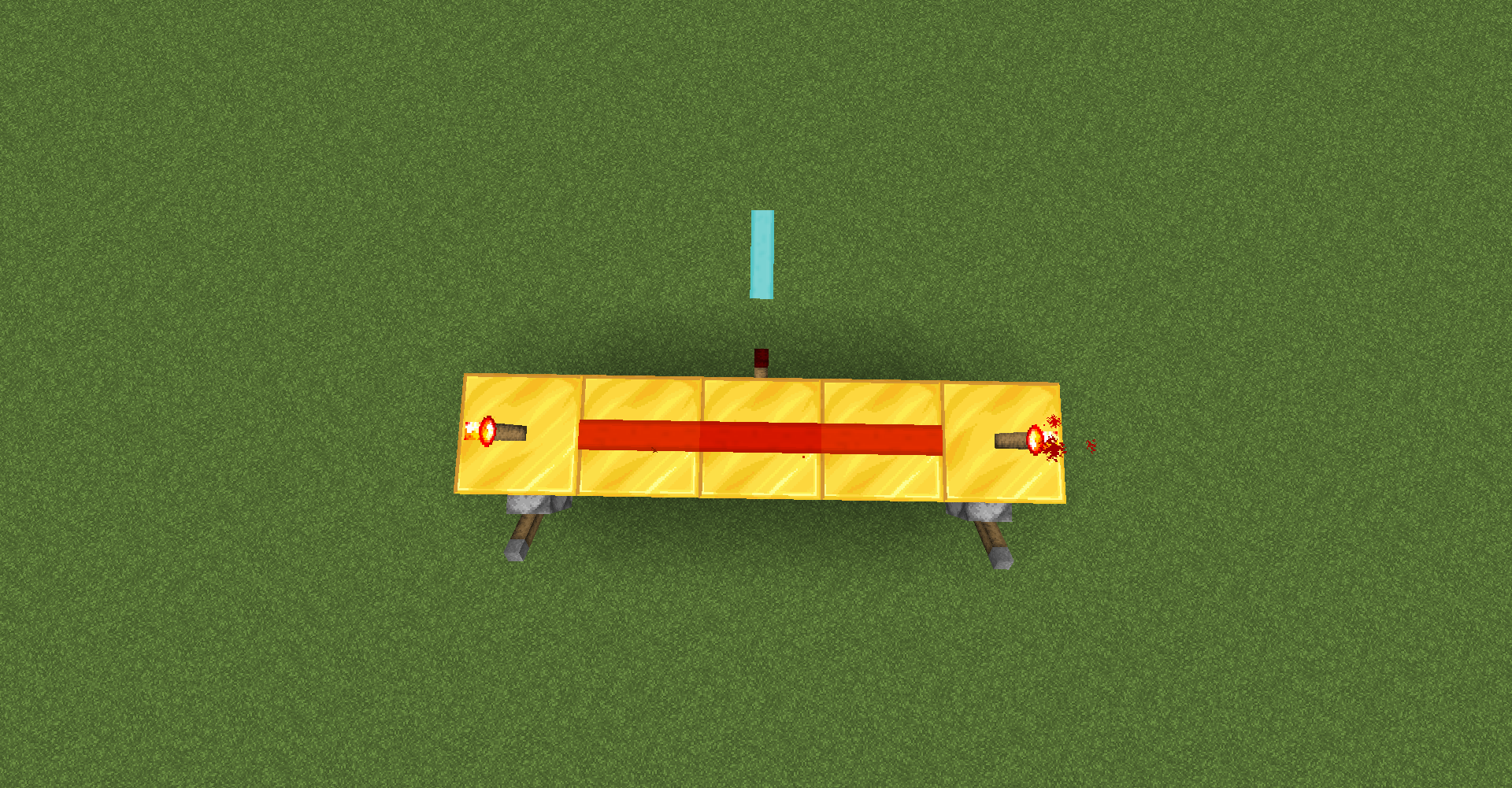
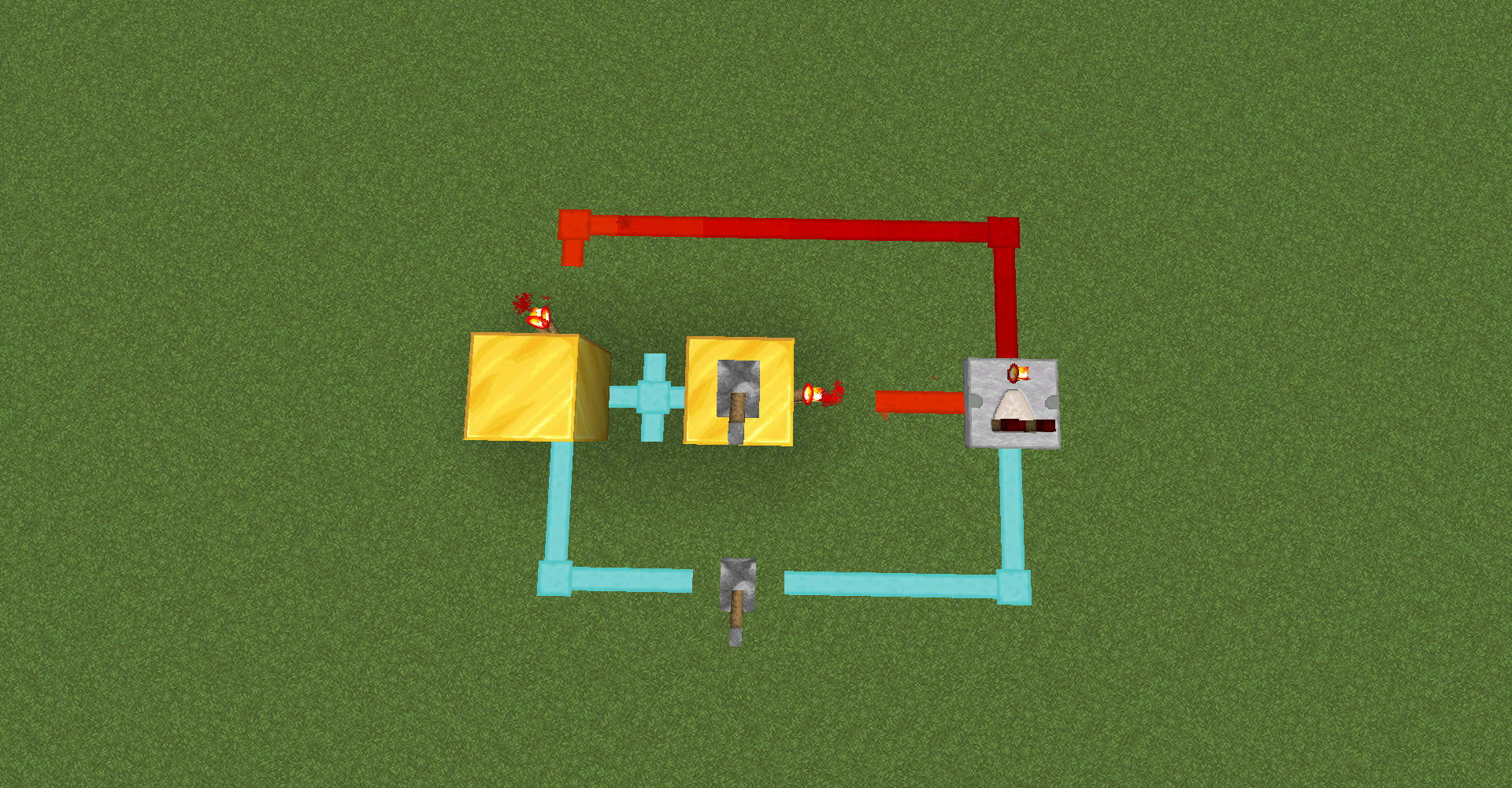
Dây redstone có độ tương phản cao, dễ quan sát và bảo vệ mắt, khi được nạp điện thì màu đỏ và khi không nạp điện thì màu xanh dương. 一个高对比度的红石线,利于观察护眼,充能红色,不充能蓝色。
- lượt xem
- 56 lượt xem
- Đã cập nhật
- Đã cập nhật 03.09.2026
- 1.20.1
 Game gốc
- Máy khách
Giới thiệu gói tài nguyên 蓝电线
A high contrast redstone wire, which is easy to observe and protects the eyes, is charged red and uncharged blue.
一个高对比度的红石线,利于观察护眼,充能红色,不充能蓝色。
Cách cài đặt 蓝电线
With Millida Launcher
Install Millida Launcher
The launcher is free: download it at millida.net/launcher and sign in with any nickname.
Click “Install” on this page
The launcher opens and installs the resource pack for Minecraft 1.20.1 automatically.
Launch the game
A profile with it appears in the launcher: click “Play”.
Manually
Download the archive
Pick the file 1.20.1蓝电线与汉化(1).zip (54 KB) for your game version. No need to unpack it.
Put it in the resourcepacks folder
The easiest way: “Options”, then “Resource Packs”, then “Open Pack Folder”, and drag the archive there.
Enable the pack
In the same window, move the pack to the right-hand “Selected” column and click “Done”.
Phiên bản
Kèm phụ thuộc
| Minecraft | Loader | Tệp | Hành động |
|---|---|---|---|
| 1.20.1 | — | 1.20.153.7 KB |
Câu hỏi thường gặp
Which Minecraft versions does 蓝电线 work on?
Only Minecraft 1.20.1: there are no files for other versions.
Does 蓝电线 need mods?
No, the resource pack works in the plain game without loaders: put it into the resourcepacks folder and enable it in the options.
Where can I download 蓝电线 safely?
On this page: the file 1.20.1蓝电线与汉化(1).zip (54 KB) is stored on Millida’s server, with no link shorteners. SHA-1 checksum: ea921874fceb8e3a0720005a97e19f76a0eab9ce.
Đánh giá
Hãy là người đầu tiên đánh giá 蓝电线


