

Lower Defaults (Shield & Fire) Gói tài nguyên cho Minecraft 1.20.1, 1.21.1
Hạ thấp lửa, khiên và totem để có tầm nhìn rõ ràng! Làm totem nhỏ hơn khi kích hoạt.
- lượt tải
- 2 lượt tải
- lượt xem
- 57 lượt xem
- Đã cập nhật
- Đã cập nhật 29.10.2026
- 1.14 — 26.2
 Game gốc
- Máy khách
Giới thiệu gói tài nguyên Lower Defaults (Shield & Fire)
⚠️ This pack does NOT need Optifine! ⚠️
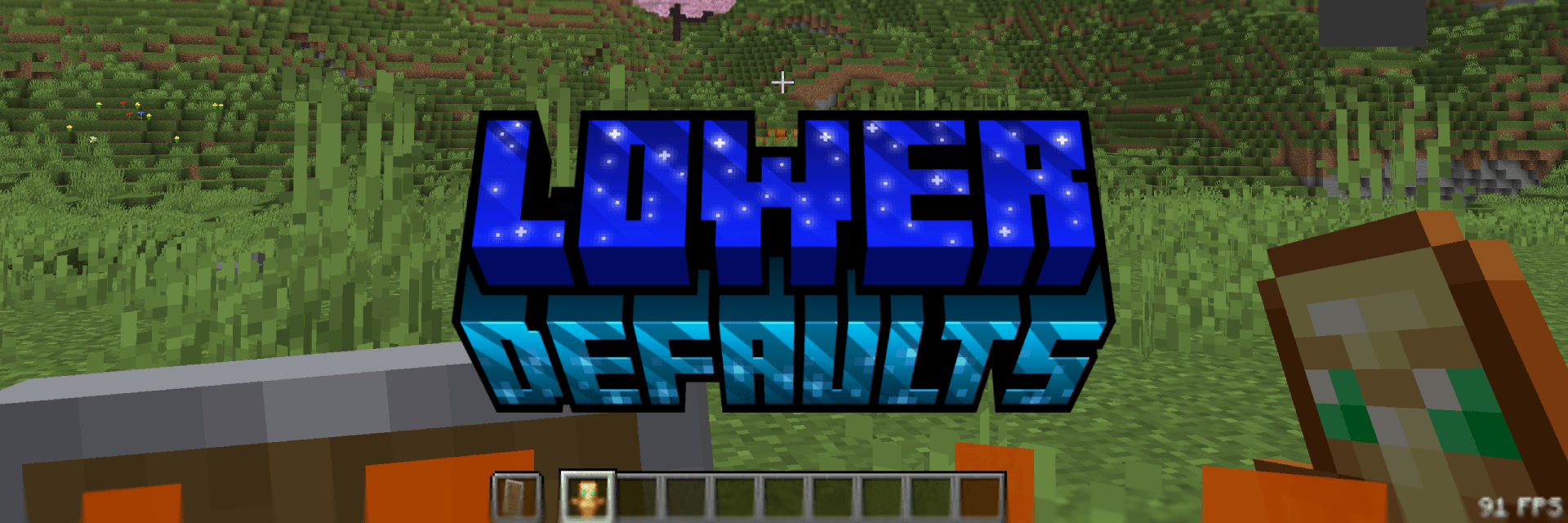
Lower Defaults
This pack makes the shield, totem and fire appear lower in first person and also shrinking the totem pop animation. Nothing more. This pack is consistent across all versions. View the Gallery for a better look!

Thanks
You can support me at Ko-Fi! ♥️

Cách cài đặt Lower Defaults (Shield & Fire)
With Millida Launcher
Install Millida Launcher
The launcher is free: download it at millida.net/launcher and sign in with any nickname.
Click “Install” on this page
The launcher opens and installs the resource pack for Minecraft 1.14–26.2 automatically.
Launch the game
A profile with it appears in the launcher: click “Play”.
Manually
Download the archive
Pick the file Lower Defaults (Shield & Fire) - Release 1.0.0 1.21.8.zip (105 KB) for your game version. No need to unpack it.
Put it in the resourcepacks folder
The easiest way: “Options”, then “Resource Packs”, then “Open Pack Folder”, and drag the archive there.
Enable the pack
In the same window, move the pack to the right-hand “Selected” column and click “Done”.
Phiên bản
Kèm phụ thuộc
| Minecraft | Loader | Tệp | Ngày | Hành động |
|---|---|---|---|---|
| 1.21.4 | — | 1.21.4105 KB 1 | ||
| 26.2 | — | 26.2105 KB 1 | ||
| 26.1 | — | 26.1105 KB |
Đánh giá
Hãy là người đầu tiên đánh giá Lower Defaults (Shield & Fire)


