

Giới thiệu gói tài nguyên Lithium fps booster
⚡ Lithium FPS Booster - Ultimate Performance Pack for MCPE ⚡
Tired of lag, frame drops, and low FPS?
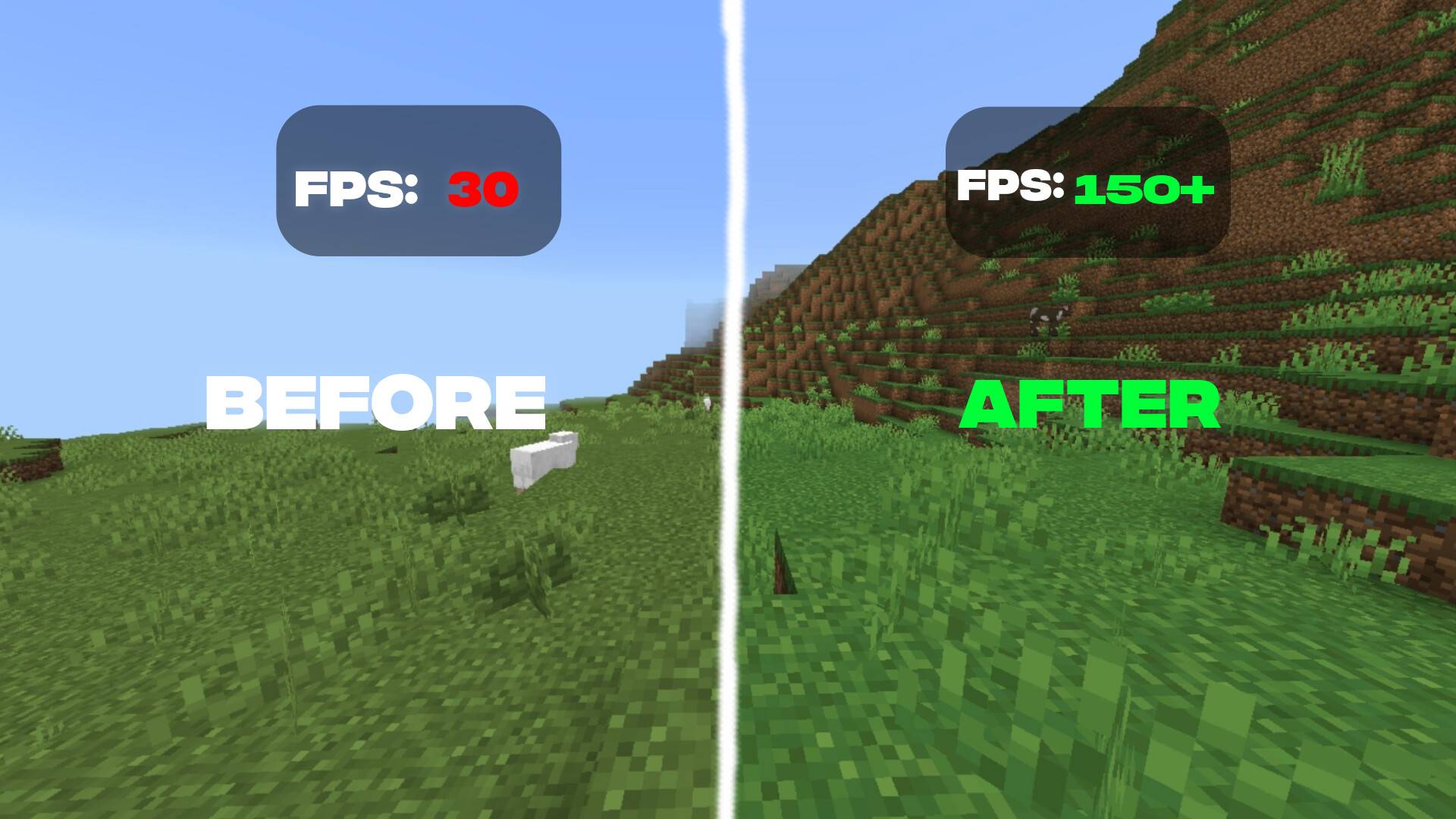
Lithium FPS Booster is designed to give you a massive FPS boost while keeping your gameplay smooth and clean.
🚀 Features:
🔻 Low Sword Texture
Cleaner and smaller sword design
Better visibility in PvP fights
Less screen clutter
💨 No Particles
Removes unnecessary particles (crit, smoke, etc.)
Reduces lag in intense fights
Improves overall performance
⚡ Massive FPS Boost
Optimized textures for low-end devices
Smoother gameplay (even in PvP servers like Zeqa 😉)
Faster chunk loading & less stuttering
🎯 PvP Optimized
Better hit visibility
Cleaner screen for combos
Ideal for competitive players
📱 Perfect For:
Low-end devices 📉
PvP players ⚔️
Players who want smooth gameplay without lag

Cách cài đặt Lithium fps booster
With Millida Launcher
Install Millida Launcher
The launcher is free: download it at millida.net/launcher and sign in with any nickname.
Click “Install” on this page
The launcher opens and installs the resource pack for Minecraft 1.21.130–26.10 automatically.
Launch the game
A profile with it appears in the launcher: click “Play”.
Manually
Download the archive
Pick the file Lithium FPSbooster v5.mcpack (14 MB) for your game version. No need to unpack it.
Put it in the resourcepacks folder
The easiest way: “Options”, then “Resource Packs”, then “Open Pack Folder”, and drag the archive there.
Enable the pack
In the same window, move the pack to the right-hand “Selected” column and click “Done”.
Phiên bản
Kèm phụ thuộc
| Minecraft | Loader | Tệp | Ngày | Hành động |
|---|---|---|---|---|
| 1.21.130 | — | Lithium FPSbooster v5.mcpack14.4 MB 77 |
Câu hỏi thường gặp
Which Minecraft versions does Lithium fps booster work on?
There are files for 1.21.130–26.10, 7 versions in total. The newest is 26.10.
Where can I download Lithium fps booster safely?
On this page: the file Lithium FPSbooster v5.mcpack (14 MB) is stored on Millida’s server, with no link shorteners. SHA-1 checksum: 8ddb354fe680f40e607cdf27583aad7772960291.
Đánh giá
Hãy là người đầu tiên đánh giá Lithium fps booster


