
Lead Knot 3D Gói tài nguyên cho Minecraft 1.20.1, 1.21
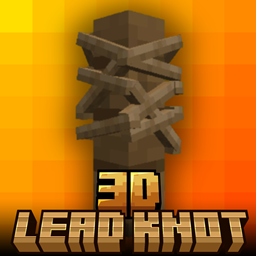
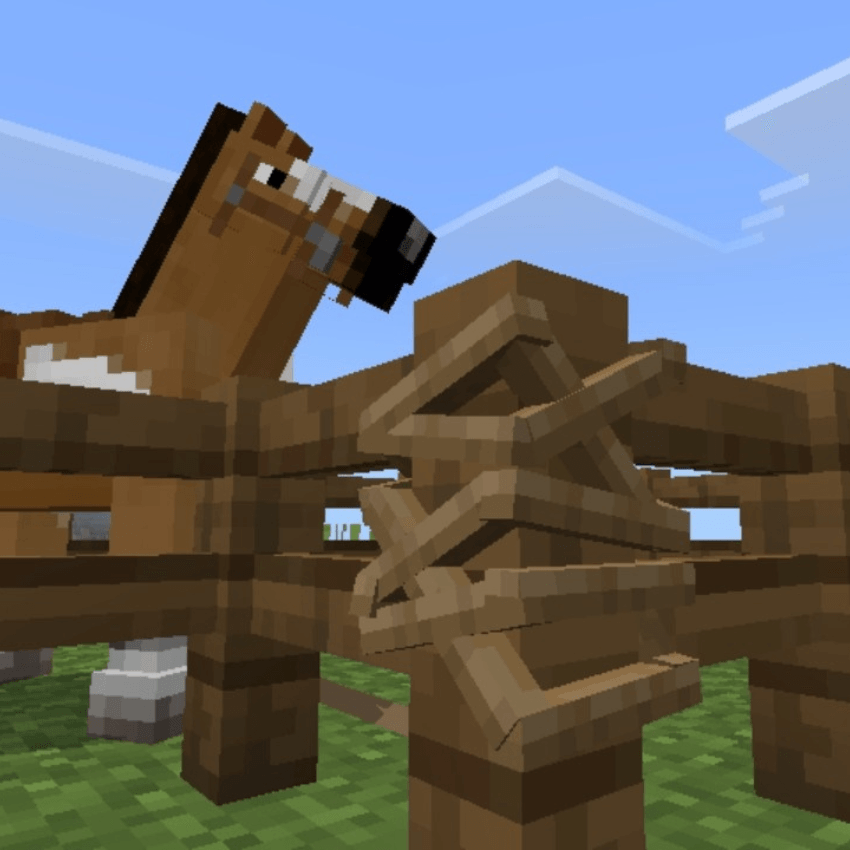
3D Lead Knot - resource pack thay thế nút dây dắt mặc định trong Minecraft Bedrock Edition bằng mô hình 3D tùy chỉnh trông gọn gàng, sắc nét và tự nhiên hơn. Tạm biệt hình ảnh phẳng — mang chút chân thực vào Gameplay của bạn✨
Giới thiệu gói tài nguyên Lead Knot 3D

3D Lead Knot - resource pack that replaces the default lead knot in Minecraft Bedrock Edition with a custom 3D model that looks cleaner, sharper, and more natural. Say goodbye to flat visuals - bring a touch of realism to your Gameplay✨
• This Pack is survival friendly and No experimental features required👌
🖼️ Screenshot


Cách cài đặt Lead Knot 3D
With Millida Launcher
Install Millida Launcher
The launcher is free: download it at millida.net/launcher and sign in with any nickname.
Click “Install” on this page
The launcher opens and installs the resource pack for Minecraft 1.20–1.21.90 automatically.
Launch the game
A profile with it appears in the launcher: click “Play”.
Manually
Download the archive
Pick the file lead knot 3d.mcpack (5 KB) for your game version. No need to unpack it.
Put it in the resourcepacks folder
The easiest way: “Options”, then “Resource Packs”, then “Open Pack Folder”, and drag the archive there.
Enable the pack
In the same window, move the pack to the right-hand “Selected” column and click “Done”.
Phiên bản
Kèm phụ thuộc
| Minecraft | Loader | Tệp | Ngày | Hành động |
|---|---|---|---|---|
| 1.20.40 | — | lead knot 3d.mcpack5.3 KB |
Câu hỏi thường gặp
Which Minecraft versions does Lead Knot 3D work on?
There are files for 1.20–1.21.90, 28 versions in total. The newest is 1.21.90.
Where can I download Lead Knot 3D safely?
On this page: the file lead knot 3d.mcpack (5 KB) is stored on Millida’s server, with no link shorteners. SHA-1 checksum: 38396955025b52a83a69a3120901b120e3f4a8f9.
Đánh giá
Hãy là người đầu tiên đánh giá Lead Knot 3D



