
Giới thiệu gói tài nguyên HorizonUI: BE

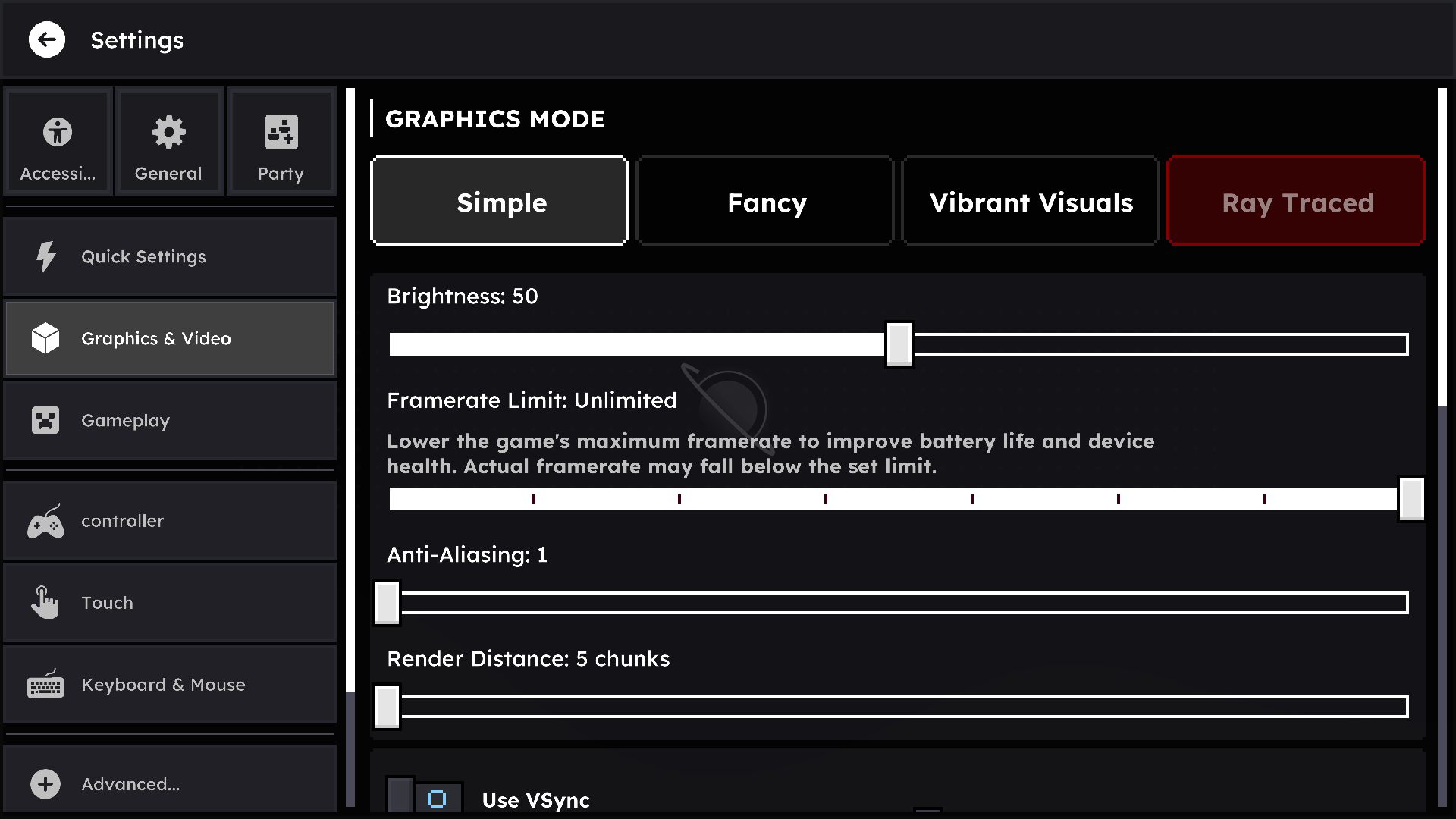
Bring a modern, clean, and customizable user interface to Minecraft. HorizonUI focuses on visual clarity, animated backgrounds, and layout refinement to deliver a fresh and immersive UI experience ✨
✨Features:
HorizonUI: BE has several features that make it easier for you to play survival mode :D
- Quick Loot Items
- Quick Move Items
- Quick Drop Items
- Inventory Slot Counter
- Item Counter & Stack Counter
- Brewing Guides
- Smithing Guides
⚠️ NOTE:
HorizonUI: BE is still in development and is currently in EXPERIMENTAL status, which means there are still some bugs and some features that aren't fully functional yet.
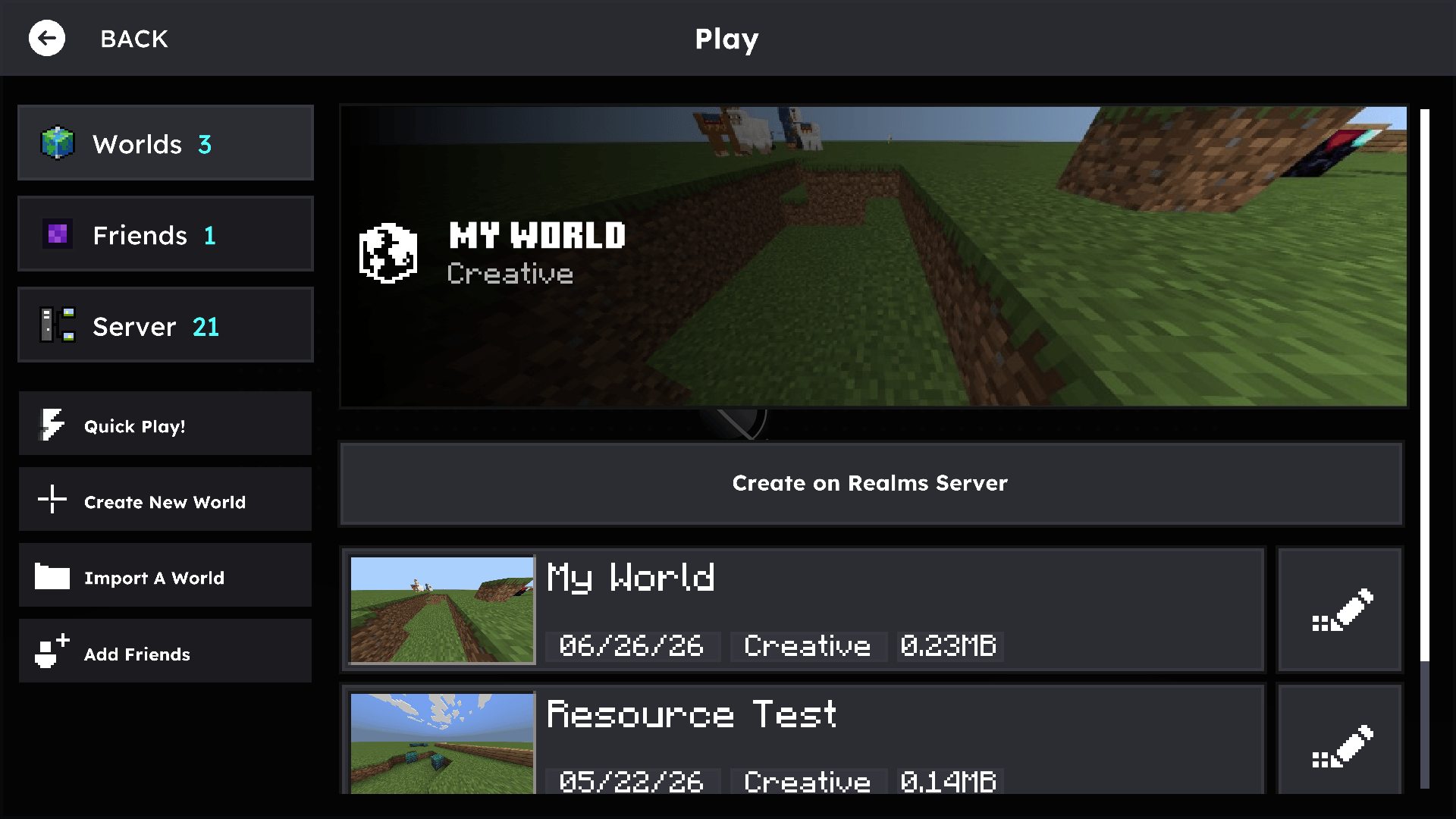
Video Showcase:
https://www.youtube.com/watch?v=FL9uC9odj2o
Special Thanks To:
- TheAndromedarius
- Pepe's ( https://www.youtube.com/@PepeOnYoutube )
- Ardzz ( https://www.youtube.com/@Ardzz23 )
- DimzCraft ( https://www.youtube.com/@Dimz_craft )
- Nokarin ( https://www.youtube.com/@nokarinn )
- ExplerHD ( https://www.youtube.com/@ExplHD )
Cách cài đặt HorizonUI: BE
With Millida Launcher
Install Millida Launcher
The launcher is free: download it at millida.net/launcher and sign in with any nickname.
Click “Install” on this page
The launcher opens and installs the resource pack for Minecraft 26.3–26.50 automatically.
Launch the game
A profile with it appears in the launcher: click “Play”.
Manually
Download the archive
Pick the file HorizonUI-v2.2-Stable.mcpack (3.8 MB) for your game version. No need to unpack it.
Put it in the resourcepacks folder
The easiest way: “Options”, then “Resource Packs”, then “Open Pack Folder”, and drag the archive there.
Enable the pack
In the same window, move the pack to the right-hand “Selected” column and click “Done”.
Phiên bản
Kèm phụ thuộc
| Minecraft | Loader | Tệp | Ngày | Hành động |
|---|---|---|---|---|
| 26.30 | — | HorizonUI v2.2 Stable3.8 MB 3 | ||
| 26.3 | — | HorizonUI: BE v1.8.1 Stable5.4 MB |
Câu hỏi thường gặp
Which Minecraft versions does HorizonUI: BE work on?
There are files for 26.3–26.50, 9 versions in total. The newest is 26.50.
Where can I download HorizonUI: BE safely?
On this page: the file HorizonUI-v2.2-Stable.mcpack (3.8 MB) is stored on Millida’s server, with no link shorteners. SHA-1 checksum: 965213ddcf69f303ea68d604cb59fe6e912e731e.
Đánh giá
Hãy là người đầu tiên đánh giá HorizonUI: BE


