
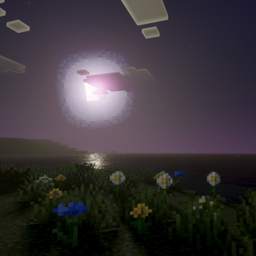
Gaster Visual Shade Gói tài nguyên cho Minecraft 26.40
Gaster Visual Shade là một shader dành cho fan Undertale. Shader này sẽ nâng cao hình ảnh của bạn. Nó được trang bị PBR, ánh xạ tông màu ACE, nhiệt độ cân bằng trắng và tông trung gian phức tạp.
Giới thiệu gói tài nguyên Gaster Visual Shade
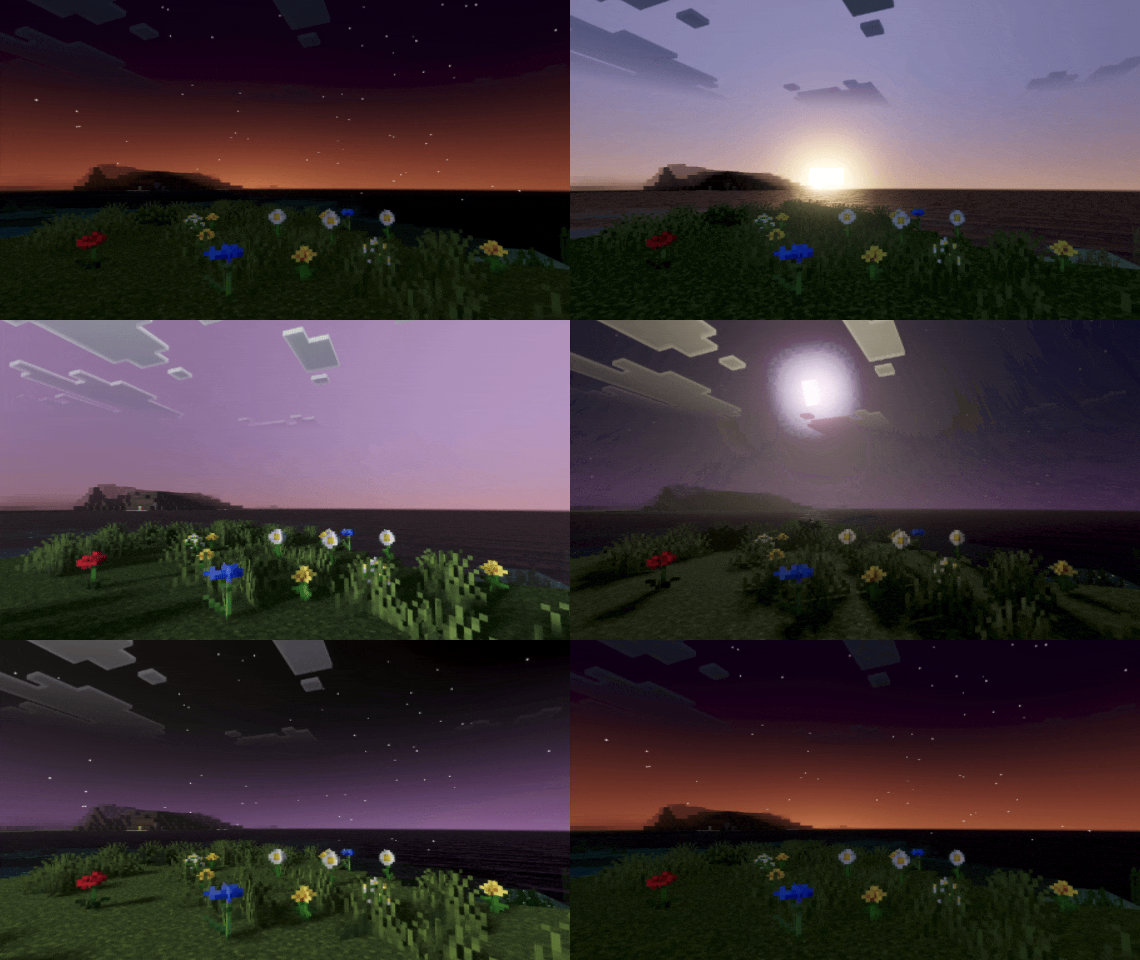
Gaster Visual Shade will transform your world with a stunning twilight atmosphere. This shader blends warm sunset colors with a deep, star-filled night sky, creating a cinematic and immersive experience. Soft lighting and balanced colors make every scene feel calm, magical, and alive. Perfect for players who love beauty, atmosphere, and unforgettable views.
This shader will enhance your visuals. It is equipped with PBR, ACE tone mapping, white balance temperature, and complex midtones.
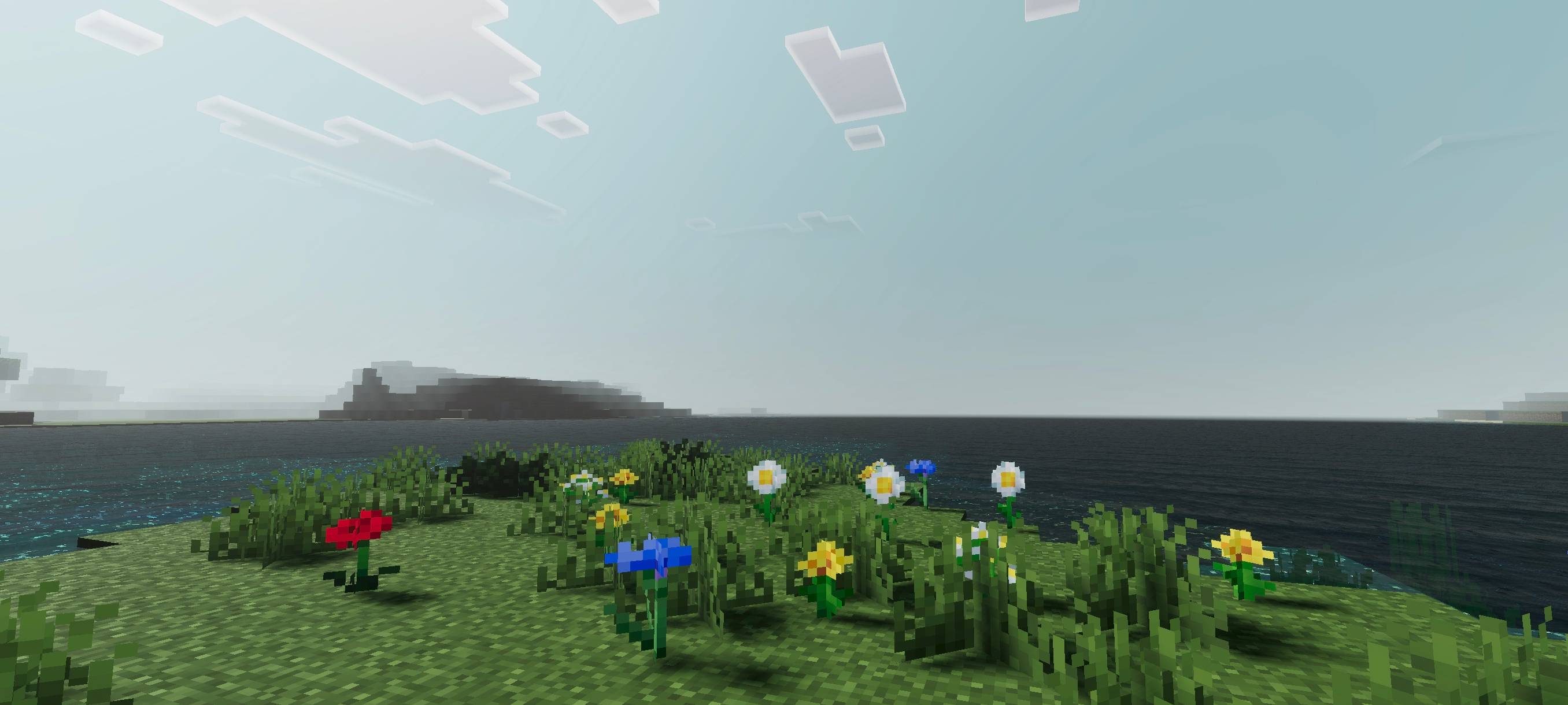
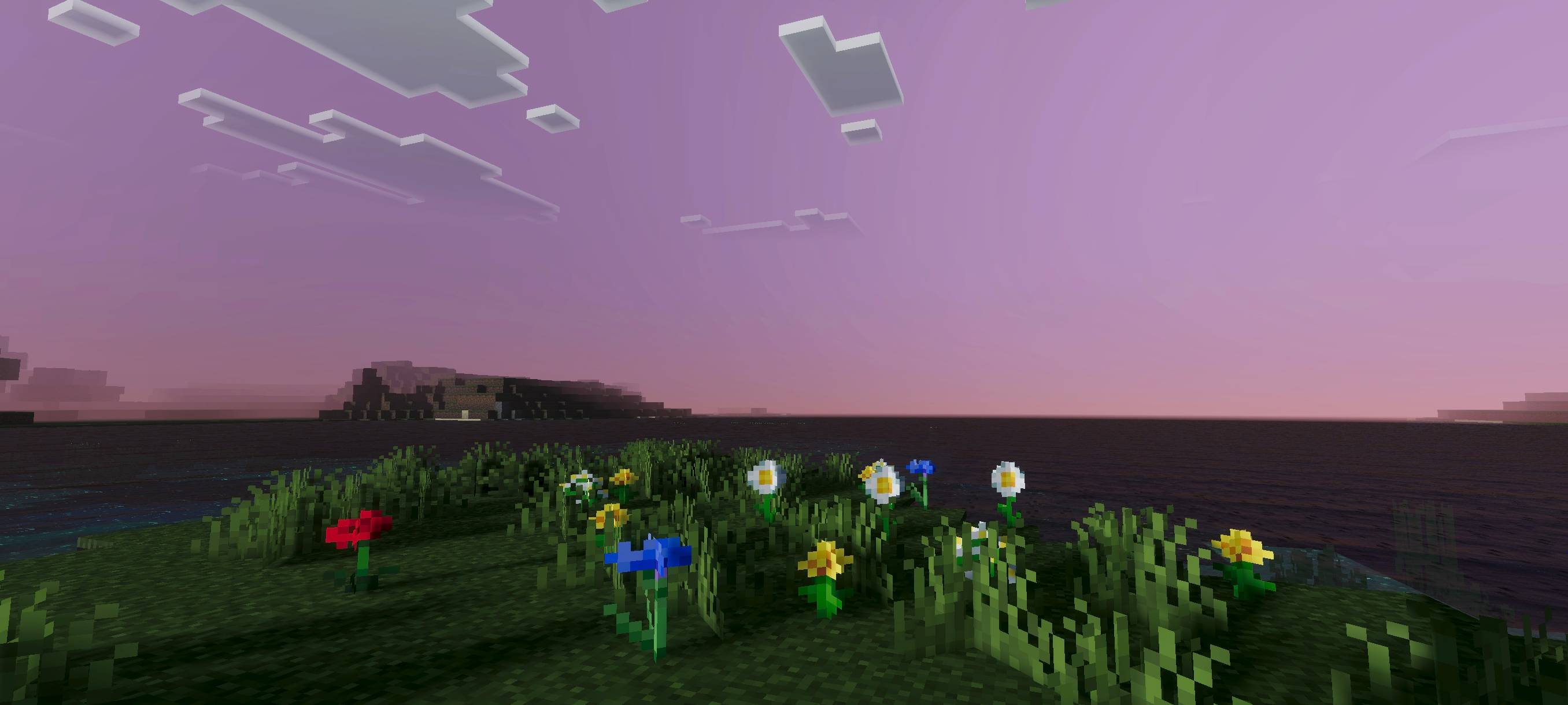
This shader uses a Gaster theme, where you will indirectly feel the Gaster vibe through the visuals.
(All photos can be checked in the media or below)
Cách cài đặt Gaster Visual Shade
With Millida Launcher
Install Millida Launcher
The launcher is free: download it at millida.net/launcher and sign in with any nickname.
Click “Install” on this page
The launcher opens and installs the resource pack for Minecraft 26.30–26.40 automatically.
Launch the game
A profile with it appears in the launcher: click “Play”.
Manually
Download the archive
Pick the file Gaster Visual Shade 1.7.mcpack (235 KB) for your game version. No need to unpack it.
Put it in the resourcepacks folder
The easiest way: “Options”, then “Resource Packs”, then “Open Pack Folder”, and drag the archive there.
Enable the pack
In the same window, move the pack to the right-hand “Selected” column and click “Done”.
Phiên bản
Kèm phụ thuộc
| Minecraft | Loader | Tệp | Ngày | Hành động |
|---|---|---|---|---|
| 26.30 | — | Gaster Visual Shade 1.7235 KB |
Câu hỏi thường gặp
Which Minecraft versions does Gaster Visual Shade work on?
There are files for 26.40, 26.30. The newest is 26.40.
Where can I download Gaster Visual Shade safely?
On this page: the file Gaster Visual Shade 1.7.mcpack (235 KB) is stored on Millida’s server, with no link shorteners. SHA-1 checksum: 684bfe026491a37f19675d1b951a58b7820b0480.
Đánh giá
Hãy là người đầu tiên đánh giá Gaster Visual Shade


