
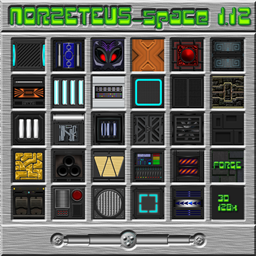
Giới thiệu gói tài nguyên FutureSpace (CTM)
Updated to vers. 26.2 Sorry it took so long, but I kept hoping that Optifine would finally be finished......?
Added: cinnabar, cinnabar_bricks, polished_cinnabar, chiseled_cinnabar, sulfur, sulfur_bricks, polished_sulfur, chiseled_sulfur_bricks, Had to Change textures from chests, some cold- and warm- entyties don`t work in optifine 26.1.2... I recommend to use the modrinth app (Fabulously Optimized) for ctm and optifine features in the meanwhile, works great in vers.26.2, until optifine has updated..
Hello, dear minecrafters! My name is Norzeteus and I want to invite you to have a look at my new resourcepack "Space".It was a challenge for me to create textures with a futuristic style (inspired by Tron Legacy),a touch of "retro look" at the gui`s, a "normal living and crafting" ingame and to mix this options together.I hope, I have been successful.... Once downloaded, the texture pack zip goes in the Minecraft resources folder, and like most HD texture packs,
Requires Optifine, for correct working or a similar mod is absolutely necessary, please select the relevant file!
This resourcepack is compatible to all my other datapacks!
" Space - Extended - ForgeMod" (only vers 1.12) (Optifine required!)
Get it here:https://minecraft.curseforge.com/projects/space-extended-mod/files Read Instructions inside!
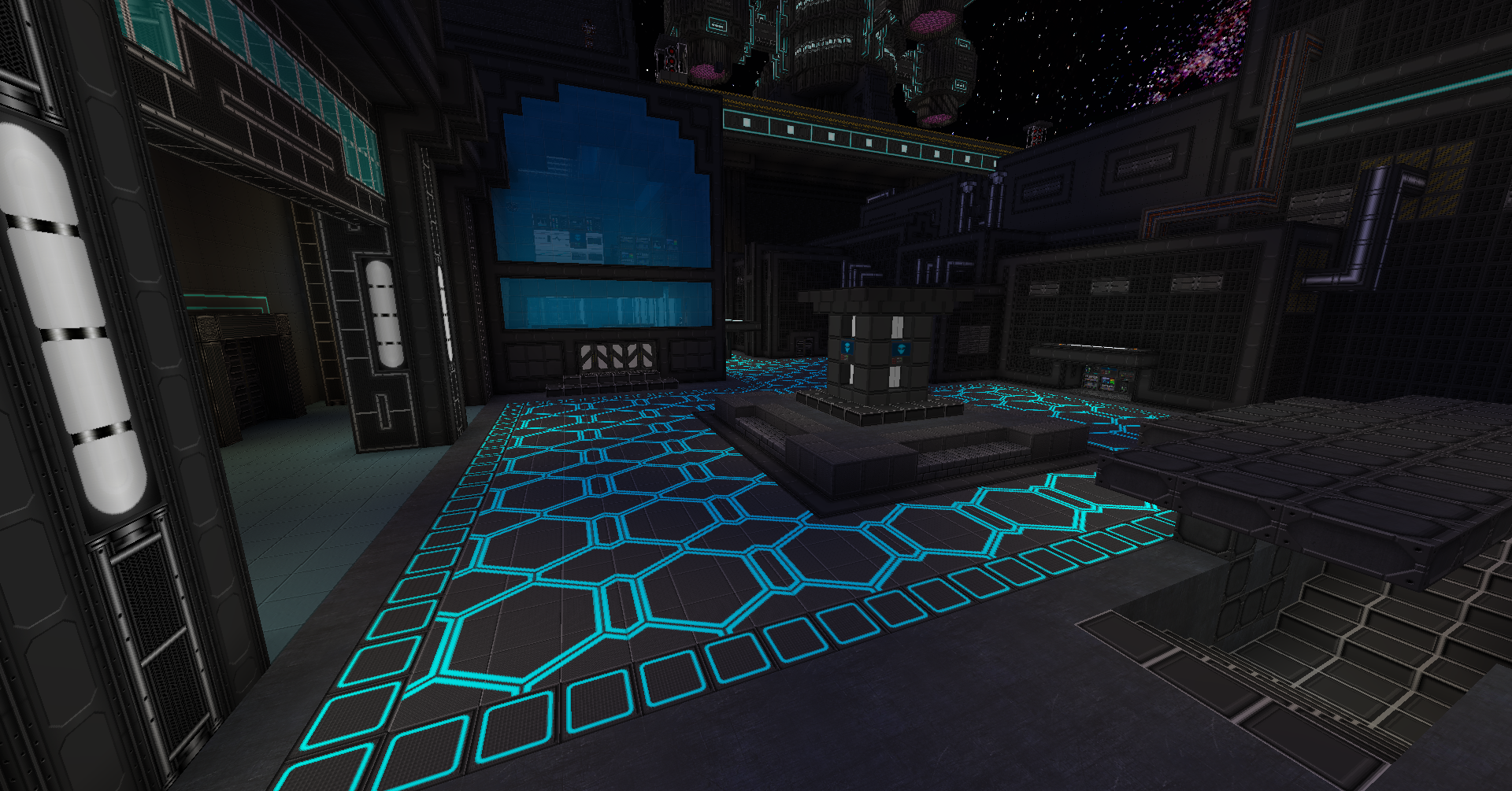
You can get about 30 Space buildings in my Space Building Bundle now!
https://www.curseforge.com/minecraft/worlds/norzeteus-space-buildings-bundle
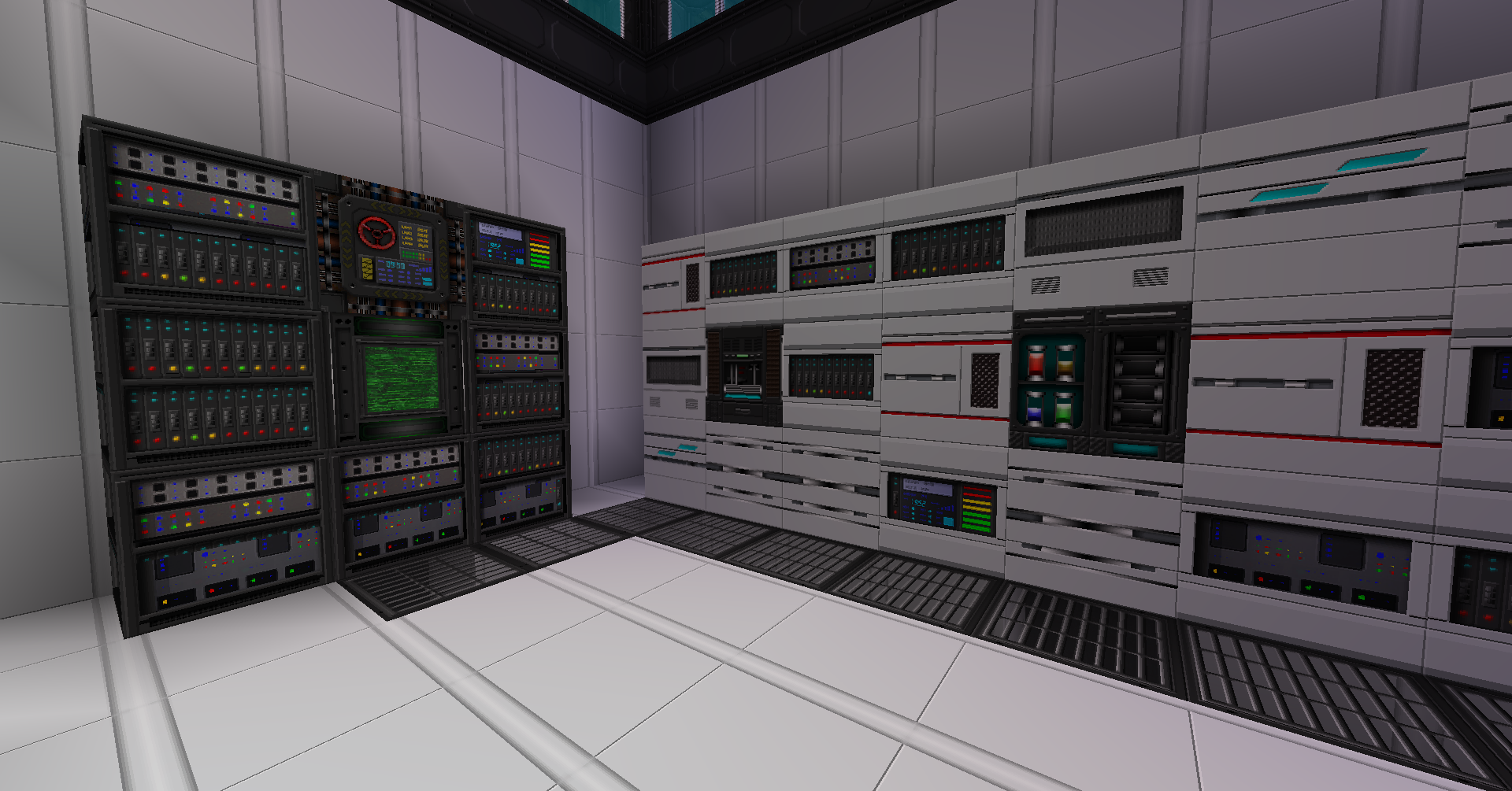
There also exist an addon for better spacelandscapes, get it here:
https://www.curseforge.com/minecraft/texture-packs/norzeteus-space-1-8-1-12-addon-128x/files
Link Optifine:
https://optifine.net/downloads
YouTube:
https://www.youtube.com/watch?v=Raf2ap3Uk3E&list=UUajSJ1HMDs1E9MAfzF2pLJQ
Cách cài đặt FutureSpace (CTM)
With Millida Launcher
Install Millida Launcher
The launcher is free: download it at millida.net/launcher and sign in with any nickname.
Click “Install” on this page
The launcher opens and installs the resource pack for Minecraft 26.1.2–26.2 automatically.
Launch the game
A profile with it appears in the launcher: click “Play”.
Manually
Download the archive
Pick the file NZ_Space(CTM).zip (208 MB) for your game version. No need to unpack it.
Put it in the resourcepacks folder
The easiest way: “Options”, then “Resource Packs”, then “Open Pack Folder”, and drag the archive there.
Enable the pack
In the same window, move the pack to the right-hand “Selected” column and click “Done”.
Phiên bản
Kèm phụ thuộc
| Minecraft | Loader | Tệp | Ngày | Hành động |
|---|---|---|---|---|
| 26.1.2 | — | NZ_Space(CTM).zip208 MB |
Câu hỏi thường gặp
Which Minecraft versions does FutureSpace (CTM) work on?
There are files for 26.2, 26.1.2. The newest is 26.2.
Where can I download FutureSpace (CTM) safely?
On this page: the file NZ_Space(CTM).zip (208 MB) is stored on Millida’s server, with no link shorteners. SHA-1 checksum: 869ba4c62f10cedb0167ae89ce232341b4ddaaae.
Đánh giá
Hãy là người đầu tiên đánh giá FutureSpace (CTM)


