
Giới thiệu gói tài nguyên Foliage+


Description
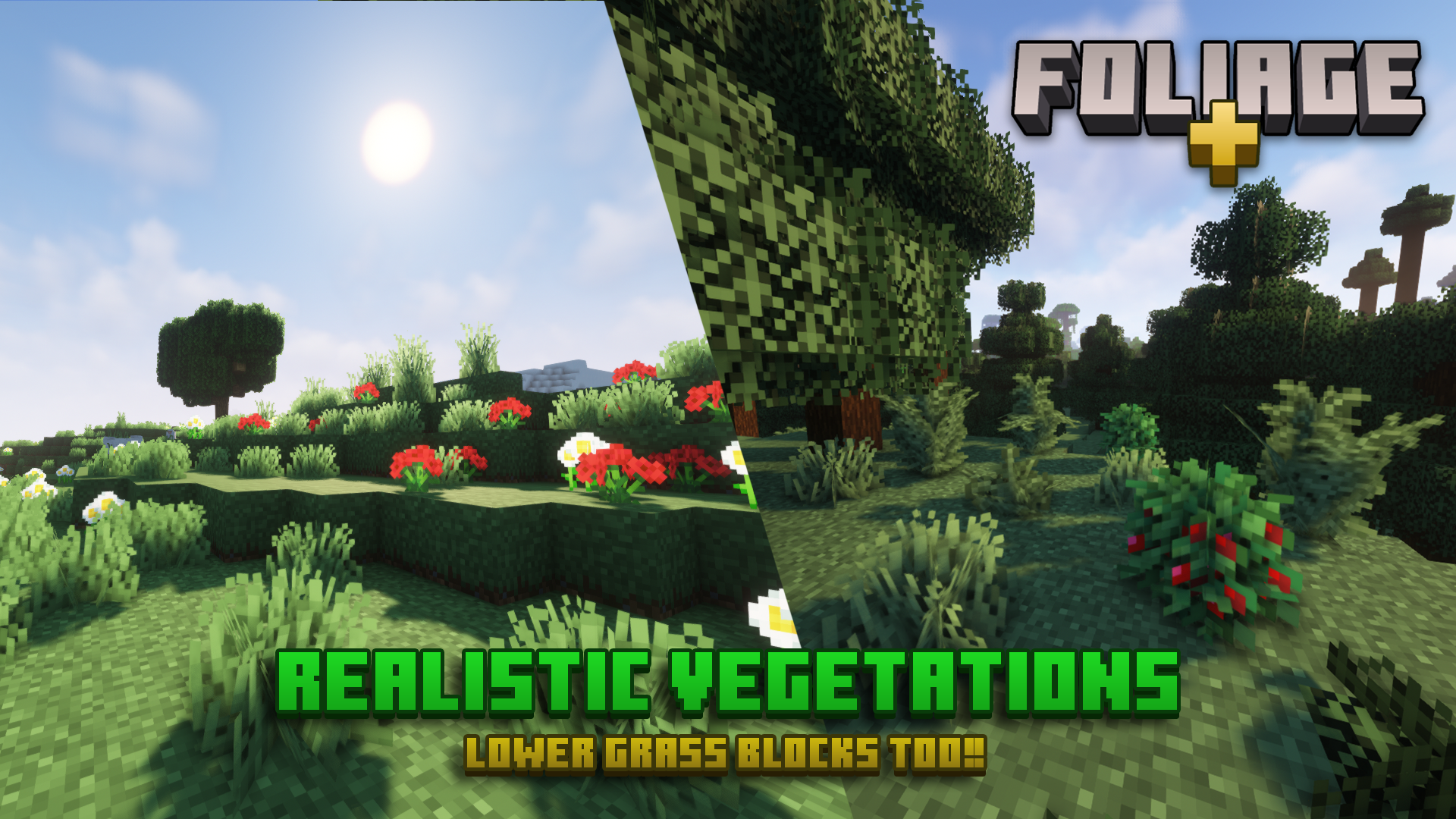
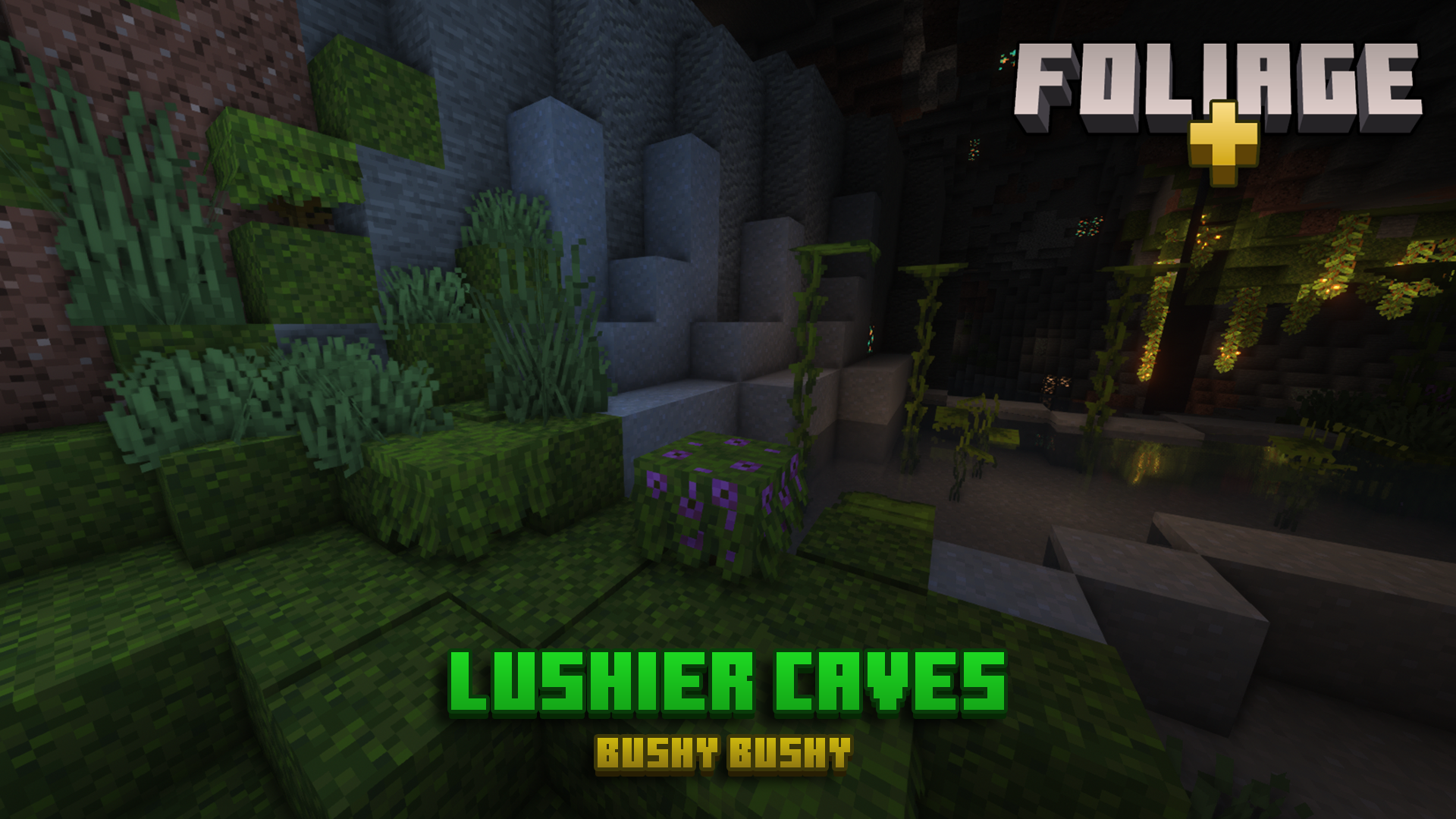
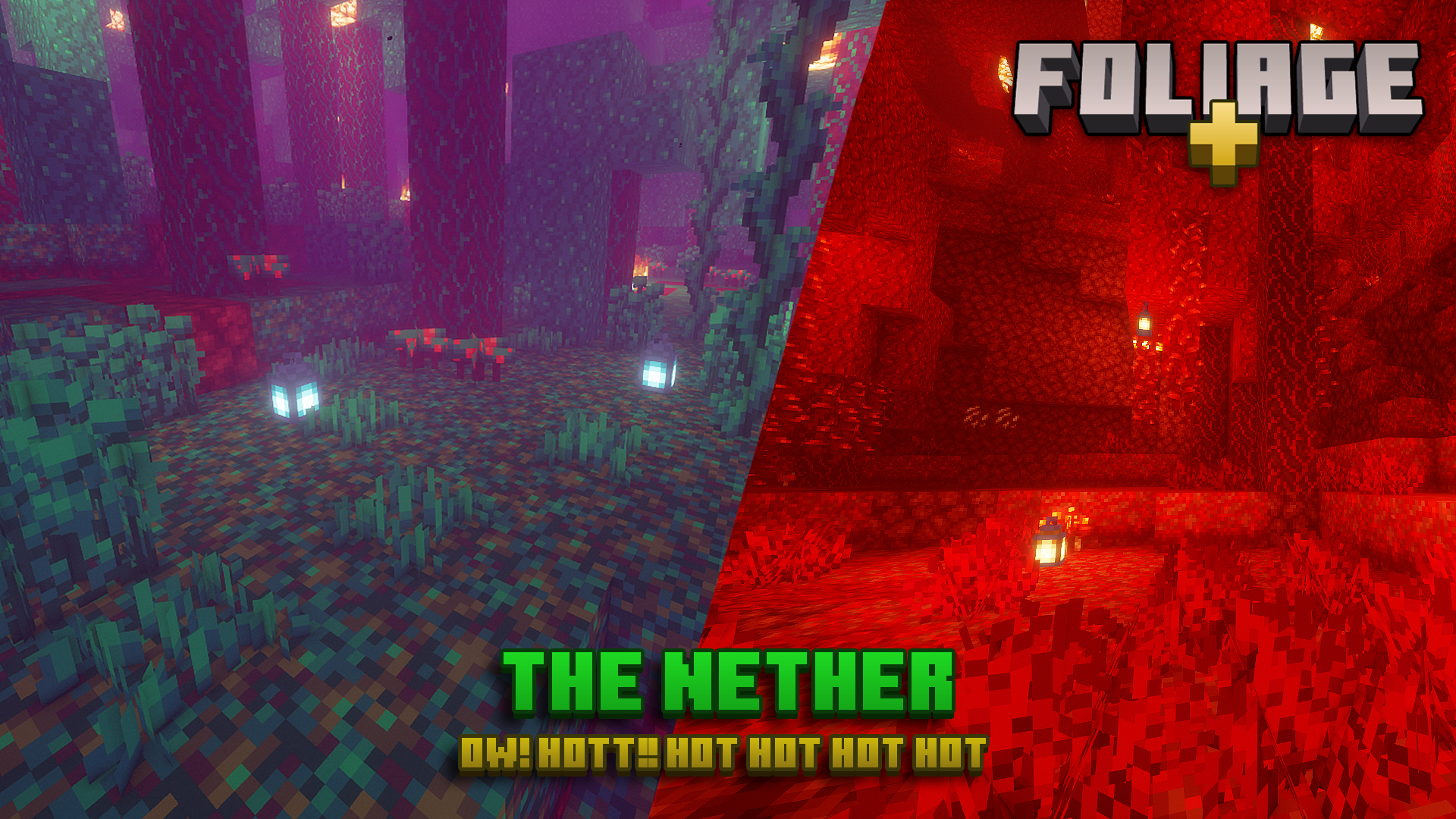
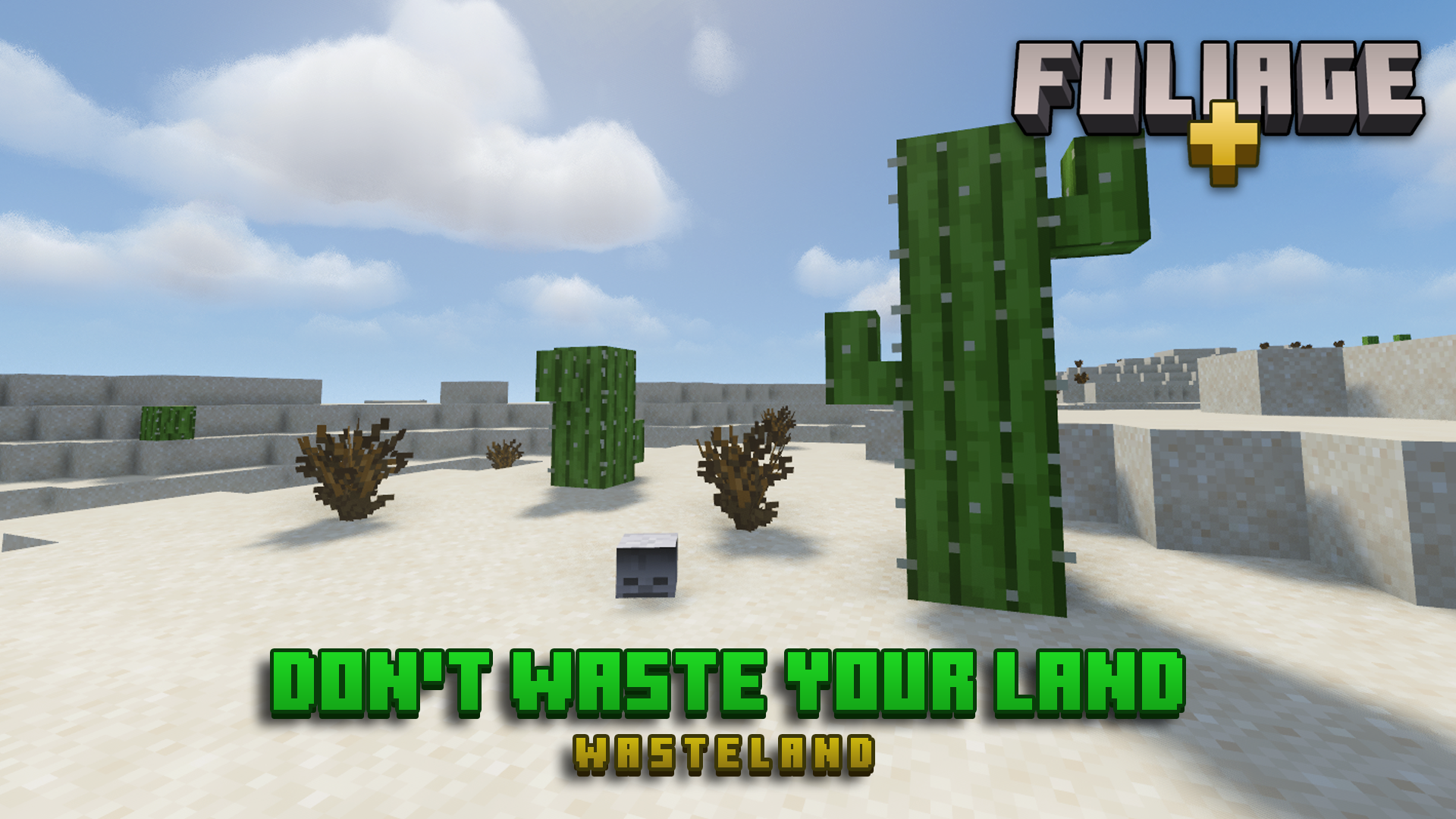
Foliage+ makes Minecraft foliage like grass, leaves, ferns, etc. look more admirable and realistic. They are inspired by the many Minecraft resource packs out there.
Also, Foliage+ is compatible with most of the other packs, so have fun using Foliage+ with your favorite resource pack. :)
Recommendation
Q: It's so laggy, help!!
A: Foliage+ Lite is your great choice!
Q: Any tweaks? I want the world to be more "alive."
A: Foliage+ Tweaks is here providing more features to the game, making Minecraft a whole lot more alive!
Mods Support
- Biomes O' Plenty
- Twilight Forest
- Pam's Harvestcraft 2 (Crops)
- Paradise Lost (The Aether Reborn)
- Oh The Biomes You'll Go
One more thing...
Terms of Use
Protected under a "NaiNonTheN00b1's ToU [Class II]"
Crediting
Thank you to these guys for the inspiration!
- Motschen for Better Leaves
- SatanicAntiChrist for Crops
- UtauTori for Lower Grass
Especially, thank you to Blockbench for the Modeling software!
>> Additional Links
not available for curseforge, unfortunately.
Cách cài đặt Foliage+
With Millida Launcher
Install Millida Launcher
The launcher is free: download it at millida.net/launcher and sign in with any nickname.
Click “Install” on this page
The launcher opens and installs the resource pack for Minecraft 1.14–1.20.2 automatically.
Launch the game
A profile with it appears in the launcher: click “Play”.
Manually
Download the archive
Pick the file Foliage+ V1.5.9.4.zip (236 KB) for your game version. No need to unpack it.
Put it in the resourcepacks folder
The easiest way: “Options”, then “Resource Packs”, then “Open Pack Folder”, and drag the archive there.
Enable the pack
In the same window, move the pack to the right-hand “Selected” column and click “Done”.
Phiên bản
Kèm phụ thuộc
| Minecraft | Loader | Tệp | Ngày | Hành động |
|---|---|---|---|---|
| 1.17.1 | — | V1.5.9.4236 KB |
Câu hỏi thường gặp
Which Minecraft versions does Foliage+ work on?
There are files for 1.14–1.20.2, 27 versions in total. The newest is 1.20.2.
Where can I download Foliage+ safely?
On this page: the file Foliage+ V1.5.9.4.zip (236 KB) is stored on Millida’s server, with no link shorteners. SHA-1 checksum: 9d5158ce6bf6833cc4921923f6362679904b9f4a.
Đánh giá
Hãy là người đầu tiên đánh giá Foliage+


