

Fantasy Texture Pack cho Minecraft 1.21.1, 1.21
Đưa bạn trở về thời đại mà các hiệp sĩ là anh hùng. Một bản chuyển thể từ Legacy Console Edition.
- lượt tải
- 4 lượt tải
- lượt xem
- 79 lượt xem
- Đã cập nhật
- Đã cập nhật 04.09.2026
- 1.20.2 — 26.2
 Game gốc
- Máy khách
Giới thiệu gói tài nguyên Fantasy Texture Pack
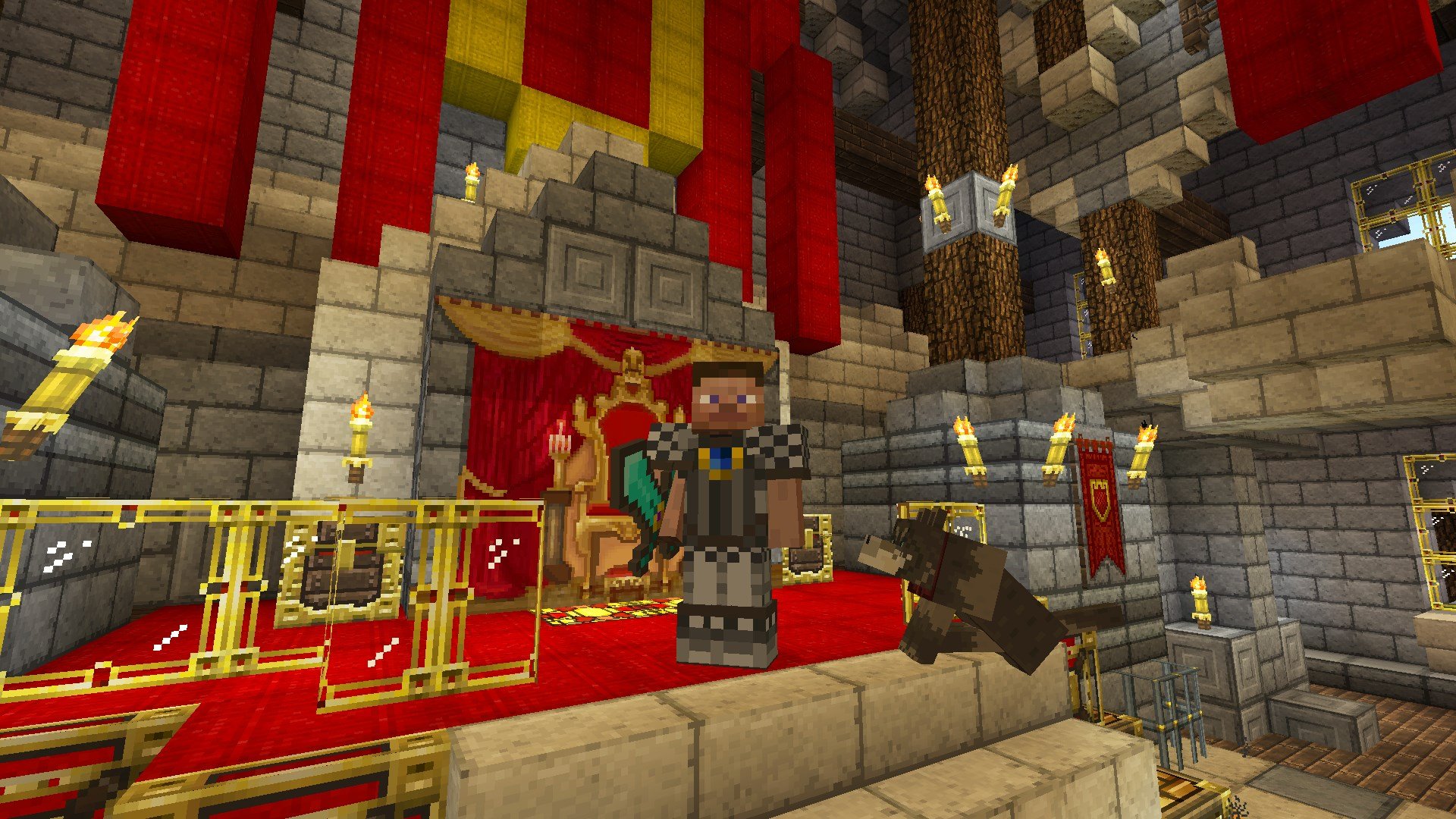
Fantasy Texture Pack
Transport yourselves to a time where knights were heroes.

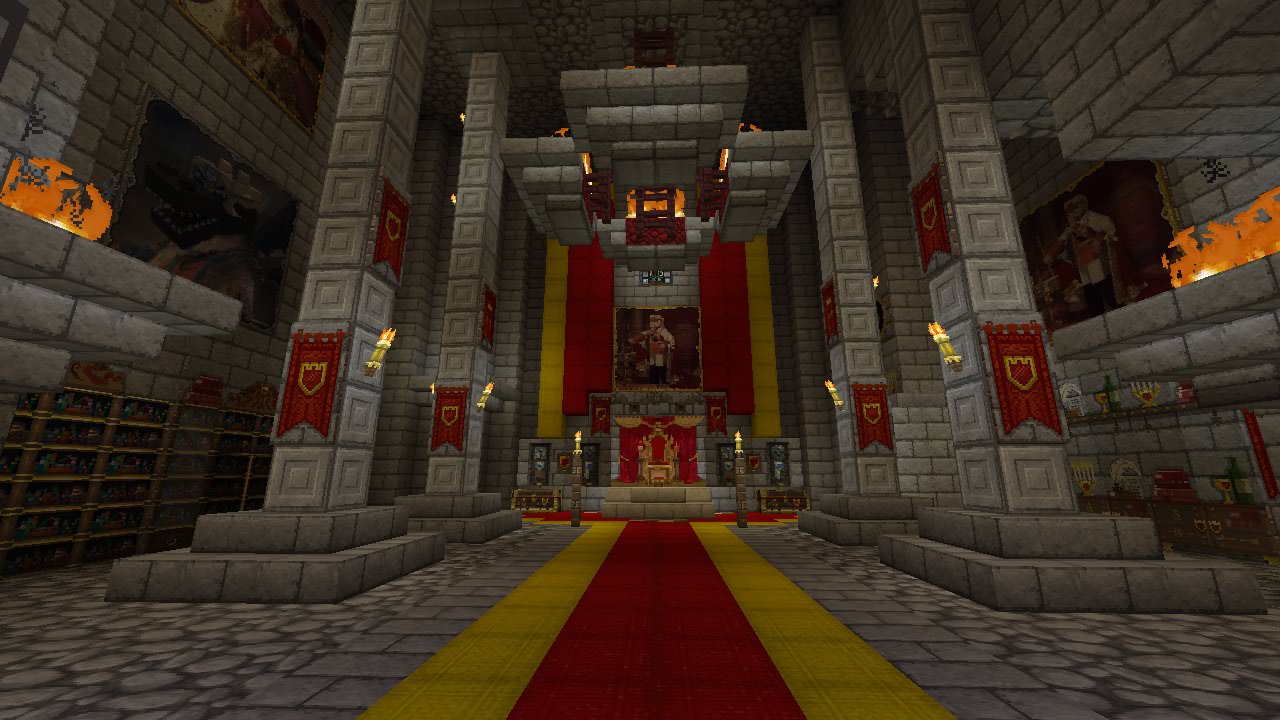
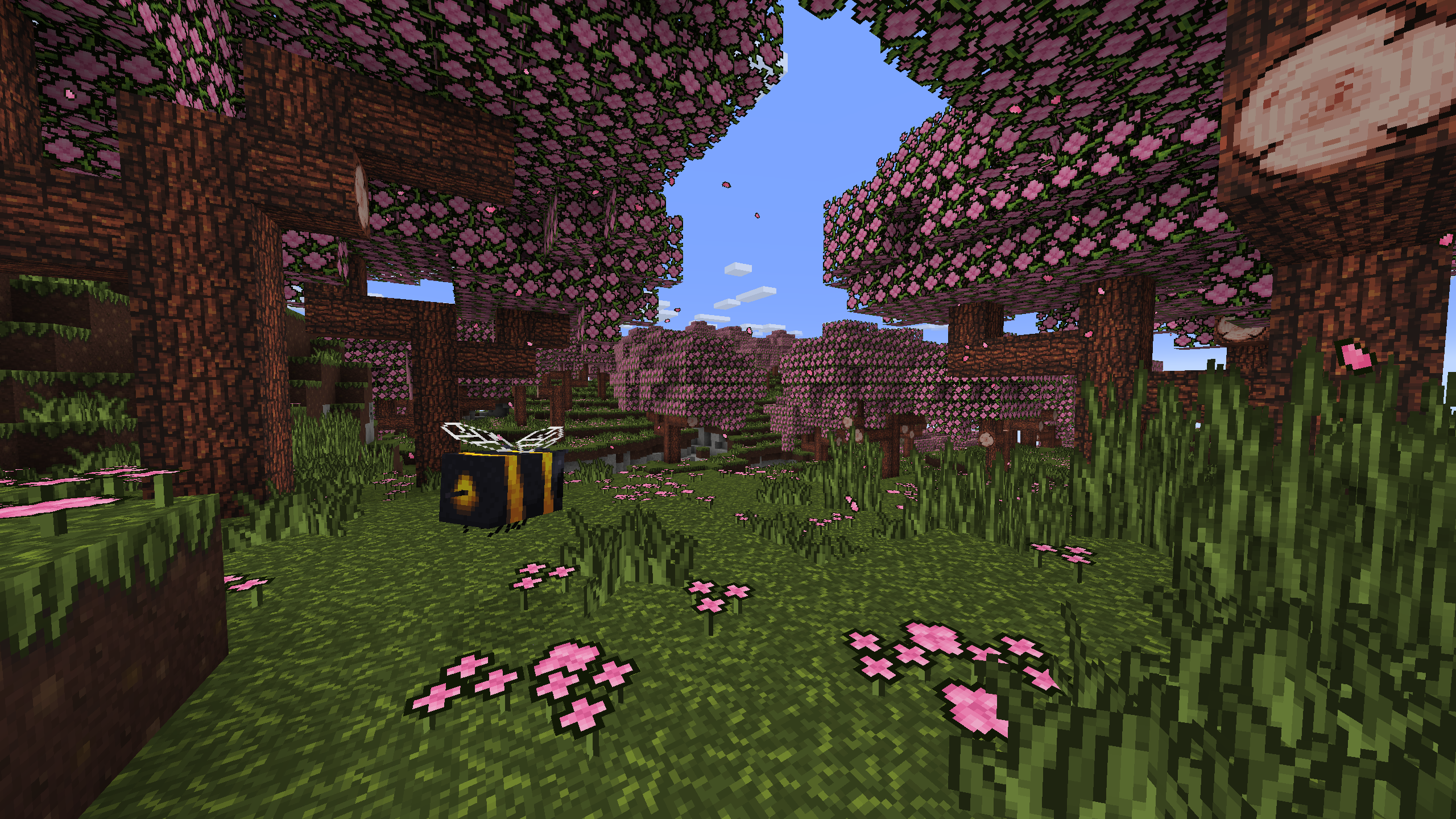
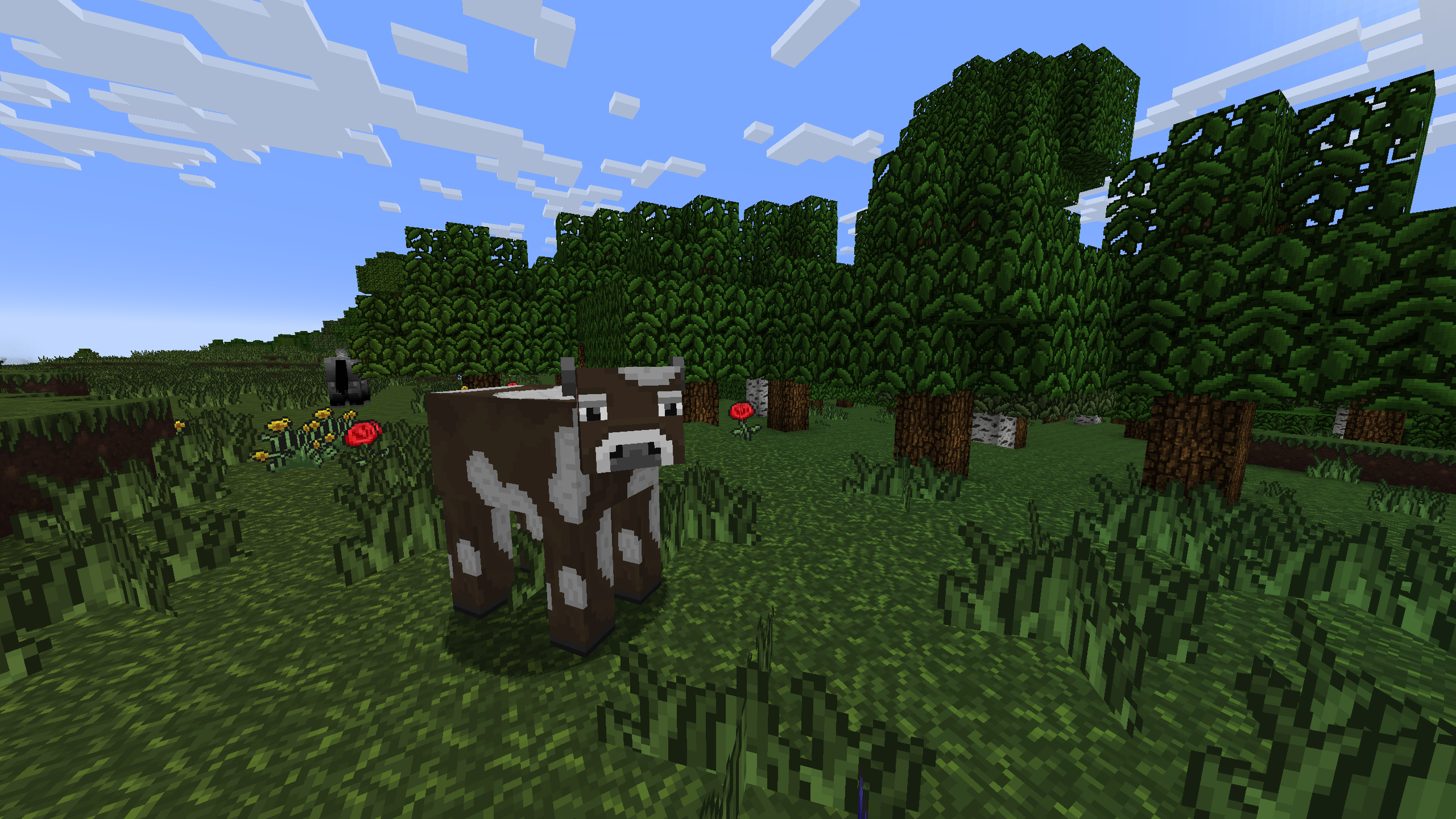
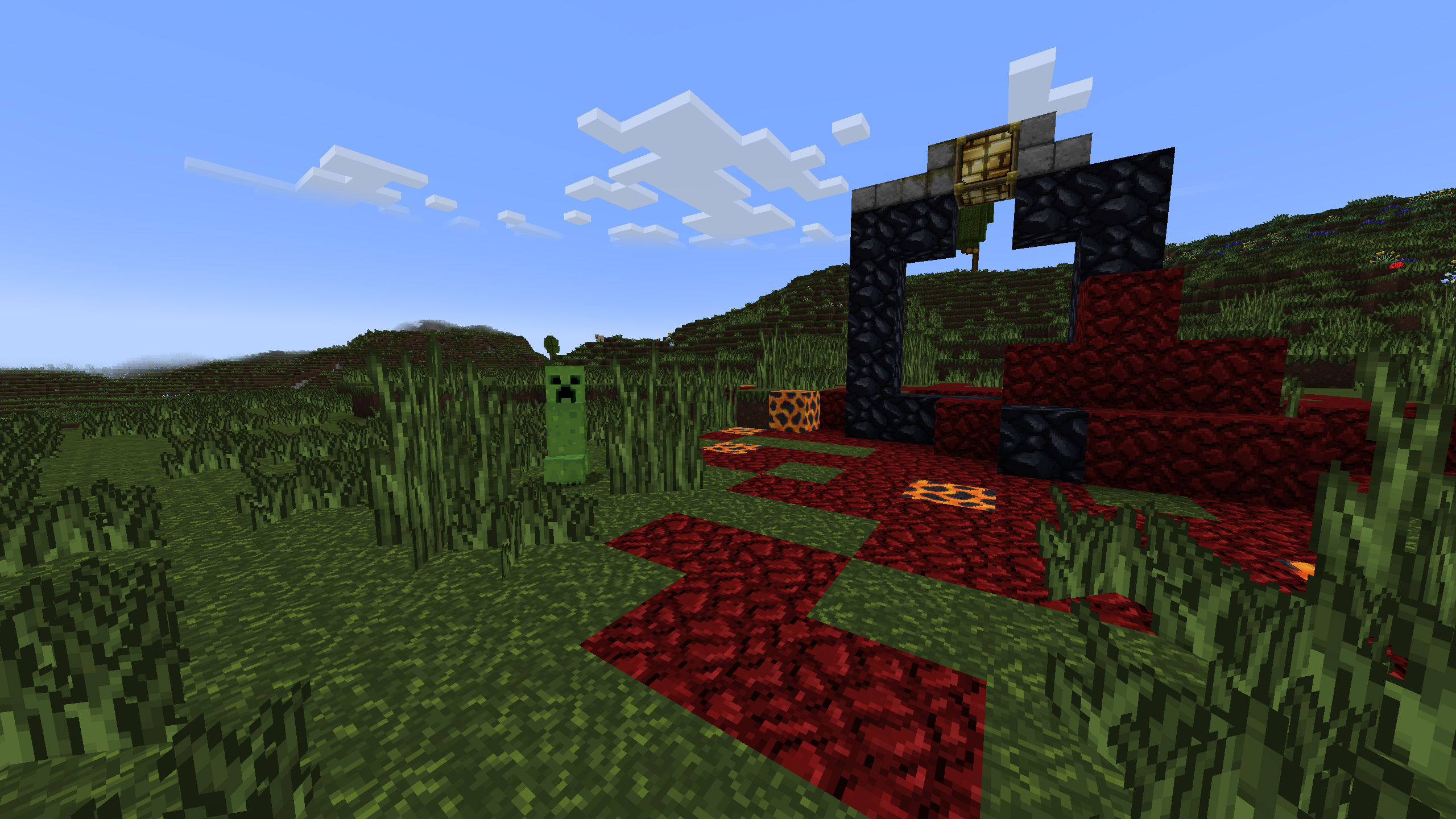
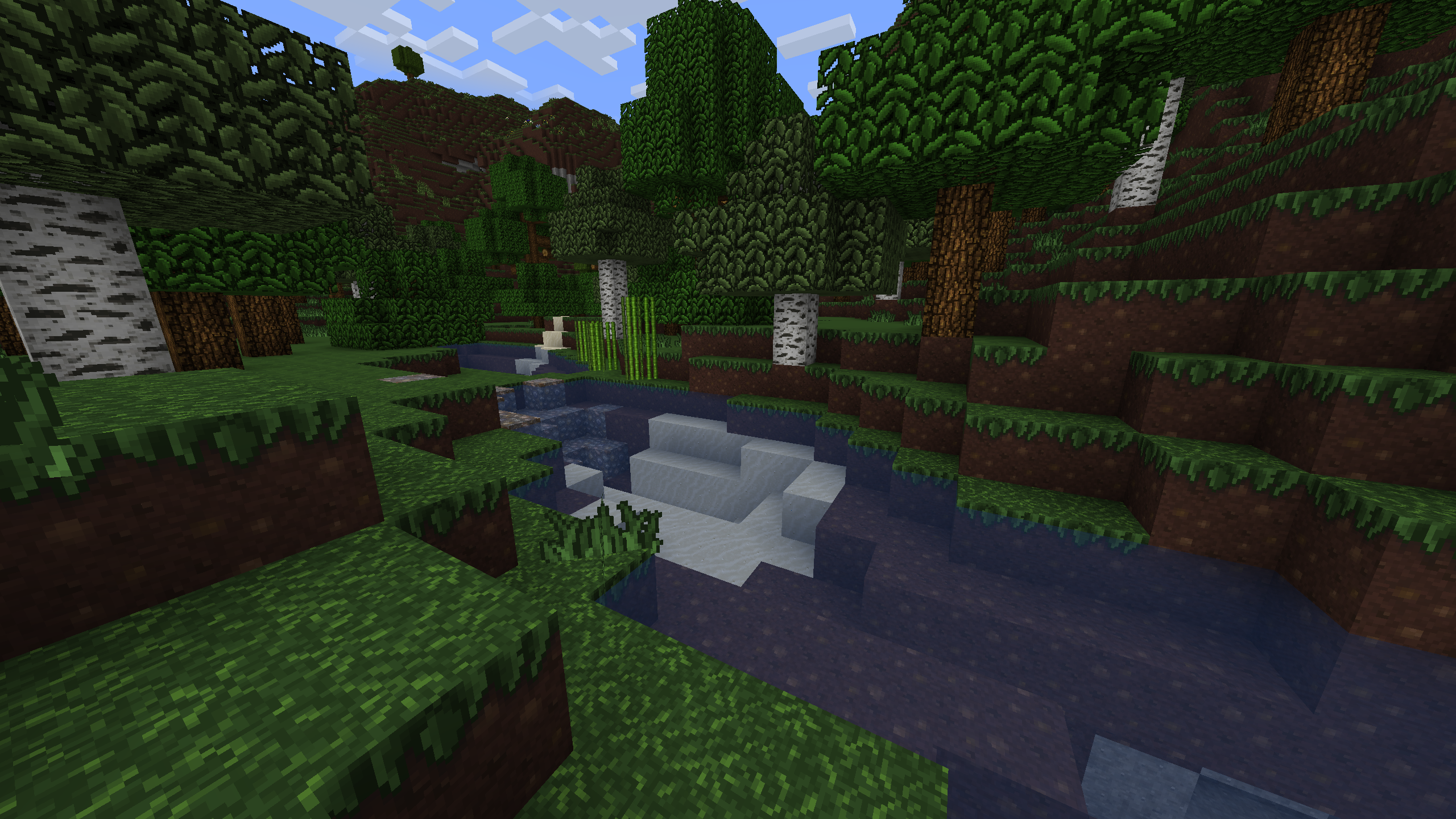
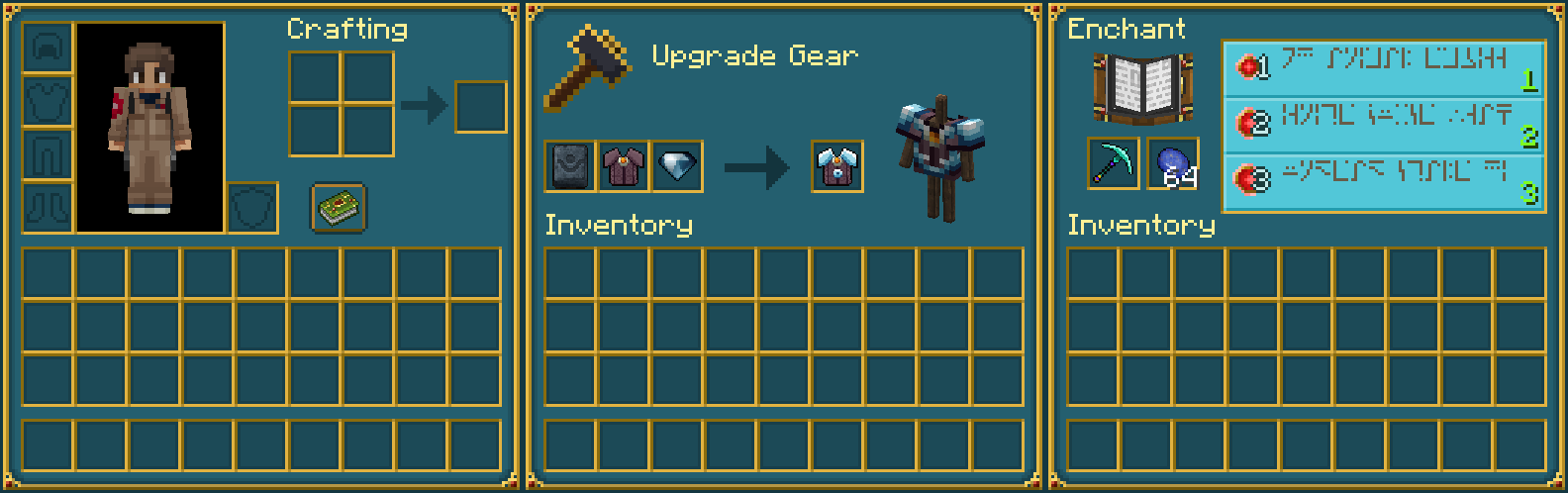
This pack adds a medieval, fantasy look for blocks, items, entities, and UI.
Preview
More Resource Packs
Icon Name Downloads

Plastic Texture Pack

Halloween Mash-up

Natural Texture Pack

Festive Mash-up

Fantasy Texture Pack

City Texture Pack

Candy Texture Pack

Greek Mythology Mash-up

Chinese Mythology Mash-up

Cartoon Texture Pack

Norse Mythology Mash-up

Super Cute Texture Pack

Pattern Texture Pack

Pirates of the Caribbean Mash-up

Mass Effect Mash-up

Steampunk Texture Pack

Egyptian Mythology Mash-up
This resource pack is a port of the Fantasy Texture Pack from Legacy Console Edition with updated textures from Bedrock Edition. Original textures by 4J Studios.

Cách cài đặt Fantasy Texture Pack
With Millida Launcher
Install Millida Launcher
The launcher is free: download it at millida.net/launcher and sign in with any nickname.
Click “Install” on this page
The launcher opens and installs the resource pack for Minecraft 1.20.2–26.2 automatically.
Launch the game
A profile with it appears in the launcher: click “Play”.
Manually
Download the archive
Pick the file Fantasy Texture Pack.zip (36 MB) for your game version. No need to unpack it.
Put it in the resourcepacks folder
The easiest way: “Options”, then “Resource Packs”, then “Open Pack Folder”, and drag the archive there.
Enable the pack
In the same window, move the pack to the right-hand “Selected” column and click “Done”.
Phiên bản
Kèm phụ thuộc
| Minecraft | Loader | Tệp | Hành động |
|---|---|---|---|
| 26.2 | — | 26.235.9 MB 4 | |
| 26.1 | — | 26.135.9 MB | |
| 1.21.11 | — | 1.21.1135.9 MB | |
| 1.21 | — | 1.2135.9 MB |
Yêu cầu để chạy
- [EMF] Entity Model Featureskhông bắt buộc
- Dependencykhông bắt buộc
- [ETF] Entity Texture Featureskhông bắt buộc
- Dependencykhông bắt buộc
- Dependencykhông bắt buộc
- Dependencykhông bắt buộc
Câu hỏi thường gặp
Which Minecraft versions does Fantasy Texture Pack work on?
There are files for 1.20.2–26.2, 21 versions in total. The newest is 26.2.
Does Fantasy Texture Pack need mods?
No, the resource pack works in the plain game without loaders: put it into the resourcepacks folder and enable it in the options.
Where can I download Fantasy Texture Pack safely?
On this page: the file Fantasy Texture Pack.zip (36 MB) is stored on Millida’s server, with no link shorteners. SHA-1 checksum: 3d82154ef2c05b7ca8068a0b575dd0b1b64b1ade.
Đánh giá
Hãy là người đầu tiên đánh giá Fantasy Texture Pack



