
Enhanced Tools Gói tài nguyên cho Minecraft 1.16.5
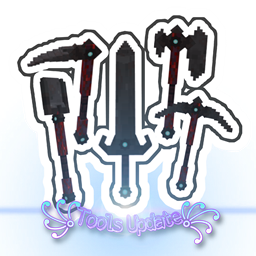
mod này sẽ thay đổi kết cấu công cụ thành 3D
Giới thiệu gói tài nguyên Enhanced Tools
Hi
I'm making a new pack. In the previous texture pack, the size and texture ratio was not correct, so I completely erased them and made new textures.
;) plz wait ♡
Versions= 1.14+/1.15+/1.16+
1_ Vanilla =
*Swords
*bow , crossbow , arrow & spectral arrow
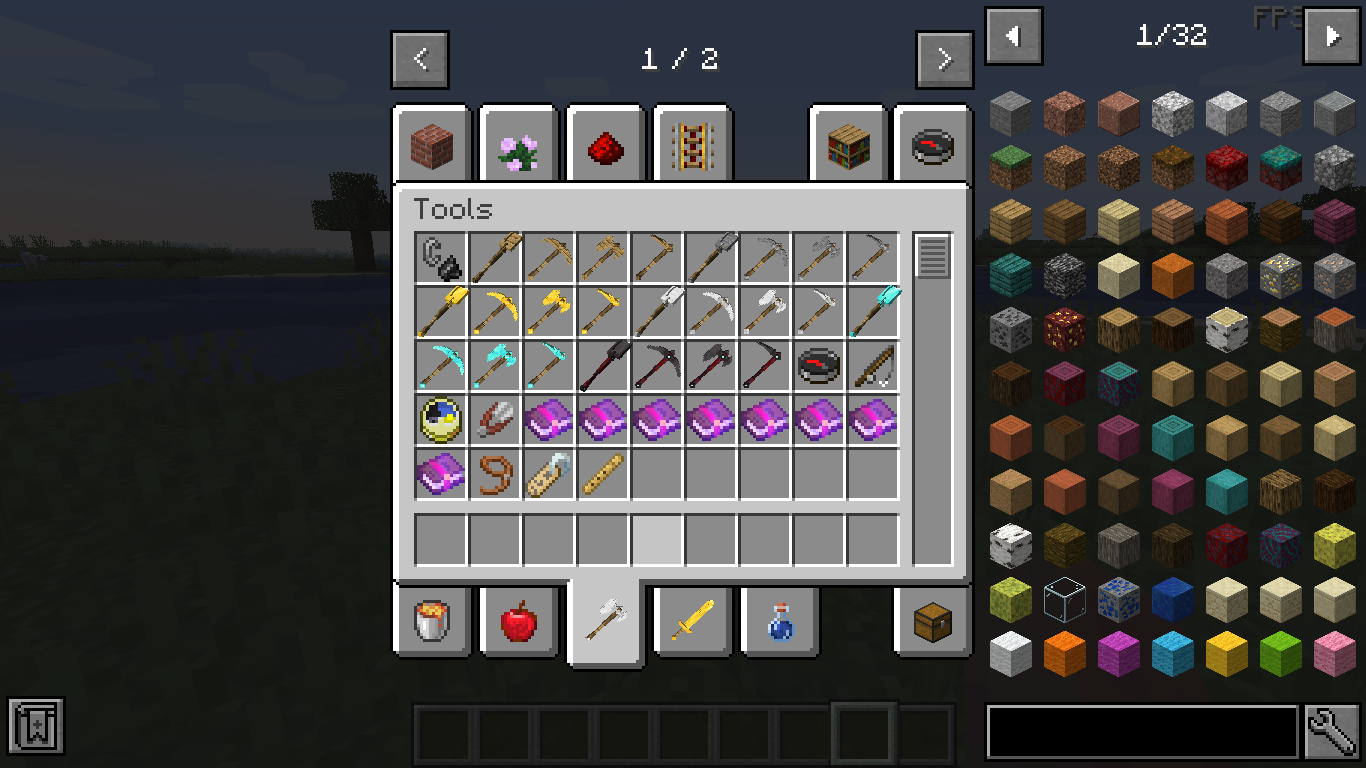
*Tools ; axe , pickaxe , shovel , hoe
ᕕ( ᐛ )ᕗ Upcoming updates = fishing rod , (ice and fire mod)
If you would like me to create a texture for an item in a mod, please comment for me :D
( Good luck )
Old version*:
Download link : https://www.curseforge.com/minecraft/texture-packs/enhanced-tools/download/2975735
a texture pack for enhance tool textures
(all versions)
- changes in vanilla =
swords :


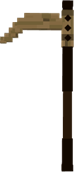
tools (example):
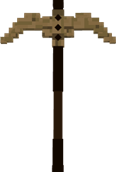
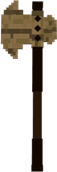

- changes in mods =
- Advanced Swords = (ruby and emerlad tools)
- Electroblob's Wizardry changes = (all wands and weapons)
wands (example) :

weapons :

- Ice and Fire: Dragons in a whole new light=
all weapons and legendary items:
(example:)

- Thaumcraft = (all Tools)

- netherite mods = (netherite tools)
- Netherite by DWNY
- Nether+
- Netherite
- NetheriteOld
- Spartan Weaponry = (all weapons and tools)
examples:
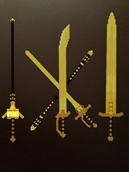
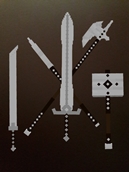
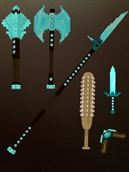
coming soon in rustic and more mods.......
models created by Block Bench
- comment on textures problems
thanks for 9056 downloads
Cách cài đặt Enhanced Tools
With Millida Launcher
Install Millida Launcher
The launcher is free: download it at millida.net/launcher and sign in with any nickname.
Click “Install” on this page
The launcher opens and installs the resource pack for Minecraft 1.14.4–1.16.5 automatically.
Launch the game
A profile with it appears in the launcher: click “Play”.
Manually
Download the archive
Pick the file AD3.zip (87 KB) for your game version. No need to unpack it.
Put it in the resourcepacks folder
The easiest way: “Options”, then “Resource Packs”, then “Open Pack Folder”, and drag the archive there.
Enable the pack
In the same window, move the pack to the right-hand “Selected” column and click “Done”.
Phiên bản
Kèm phụ thuộc
| Minecraft | Loader | Tệp | Ngày | Hành động |
|---|---|---|---|---|
| 1.14.4 | — | Enhanced_Tools-0.1.1128 KB | ||
| 1.16.5 | — | AD3_BEtA 1.14+/1.15+/1.16+86.9 KB |
Câu hỏi thường gặp
Which Minecraft versions does Enhanced Tools work on?
There are files for 1.16.5, 1.16.4, 1.15.2, 1.14.4. The newest is 1.16.5.
How do I download Enhanced Tools?
With Millida Launcher: it installs Enhanced Tools into a modpack by itself, for the right game version and loader. The launcher is free.
Đánh giá
Hãy là người đầu tiên đánh giá Enhanced Tools



