
Default Improved Gói tài nguyên cho Minecraft 1.13.2
Texture Vanilla 64x với Normal, Specular và Parallax Mapping
Giới thiệu gói tài nguyên Default Improved
This resource pack is completed for Minecraft 1.13.2 and will no longer be updated for newer versions!
- For a similar pack for Minecraft 1.14+ click here to check out "Vanilla PBR", the successor of Default Improved!
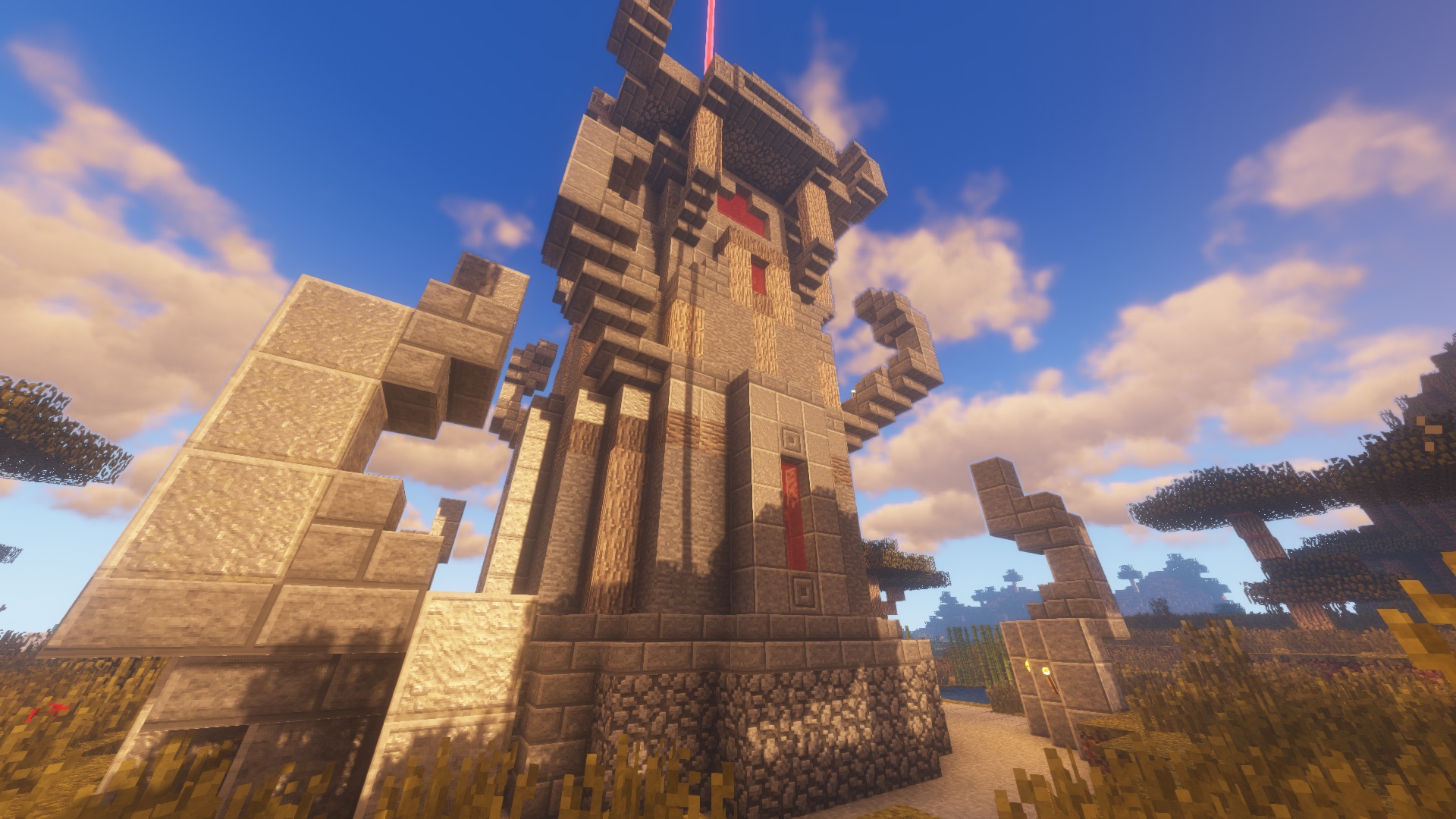
- If you're just looking for more detailed vanilla textures and don't care about shader support, click here to check out "Better Texts 10" by InFuryate
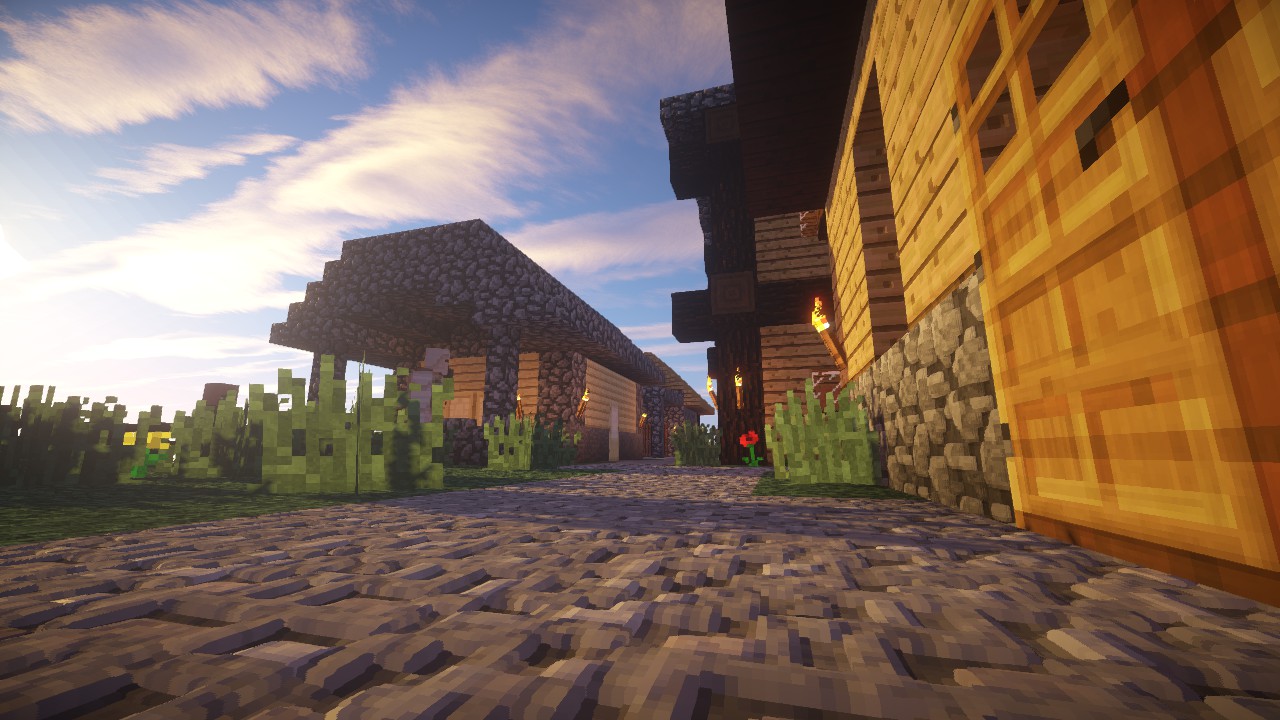
I'm a big fan of the Vanilla textures and always tried to find resource packs that are close to default. However, many of the good ones are outdated and/or don't have normal and specular maps included which I really like to have since I'm using shaders almost all the time.
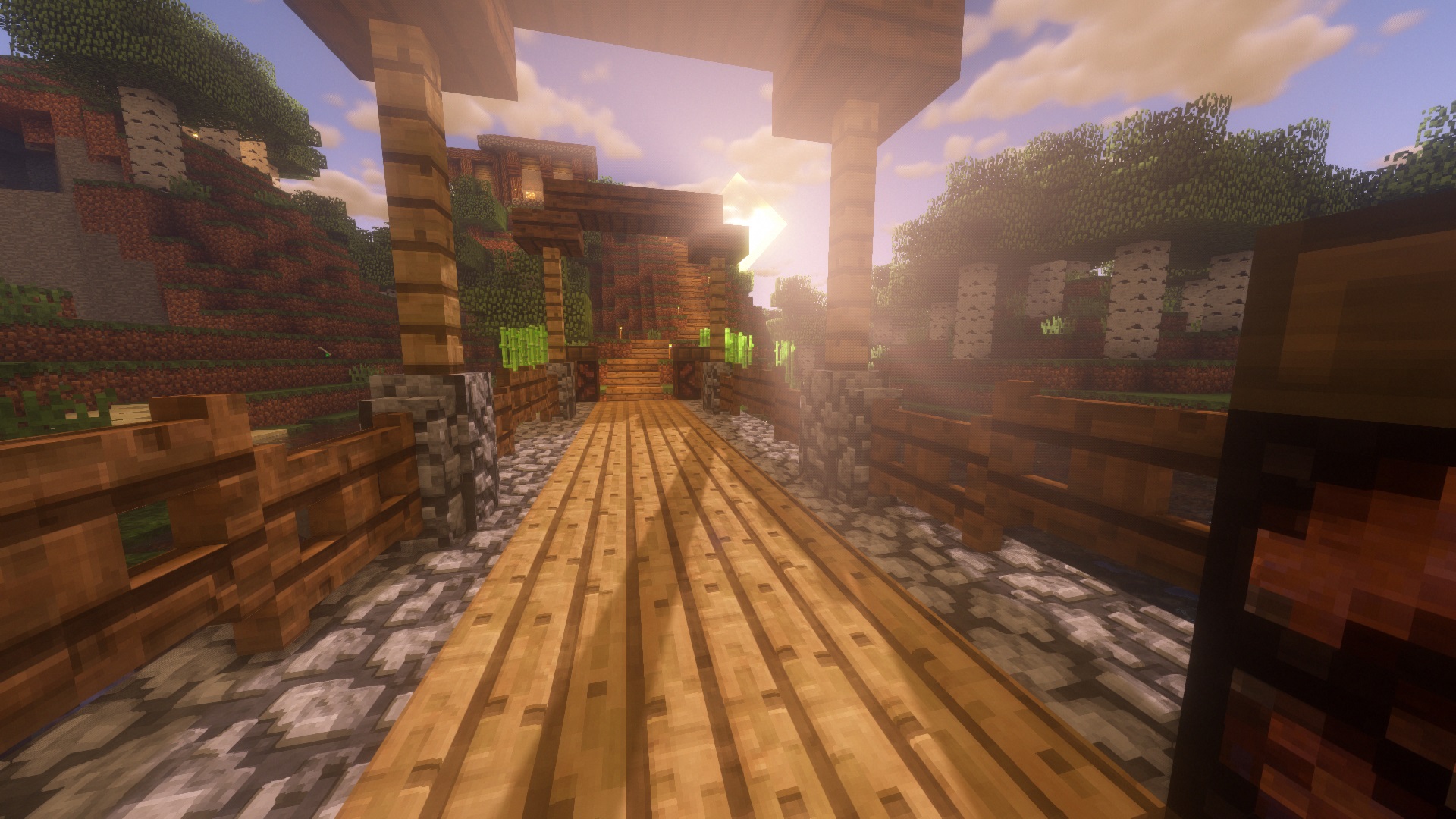
So, one lonely weekend I decided I would make my own textures - and that I did. Basically I scaled the vanilla textures up to 64x64 pixels and added some details to them that don't destroy the vanilla style. As a matter of fact at high or medium distances you probably won't notice the difference, just the closeup shows way more detail.
There are addons available for:
- Biomes O' Plenty
- Storage Drawers
- Quark
Check the files tab for the mod addons. If you are viewing this from curse.com you can switch to the project site to get access to the mod addons.
3rd party addons for:
- Barrels Drums Storage and More
- Bonsai Trees
- Botania
- Sky Orchards
Troubleshooting
If you have weird colored lines and areas on blocks like bricks, make sure to check your shader settings and set the parallax occlusion map size to 64.
Permission
You can use this resource pack in your mod packs if you don't make any money off it and you can redistribute it on any non-English or non-German speaking websites if you give credits to me and use the curse or alternative download links.
Basically any usage is fine as long as you don't claim to be the creator and you don't make money off the pack.
Cách cài đặt Default Improved
With Millida Launcher
Install Millida Launcher
The launcher is free: download it at millida.net/launcher and sign in with any nickname.
Click “Install” on this page
The launcher opens and installs the resource pack for Minecraft 1.13–1.13.2 automatically.
Launch the game
A profile with it appears in the launcher: click “Play”.
Manually
Download the archive
Pick the file Default Improved 1.13 V1.2.zip (10 MB) for your game version. No need to unpack it.
Put it in the resourcepacks folder
The easiest way: “Options”, then “Resource Packs”, then “Open Pack Folder”, and drag the archive there.
Enable the pack
In the same window, move the pack to the right-hand “Selected” column and click “Done”.
Phiên bản
Kèm phụ thuộc
| Minecraft | Loader | Tệp | Ngày | Hành động |
|---|---|---|---|---|
| 1.13.1 | — | Default Improved 1.13 V1.2.zip10.5 MB |
Câu hỏi thường gặp
Which Minecraft versions does Default Improved work on?
There are files for 1.13.2, 1.13.1, 1.13. The newest is 1.13.2.
Where can I download Default Improved safely?
On this page: the file Default Improved 1.13 V1.2.zip (10 MB) is stored on Millida’s server, with no link shorteners. SHA-1 checksum: e16dc2e5a3b6a684bad8e4e078099e1cc1f87fe1.
Đánh giá
Hãy là người đầu tiên đánh giá Default Improved



