
Giới thiệu gói tài nguyên Dark Ui+
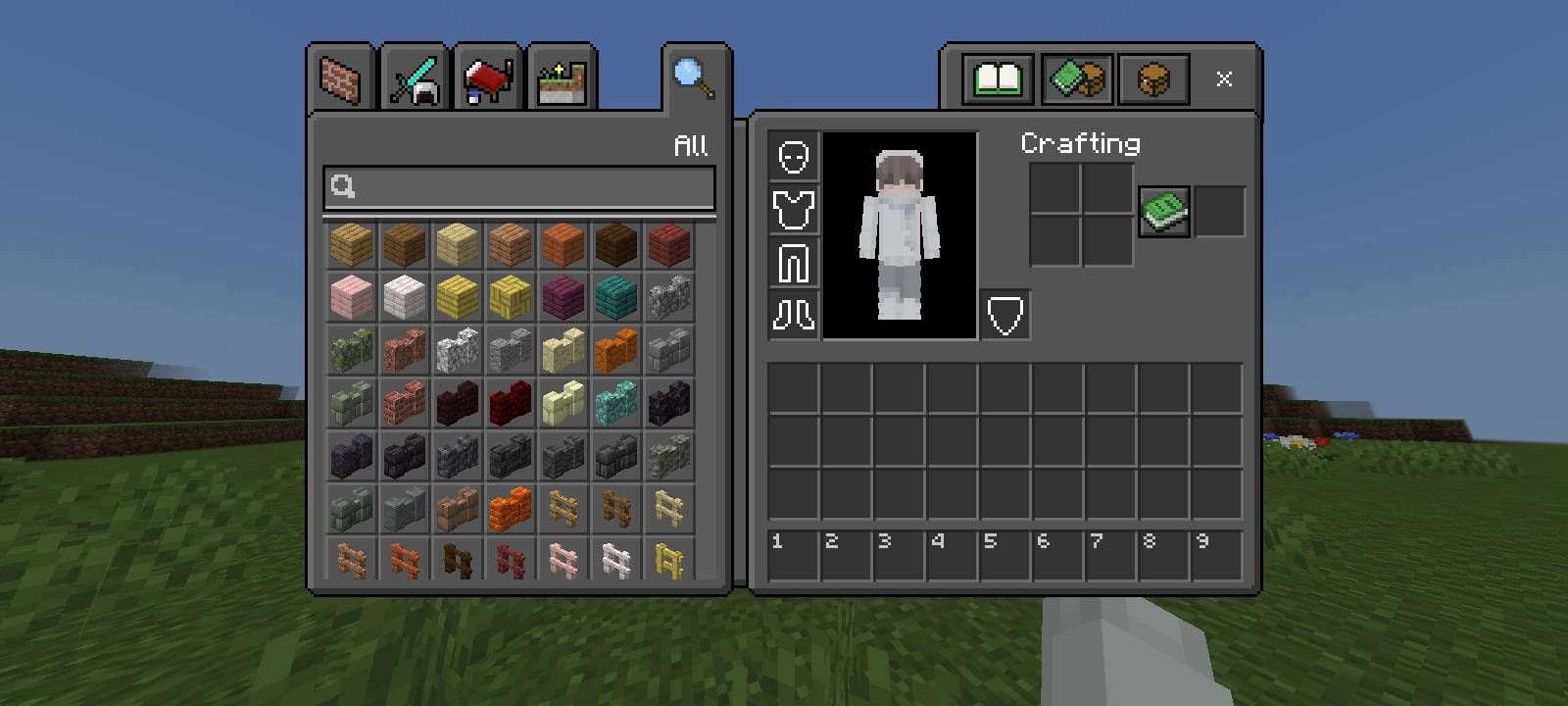
A sleek, minimal UI overhaul for Minecraft that gives every menu a clean, dark aesthetic. Dark UI+ replaces the default interface with a polished dark theme across all screens - from the loading splash and chat window to the inventory, crafting table, and creative menu.
Features:
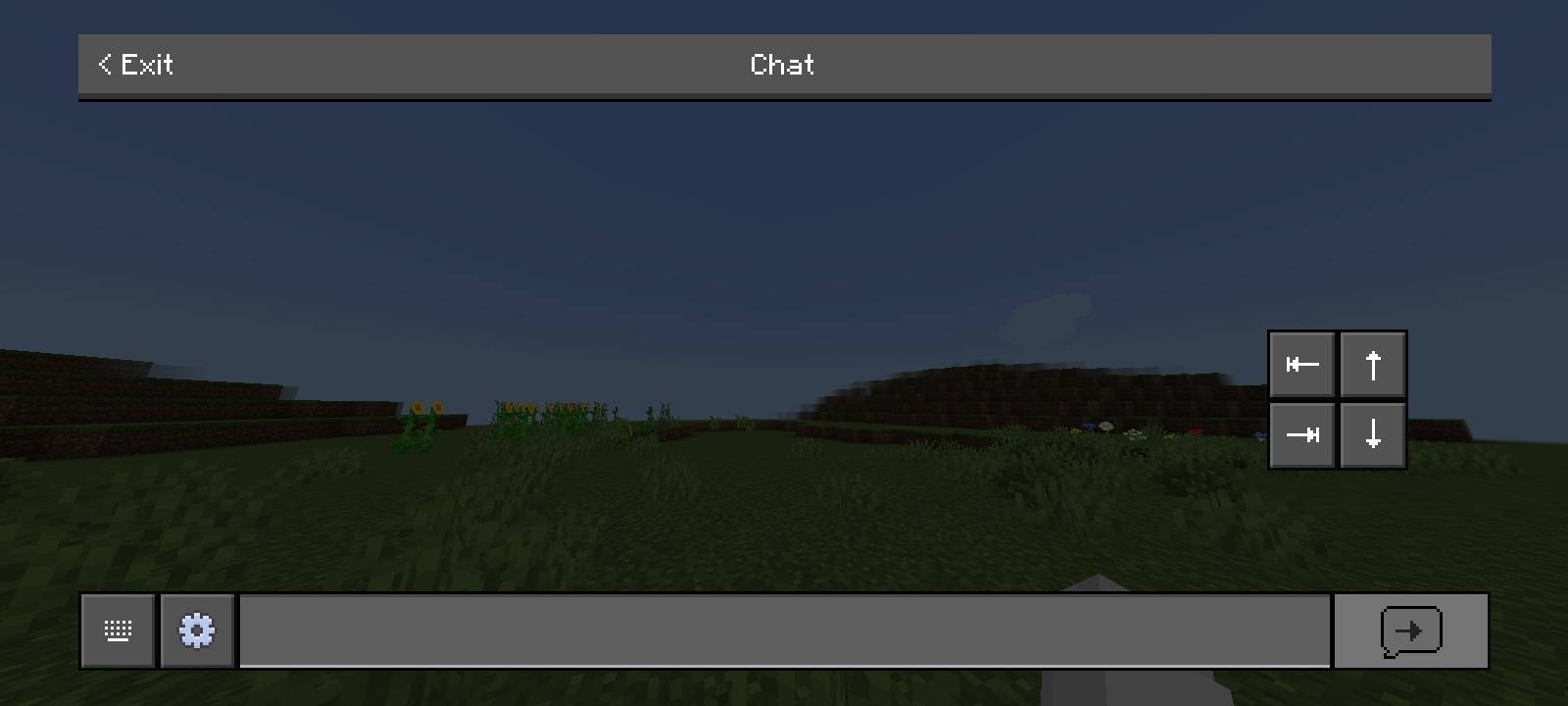
Deep charcoal and dark grey panels replace the default brown/beige UI
Consistent dark styling across inventory, crafting, and creative search screens
Clean, readable white text that pops against the darker backgrounds
Subtle borders and refined slot styling for a modern look
Fully compatible with vanilla gameplay - purely a visual enhancement
Whether you're sorting through hundreds of building blocks in creative mode or chatting with friends on a server, Dark UI+ keeps your interface sleek and distraction-free so the world stays the star of the show.
Cách cài đặt Dark Ui+
With Millida Launcher
Install Millida Launcher
The launcher is free: download it at millida.net/launcher and sign in with any nickname.
Click “Install” on this page
The launcher opens and installs the resource pack for Minecraft 26.0–26.30 automatically.
Launch the game
A profile with it appears in the launcher: click “Play”.
Manually
Download the archive
Pick the file Dark Ui+.mcpack (1.5 MB) for your game version. No need to unpack it.
Put it in the resourcepacks folder
The easiest way: “Options”, then “Resource Packs”, then “Open Pack Folder”, and drag the archive there.
Enable the pack
In the same window, move the pack to the right-hand “Selected” column and click “Done”.
Phiên bản
Kèm phụ thuộc
| Minecraft | Loader | Tệp | Ngày | Hành động |
|---|---|---|---|---|
| 26.0.02 | — | Dark Ui+.mcpack1.5 MB |
Câu hỏi thường gặp
Which Minecraft versions does Dark Ui+ work on?
There are files for 26.0–26.30, 9 versions in total. The newest is 26.30.
Where can I download Dark Ui+ safely?
On this page: the file Dark Ui+.mcpack (1.5 MB) is stored on Millida’s server, with no link shorteners. SHA-1 checksum: c6b2399e0e1e0a1fcc85e5812b094f248839cd36.
Đánh giá
Hãy là người đầu tiên đánh giá Dark Ui+


