
Crop Indicator Gói tài nguyên cho Minecraft 1.21, 26.30
Nâng cao trải nghiệm làm nông của bạn với Gói Tài nguyên Chỉ báo Cây trồng trực quan này! 🌾 Gói này thêm chỉ báo nổi rõ ràng phía trên cây trồng đã phát triển đầy đủ, giúp bạn dễ dàng nhận biết khi lúa mì, cà rốt, khoai tây hoặc củ cải đường của bạn sẵn sàng thu hoạch.
Giới thiệu gói tài nguyên Crop Indicator
Crop Indicator Resource Pack
A simple, clean texture pack that adds floating indicators above fully grown crops. Easily see when your wheat, carrots, potatoes, or beetroot are ready to harvest-no extra features, just visuals. Lightweight, smooth, and designed to make farming a breeze! 🌾
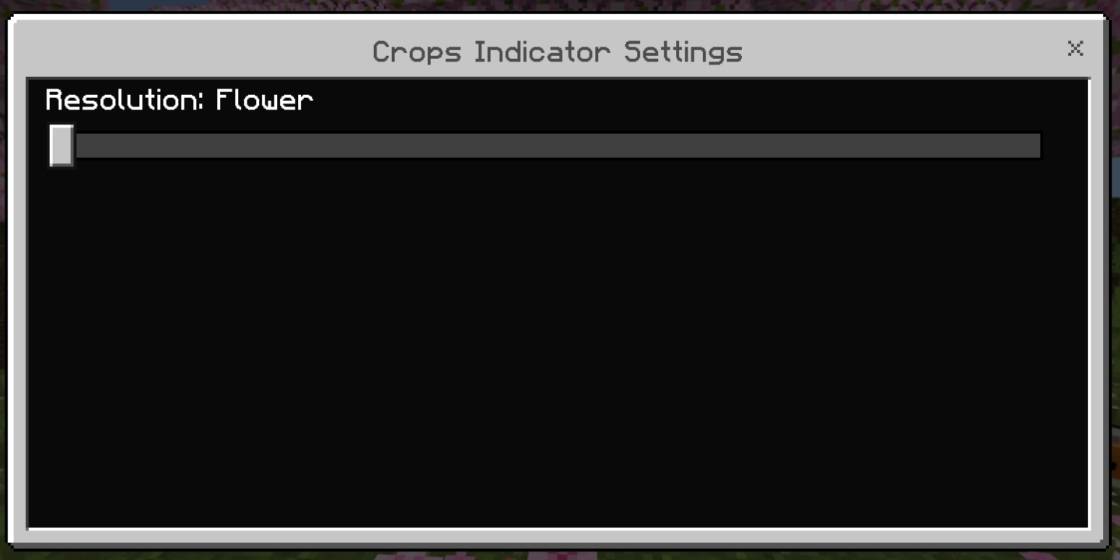
Added flowers instead of lines
Open for suggestions and retexture

Cách cài đặt Crop Indicator
With Millida Launcher
Install Millida Launcher
The launcher is free: download it at millida.net/launcher and sign in with any nickname.
Click “Install” on this page
The launcher opens and installs the resource pack for Minecraft 1.21–26.30 automatically.
Launch the game
A profile with it appears in the launcher: click “Play”.
Manually
Download the archive
Pick the file CropIndicator 1.1.5.mcpack (50 KB) for your game version. No need to unpack it.
Put it in the resourcepacks folder
The easiest way: “Options”, then “Resource Packs”, then “Open Pack Folder”, and drag the archive there.
Enable the pack
In the same window, move the pack to the right-hand “Selected” column and click “Done”.
Phiên bản
Kèm phụ thuộc
| Minecraft | Loader | Tệp | Ngày | Hành động |
|---|---|---|---|---|
| 1.21 | — | CropIndicator 1.1.5.mcpack50.1 KB 4 |
Câu hỏi thường gặp
Which Minecraft versions does Crop Indicator work on?
There are files for 1.21–26.30, 10 versions in total. The newest is 26.30.
Where can I download Crop Indicator safely?
On this page: the file CropIndicator 1.1.5.mcpack (50 KB) is stored on Millida’s server, with no link shorteners. SHA-1 checksum: d7746d95aa9e07246bda3dcb0553d8b94a4a3dec.
Đánh giá
Hãy là người đầu tiên đánh giá Crop Indicator


