
Create Style Hopper Gói tài nguyên cho Minecraft 1.20.1, 1.21.1
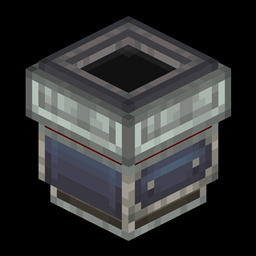
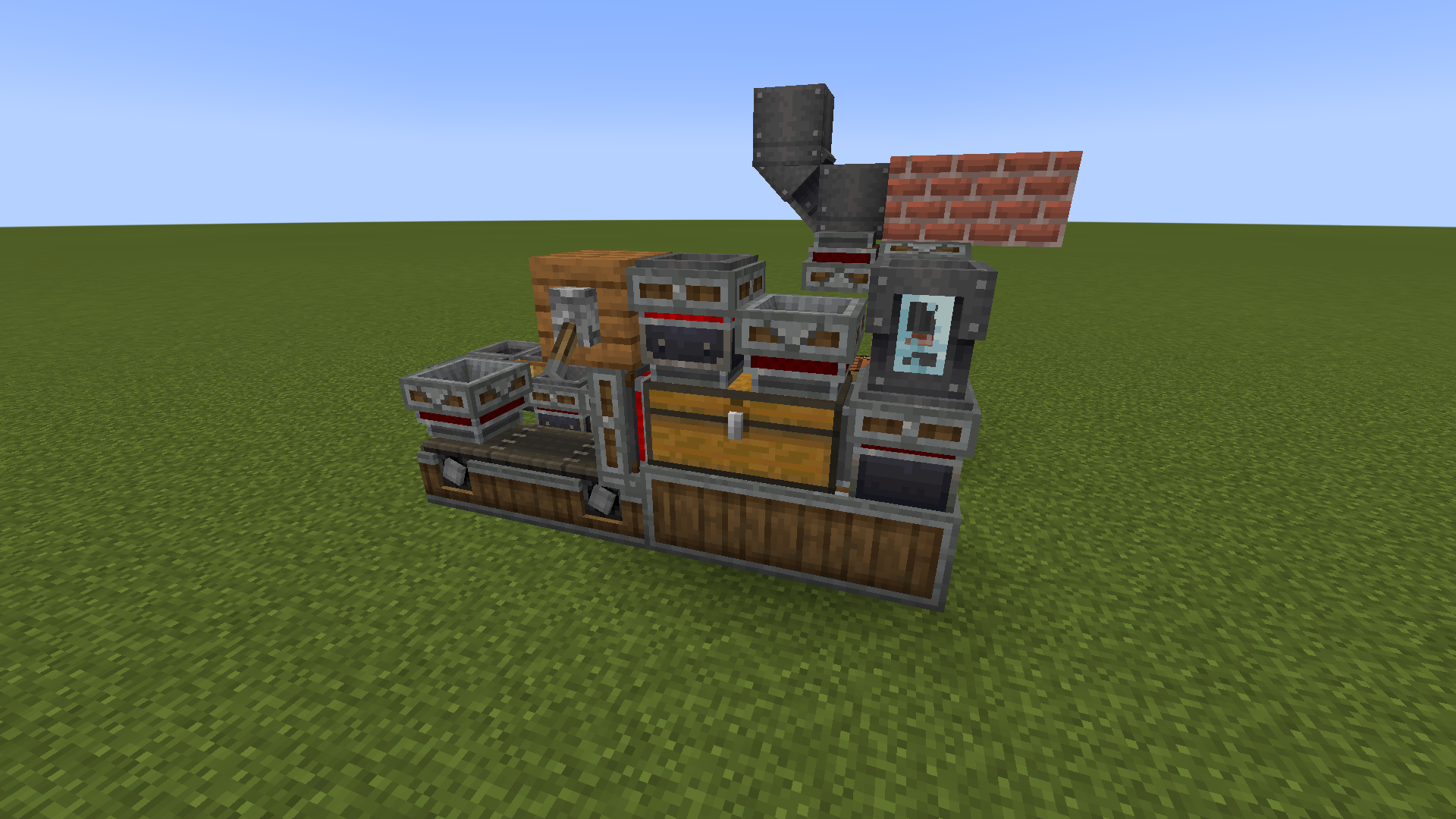
Thêm phễu được thiết kế lại trông giống đồ của Createmod.
Giới thiệu gói tài nguyên Create Style Hopper
This resourcepack makes Minecraft Hopper look like Createmod style. Requires createmod as a texture dependency.
Redstone indicator not updating in realtime due to vanilla specification.
[May 26, 2023] Added version corresponding to Createmod rise and shine update. [May 29, 2024] Added version supporting some Little Logistics elements.
Cách cài đặt Create Style Hopper
With Millida Launcher
Install Millida Launcher
The launcher is free: download it at millida.net/launcher and sign in with any nickname.
Click “Install” on this page
The launcher opens and installs the resource pack for Minecraft 1.18.2–1.21.1 automatically.
Launch the game
A profile with it appears in the launcher: click “Play”.
Manually
Download the archive
Pick the file Create_Style_Hopper_24_5_29.zip (15 KB) for your game version. No need to unpack it.
Put it in the resourcepacks folder
The easiest way: “Options”, then “Resource Packs”, then “Open Pack Folder”, and drag the archive there.
Enable the pack
In the same window, move the pack to the right-hand “Selected” column and click “Done”.
Phiên bản
Kèm phụ thuộc
| Minecraft | Loader | Tệp | Ngày | Hành động |
|---|---|---|---|---|
| 1.18.2 | — | Create_Style_Hopper_24_5_29.zip14.6 KB 6 |
Câu hỏi thường gặp
Which Minecraft versions does Create Style Hopper work on?
There are files for 1.21.1, 1.20.1, 1.19.2, 1.18.2. The newest is 1.21.1.
Where can I download Create Style Hopper safely?
On this page: the file Create_Style_Hopper_24_5_29.zip (15 KB) is stored on Millida’s server, with no link shorteners. SHA-1 checksum: 0b219947e6a5ed43eadd05b24163b8282fcd902f.
Đánh giá
Hãy là người đầu tiên đánh giá Create Style Hopper


