
Coordinates Plus Gói tài nguyên cho Minecraft 26.10
Thêm tọa độ chunk và overworld-nether vào HUD.
Giới thiệu gói tài nguyên Coordinates Plus
if you want to make overworld shortcuts using nether portals or farms that require specific chunk coordinates, this resource pack is the right one. in vanilla minecraft there are no chunk coordinates or overworld to nether coordinates and vice versa, but with this simple resource pack you can see the additional coordinates you need!
so how do you use it? as usual just install the resource pack in the world or global resources, then don’t forget to enable the Show Coordinates option (check Other Things below)
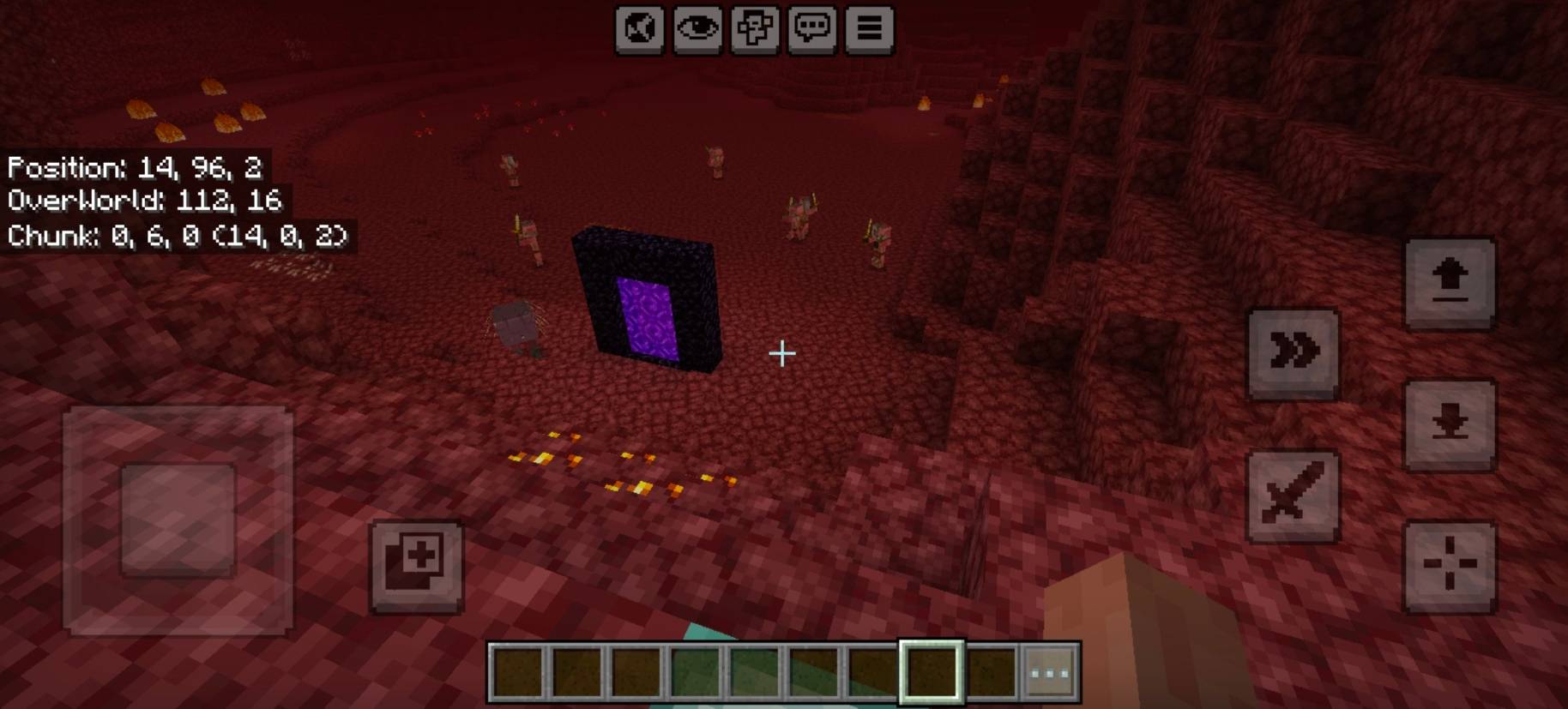
Showcase Video
watch if you don't understand or want to know how it works!
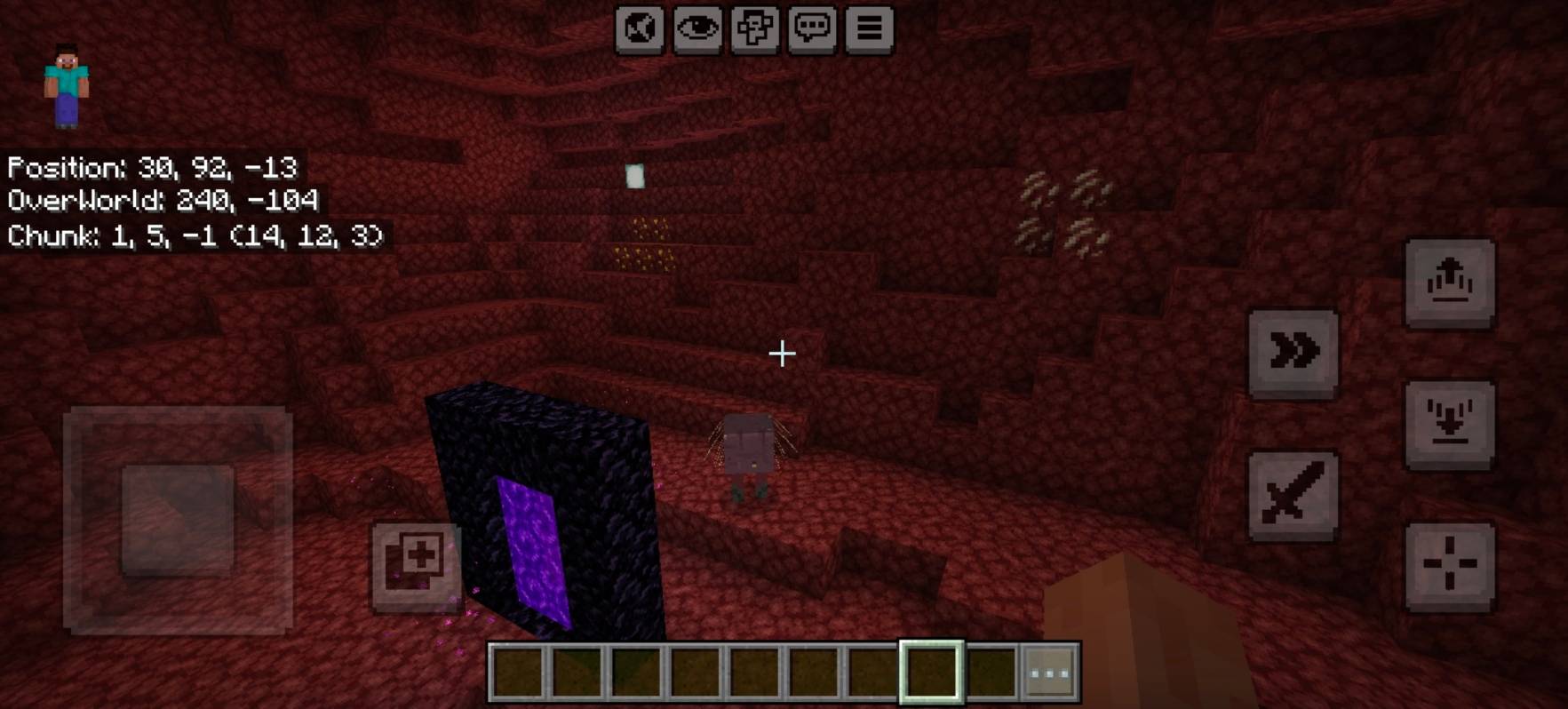
Other Things
setting options that must be enabled

You can set which coordinates you want to display in subpacks.
or if it's for mobile, you can set the switch button here.
Join Our Community
discussions, submit suggestions, report bugs and more
Cách cài đặt Coordinates Plus
With Millida Launcher
Install Millida Launcher
The launcher is free: download it at millida.net/launcher and sign in with any nickname.
Click “Install” on this page
The launcher opens and installs the resource pack for Minecraft 26.10 automatically.
Launch the game
A profile with it appears in the launcher: click “Play”.
Manually
Download the archive
Pick the file (E) Coordinates Plus v1.1.0.mcpack (20 KB) for your game version. No need to unpack it.
Put it in the resourcepacks folder
The easiest way: “Options”, then “Resource Packs”, then “Open Pack Folder”, and drag the archive there.
Enable the pack
In the same window, move the pack to the right-hand “Selected” column and click “Done”.
Phiên bản
Kèm phụ thuộc
| Minecraft | Loader | Tệp | Ngày | Hành động |
|---|---|---|---|---|
| 26.10 | — | Coordinates Plus v1.1.0.mcpack20.2 KB |
Câu hỏi thường gặp
Which Minecraft versions does Coordinates Plus work on?
Only Minecraft 26.10: there are no files for other versions.
Where can I download Coordinates Plus safely?
On this page: the file (E) Coordinates Plus v1.1.0.mcpack (20 KB) is stored on Millida’s server, with no link shorteners. SHA-1 checksum: 4bf072abf2fc4a77fe282dbc449417d96fd604ba.
Đánh giá
Hãy là người đầu tiên đánh giá Coordinates Plus



