
Kute Shader cho Minecraft 1.21.1, 1.21
Một shader nhẹ nhàng, thân thiện với hiệu năng và mang lại cho Minecraft cảm giác mềm mại, mơ màng :D Chỉnh sửa từ Mellow shader (Bản gốc - https://www.curseforge.com/minecraft/shaders/mellow - )
Giới thiệu shader Kute
This lightweight Minecraft shader gives your game a gentle dreamy glow without slowing things down It’s perfect for players who want a cozy, soft vibe while keeping smooth gameplay and super friendly on performance ^-^
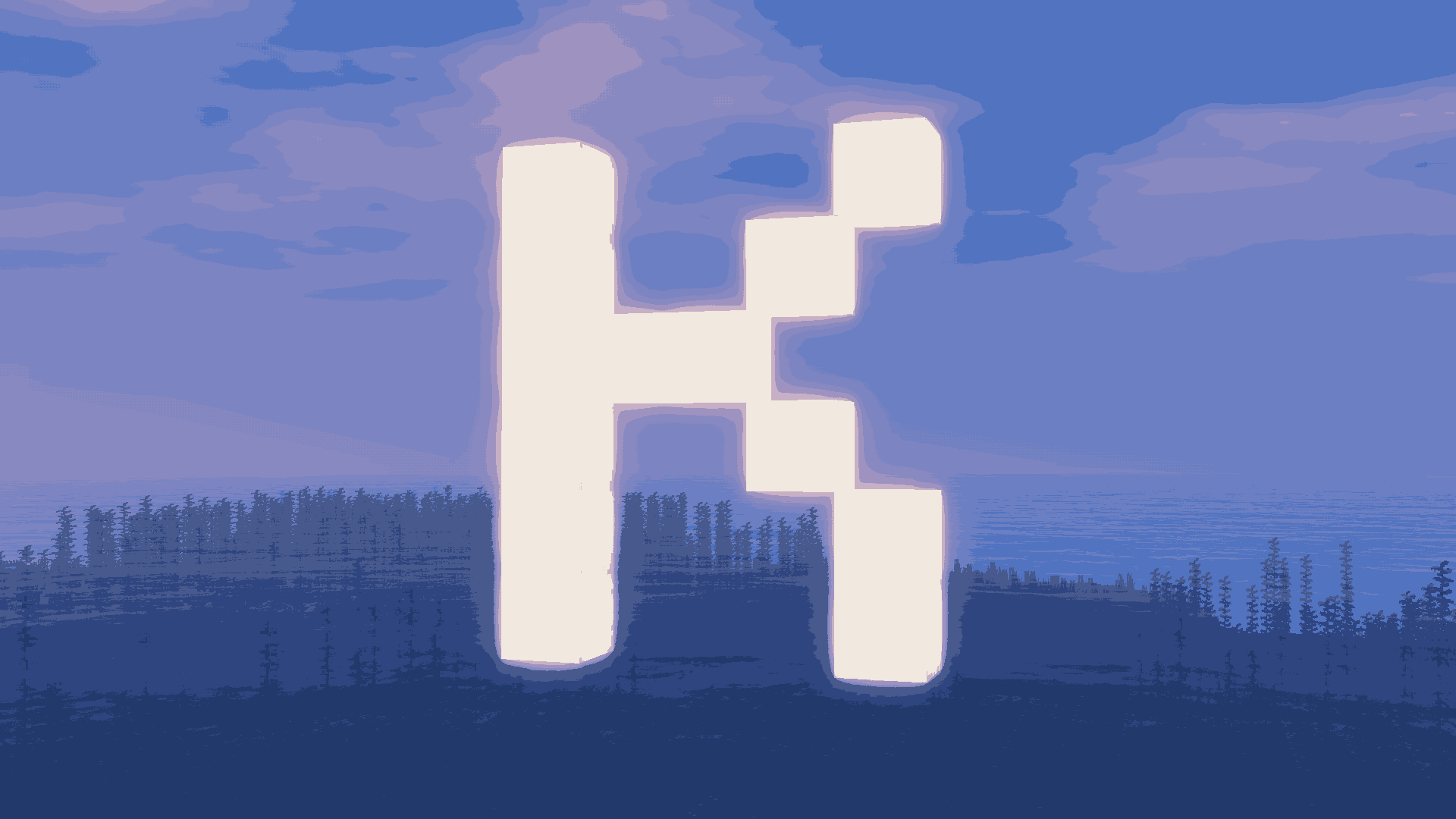
Kute is a lightweight Minecraft shader that brings soft, magical, and fantasy-inspired visuals to your game while staying easy on performance :3 Its design focuses on creating a dreamy, storybook atmosphere that makes every biome feel whimsical and alive.
✨ Features
•Soft, Enchanting Lighting: sunrises, sunsets, and ambient light have gentle pastel glows that make landscapes feel magical
•Dreamy Nights: twinkling stars, subtle moonlight reflections, and soft shadowing give nighttime a cozy, mystical look
•Mystical Water: rivers, lakes, and oceans shimmer with soft reflections, adding that magical sparkle to every pool
•Smooth Shadows & Bloom: adds a gentle glow around light sources like torches, lanterns, and enchanted blocks
•Vibrant, Fantasy Colors: forests, flowers, and terrain pop with slightly enhanced, soft colors that make the world feel alive
•Optimized Performance: lightweight enough to run smoothly even on lower-end PCs while keeping that magical vibe
🌸 Player Experience
Playing with Kute makes Minecraft feel like a whimsical fantasy world. Exploring forests feels calm and enchanted, villages glow warmly at night, and caves shimmer with subtle magic. Builders can create soft, storybook-style structures, and explorers can enjoy every sunrise, sunset, and twinkling night as if in a dream.
It’s perfect for players who want fantasy aesthetics without sacrificing performance, giving the world a cozy, magical, and immersive vibe :D
Cách cài đặt Kute
With Millida Launcher
Install Millida Launcher
The launcher is free: download it at millida.net/launcher and sign in with any nickname.
Click “Install” on this page
The launcher opens and installs the shaders for Minecraft 1.21–26.2 automatically.
Launch the game
A profile with it appears in the launcher: click “Play”.
Manually
Install Iris or OptiFine
Without a shader mod the game cannot see shaders. Install it for the same Minecraft version.
Download the shader archive
Pick the file Kute v1.0.0-crn.1.zip (323 KB) and do not unpack it.
Put it in the shaderpacks folder
“Options”, then “Video Settings”, then “Shader Packs”, then “Open Shader Pack Folder”, and drag the archive there.
Select the shaders
In the same window, click the pack name and “Apply”.
Phiên bản
Kèm phụ thuộc
| Minecraft | Loader | Tệp | Ngày | Hành động |
|---|---|---|---|---|
| 1.21 | — | Kute v1.0.0.101323 KB 24 |
Câu hỏi thường gặp
Which Minecraft versions does Kute work on?
There are files for 1.21–26.2, 16 versions in total. The newest is 26.2.
Where can I download Kute safely?
On this page: the file Kute v1.0.0-crn.1.zip (323 KB) is stored on Millida’s server, with no link shorteners. SHA-1 checksum: ec66643aae2b82ee48ff60c30ede054c20e1f7c2.
Đánh giá
Hãy là người đầu tiên đánh giá Kute


