
ChestHarvester Plugin cho Minecraft
Biến rương thành thiết bị nông nghiệp cố định
Giới thiệu plugin ChestHarvester
ChestHarvester - turns chests into stationary farming equipment
Version: 1.3.5.1
Download: ChestHarvester.jar
Features:
- chests can collect drops within a 1-block radius on the faces or from the top
- clicking on a chest will farm the surrounding area, or in the direction the player is looking, if enabled
- supports double-chests!
- to minimize server strain, scans every 5 seconds & only allows farming every 2
- (this can be changed with "AutoCollectScanInterval" and "ManualHarvestWaitInterval" in the config)
- can be set to use a hoe to till new farmland
- can harvest sugarcane, cactus, pumpkins, melons, and netherwart; not just farmland
- can be disabled per-world
- can also collect into storage minecarts
- configurable collection range 1-3 (1 recommended)
Commands:
- /chestharvester (ch) reload: reload configuration file (OP only)
Permissions:
- ChestHarvester.harvest for a user to be able to click on a chest for it to harvest (can be disabled)
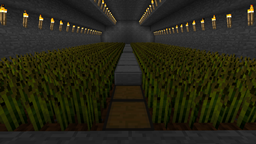
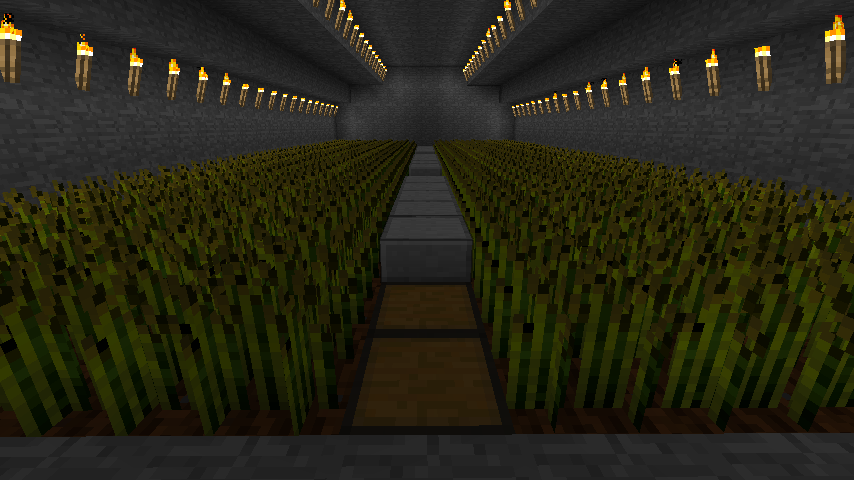
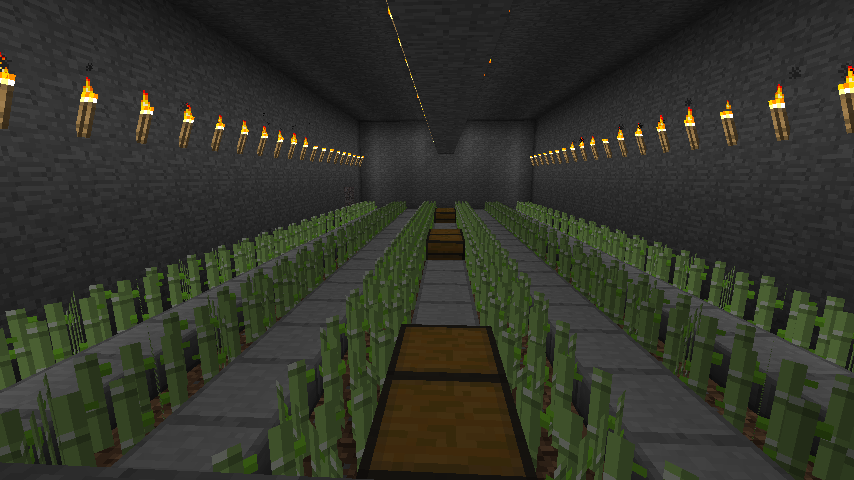
My small farm: (and, a few moments later)
Fan Video:
http://www.youtube.com/watch?v=z2_Dd4_N5a4
TODO:
- iConomy support?
- Autoharvest, so chests run automatically?
- "special block" must be on to operate?
- make player manually set a chest for it to collect items?
Changelog
see old changelog page
or Downloads
Cách cài đặt ChestHarvester
A server on Paper or Spigot
The plugin runs on the server core; players do not need to install anything.
File goes into the plugins folder
Download the file ChestHarvester.jar (88 KB) and put it into the server’s plugins folder.
Restart the server
On startup the plugin creates its own settings folder in plugins.
Use the “To server” button
On Millida Hosting, the button at the top of the page uploads the file to your server and restarts it for you.
Phiên bản
Kèm phụ thuộc
| Minecraft | Loader | Tệp | Ngày | Hành động |
|---|---|---|---|---|
| — | — | ChestHarvester 1.3.5.187.7 KB |
Câu hỏi thường gặp
Do players need to install ChestHarvester?
No, the plugin goes only on the server, into the plugins folder: players do not need to download anything.
Where can I download ChestHarvester safely?
On this page: the file ChestHarvester.jar (88 KB) is stored on Millida’s server, with no link shorteners. SHA-1 checksum: 92ac3eb6d1c600af6e8d348c2c96493880b01485.
Đánh giá
Hãy là người đầu tiên đánh giá ChestHarvester


