

WebDisplays Plus Bản dựng cho Minecraft 1.20.1
Một modpack đơn giản mở rộng WebDisplays với thêm nhiều cách để thư giãn trong Minecraft. Xem video, nghe nhạc, nấu ăn, chơi game và thư giãn theo cách riêng của bạn.
- lượt tải
- 16 lượt tải
- lượt xem
- 59 lượt xem
- Đã cập nhật
- Đã cập nhật 27.10.2026
- 1.20.1
 Forge
Forge
WEBDISPLAYS PLUS
Try the new 1.7 update!
Warning
Using shaders may cause WebDisplays mod to not work properly. It is recommended to play without shaders.
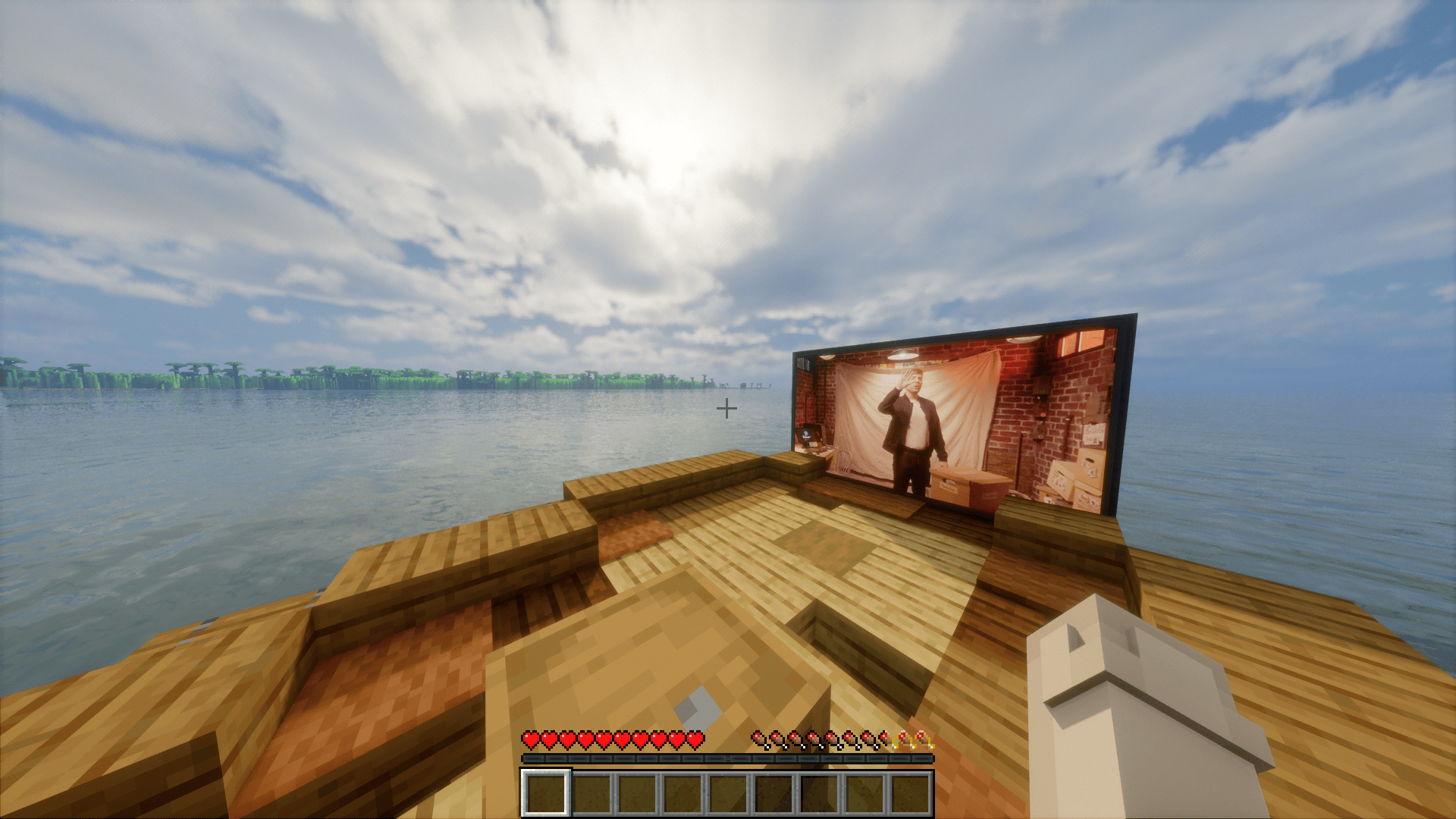
What is WebDisplays Mod?
The WebDisplays mod brings real-time internet functionality into your Minecraft world. With this mod, you can project live web pages, videos, music players, and other multimedia content onto blocks within the game, adding an interactive and dynamic layer to your creations.
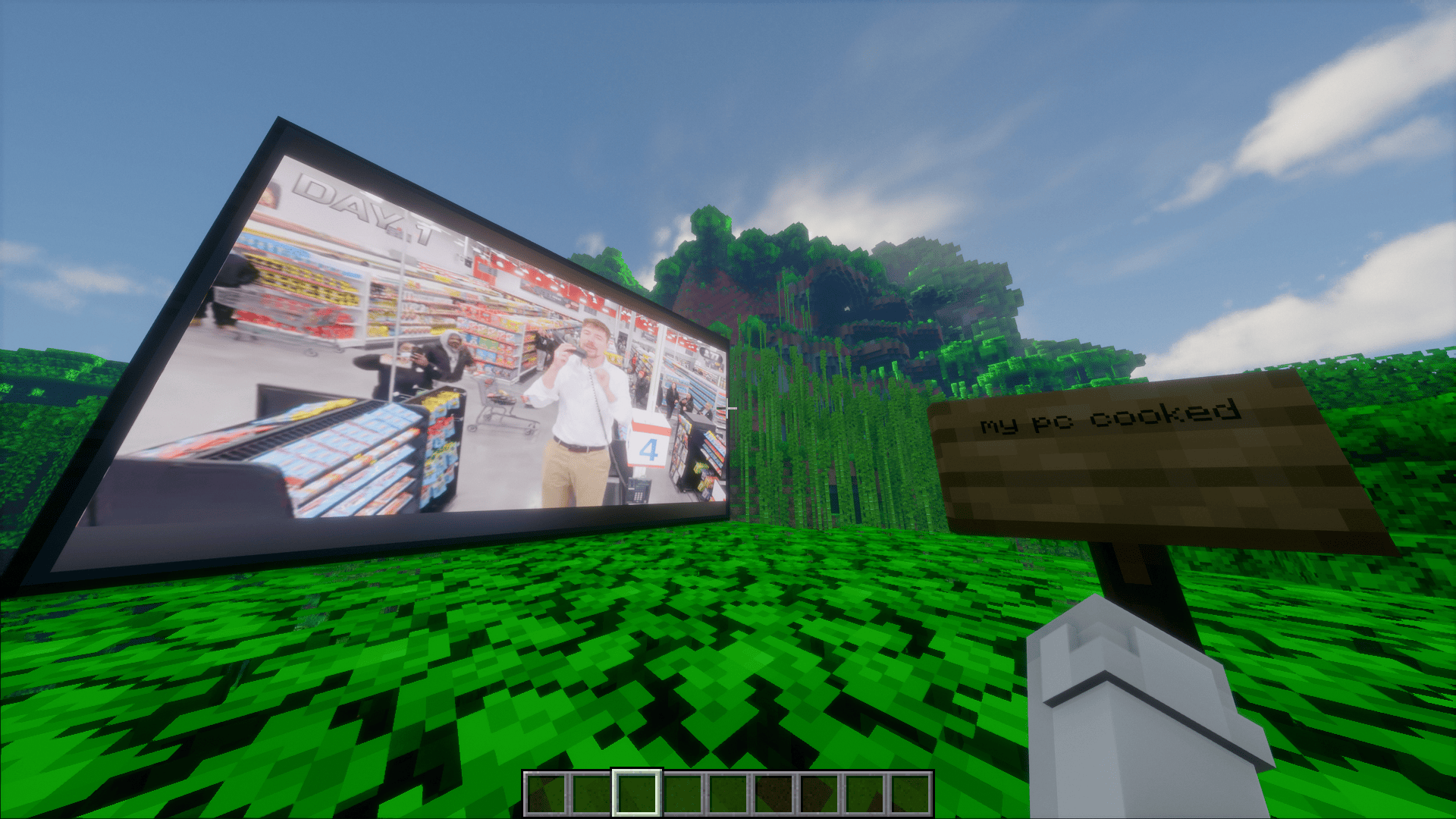
What modpack do?
This modpack includes additional mods that enhance the WebDisplays mod. This way, while browsing or watching something from the web in-game, you can also engage with the other mods. For example, you can tame animals or cook food in the background, completely up to your playstyle and enjoyment.
License
This modpack, WebDisplays Plus, is distributed under the MIT License as a compilation. However, please note that each individual mod contained within this pack retains its own original license and copyright (e.g., MIT, GPL, LGPL). By using this modpack, you agree to abide by the terms set forth by the respective authors of the included modifications.
Credits
ds58: Creator of the WebDisplays mod.
THIS MODPACK IS NOT OFFICAL
Cách cài đặt WebDisplays Plus
With Millida Launcher
Install Millida Launcher
The launcher is free: download it at millida.net/launcher and sign in with any nickname.
Click “Install” on this page
The launcher opens and installs the modpack for Minecraft 1.20.1 on Forge automatically.
Launch the game
A profile with it appears in the launcher: click “Play”.
Manually
Download the modpack archive
In the version list above, pick the file WebDisplays Plus-1.71.zip (136 KB).
Import it into a launcher
A launcher that supports modpacks (Millida Launcher, Prism) takes the archive via “Add modpack”, then “From file”. No need to unpack it yourself.
Allocate memory
Modpacks need more memory than the plain game: set 4–6 GB in the profile settings.
On a server
Use the “To server” button
On Millida Hosting, the button at the top of the page uploads the file to your server and restarts it for you.
Invite friends: they install the same modpack
To join the server, every player needs the same modpack version.
Minecraft 1.20.1 runs on Java 17: with a different Java version the game may close right after launch.
Phiên bản
Kèm phụ thuộc
| Minecraft | Loader | Tệp | Ngày | Hành động |
|---|---|---|---|---|
| 1.20.1 | Forge | WebDisplays Plus-1.71.zip136 KB 16 |
Đánh giá
Hãy là người đầu tiên đánh giá WebDisplays Plus


