

Underdog Bản dựng cho Minecraft 1.12.2
Một cuộc đại tu hoàn chỉnh chế độ sinh tồn của Minecraft với trọng tâm là chân thực và sinh thái.
- lượt xem
- 31 lượt xem
- Đã cập nhật
- Đã cập nhật 18.10.2026
- 1.12.2
 Forge
Giới thiệu gói mod Underdog
### A complete overhaul of Minecraft's survival mode with an emphasis on realism and ecology.
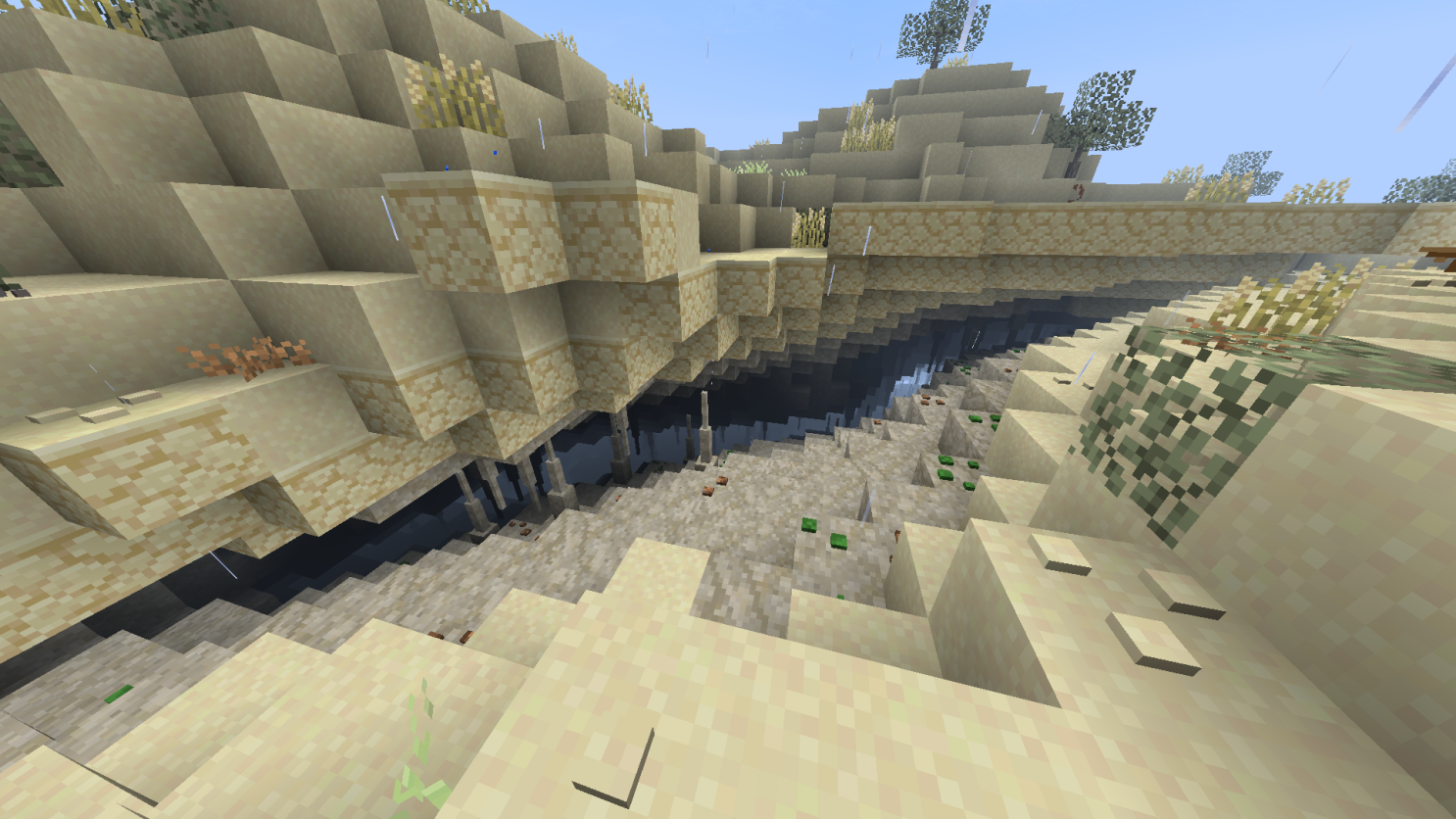
Features
◼️ Realism pushed to the edge of possibilities. ◼️ Detailed quest book to guide you through the overhauled progression. ◼️ Thousands of recipe changes. ◼️ Interconnected mod progression. ◼️ Guidebook to help you learn all the new game mechanics. ◼️ Majestic world generation based on the real world. ◼️ Salt and fresh water generation. ◼️ Custom mods and resource packs are made for the pack. ◼️ Huge attention to detail, quality of life and performance. ◼️ And much more...

Cách cài đặt Underdog
With Millida Launcher
Install Millida Launcher
The launcher is free: download it at millida.net/launcher and sign in with any nickname.
Click “Install” on this page
The launcher opens and installs the modpack for Minecraft 1.12.2 on Forge automatically.
Launch the game
A profile with it appears in the launcher: click “Play”.
Manually
Download the modpack archive
In the version list above, pick the file Underdog-3.10.1.zip (14 MB).
Import it into a launcher
A launcher that supports modpacks (Millida Launcher, Prism) takes the archive via “Add modpack”, then “From file”. No need to unpack it yourself.
Allocate memory
Modpacks need more memory than the plain game: set 4–6 GB in the profile settings.
On a server
Use the “To server” button
On Millida Hosting, the button at the top of the page uploads the file to your server and restarts it for you.
Invite friends: they install the same modpack
To join the server, every player needs the same modpack version.
Minecraft 1.12.2 runs on Java 8: with a different Java version the game may close right after launch.
Phiên bản
Kèm phụ thuộc
| Minecraft | Loader | Tệp | Ngày | Hành động |
|---|---|---|---|---|
| 1.12.2 | Forge | 3.10.114.1 MB | ||
| 1.12.2 | Forge | Underdog-v2.3.7-beta19 MB | ||
| 1.12.2 | — | Underdog-v2.0.85-beta22.2 MB | ||
| 1.12.2 | — | Underdog-v1.89.zip16.5 MB |
Câu hỏi thường gặp
Which Minecraft versions does Underdog work on?
Only Minecraft 1.12.2: there are no files for other versions.
Is Underdog for Forge or Fabric?
Only for Forge: 1.12.2.
Which Java does Underdog need?
Minecraft 1.12.2 runs on Java 8. If the game closes right after launch, the usual cause is the wrong Java version in the profile settings.
Where can I download Underdog safely?
On this page: the file Underdog-3.10.1.zip (14 MB) is stored on Millida’s server, with no link shorteners. SHA-1 checksum: 31464f16c50c265c67665d93720de7c0b6e5c947.
Đánh giá
Hãy là người đầu tiên đánh giá Underdog


