

 NeoForge
Giới thiệu gói mod SpookyJam 2024
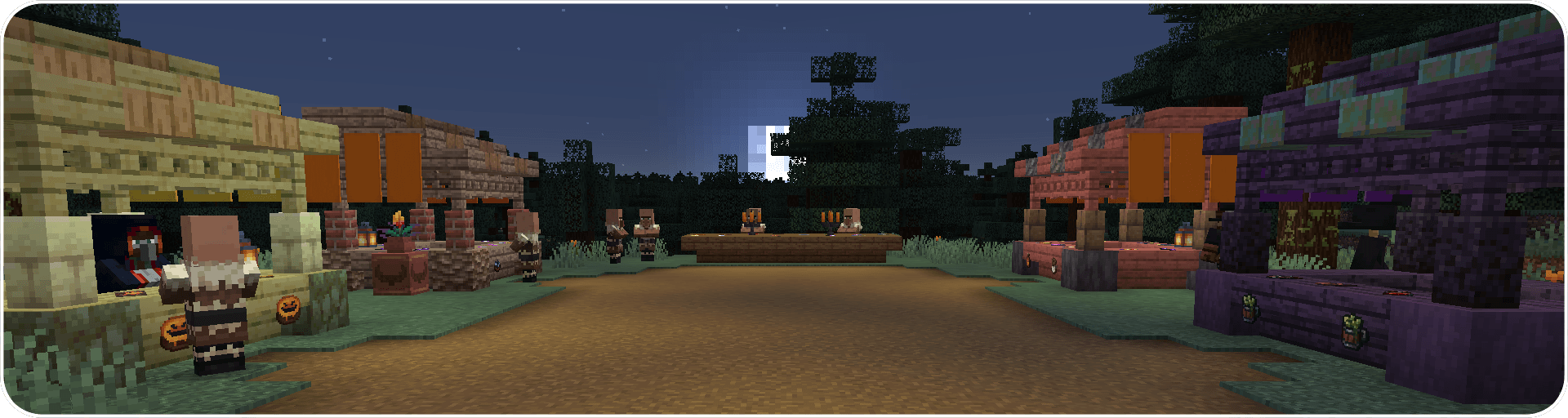
SpookyJam is an annual mod jam held in celebration of the fall season! This modpack is jam packed with submissions to SpookyJam 2024 and includes a few SpookyJam classics from previous years! SpookyJam is officially sponsored by CurseForge and Nodecraft! You can learn more about the event here.
What to Expect
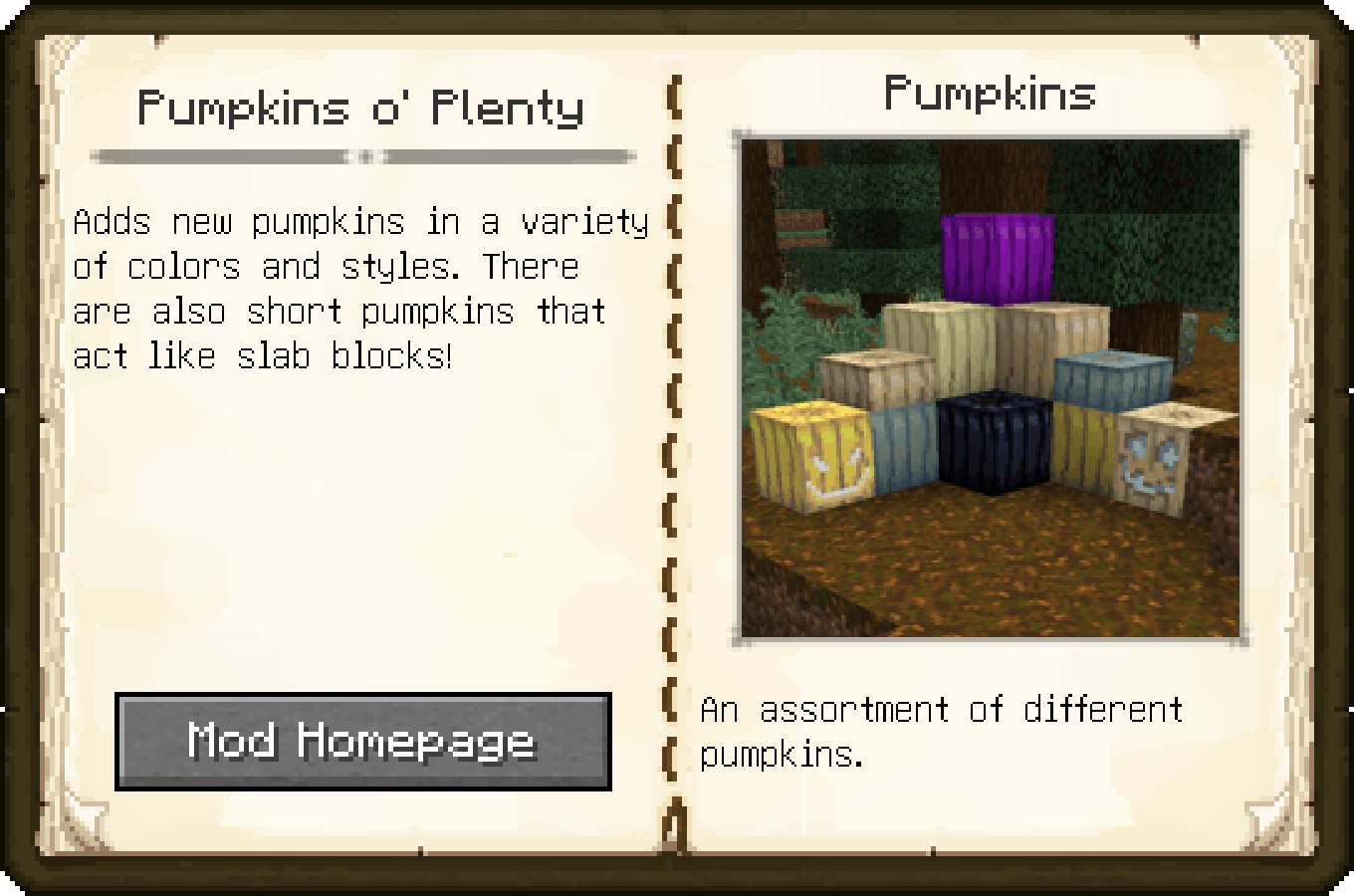
This pack showcases the many submissions to SpookyJam 2024! These mods offer several new dungeons to explore such as the soul church that harbors a mysterious cult, winding mazes that hold untold fortune, and eerie clock towers that eerily loom above the skyline. There are also several new creatures that will haunt your world, like the hoardes of pumpkin zombies, the elusive echo creeper, and the wandering cursebringer who will sell you amazing abilities, for a price... Are you more into the fun and whimsical side of the season? There are plenty of pumpkins to carve and candy to try!
When you join a world you will be given the Spookypedia! This book will introduce you to the awesome SpookyJam submissions included in the pack. The book also contains hints to the Pumpking's Scavenger Hunt! An optional quest line that involves collecting 13 items spread across the various submissions to the jam! Those who complete the quest will be awarded with the Pumpking's Crown!
Cách cài đặt SpookyJam 2024
With Millida Launcher
Install Millida Launcher
The launcher is free: download it at millida.net/launcher and sign in with any nickname.
Click “Install” on this page
The launcher opens and installs the modpack for Minecraft 1.21.1 on NeoForge automatically.
Launch the game
A profile with it appears in the launcher: click “Play”.
Manually
Download the modpack archive
In the version list above, pick the file SpookyJam 2024-1.0.2.zip (5.4 MB).
Import it into a launcher
A launcher that supports modpacks (Millida Launcher, Prism) takes the archive via “Add modpack”, then “From file”. No need to unpack it yourself.
Allocate memory
Modpacks need more memory than the plain game: set 4–6 GB in the profile settings.
On a server
Use the “To server” button
On Millida Hosting, the button at the top of the page uploads the file to your server and restarts it for you.
Invite friends: they install the same modpack
To join the server, every player needs the same modpack version.
Minecraft 1.21.1 runs on Java 21: with a different Java version the game may close right after launch.
Phiên bản
Kèm phụ thuộc
| Minecraft | Loader | Tệp | Ngày | Hành động |
|---|---|---|---|---|
| 1.21.1 | NeoForge | SpookyJam 2024-1.0.2.zip5.4 MB |
Câu hỏi thường gặp
Which Minecraft versions does SpookyJam 2024 work on?
Only Minecraft 1.21.1: there are no files for other versions.
Is SpookyJam 2024 for Forge or Fabric?
Only for NeoForge: 1.21.1.
Which Java does SpookyJam 2024 need?
Minecraft 1.21.1 runs on Java 21. If the game closes right after launch, the usual cause is the wrong Java version in the profile settings.
Where can I download SpookyJam 2024 safely?
On this page: the file SpookyJam 2024-1.0.2.zip (5.4 MB) is stored on Millida’s server, with no link shorteners. SHA-1 checksum: 13c698317f8871554fc129ef13c8bb30667335e6.
Đánh giá
Hãy là người đầu tiên đánh giá SpookyJam 2024


