

 Forge
🎁 CONTENT :
- carefully crafted mod-pack that gathers the neatest vanilla plus mods, overhauling all aspects of the game.
- automate everything with an enormous selection of mechanical devices, and new redstone and minecart features.
- seek the ultimate gear set and the other valuable items, face tough mobs and conquer scary dimensions.
- make the best builds using a ton of new blocks, furniture, vertical slabs, textures and helpful building tools.
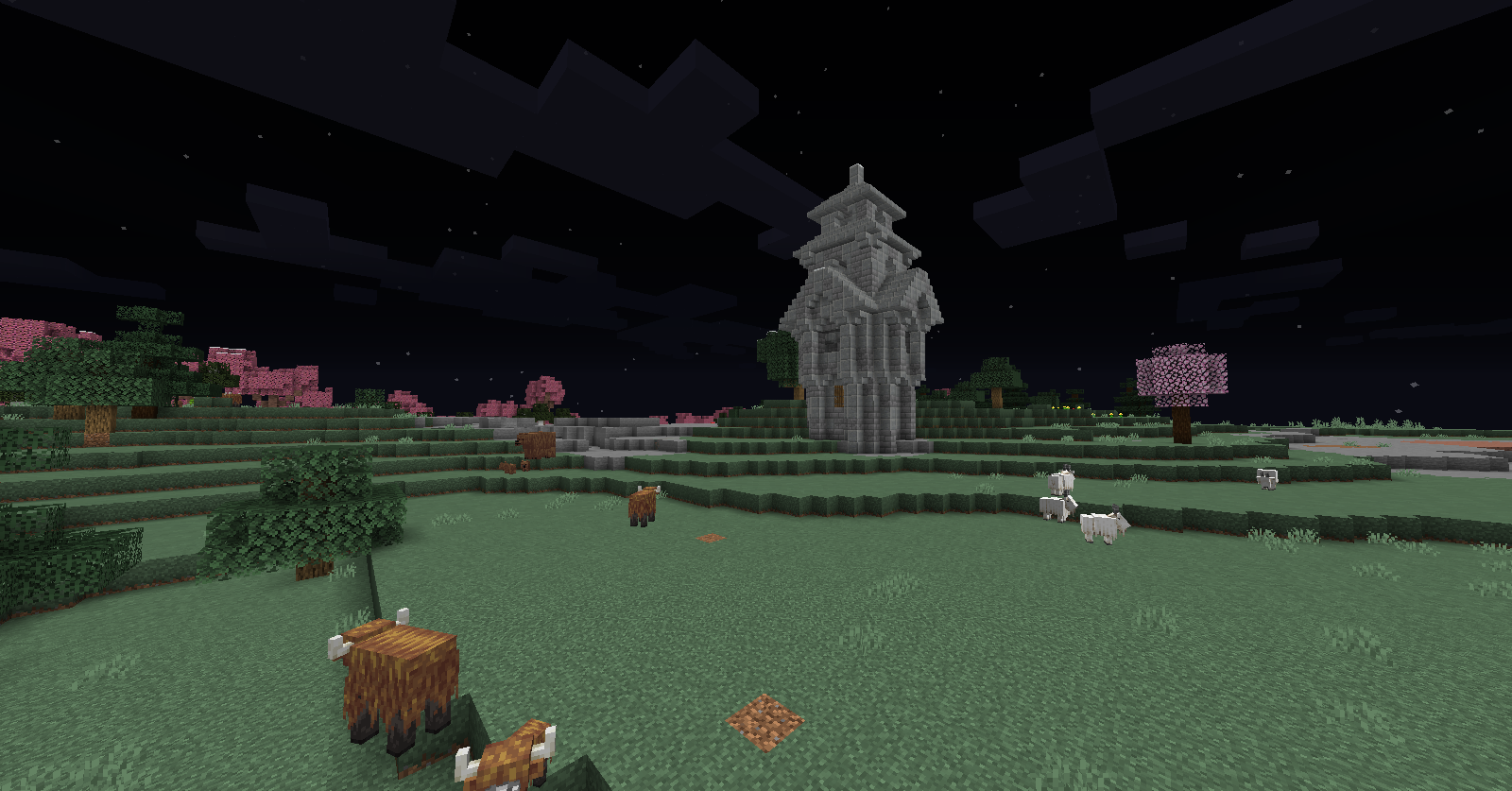
- explore the land full of structures, creatures, biomes and caves, discover unique loot and new mechanics.
⚙️ TECHNICAL:
- 100 selectively picked and well configured vanilla plus mods from the 1.16 mods list, quality over quantity.
- custom textures, recipes, mob spawning, GUI and data-packs to improve visuals and add custom content.
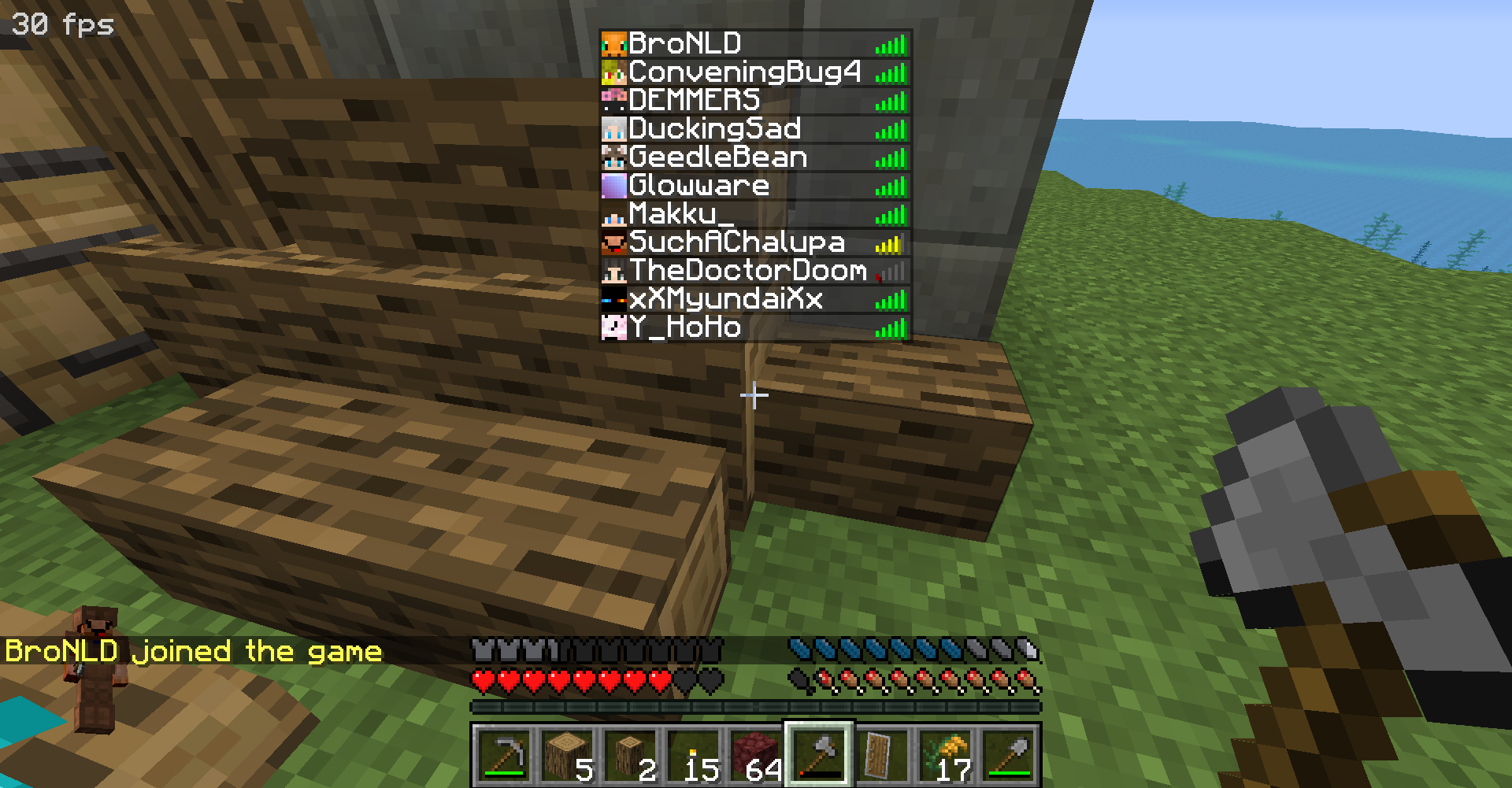
- Join the REFORM SMP server (found by default in the servers list, if it isn't there, join the discord to get the IP).
- balance, relevance and performance are always taken into consideration, technical support available (here).
- more than 4GB allocated RAM recommended, Optifine U G7 is compatible but disable Sodium Reforged.

check the images here!
check the mod list here!
Cách cài đặt Minecraft REFORM
With Millida Launcher
Install Millida Launcher
The launcher is free: download it at millida.net/launcher and sign in with any nickname.
Click “Install” on this page
The launcher opens and installs the modpack for Minecraft 1.16.5 on Forge automatically.
Launch the game
A profile with it appears in the launcher: click “Play”.
Manually
Download the modpack archive
In the version list above, pick the file REFORM-4.3.zip (108 MB).
Import it into a launcher
A launcher that supports modpacks (Millida Launcher, Prism) takes the archive via “Add modpack”, then “From file”. No need to unpack it yourself.
Allocate memory
Modpacks need more memory than the plain game: set 4–6 GB in the profile settings.
On a server
Use the “To server” button
On Millida Hosting, the button at the top of the page uploads the file to your server and restarts it for you.
Invite friends: they install the same modpack
To join the server, every player needs the same modpack version.
Minecraft 1.16.5 runs on Java 8: with a different Java version the game may close right after launch.
Phiên bản
Kèm phụ thuộc
| Minecraft | Loader | Tệp | Ngày | Hành động |
|---|---|---|---|---|
| 1.16.5 | — | REFORM-4.3.zip108 MB | ||
| 1.16.5 | Forge | REFORM-1.1.zip106 MB |
Câu hỏi thường gặp
Which Minecraft versions does Minecraft REFORM work on?
Only Minecraft 1.16.5: there are no files for other versions.
Is Minecraft REFORM for Forge or Fabric?
Only for Forge: 1.16.5.
Which Java does Minecraft REFORM need?
Minecraft 1.16.5 runs on Java 8. If the game closes right after launch, the usual cause is the wrong Java version in the profile settings.
Where can I download Minecraft REFORM safely?
On this page: the file REFORM-4.3.zip (108 MB) is stored on Millida’s server, with no link shorteners. SHA-1 checksum: f557a8b3479ca573c18a2a63c76ad381f5b718bd.
Đánh giá
Hãy là người đầu tiên đánh giá Minecraft REFORM


