

Tutorial 31 Bản đồ cho Minecraft 26.3
Đây là một thế giới từ Minecraft Tutorial 31 được nâng cấp với các tính năng từ các phiên bản mới hơn của Minecraft.
Giới thiệu bản đồ Tutorial 31
New Tutorial 31
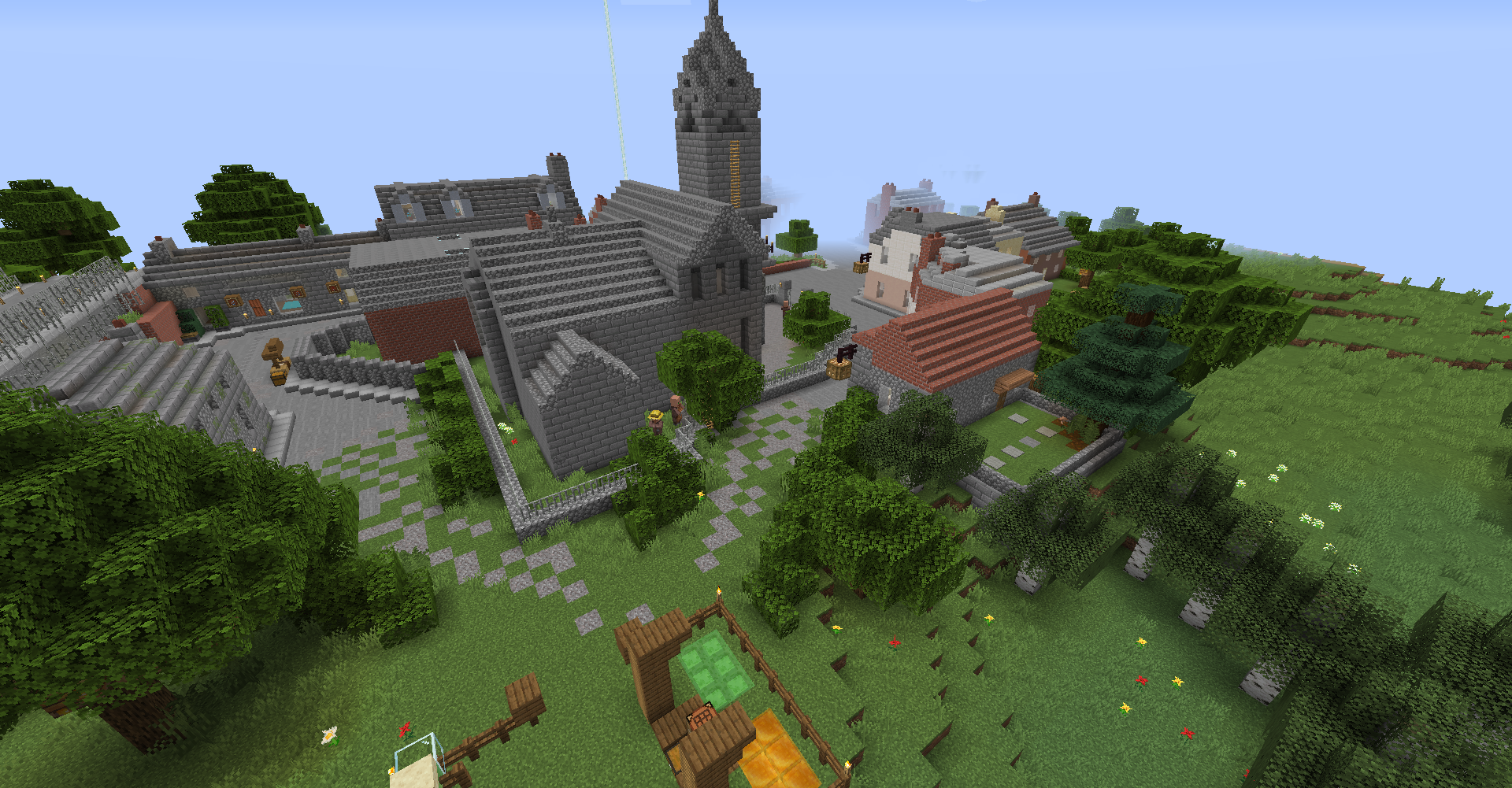
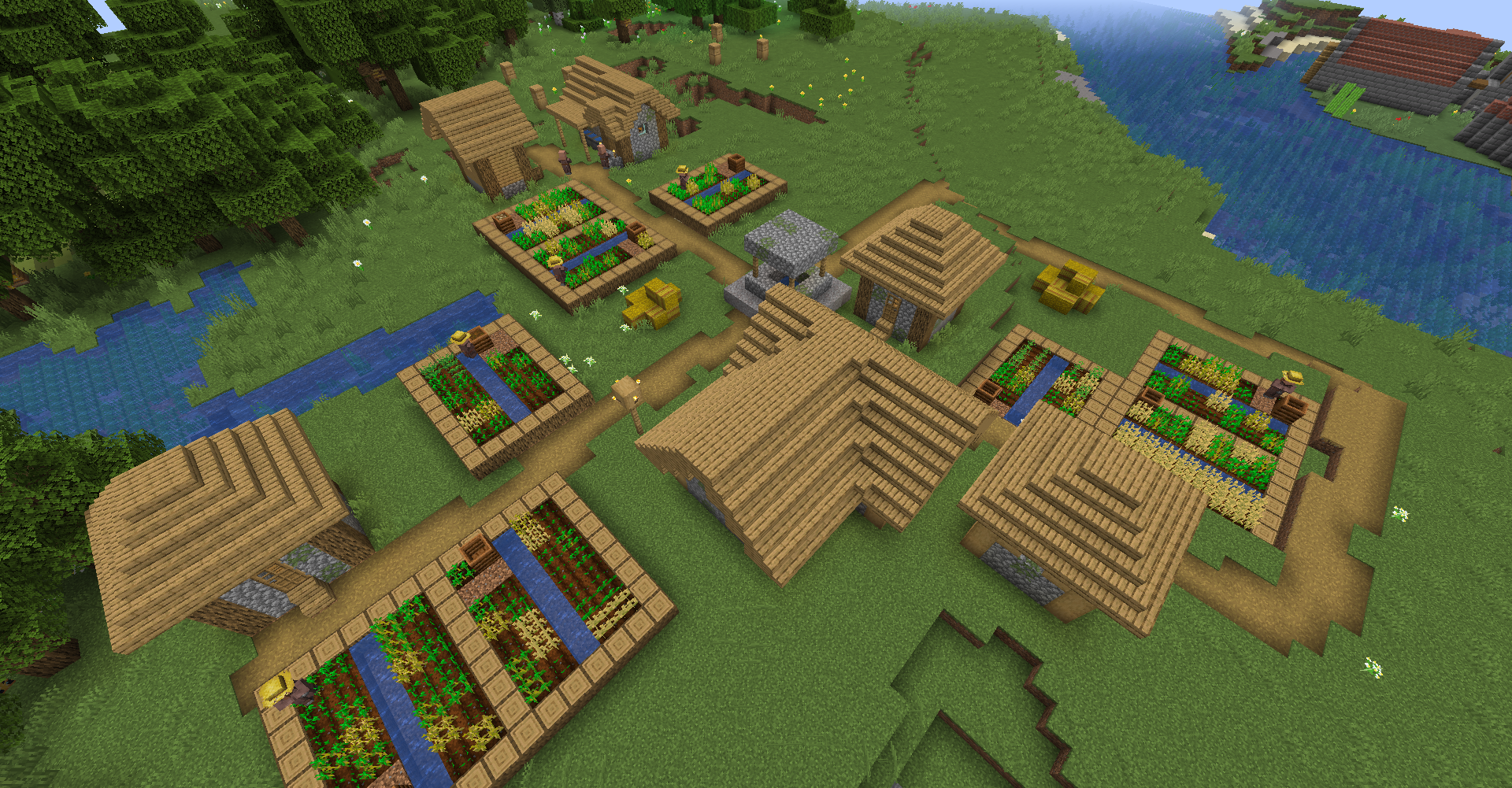
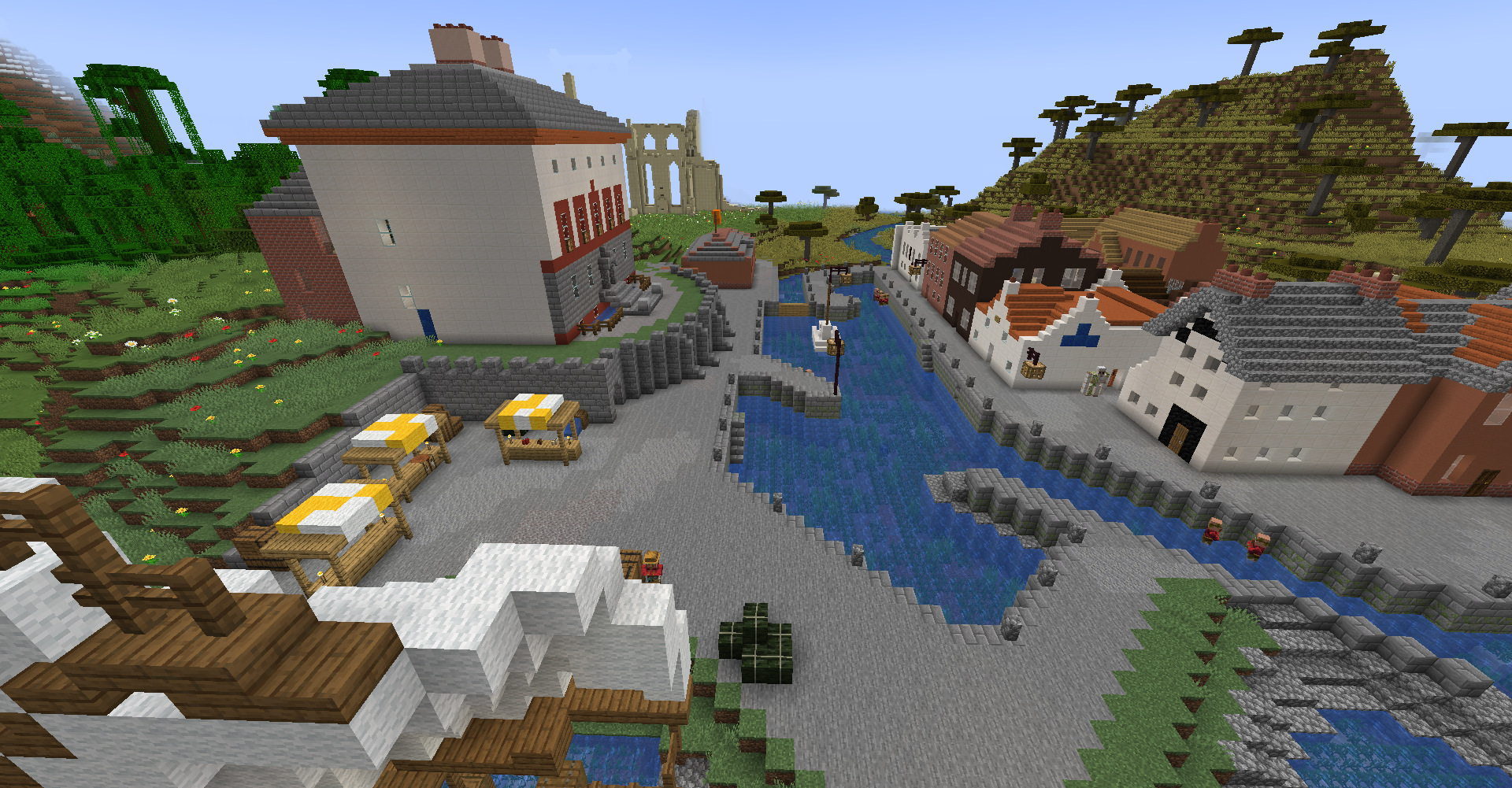
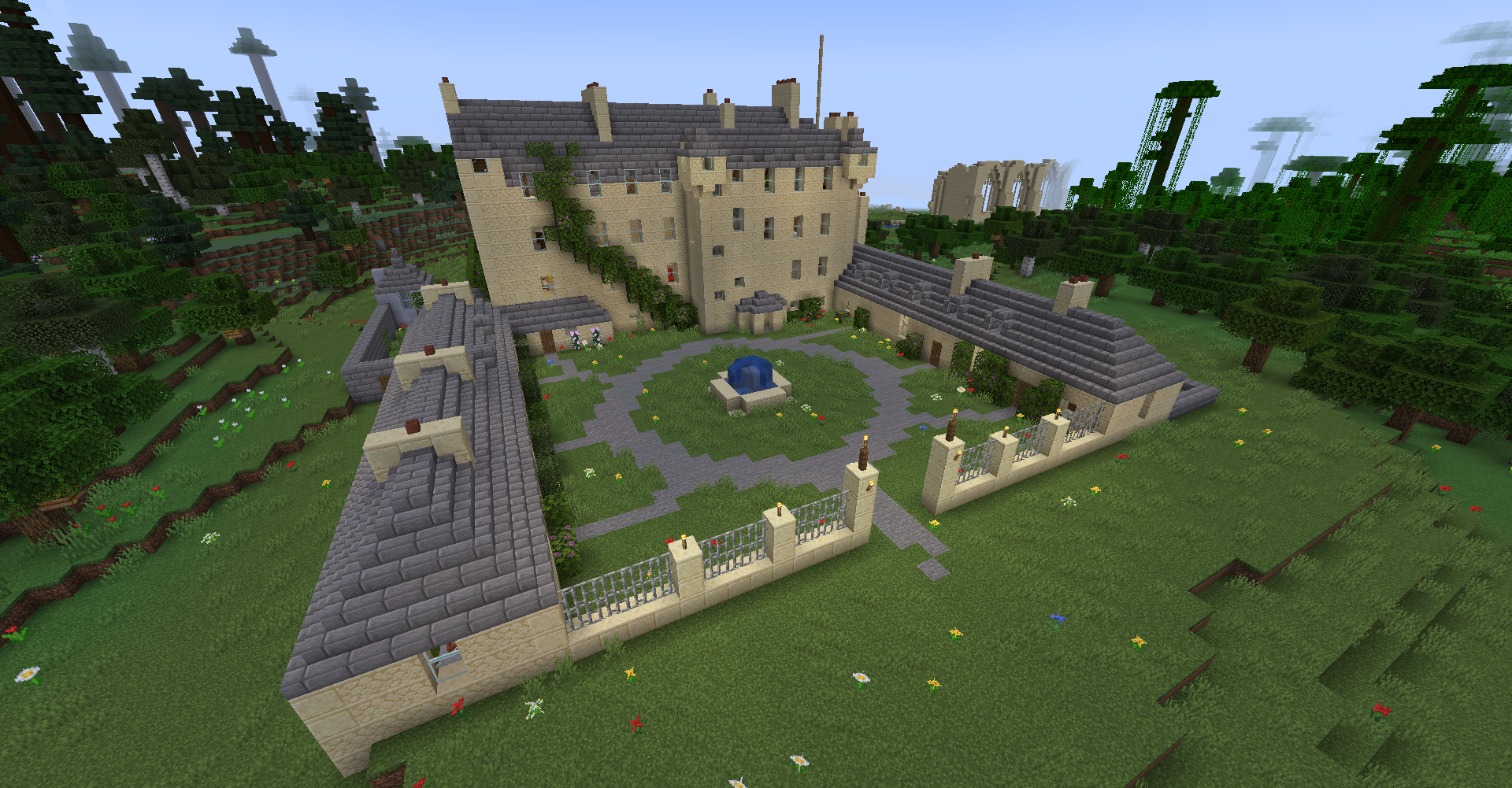
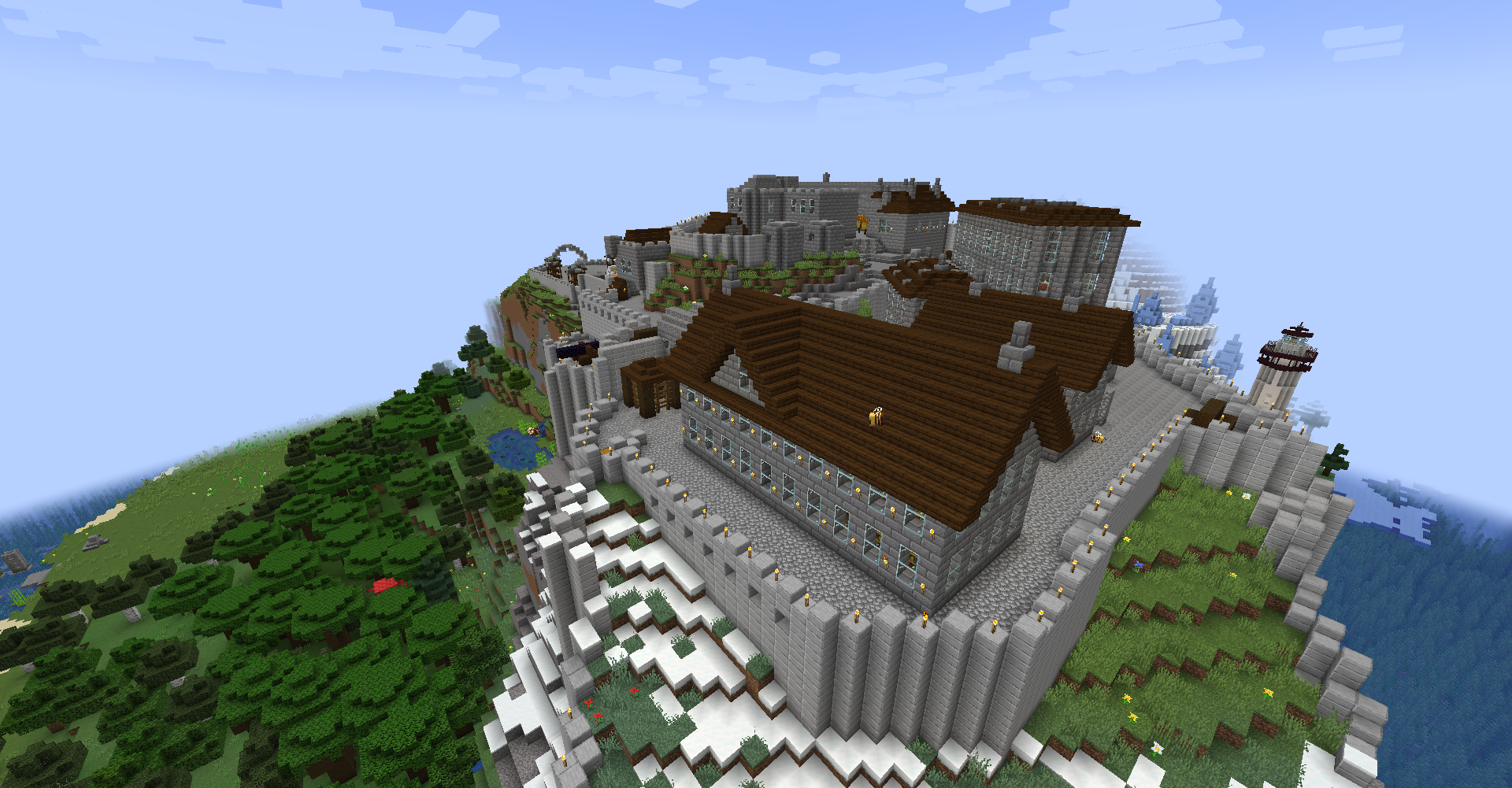
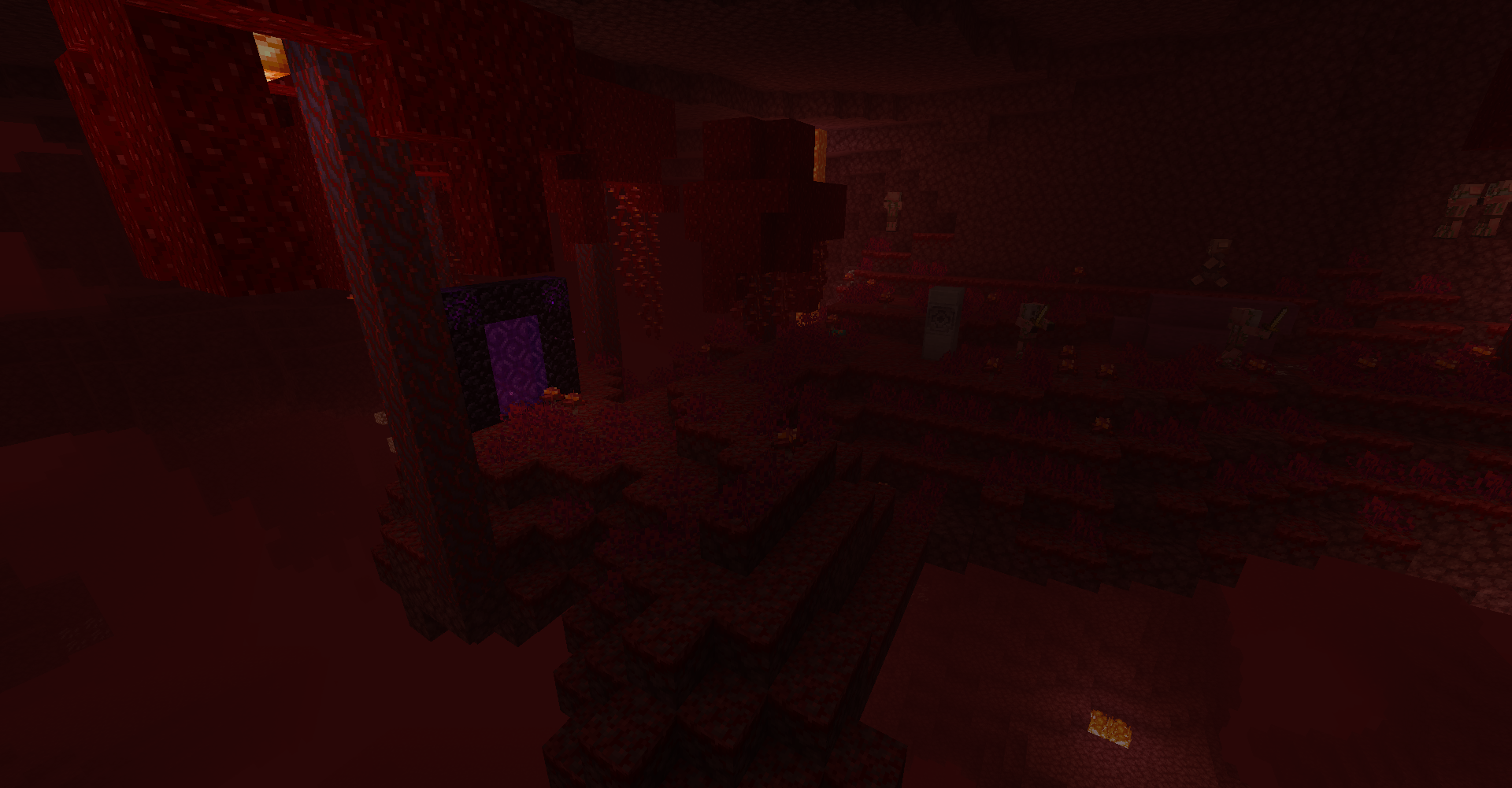
Welcome to the world from tutorial 31 of Minecraft! This extraordinary realm has been meticulously transformed specifically for this version of the game to provide you with exceptional experiences. You'll find many enhancements that have rid the world of errors and enriched it with numerous new additions.
This redesigned world encourages exploration and creation, delivering enjoyment at every turn. You can now relish multiplayer gameplay, meaning you can invite your friends to collectively explore and build within this unique land.
Cords
X 30 Y 64 Z 104
Cách cài đặt Tutorial 31
With Millida Launcher
Install Millida Launcher
The launcher is free: download it at millida.net/launcher and sign in with any nickname.
Click “Install” on this page
The launcher opens and installs the map for Minecraft 1.21.8–26.3 automatically.
Launch the game
A profile with it appears in the launcher: click “Play”.
Manually
Download the map archive
Pick the file Xbox 360 Tutorial 31 26.3 Snapshot 4.zip (107 MB).
Unpack it into the saves folder
The world folder (with level.dat inside) must sit directly in .minecraft/saves.
Open the world
“Singleplayer”: the map will be in your world list.
On a server
Replace the world folder
Stop the server and put the map folder in place of world (or set its name in level-name).
Use the “To server” button
On Millida Hosting, the button at the top of the page uploads the file to your server and restarts it for you.
Phiên bản
Kèm phụ thuộc
| Minecraft | Loader | Tệp | Ngày | Hành động |
|---|---|---|---|---|
| 26.3 | — | Tutorial 26.3107 MB 5 | ||
| 1.21.8 | — | Tutorial 1.21.8-26.1 Beta 0.1104 MB |
Câu hỏi thường gặp
Which Minecraft versions does Tutorial 31 work on?
There are files for 26.3, 1.21.8. The newest is 26.3.
Where can I download Tutorial 31 safely?
On this page: the file Xbox 360 Tutorial 31 26.3 Snapshot 4.zip (107 MB) is stored on Millida’s server, with no link shorteners. SHA-1 checksum: 95213afe862fc6f3576e57a72903e431afab5d74.
Đánh giá
Hãy là người đầu tiên đánh giá Tutorial 31



