
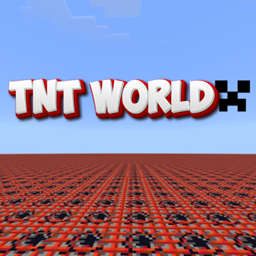
TNT World maps Bản đồ cho Minecraft 26.30
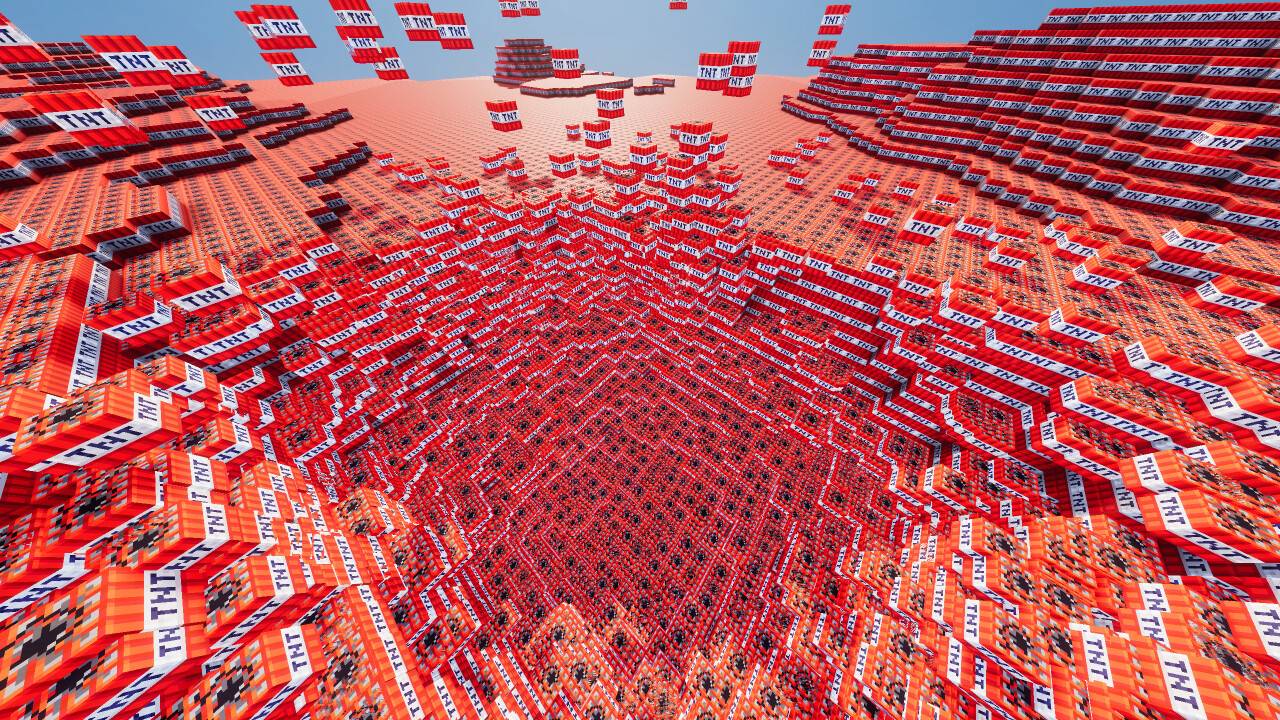
Muốn làm điều gì đó điên rồ trong Minecraft? Hãy thử map thế giới TNT này. Kích nổ những khối TNT vô hạn và vui chơi. Tôi thề nó trông quá đã mắt. Đây là một map siêu phẳng, được làm hoàn toàn từ TNT. Có nhiều thế giới với các mức TNT khác nhau.
Giới thiệu bản đồ TNT World maps
Want to host a powerful and reliable Minecraft or Hytale server? Get started with Godlike click here
Want to go wild? The satisfication we get from seeing a large chunks of game getting destroyed by blasts is gold! and that is exactly what you can do with this world! Just Download the world, install it and enter! After then lit one Tnt and see your device explode😈
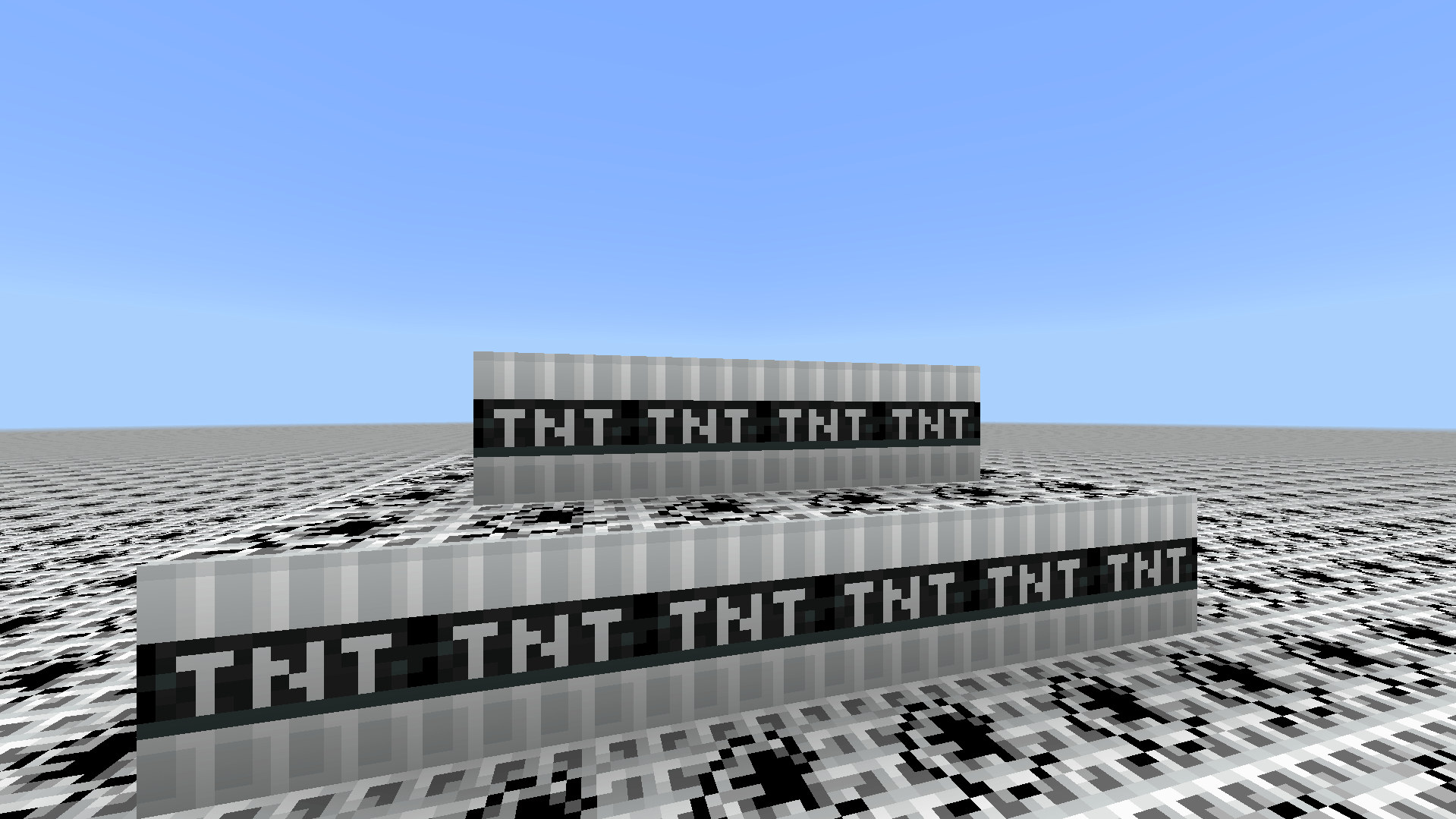
There are 4 different worlds :
Infinite: - A normal world but foundation blocks replaced by TNTs
Superflat [Level 1]: - 1 layer of bedrock and 1 layer of TNT
Superflat [Level 3]: - 1 layer of bedrock and 3 layers of TNT
Superflat [Level 5]: - 1 layer of bedrock and 5 layers of TNT
Colorful Tnt Resource pack:
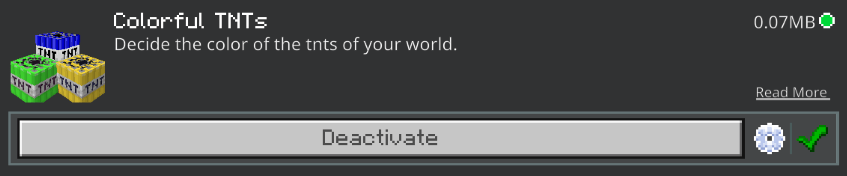
This is a preinstalled resource pack that will allow you to change the color of the TNTs of your world. It has a lot of choices, choose one from subpacks settings.
- You are allowed to make video on the texture but give credits in video description. Please Only give original MCPEDL/CurseForge link.
- You are not allowed to edit and publish it on the internet.
- You are not allowed to publish the texture on any other website and claim it as yours
Download the New Bedrock Manager application to easily install and manage your minecraft addons, worlds and more! Download Now! (Windows only, android in future)
Enjoy!

👉 Click the banner or [start here] to get going. 💬 Curious what players think? Check out the community discussion on [Best Minecraft Server Hosting].
Cách cài đặt TNT World maps
With Millida Launcher
Install Millida Launcher
The launcher is free: download it at millida.net/launcher and sign in with any nickname.
Click “Install” on this page
The launcher opens and installs the map for Minecraft 26.0–26.30 automatically.
Launch the game
A profile with it appears in the launcher: click “Play”.
Manually
Download the map archive
Pick the file TnT Infinite World.mcworld (2 KB).
Unpack it into the saves folder
The world folder (with level.dat inside) must sit directly in .minecraft/saves.
Open the world
“Singleplayer”: the map will be in your world list.
On a server
Replace the world folder
Stop the server and put the map folder in place of world (or set its name in level-name).
Use the “To server” button
On Millida Hosting, the button at the top of the page uploads the file to your server and restarts it for you.
Phiên bản
Kèm phụ thuộc
| Minecraft | Loader | Tệp | Ngày | Hành động |
|---|---|---|---|---|
| 26.0.02 | — | TnT Infinite World.mcworld1.8 KB |
Câu hỏi thường gặp
Which Minecraft versions does TNT World maps work on?
There are files for 26.0–26.30, 9 versions in total. The newest is 26.30.
Where can I download TNT World maps safely?
On this page: the file TnT Infinite World.mcworld (2 KB) is stored on Millida’s server, with no link shorteners. SHA-1 checksum: 41c5ebb8324f0b454577535df9306c1cf0cdbc89.
Đánh giá
Hãy là người đầu tiên đánh giá TNT World maps



