
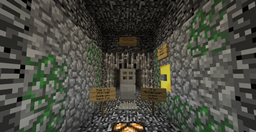
The Tunnel Bản đồ cho Minecraft 1.7.10
Một bản đồ vui nhộn kết hợp tất cả những phần hay nhất của minecraft như thuốc, mob, redstone (RẤT NHIỀU REDSTONE - khụ) và PARKOUR
Giới thiệu bản đồ The Tunnel
This is my first minecraft map. It is a fun map that incorporates all the best parts of minecraft like potions, mobs, redstone (SO MUCH REDSTONE - *cough) and PARKOUR. The map takes place in a tunnel made entirely of BeDrOcK. In order to escape, you must make it to the other end. Along the way you may encounter monsters, laboratories, spooky ghosts, and other things (i'm no spoiler, well maybe a little). Anyhooooo, you will have to use your speed, wits, masta skillz, and the objects you find in order to survive and defeat the corrupt soul that dwells within (COUGH COUGH- definitely not a spoiler).
Story:
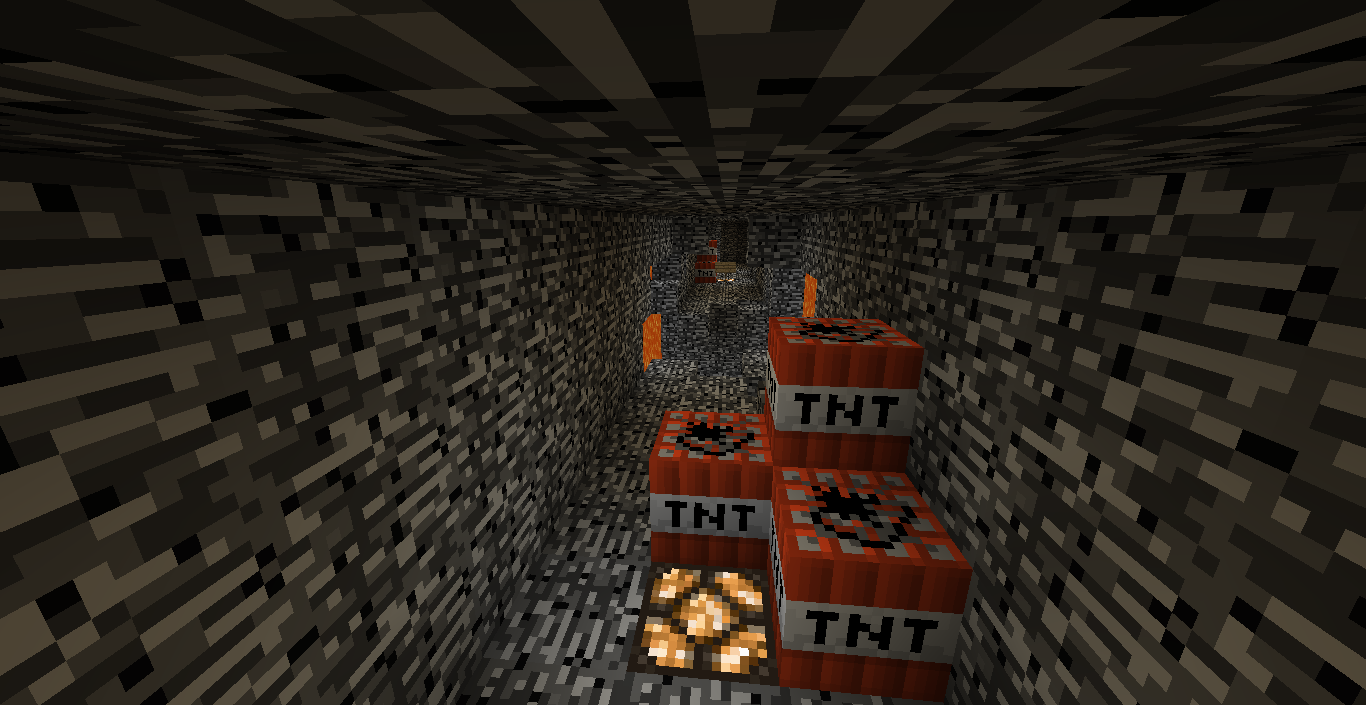
Welcome to the tunnel, You start off as a child who finds this tunnel that appeared in his farm overnight. As you go deerper (insert joke) wou will find that this tunnel has an interesting air about it. In the tunnel you may break whatever you wish, but there is no way out but to complete it. I would also recommend not breaking anything you may need to stand on. Play on Normal Try not to cheat Everything is doable (insert joke) Recommended: Play in adventure mode
This was built in my server. Feel free to adventure after you complete the tunnel. If you are YouTube-ing please give me some cred: ccc395
Keep in mind that every block has a purpose Wink Wink Hint Hint
HAVE COMMAND BLOCKS ENABLED
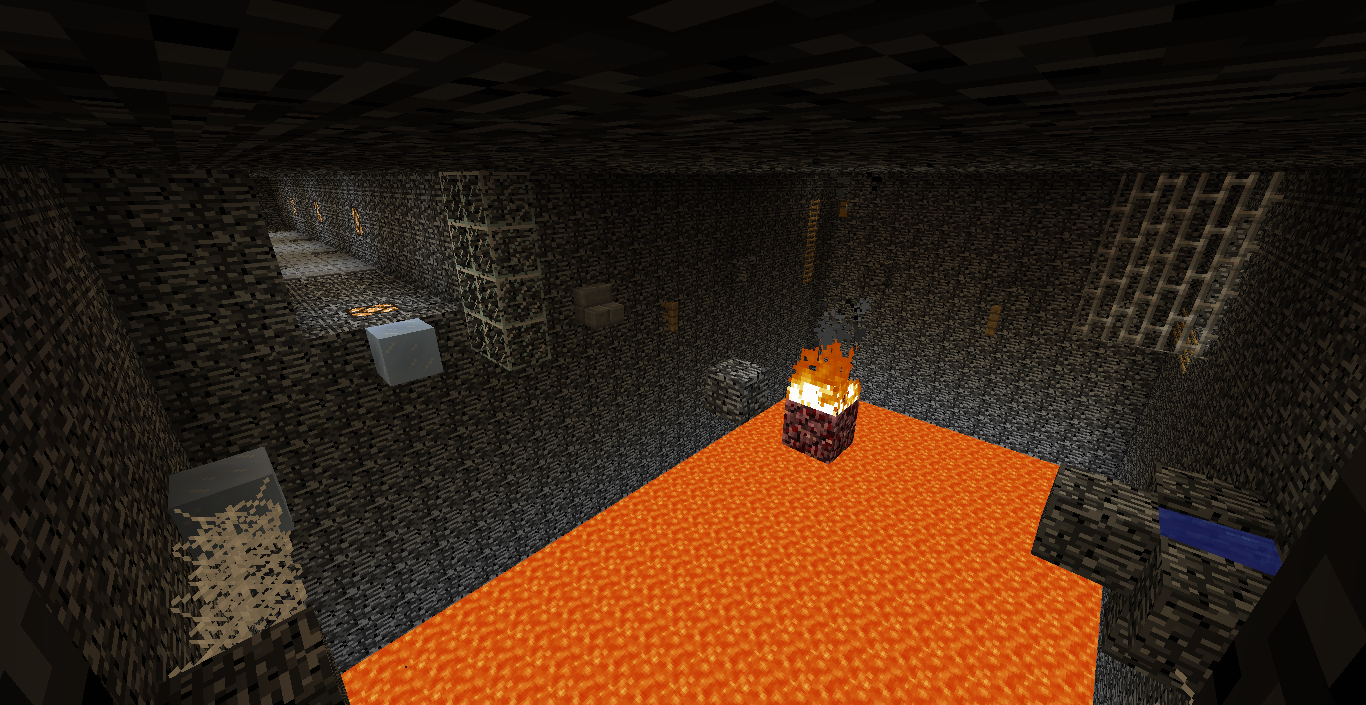
Cách cài đặt The Tunnel
With Millida Launcher
Install Millida Launcher
The launcher is free: download it at millida.net/launcher and sign in with any nickname.
Click “Install” on this page
The launcher opens and installs the map for Minecraft 1.7.5–1.7.10 automatically.
Launch the game
A profile with it appears in the launcher: click “Play”.
Manually
Download the map archive
Pick the file Tunnel.zip (108 MB).
Unpack it into the saves folder
The world folder (with level.dat inside) must sit directly in .minecraft/saves.
Open the world
“Singleplayer”: the map will be in your world list.
On a server
Replace the world folder
Stop the server and put the map folder in place of world (or set its name in level-name).
Use the “To server” button
On Millida Hosting, the button at the top of the page uploads the file to your server and restarts it for you.
Phiên bản
Kèm phụ thuộc
| Minecraft | Loader | Tệp | Ngày | Hành động |
|---|---|---|---|---|
| 1.7.6 | — | Tunnel.zip108 MB |
Câu hỏi thường gặp
Which Minecraft versions does The Tunnel work on?
There are files for 1.7.10, 1.7.9, 1.7.8, 1.7.7, 1.7.6, 1.7.5. The newest is 1.7.10.
Where can I download The Tunnel safely?
On this page: the file Tunnel.zip (108 MB) is stored on Millida’s server, with no link shorteners. SHA-1 checksum: b7f49fd15569254a69134d37a9b2e2ab04dcc4c7.
Đánh giá
Hãy là người đầu tiên đánh giá The Tunnel



