
Skyblock Origins Bản đồ cho Minecraft 26.50
Skyblock Nguyên Bản mang thử thách sinh tồn Skyblock cổ điển đến Minecraft Bedrock! Bắt đầu với gần như không có gì trên một hòn đảo nhỏ nổi lơ lửng và xem bạn có thể sống sót, mở rộng và xây dựng đến đâu.
☁️ Skyblock Origins
Skyblock Origins takes the classic Skyblock survival experience and expands it into a huge adventure across dozens of unique floating islands!
Start with limited resources, survive the void, build your base and travel between islands to discover new biomes, resources and secrets.
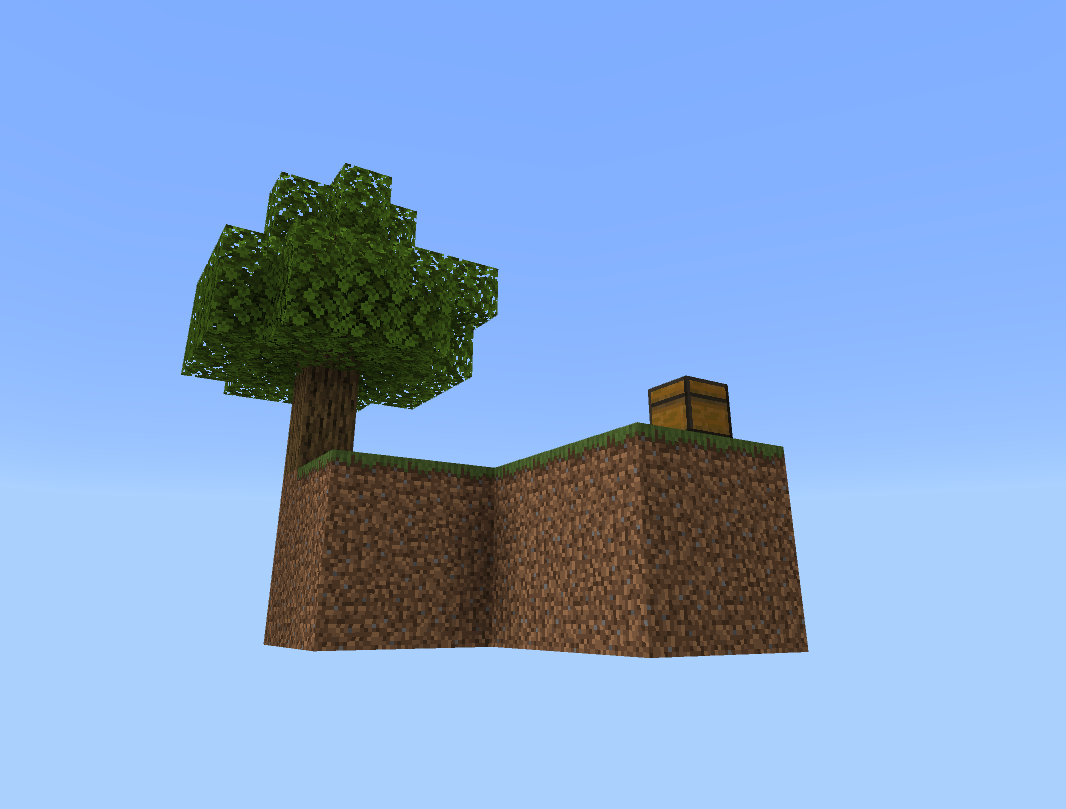
🌳 Explore massive forest islands 🌸 Discover Cherry Grove and Jungle islands 🌑 Venture into the Deep Dark 🔥 Explore dangerous Nether-themed islands ❄️ Find snowy and frozen areas 💎 Mine underground for valuable ores 💧 Discover caves, waterfalls and hidden areas 🐄 Find wildlife across different islands 🏠 Build, farm and expand your Skyblock world 🔎 Search for hidden loot and secrets
The map is constantly being expanded, with new islands, improvements and surprises added through regular updates.
How far can you survive and expand your world?
Welcome to Skyblock Origins. ☁️🌍
- DimaHappy7 🔥
Cách cài đặt Skyblock Origins
With Millida Launcher
Install Millida Launcher
The launcher is free: download it at millida.net/launcher and sign in with any nickname.
Click “Install” on this page
The launcher opens and installs the map for Minecraft 26.0–26.50 automatically.
Launch the game
A profile with it appears in the launcher: click “Play”.
Manually
Download the map archive
Pick the file Skyblock V17.mcworld (242 KB).
Unpack it into the saves folder
The world folder (with level.dat inside) must sit directly in .minecraft/saves.
Open the world
“Singleplayer”: the map will be in your world list.
On a server
Replace the world folder
Stop the server and put the map folder in place of world (or set its name in level-name).
Use the “To server” button
On Millida Hosting, the button at the top of the page uploads the file to your server and restarts it for you.
Phiên bản
Kèm phụ thuộc
| Minecraft | Loader | Tệp | Ngày | Hành động |
|---|---|---|---|---|
| 26.0.02 | — | Skyblock V17242 KB 39 |
Đánh giá
Hãy là người đầu tiên đánh giá Skyblock Origins



